AI Hot Photo Editor: Make Profile Photos Look Better Without a Photoshoot
TL;DR
Use an AI hot photo editor when you want stronger dating, social, glamour, or professional profile images without booking a photoshoot. Pick tools that improve lighting, styling, backgrounds, and expression while keeping your face recognizable, because believable usually beats plastic-perfect.
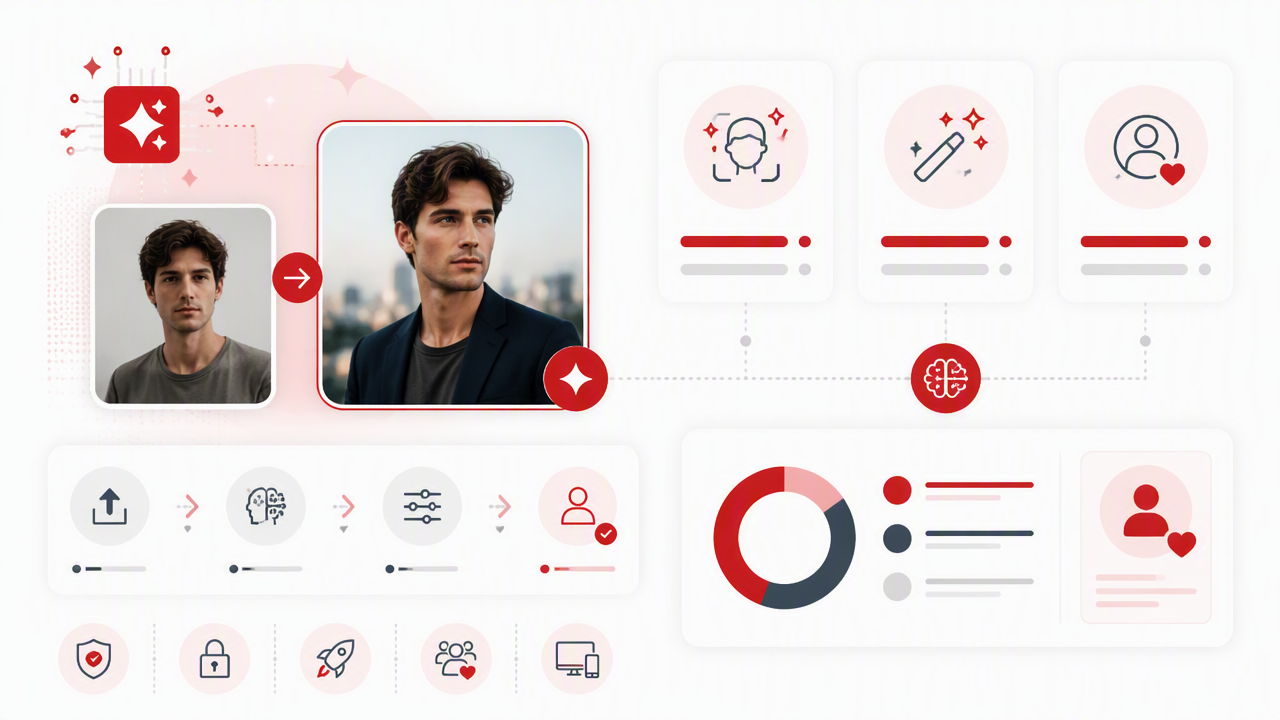
A great profile photo is doing a ridiculous amount of unpaid labor: it has to look attractive, natural, current, and not like it was assembled in a secret lab under a ring light. An AI hot photo editor helps you turn ordinary selfies into polished dating, lifestyle, glamour, model-style, or professional images by changing style, lighting, outfits, and backgrounds. AI hot photo editor: software that uses artificial intelligence to enhance or restyle personal photos so the subject looks more attractive, confident, and profile-ready. For users who want a focused personal-image workflow, HotphotoAI is built around that exact use case.
Table of Contents
What is an AI hot photo editor?
An AI hot photo editor is an image editing tool that improves personal photos with automated portrait enhancement, style generation, background changes, outfit changes, and beauty-focused adjustments. Unlike a standard filter app, it can create new visual details, such as lighting, wardrobe, setting, or glam styling, from your uploaded photos and prompts.
The category sits between classic retouching apps and full AI image generators. A traditional editor might brighten skin or blur a background. A modern AI portrait tool can create a beach-date photo, studio headshot, fantasy portrait, or editorial fashion look from the same base image.
The phrase "hot" here usually means attractive, confident, stylized, or dating-profile-ready. It should not mean fake beyond recognition. If your friends would need a committee meeting to identify you, the edit has left the chat.
Common terms you will see
- Portrait retouching: Editing skin, lighting, eyes, hair, face shape, or color balance in a person's photo.
- Generative edit: Creating new pixels, such as a new outfit, background, pose effect, or lighting style.
- Style transfer: Applying a visual look, such as cinematic, glamour, model, fantasy, vintage, or editorial.
- Profile optimization: Choosing images that look attractive and trustworthy for Tinder, Hinge, Instagram, LinkedIn, or creator profiles.
Key insight: the best AI edits do not scream "AI." They look like you had better lighting, better styling, and maybe one friend who finally learned composition.
How do AI photo editors make pictures look hotter?
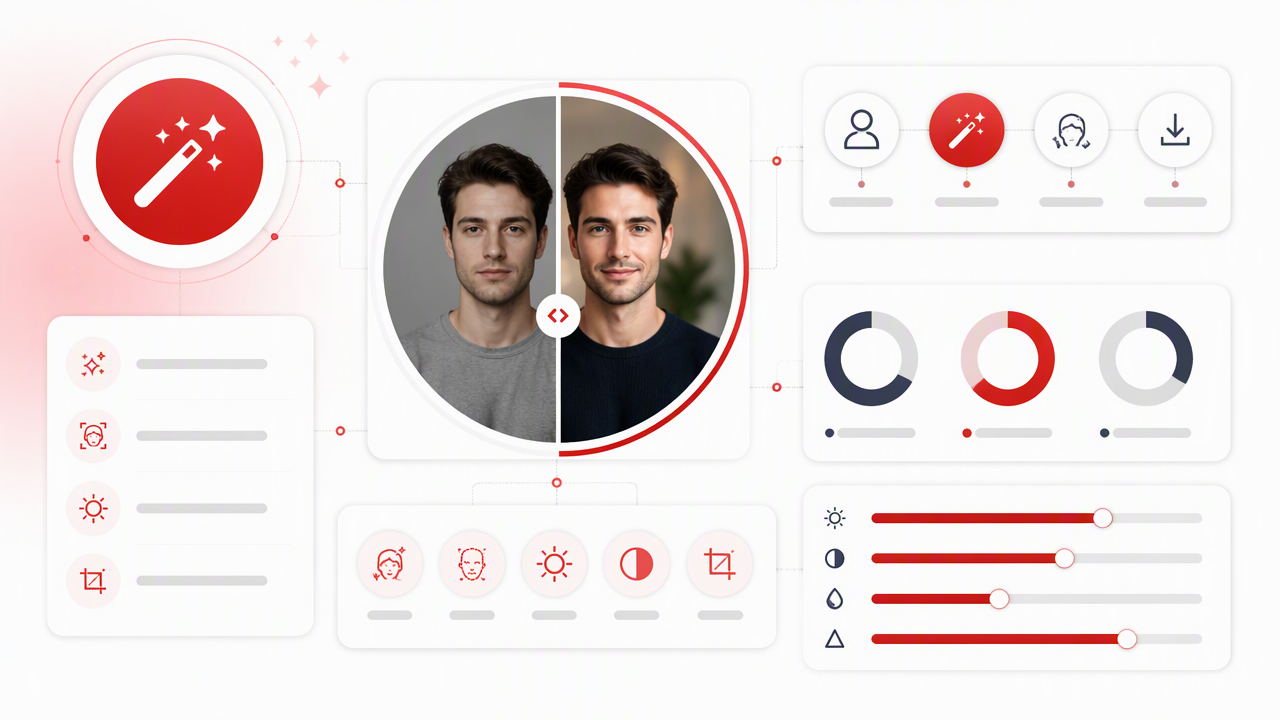
AI photo editors make pictures look hotter by improving the visual cues people notice first: face clarity, lighting, contrast, posture, styling, background, and overall mood. The best tools do this without flattening texture, changing identity, or creating impossible anatomy, because attraction drops fast when an image feels uncanny.
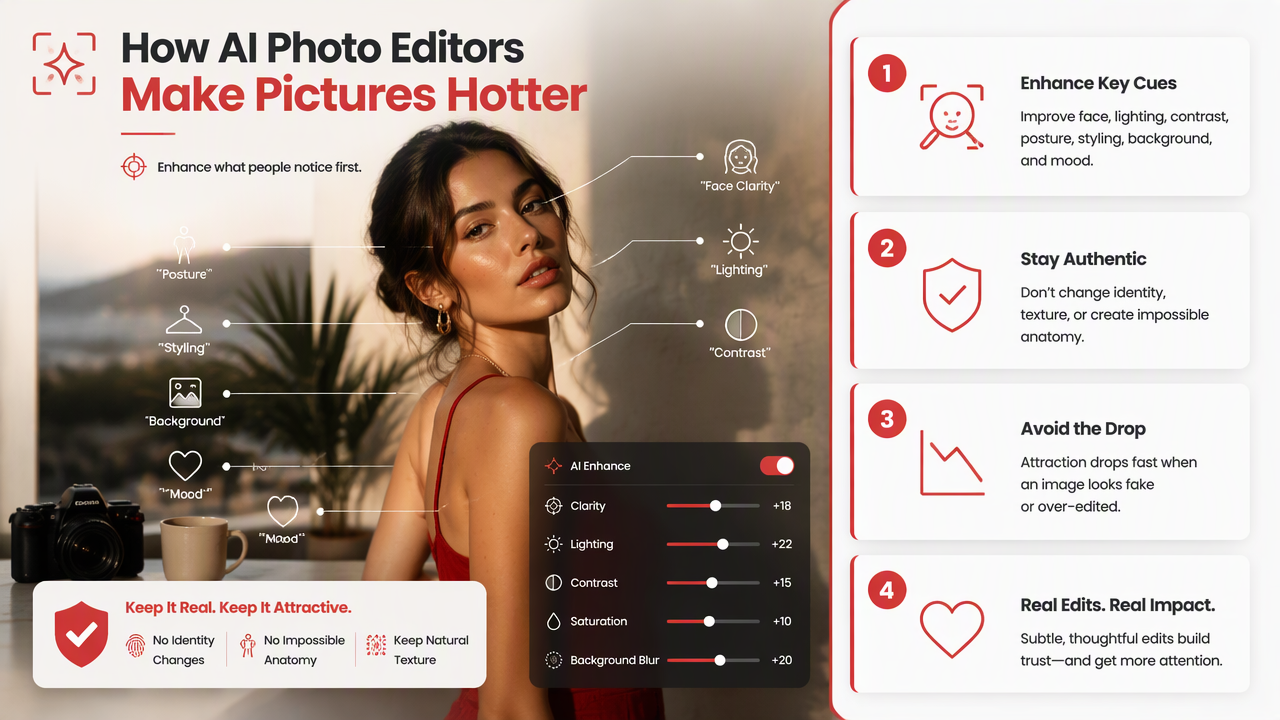
Most tools combine several editing methods. Some focus on body reshaping, like the App Store result for Body Editor AI: Hot, Slim Look, which emphasizes slimming, height adjustment, waist, legs, and arms. Others, like PixelMind AI, position themselves around prompt-based editing without layers or masks. Adobe's 2026 Lightroom guidance highlights AI features such as Denoise, Masking, Lens Blur, and Generative Remove, which shows how mainstream AI editing has become for photographers too.
Broader AI progress also matters. A 2021 IEEE survey by Bangalore Ravi Kiran and coauthors reviewed deep reinforcement learning for autonomous driving, showing how fast AI decision systems were maturing outside creative apps (IEEE survey PDF). Different field, yes, but the same larger trend applies: AI systems are getting better at handling complex visual choices that once required expert manual work.
AI edit types and best uses
| Edit type | What it changes | Best for | Watch for |
|---|---|---|---|
| Lighting enhancement | Brightness, shadows, contrast, glow | Dating photos, selfies, creator shots | Overexposed skin |
| Background swap | Room, city, beach, studio, luxury setting | Lifestyle and travel-style images | Mismatched shadows |
| Outfit generation | Clothes, colors, fashion style | Glamour, model, fantasy, professional looks | Warped collars or hands |
| Face retouching | Skin, eyes, lips, hair detail | Profile polish | Plastic texture |
| Body-aware editing | Shape, pose impression, proportions | Fitness or fashion concepts | Unrealistic anatomy |
For most users, lighting and styling matter more than extreme reshaping. I'd rather see one believable rooftop portrait than five glossy alien versions of the same person.
Which AI hot photo editor features matter most?
The most useful features are identity consistency, realistic portrait quality, strong style options, privacy controls, and easy export for dating apps or social profiles. Fancy effects are fun, but the edit only works if the result still looks like a better-photo-day version of you.
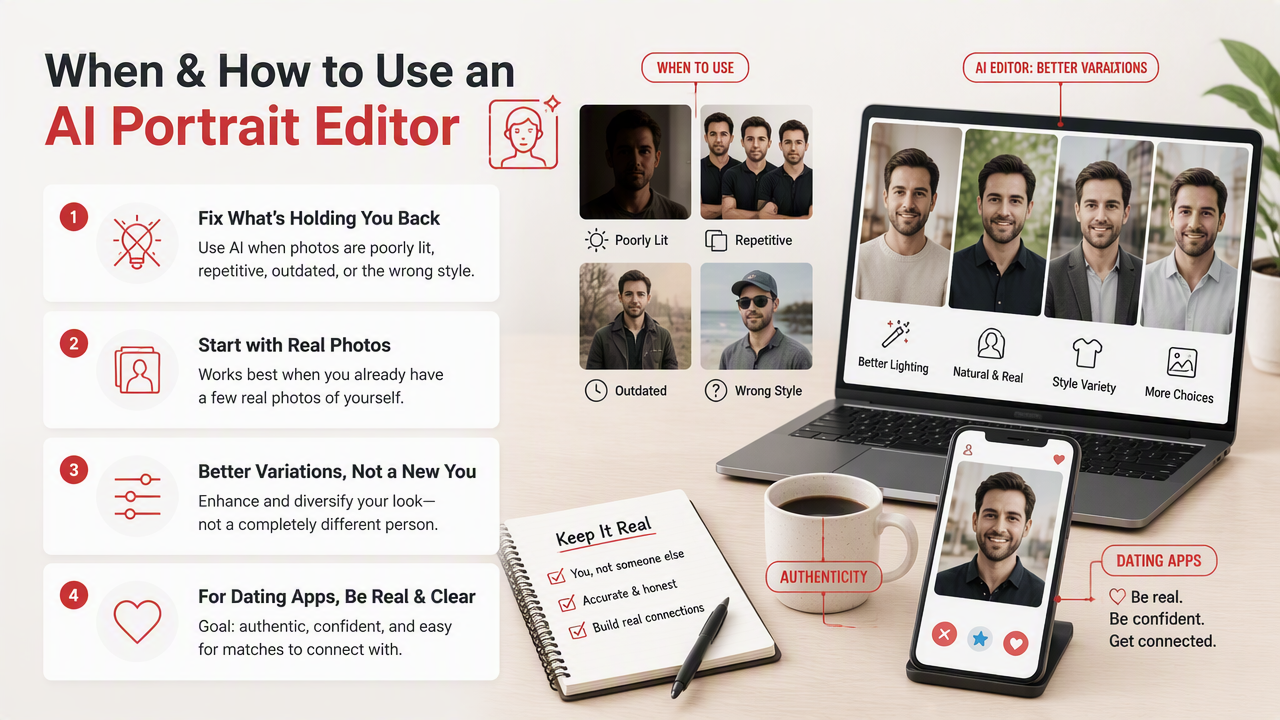
A good editor should handle both subtle and bold edits. Subtle means cleaner lighting, sharper eyes, better color, and a more flattering setting. Bold means glamour, model, fantasy, vacation, luxury, or cinematic looks. The trick is choosing the right mode for the platform. Tinder can handle lifestyle polish. LinkedIn probably does not need vampire royalty lighting.
The Hot or Not concept, described in Wikipedia research as an old rating site where users scored submitted photos from 1 to 10, is a reminder that profile photos have always been judged quickly. Modern AI tools did not create snap judgments; they just gave people better lighting before the jury arrives.
Feature checklist before you choose a tool
- Start with identity match: The face should stay recognizable across outputs.
- Check full-body details: Look at hands, shoulders, necklines, jewelry, and background edges.
- Pick platform-specific styles: Use natural lifestyle images for dating, polished headshots for work, and bolder concepts for social media.
- Avoid one-photo dependence: Generate several looks, then choose the least forced one.
- Export cleanly: Make sure the final image fits app crops and does not look compressed.
Practical rule: if the edit looks better at thumbnail size and still normal when zoomed in, it is probably usable.
How does HotphotoAI compare with other options?
The best choice depends on whether you want a personal attractiveness workflow, a general AI editor, a pro photography suite, or a body-specific editor. For dating and stylized personal portraits, the strongest fit is usually a tool built around profile-ready outputs rather than a broad editing workspace.
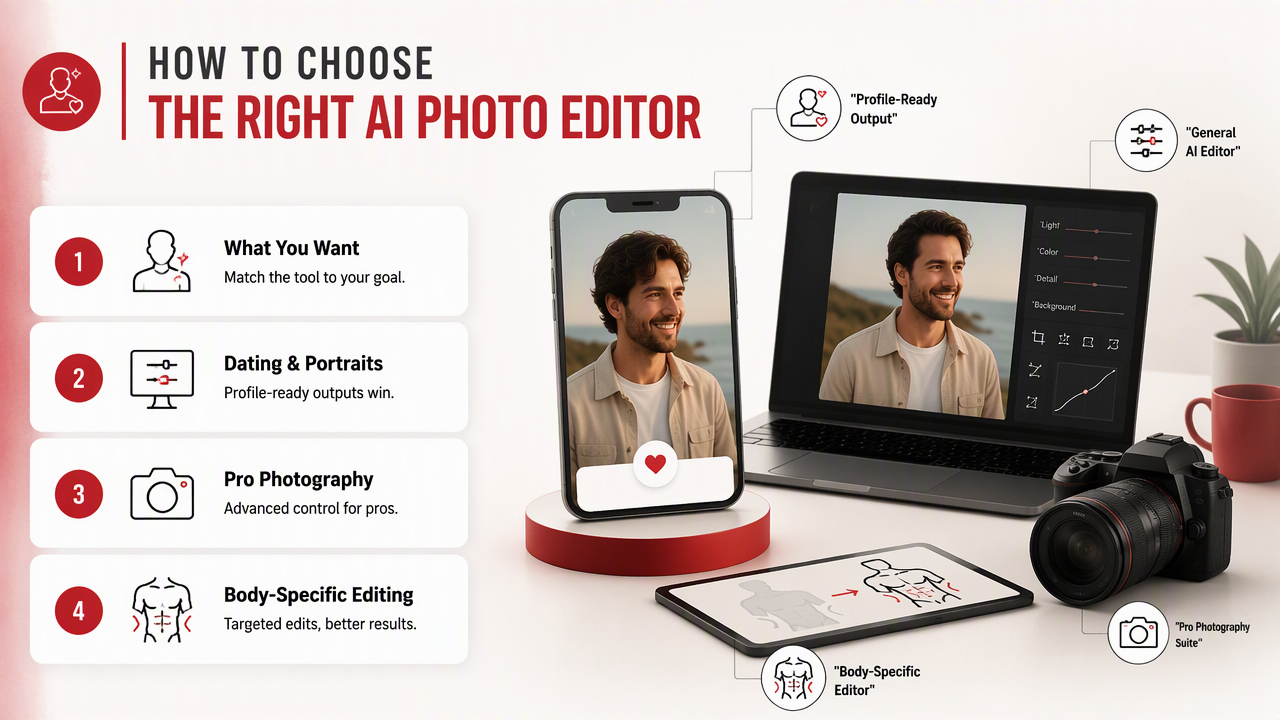
Competitor pages in the search results show a split market. Some apps lean into body editing. Some, like PixelMind AI, focus on prompt-based general editing. Lightroom is powerful for photographers managing AI edits inside a professional workflow. MOGE and Evoto appear in the results around AI portrait and image editing for professional retouching contexts.
Tool positioning at a glance
| Option | Best fit | Main strength | Best user |
|---|---|---|---|
| HotphotoAI | Attractive personal portraits | Dating, glamour, lifestyle, and stylized profile images | People who want better photos without a photoshoot |
| Body Editor AI: Hot, Slim Look | Body shape edits | Slimming and reshaping controls | Users focused on body proportions |
| PixelMind AI | General AI image editing | Prompt-based editing without manual layers | Creators who edit many image types |
| Lightroom AI tools | Photographer workflow | Denoise, masking, lens blur, generative remove | Photographers and advanced editors |
| MOGE or Evoto-style tools | Portrait retouching | Batch and professional image polish | Studios and portrait editors |
Use the HotphotoAI platform when your goal is not "edit every possible image," but "make my personal photos look more attractive and profile-ready." That narrower focus matters because profile images need taste, not just tools.
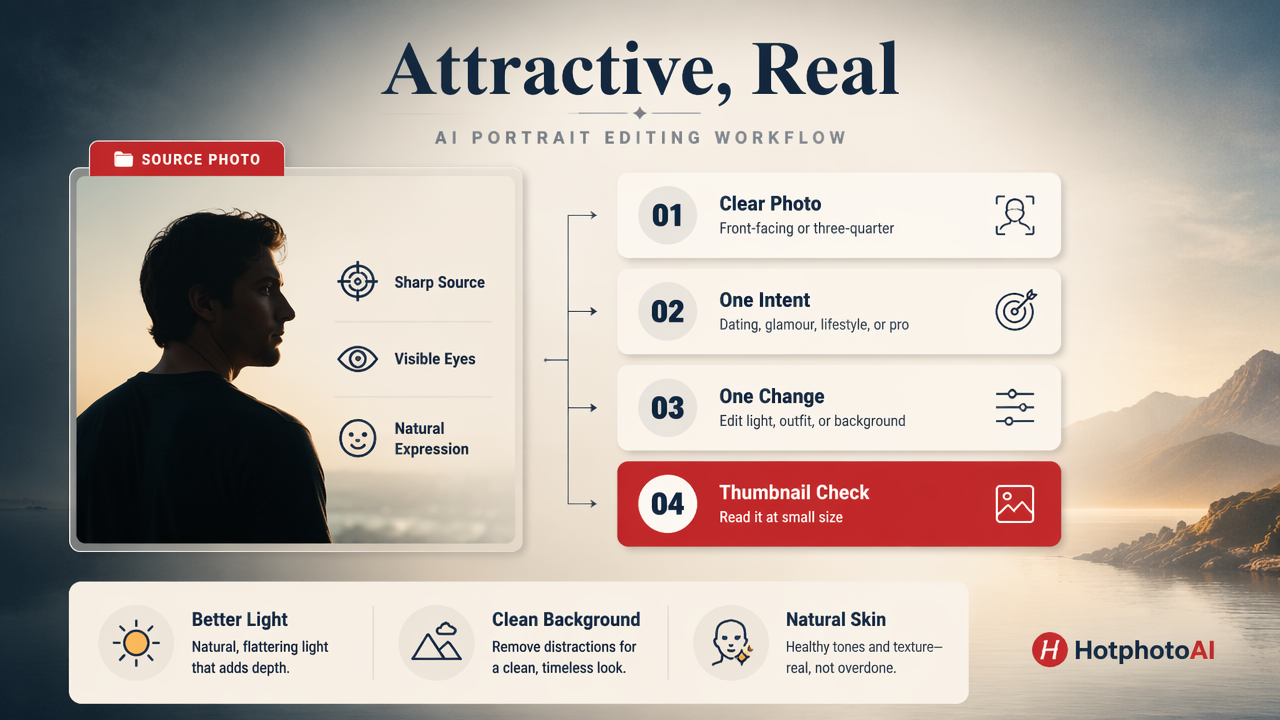
How do you get realistic results without overdoing it?
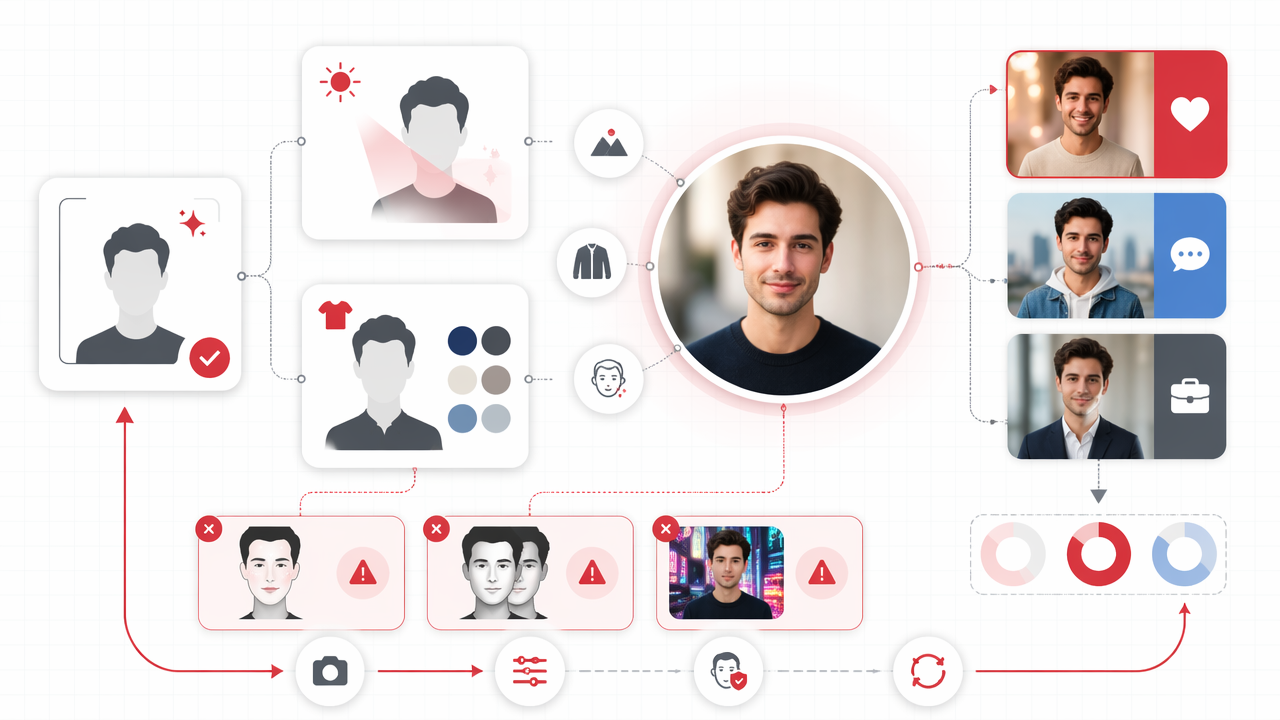
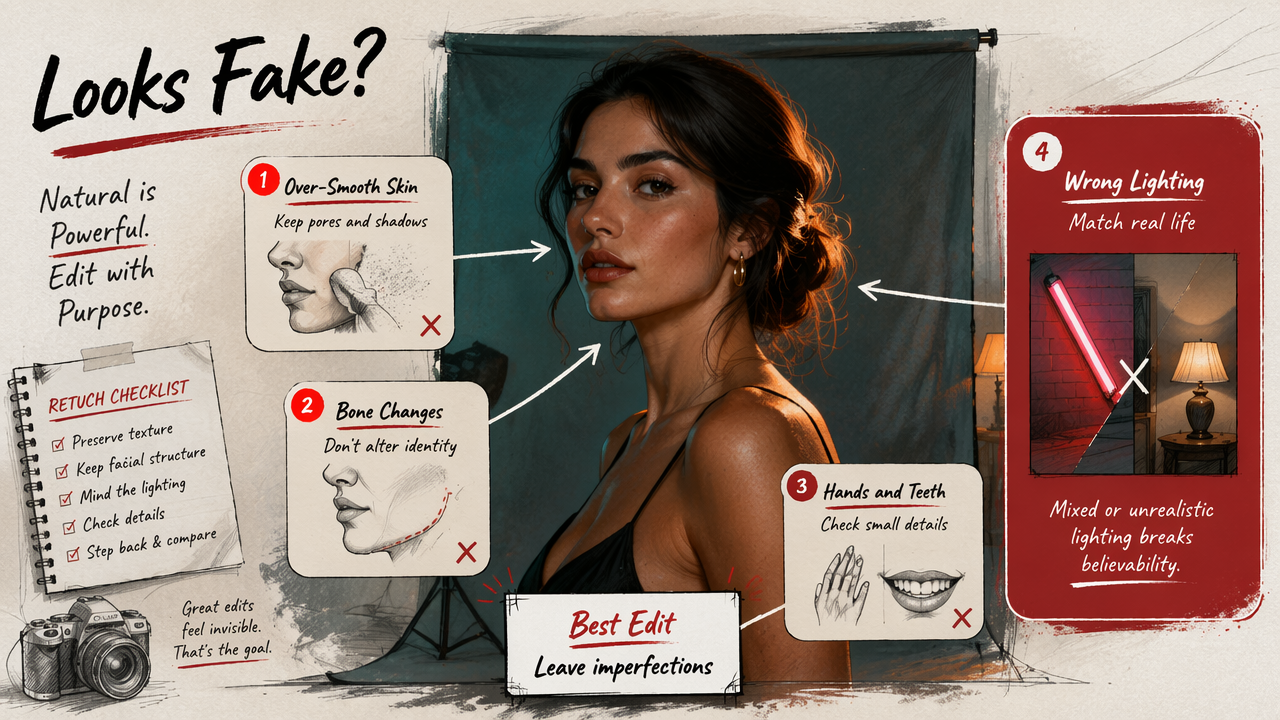
You get realistic results by starting with clear source photos, choosing styles that match your real appearance, generating multiple versions, and rejecting edits with distorted anatomy or mismatched lighting. The winning photo should look aspirational, not like your face signed a modeling contract without telling you.
Start with a simple input set. Use recent photos with your face visible, normal angles, and decent lighting. Avoid sunglasses-heavy shots, group photos, harsh shadows, and old images. AI can do a lot, but it is not a private investigator.
Then choose the level of transformation based on where the image will live. Dating profiles benefit from warm, social, approachable edits. Creator profiles can go more cinematic. Professional profiles should keep wardrobe, background, and expression believable.
A simple editing workflow
- Upload clear recent photos with different angles and expressions.
- Choose one goal: dating, glamour, model, fantasy, lifestyle, or professional.
- Generate several versions instead of trusting the first good one.
- Inspect details: hands, teeth, earrings, hairline, background, and clothing seams.
- Compare against your real photos so the final set feels consistent.
- Use three to six images across a profile, mixing AI-enhanced and natural shots.
Common mistake: making every photo look like the same luxury perfume ad. Variety builds trust. One polished portrait is attractive; six identical smolders can feel like a hostage negotiation with your own jawline.
FAQ about AI hot photo editors
Are AI-edited photos good for dating apps?
AI-edited photos can work well for dating apps when they improve lighting, style, and presentation without changing your identity. The safest approach is to use AI images alongside natural photos, not as your entire profile. People expect polish, but they still want to recognize you when you show up.
Can an AI editor make me look like a model?
Yes, many tools can create model-style portraits with fashion lighting, stronger posing, upgraded outfits, and editorial backgrounds. The better question is how far you should go. A model look works best for social media, creative projects, and glamour shots, while dating profiles usually perform better when the image still feels personal.
What photos should I upload for the best results?
Upload recent, clear photos where your face is visible and not covered by sunglasses, heavy blur, or extreme shadows. Include a few angles if the tool allows it. Clean inputs help the AI preserve your identity, produce more believable styling, and avoid odd artifacts around hair, hands, clothing, and background edges.
Is AI photo editing replacing traditional photoshoots?
AI editing is replacing some casual shoots, especially for profile photos, social content, fantasy portraits, and quick style experiments. Traditional photographers still win when you need exact control, real locations, brand direction, or live emotion. For many personal uses, though, AI offers faster testing at lower effort.
Where should I try it first?
If your goal is better dating, social, glamour, or lifestyle portraits, start with a focused tool rather than a huge professional editor. Visit hotphotoai.com when you want to test attractive personal-photo styles and compare which looks feel most natural for your profile.
Conclusion
A strong AI hot photo editor should make you look more confident, better lit, and better styled, not like a different person with suspiciously smooth elbows. Start with clear recent photos, pick a realistic goal, generate several options, and keep only the edits that still feel like you.
For your next profile refresh, choose three looks: one natural dating photo, one polished lifestyle shot, and one bolder glamour or creator image. Then test them where they matter, on your actual profile, not in your camera roll museum.