AI Photo Generator vs AI Filter App: Which Should You Use in 2026?
TL;DR
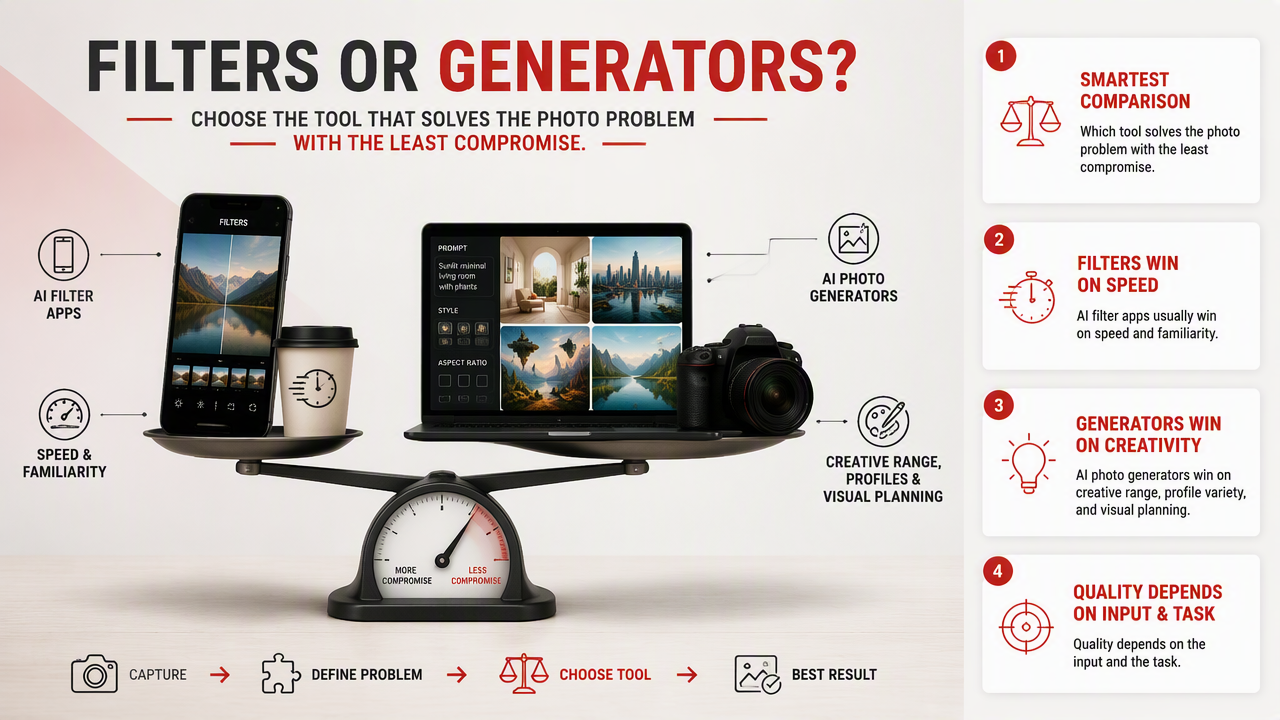
AI photo generators are best when you want a new portrait, outfit, background, or fantasy style from a prompt or reference image. AI filter apps are better for quick edits to an existing photo, so choose based on whether you need creation or enhancement.
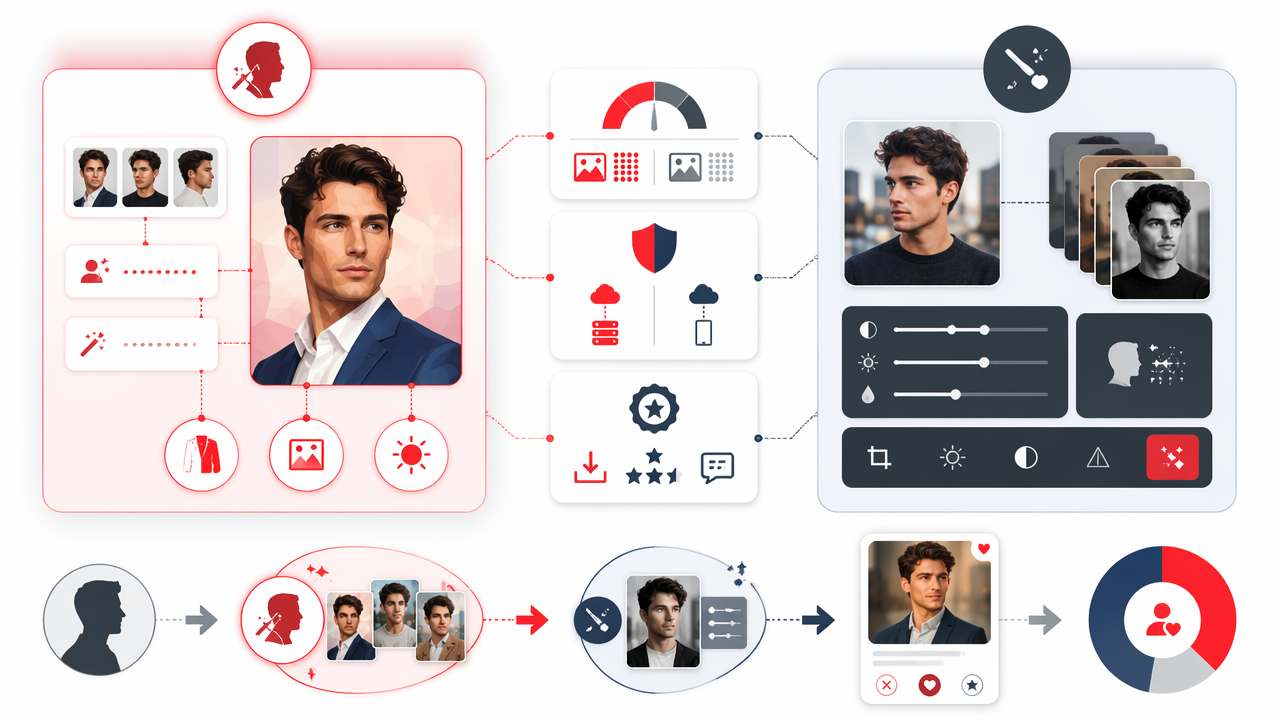
The real AI photo generator vs AI filter app decision is simple: do you want to create a new image, or improve one you already have? Generative AI: a type of artificial intelligence that uses generative models to create images, text, video, audio, code, or other digital content. For profile photos, dating app shots, and stylized portraits, HotphotoAI fits the generator side: it helps turn ordinary selfies into polished personal images without booking a studio, borrowing a ring light, or bribing a friend with coffee.
Table of Contents
What is the difference between an AI photo generator and an AI filter app?
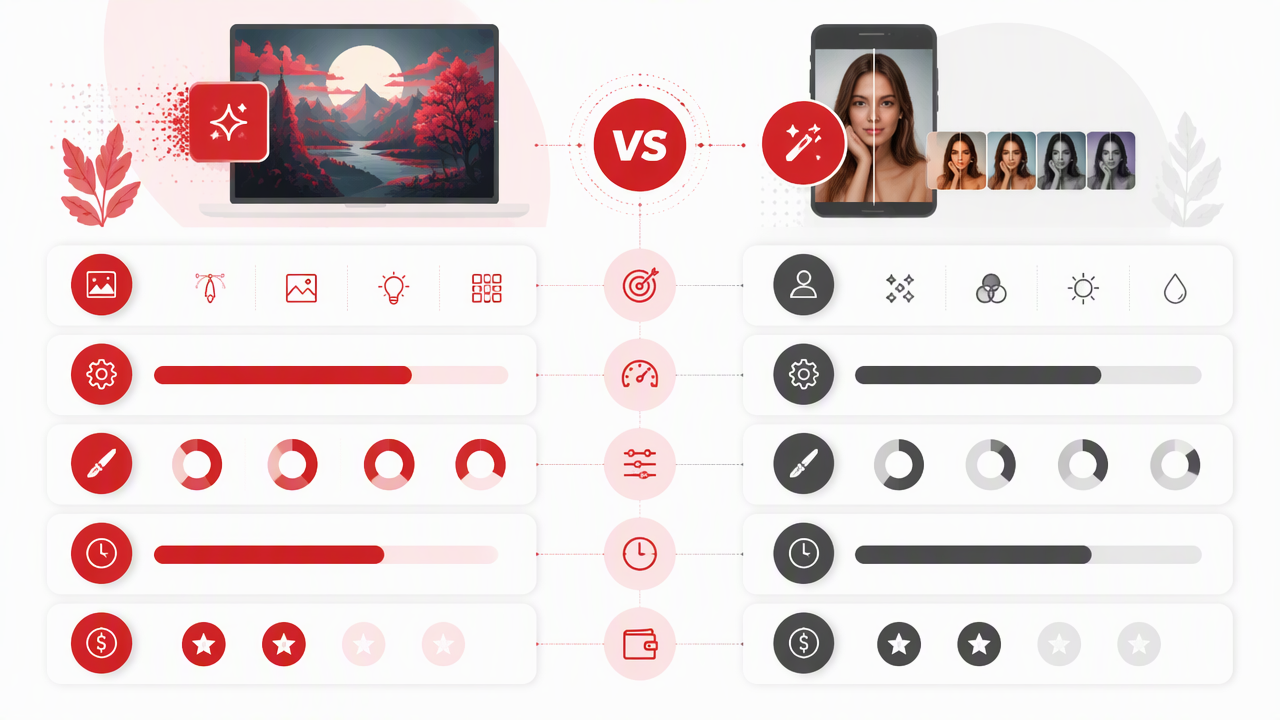
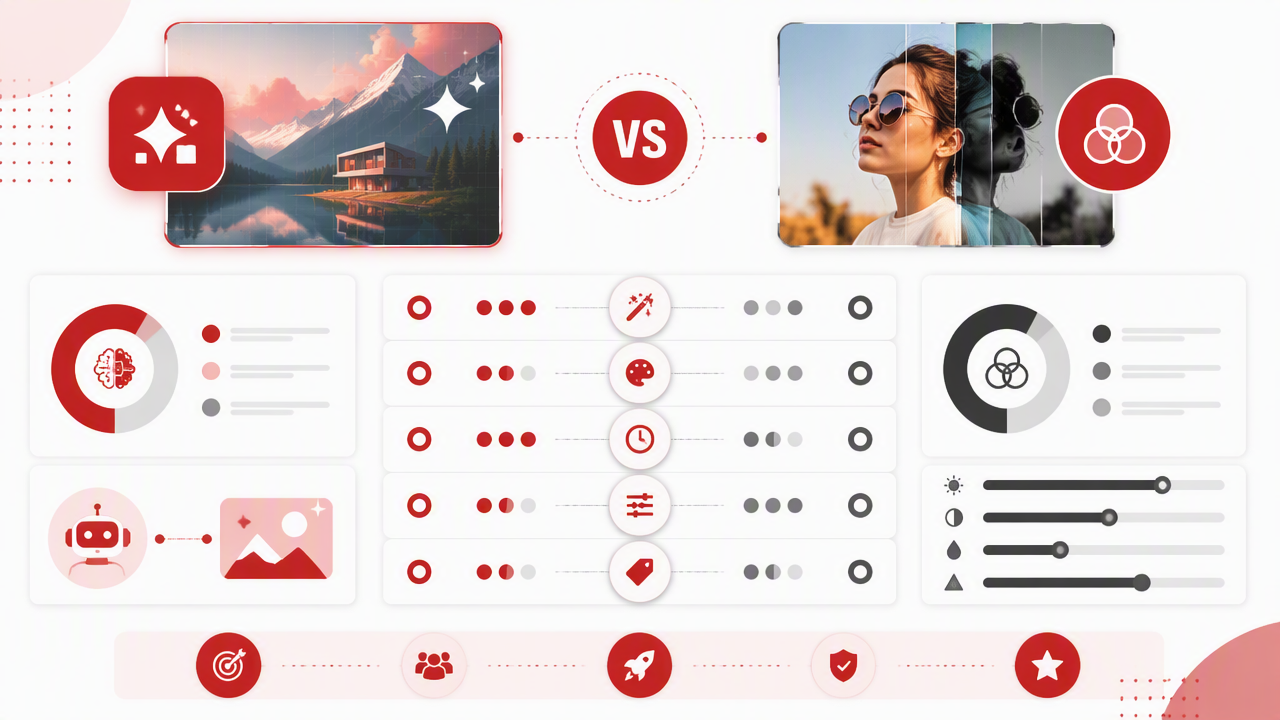
An AI photo generator creates or heavily reconstructs an image, while an AI filter app changes the look of an existing photo. Generators can alter outfits, scenes, lighting, pose, and overall concept. Filter apps usually adjust color, texture, style, makeup, sharpness, or artistic effects on the photo you already provide.
AI photo generator: a tool that uses prompts, reference photos, or trained image models to produce new or transformed images.
AI filter app: a tool that applies automated edits or visual styles to an existing image, often with one tap.
Key insight: If the photo's core idea changes, it is probably generation. If the photo stays the same but looks prettier, punchier, or more stylized, it is probably a filter.
Quick comparison table
| Feature | AI photo generator | AI filter app | Best for |
|---|---|---|---|
| Input | Prompt, selfie, reference image | Existing photo | Different starting points |
| Output | New or transformed image | Edited version of same image | Creation vs enhancement |
| Control | Higher concept control | Faster visual polish | Speed vs flexibility |
| Common uses | Dating photos, model portraits, fantasy looks, professional headshots | Skin smoothing, color grades, cartoon effects, lighting tweaks | Profile upgrades |
| Learning curve | Medium | Low | Casual editing |
| Risk | Can over-change identity if poorly guided | Can over-process faces | Natural-looking results |
When should you use an AI photo generator?
Use an AI photo generator when your current photos don't match the image you want to present. A generator is the stronger choice for new outfits, fresh locations, lifestyle scenes, glamour portraits, professional profile photos, or dating app images that look like they came from an actual shoot.
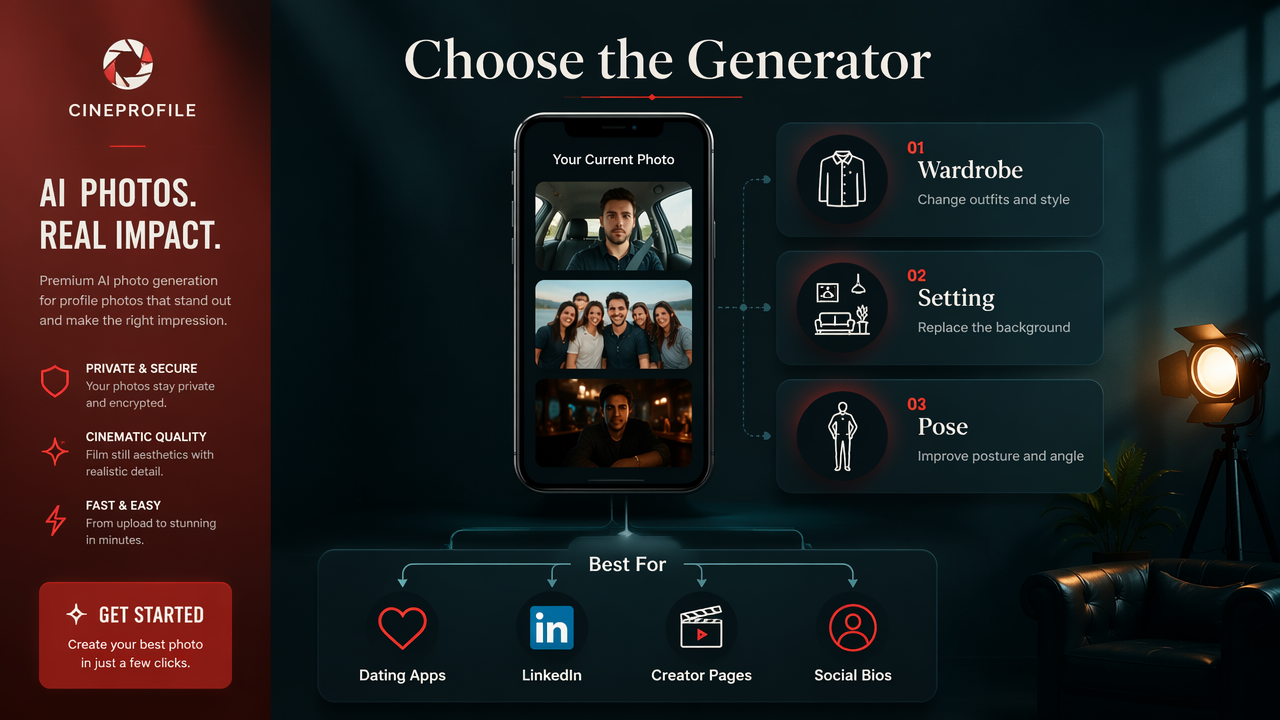
In my experience, generators are most useful when the problem is not editing, it is inventory. If all you have are gym mirror photos, low-light selfies, and one wedding crop from 2019, a filter can only put lipstick on a raccoon. A generator gives you new creative options.
Good use cases include:
- Dating profiles: create confident, varied portraits without using the same bathroom selfie five times.
- Professional profiles: test cleaner backgrounds, sharper wardrobe choices, and studio-style lighting.
- Creator visuals: build themed portraits for thumbnails, social posts, and personal branding.
- Fantasy or glamour images: try model-style, cinematic, luxury, vintage, or editorial concepts.
- Outfit testing: preview different styles before buying clothes or planning a shoot.
The HotphotoAI platform is designed for people who want that portrait-first workflow rather than a general design editor. If your goal is attractive personal imagery, not flyers, logos, or slide decks, that focus matters. You can also visit hotphotoai.com when you want to compare styles before deciding what belongs on Tinder, LinkedIn, or Instagram.
Practical rule: choose generation when you would otherwise need a photographer, location, outfit change, or lighting setup.
When should you use an AI filter app?
Use an AI filter app when the original photo is already good and only needs style, cleanup, or visual consistency. Filters are best for fast edits: brighter skin, richer color, cartoon effects, sharper detail, vintage tones, or a matching social feed look.
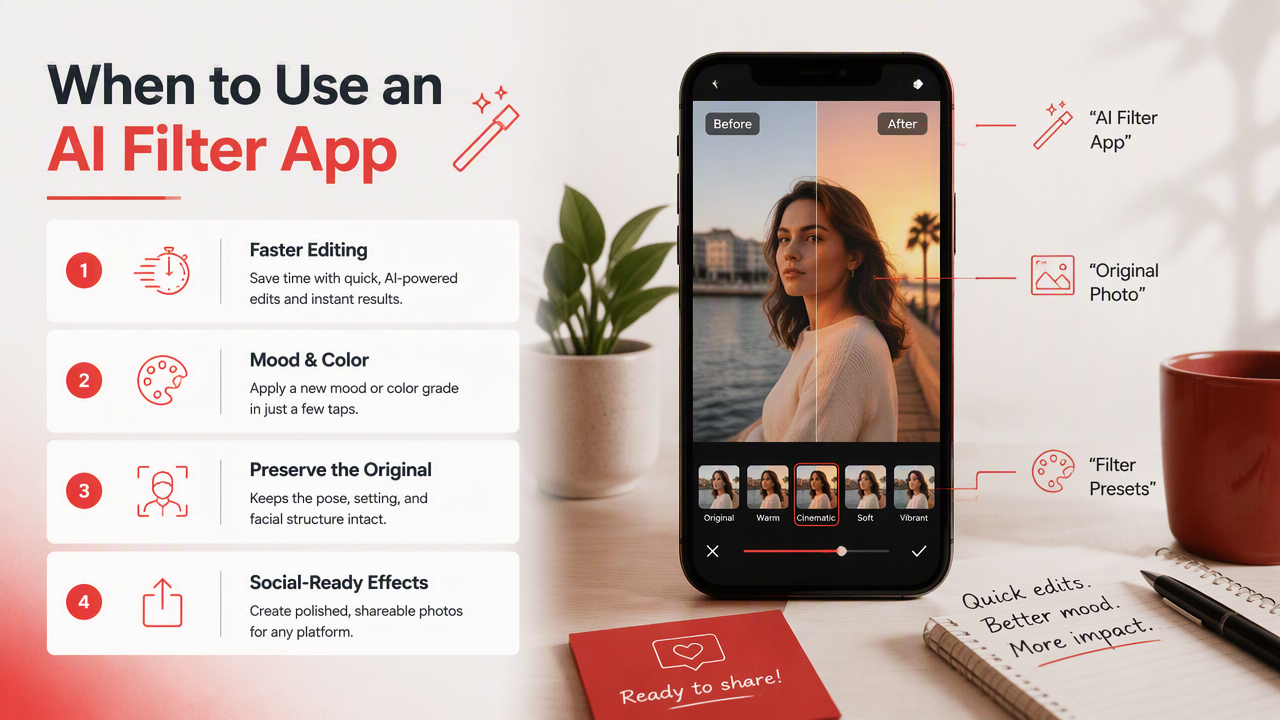
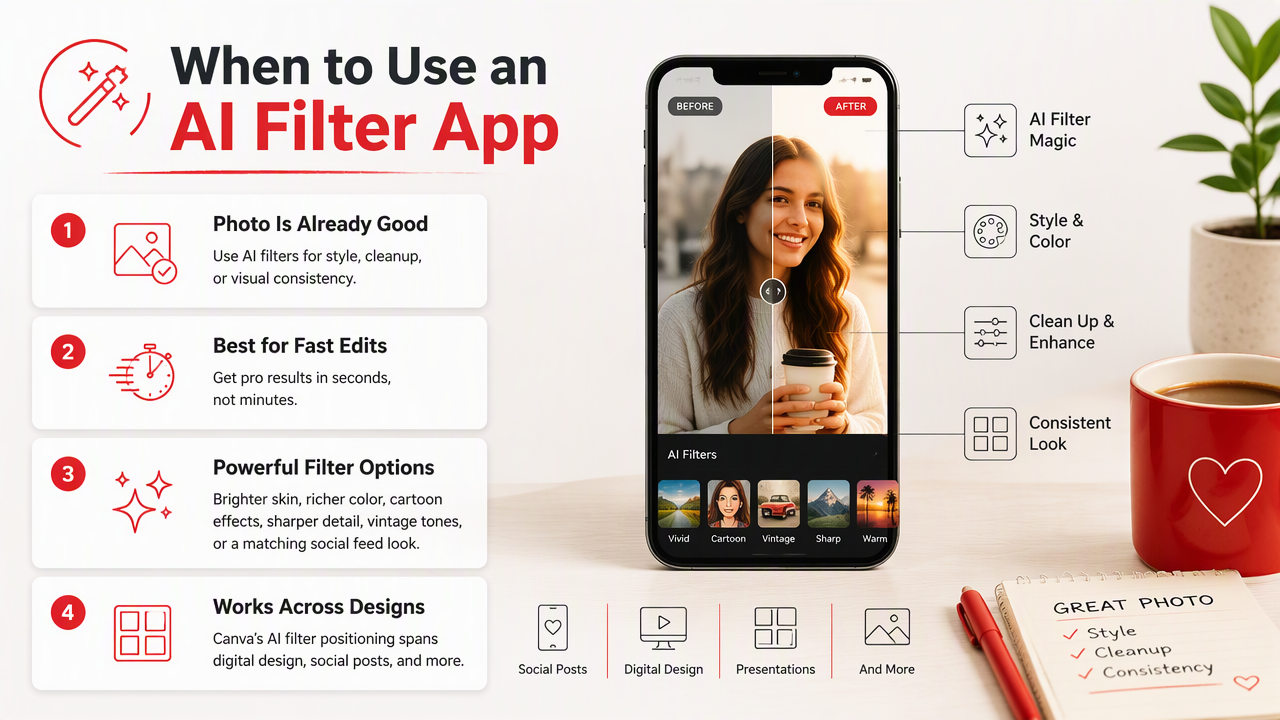
Canva's AI filter positioning, for example, spans digital design, print design, images and photos, videos and audio, and Canva AI resources. That makes sense for people who need quick creative assets across formats, not only personal portraits.
Filters work well when you need:
- Speed: a usable result in seconds.
- Consistency: the same visual style across multiple posts.
- Light edits: color, contrast, blur, grain, makeup, or background mood.
- Design context: images placed into posters, presentations, thumbnails, or print layouts.
- Low commitment: a quick glow-up without rethinking the whole image.
The tradeoff is control. A filter usually keeps the pose, outfit, room, expression, and camera angle. If those pieces are weak, the filter may make the weakness more colorful. Very colorful, unfortunately, is not the same as good.
Practical rule: choose a filter when the photo already has the right subject, pose, and setting.
How do you choose the right tool for profile photos?
Choose the right tool by matching the app to the job: creation for missing photos, filters for improving strong photos, and design editors for assets that need layouts. For Tinder, LinkedIn, Instagram, and creator branding, the best option depends on how much of the image needs to change.
Decision checklist for product fit
| Your goal | Better choice | Why |
|---|---|---|
| You need new dating profile options | AI photo generator | Creates more variety in outfits, scenes, and moods |
| You like the photo but hate the lighting | AI filter app | Fixes tone and polish quickly |
| You want model-style portraits | AI photo generator | Can rebuild the image concept |
| You need a flyer, post, or thumbnail layout | Design-focused editor | Combines images with text and templates |
| You want a consistent Instagram look | AI filter app | Applies repeatable style treatment |
| You need a professional headshot feel | AI photo generator | Can create studio-like outputs from casual inputs |
A simple workflow that avoids bad results
- Pick 5 to 10 clear source photos with different angles and expressions.
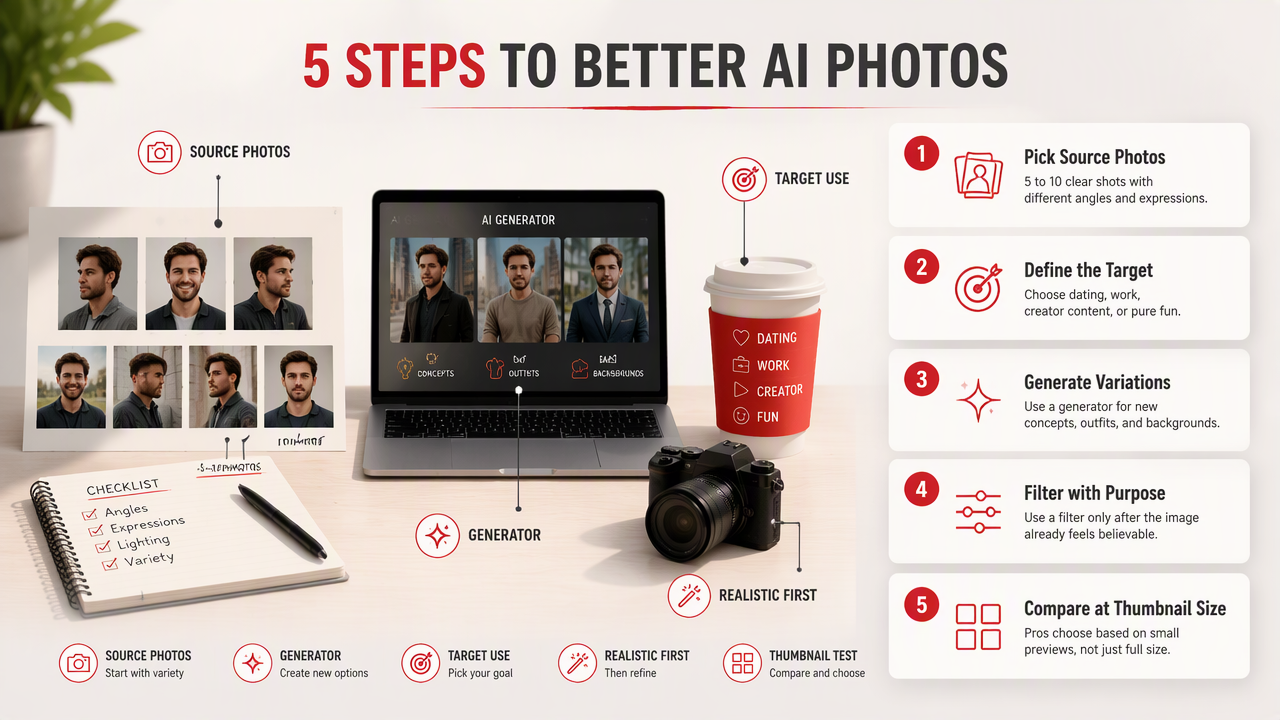
- Decide the target use: dating, work, creator content, or pure fun.
- Use a generator for new concepts, outfits, and backgrounds.
- Use a filter only after the image already feels believable.
- Compare outputs at thumbnail size, because profile photos live small.
- Ask one brutally honest friend which photo feels most like you.
With HotphotoAI, I would start with natural-looking lifestyle or portrait styles first, then test bolder looks after you have a solid main profile image. The best AI portrait does not scream "AI portrait." It just looks like you had a weirdly competent photographer friend.
What safety and authenticity issues matter in 2026?
The main safety issue in 2026 is not whether AI can make you look better; it is whether the result still represents you honestly. Over-edited faces, fake locations, and identity-changing outputs can hurt trust, especially on dating apps and professional platforms.
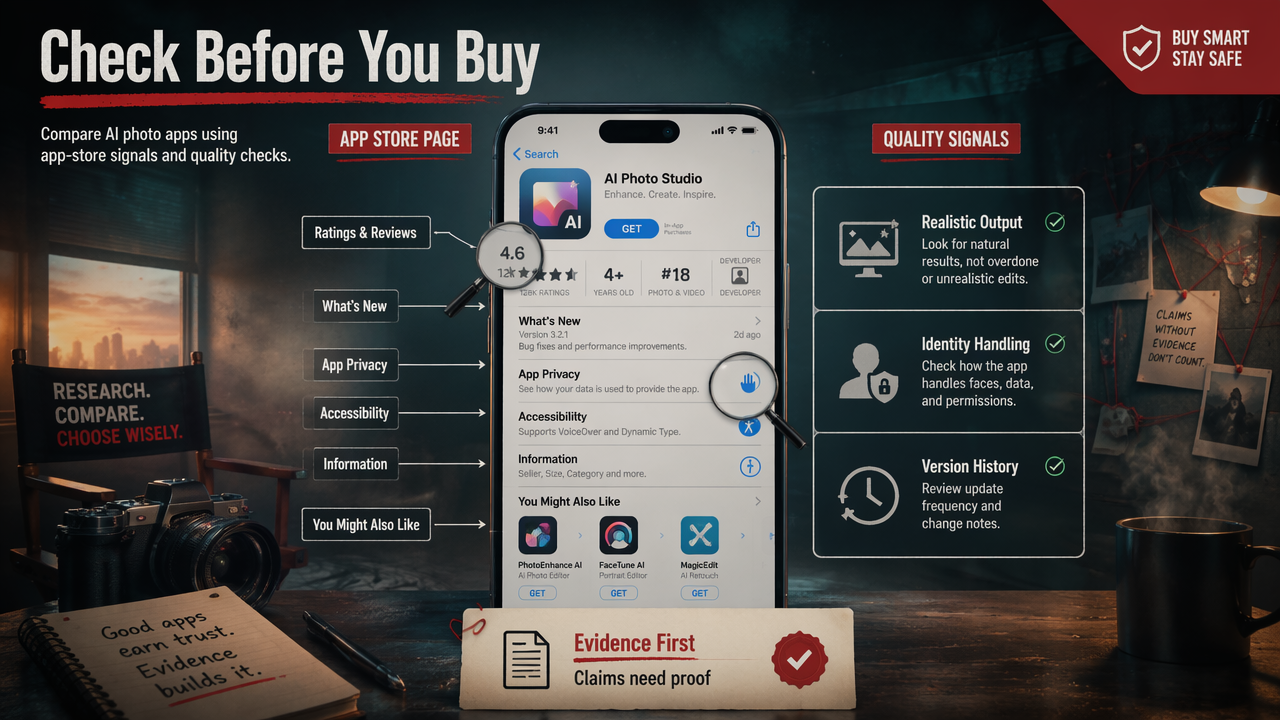
Academic work keeps this concern in view. A 2022 IEEE Access systematic literature review examined deepfake detection methods and the growing challenge of synthetic media identification (Rana, Nobi, and Murali, 2022). Another 2022 survey in Computer Vision and Image Understanding reviewed deepfake creation and detection techniques, showing why realism and misuse remain linked topics (Nguyen et al., 2022).
AI images also intersect with trust and scams. A 2021 study in Frontiers in Computer Science reviewed phishing attack anatomy, which is relevant because convincing visuals can support deceptive online identities (Alkhalil, Hewage, and Nawaf, 2021).
Use this authenticity checklist:
- Keep your facial structure recognizable.
- Avoid pretending to be in places you have never been if context matters.
- Don't use AI to impersonate another person.
- Skip extreme skin smoothing, plastic eyes, and warped hands.
- Use recent images as references when the photo is for dating or work.
Trust test: if meeting you in person would feel like a plot twist, tone the image down.
FAQ: AI generators, filters, and profile photos
AI photo tools are easiest to choose when you separate creation, enhancement, design, and trust. These short answers cover the questions people usually ask before spending time, money, or dignity on the wrong app.
Is an AI photo generator better than an AI filter app?
An AI photo generator is better when you need new portraits, new outfits, different locations, or a more professional scene. An AI filter app is better when the original image is already strong and only needs polish. For most profile upgrades, I would generate first, then use light filtering only if needed.
Can I use AI-generated photos on dating apps?
You can use AI-generated dating photos, but they should still look like you. The safest approach is to use recent selfies as references, avoid dramatic identity changes, and choose realistic lifestyle images. If the photo creates expectations you cannot meet offline, it is not doing your dating life any favors.
Are AI filter apps enough for LinkedIn photos?
AI filter apps can improve a LinkedIn photo if the original has good framing, expression, clothing, and background. If your photo is cropped from a party, taken in bad light, or visibly casual, a generator may produce a cleaner headshot-style result. Professional context rewards subtlety, not sparkle cannon energy.
What should I try first in the AI photo generator vs AI filter app choice?
Start with the weakest part of your current photo set. If you lack variety, use a generator. If you have good photos that feel dull, use a filter app. For a polished personal-image workflow, try one realistic portrait style, one lifestyle scene, and one professional look before testing anything more dramatic.
Conclusion
The AI photo generator vs AI filter app choice comes down to creation versus enhancement. Use a generator when you need new profile-photo options, stronger scenes, or a studio-style look; use a filter when the existing image already works and just needs polish. Your next step is simple: choose three current photos, decide where they will be used, and test one realistic upgrade before chasing the wild stuff. Save the dragon armor for later.