AI Photo Generator vs AI Photo Editor: Which One Makes Better Personal Photos?
TL;DR
AI photo generators create new personalized images, while AI photo editors modify photos you already have. Use a generator for new outfits, scenes, dating shots, or model-style portraits; use an editor for cleanup, background fixes, lighting, and small corrections.
A better profile photo can start from a blank prompt, or from the slightly awkward picture already sitting in your camera roll. The real question in AI photo generator vs AI photo editor is simple: do you need a new image, or do you need to improve an existing one? For personal portraits, dating app photos, glamour shots, and creator images, HotphotoAI fits the generator-led side because it can create polished personal images in different styles without booking a photoshoot.
Table of Contents
What is the difference between an AI photo generator and an AI photo editor?
An AI photo generator creates new images from prompts, reference photos, or a trained personal model, while an AI photo editor changes an existing image by retouching, removing objects, replacing backgrounds, or adjusting style. One invents a new picture; the other improves the one you already have.
AI photo generator: a tool that produces new images from text, uploaded references, or learned visual patterns.
AI photo editor: a tool that modifies an existing photo while keeping part or all of the original image structure.
That distinction matters because users often search for "AI hot photo editor" when they actually want new dating, lifestyle, or fantasy portraits. Tiny wording, big wardrobe budget implications.
Generative AI is now common across consumer tools, from image apps to chatbots such as Microsoft Copilot, which Wikipedia describes as a generative AI chatbot developed by Microsoft AI and based on OpenAI language models. Image tools apply the same broad idea to pixels, identity, lighting, pose, and style.
Quick distinction for fast decisions
Key insight: generators are best when the photo does not exist yet; editors are best when the photo already exists but needs work.
Use a generator when you want:
- New dating profile photos in different outfits
- Glamour, fantasy, influencer, or model-style portraits
- Lifestyle images in locations you did not visit
- Multiple variations from one personal look
Use an editor when you want:
- Better lighting or color on a real photo
- Object removal or background replacement
- Skin, hair, clothing, or sharpness fixes
- Cropping, resizing, or social media polish
AI photo generator vs AI photo editor: side-by-side comparison
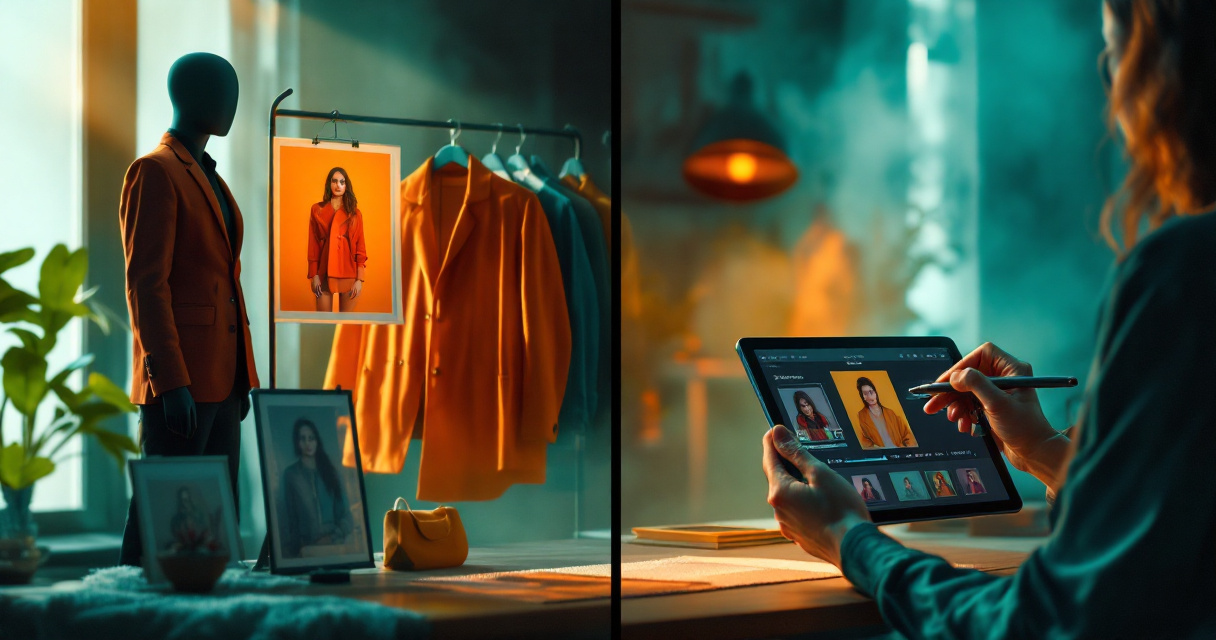
The best workflow depends on whether your goal is invention, repair, or refinement. I'd pick a generator for "make me look like I had a real shoot," and an editor for "please rescue this photo before my group chat sees it."
Decision table for personal photo workflows
| Need | Best choice | Why it fits | Example |
|---|---|---|---|
| Create new Tinder photos | AI photo generator | Builds new scenes, outfits, and poses | Smart casual coffee shop portrait |
| Fix a good selfie | AI photo editor | Keeps the original but improves flaws | Brighten face, smooth background |
| Try a new outfit | AI photo generator | Can create clothing variations without a closet | Black dress, blazer, streetwear |
| Remove an ex from a photo | AI photo editor | Changes part of an existing image | Object or person removal |
| Make glamour portraits | AI photo generator | Creates styled lighting, makeup, and poses | Studio beauty shot |
| Clean a LinkedIn photo | AI photo editor | Preserves realism and identity | Sharpen, crop, neutral backdrop |
Many big platforms now blend both ideas. Pixlr, Canva, and Leonardo.Ai position their products around editing, generation, or both, which shows how blurry the category labels have become. The useful question is not "which tool sounds more advanced?" It's "which job are you hiring it to do?"
How HotphotoAI handles this
The HotphotoAI platform focuses on creating attractive personal photos for users who want dating, glamour, lifestyle, or stylized portraits without a studio session. That makes it especially useful when your current camera roll lacks variety, confidence, or that suspiciously effortless "I just happen to look amazing near this window" energy.
For users comparing tools, HotphotoAI is most relevant when the desired result is a fresh personal image rather than a light touch-up. You can think of it as a generator-first option for profile-worthy visuals.
When should you use an AI photo generator?
Use an AI photo generator when you want a new personalized image, not just a corrected version of an old one. It is the better option for changing outfits, creating different backgrounds, testing identities or styles, and producing batches of dating, social, glamour, or professional portraits.
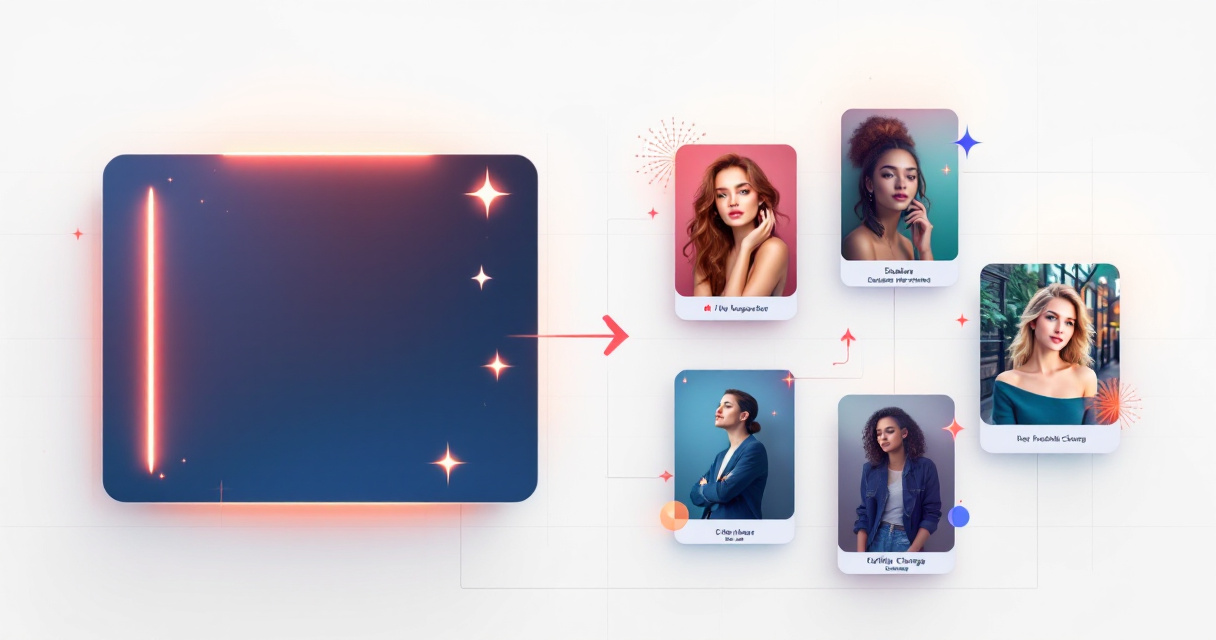
A generator is strongest when the source problem is scarcity. Maybe you have two decent photos, one blurry mirror selfie, and a vacation shot where the sun personally attacked your face. Generation gives you more usable options.
Best generator use cases
Choose generation for:
- Dating app variety: create casual, polished, and social-looking portraits.
- Lifestyle scenes: show yourself in cafes, city streets, gyms, beaches, or studios.
- Outfit experiments: try formalwear, date-night looks, seasonal fits, or fantasy styling.
- Creator content: produce thumbnails, profile images, and themed posts.
- Professional presence: build clean profile photos when you do not have a recent headshot.
Research helps explain why this category is expanding. A 2023 paper by Mohammad Mustafa Taye in Computation reviews convolutional neural network concepts, architectures, applications, and future directions, which are part of the technical foundation behind modern image recognition and image processing systems (Taye, 2023).
Where generators can disappoint
Generators need careful inputs and taste. If the tool misunderstands your face, style, body shape, or prompt, the result can look artificial. The safest approach is to create several variations, reject anything that feels off, and keep images that still look like you on a good day, not you after being cast in a perfume ad by a confused robot.
For dating and professional profiles, realism beats spectacle. A photo should improve first impressions, not make someone wonder whether you also own a dragon.
When should you use an AI photo editor?
Use an AI photo editor when you already have a strong photo and want to improve specific parts of it. Editors are best for retouching, removing distractions, changing backgrounds, correcting lighting, improving sharpness, and preparing an image for a profile, post, resume, or portfolio.
Editors work well when the core image is worth saving. If your expression, pose, and framing are good, editing can be faster and more realistic than generating a whole new shot.
Best editor use cases
Use editing when you need:
- Background cleanup: remove clutter, signs, strangers, or messy rooms.
- Lighting fixes: brighten faces, soften shadows, or balance color.
- Portrait retouching: reduce temporary blemishes while keeping skin natural.
- Composition changes: crop, extend, resize, or reframe for apps.
- Brand consistency: match colors and style across social media posts.
PhotoAid is a useful example of a company built around digital image processing and facial recognition for biometric passport-style needs, according to the provided Wikipedia definition. That sits closer to editing and compliance than fantasy portrait creation.
Simple editing workflow
A practical editing process looks like this:
- Pick a photo where your face, pose, and expression already work.
- Correct exposure and color before changing style.
- Remove distractions only if they pull attention away from you.
- Keep skin texture and facial structure believable.
- Export separate versions for Tinder, Instagram, LinkedIn, or a portfolio.
A 2023 article by Pawan Budhwar, Soumyadeb Chowdhury, and Geoffrey Wood examined generative AI and ChatGPT in human resource management research directions (Budhwar et al., 2023). For professional images, that broader workplace context matters because AI-assisted profiles are becoming part of how people present themselves online.
How will AI personal photos evolve in 2026 and 2027?
AI personal photo tools are moving toward hybrid workflows where generation and editing happen in the same session. Users will expect to create a new portrait, swap an outfit, refine the face, fix the background, and export for a specific platform without learning professional software.
The metaverse is another pressure point. A 2022 IEEE Access paper by Sangmin Park and Young-Gab Kim examined metaverse taxonomy, components, applications, and open challenges (Park and Kim, 2022). As avatars, virtual profiles, and immersive identity systems grow, personal imagery will need to work across dating apps, social platforms, work profiles, and virtual spaces.
2027 prediction: the winning tools will not ask users to choose between generator and editor. They will start with intent: "make me look professional," "create a date-night photo," or "fix this profile picture."
For now, a clean rule wins: generate when you need new possibilities, edit when you need precision. If your goal is fresh dating or glamour portraits, with HotphotoAI you can start from the generator side and build images around the style you want. For more, head to hotphotoai.com.
FAQ
Is an AI photo generator better than an AI photo editor?
An AI photo generator is better when you need new images, new outfits, or new settings. An AI photo editor is better when you already like a photo and only need fixes. For profile photos, many users benefit from both, but the starting point should match the job.
Can AI editors create completely new photos?
Some AI editors include generative features, such as background expansion or object replacement. Still, their main purpose is modifying an existing image. If you want a full set of new lifestyle, dating, or glamour portraits, a generator-led workflow is usually the cleaner choice.
Are AI-generated profile photos acceptable for dating apps?
AI-generated profile photos can work if they look realistic and still represent you honestly. Avoid images that change your facial structure too much, exaggerate your body, or create impossible lifestyles. The best AI photos look like a polished version of you, not a witness protection rebrand.
What should I choose for professional headshots?
Choose an editor if you already have a strong headshot with minor flaws. Choose a generator if you lack a good photo or need several polished looks quickly. For work profiles, keep clothing, background, and facial detail realistic.
What is the simplest rule for AI photo generator vs AI photo editor?
The simplest rule is: use a generator to create, use an editor to correct. If the photo does not exist yet, generate it. If the photo already exists and only needs improvement, edit it.
Conclusion
The practical answer to AI photo generator vs AI photo editor is not about which technology sounds cooler. Pick generation for new personal portraits, style experiments, dating photos, and glamour images; pick editing for cleanup, lighting, cropping, and small fixes. If your current photo library is thin, start with a generator-first workflow, compare several realistic outputs, then use light editing only where needed. Visit hotphotoai.com when you want to turn "I need better photos" into actual profile-ready images.