AI Photos Don't Look Like Me: How to Get Better Likeness
TL;DR
Start with clear, recent reference photos, request simple styling, and judge facial likeness before visual polish. For dating or professional profiles, choose recognizable results; save dramatic transformations for clearly creative uses.
A beautiful portrait isn't a successful portrait if your friends need a name tag. If your reaction is AI photos don't look like me, focus on identity before adding more glamour: better references, simpler instructions, and a careful comparison can help.
Identity fidelity: How closely a generated portrait preserves the recognizable facial features of the person it represents. It's different from realism: an image can look convincingly photographic without looking convincingly like you.
The goal is you on a good photo day, not your imaginary cousin with excellent lighting.
Table of Contents
Why do AI photos look different from me?
AI photos can look different from you because generating a believable face and preserving your identity are different tasks. Reference quality, conflicting appearances, and styling instructions can affect the result. A polished portrait may still change the features you recognize most, including your eye shape, nose, jawline, or smile.
Separate a styling change from an identity change
Changing a jacket or background usually matters less to recognition than changing the relationships between facial features. I recommend checking the face before judging the overall mood. Cinematic lighting deserves applause only after the person underneath it passes inspection.
| What changes | What to inspect | Practical response |
|---|---|---|
| Eyes or eyebrows | Shape, spacing, natural asymmetry | Use clear, unobstructed references |
| Nose or jawline | Width, profile, proportions | Request recognizable facial structure |
| Smile | Lip shape, teeth, cheek movement | Include a natural smiling reference |
| Apparent age | Skin detail, facial fullness | Specify your current appearance |
| Overall impression | Hairstyle, angle, lighting | Compare with a similarly posed photo |
Know what the available research actually supports
The supplied scholarly sources don't establish portrait-likeness benchmarks. OpenAI's 2023 GPT-4 Technical Report concerns GPT-4, while Park and colleagues' 2023 Generative Agents paper concerns simulated human behavior. Neither should be presented as proof that a portrait tool preserves your face.
- Treat photographic realism and personal resemblance as separate checks.
- Prefer your own side-by-side review over unsupported accuracy claims.
How can I make AI photos look more like me?
- Choose recent, sharp reference photos that show your face clearly.
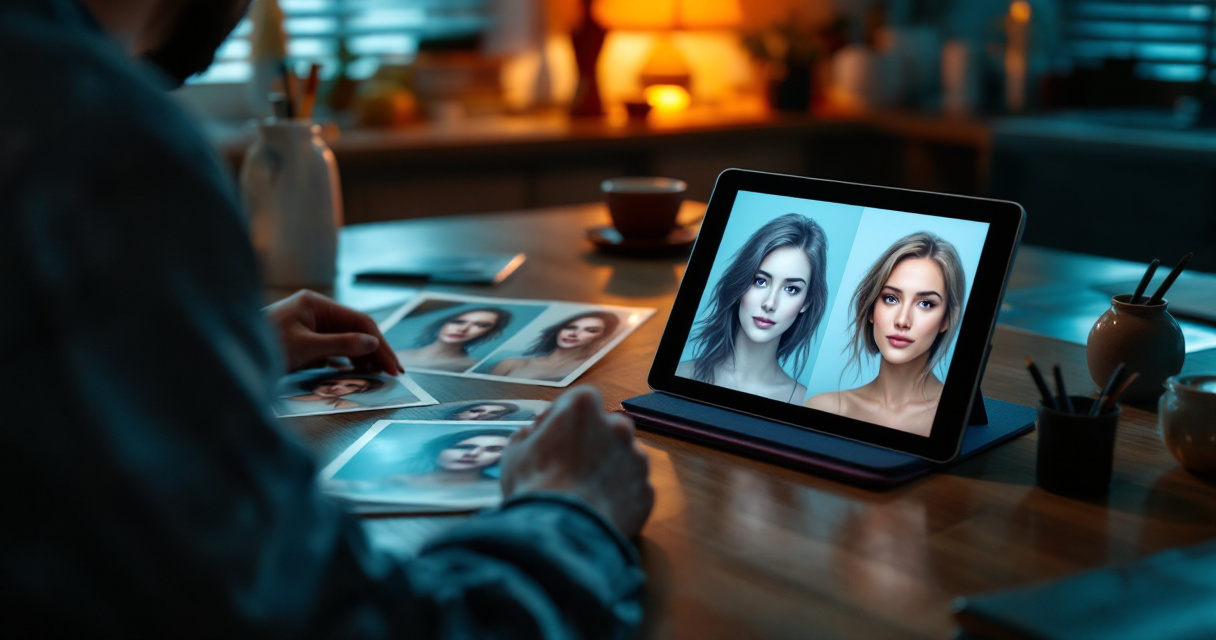
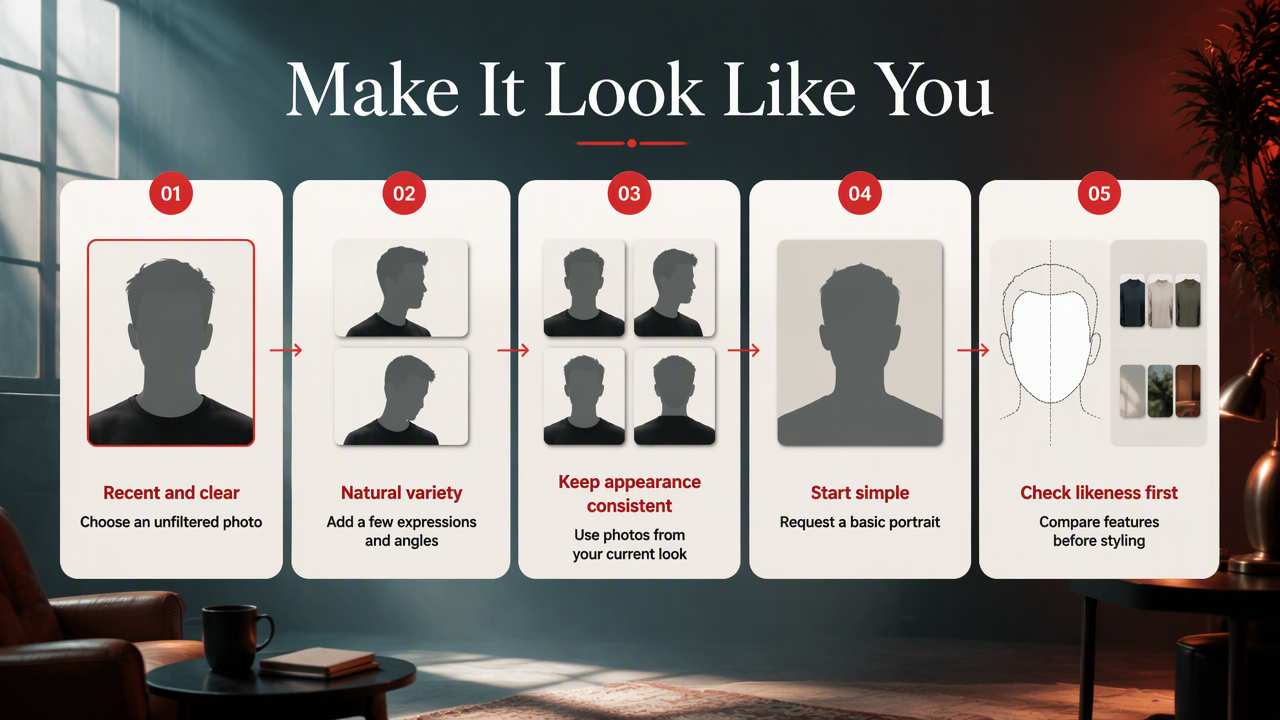
- Include a small variety of natural angles and expressions.
- Keep your current appearance consistent across the set.
- Start with a simple portrait request.
- Compare facial features before changing outfits, backgrounds, or lighting.
Build references around your current appearance
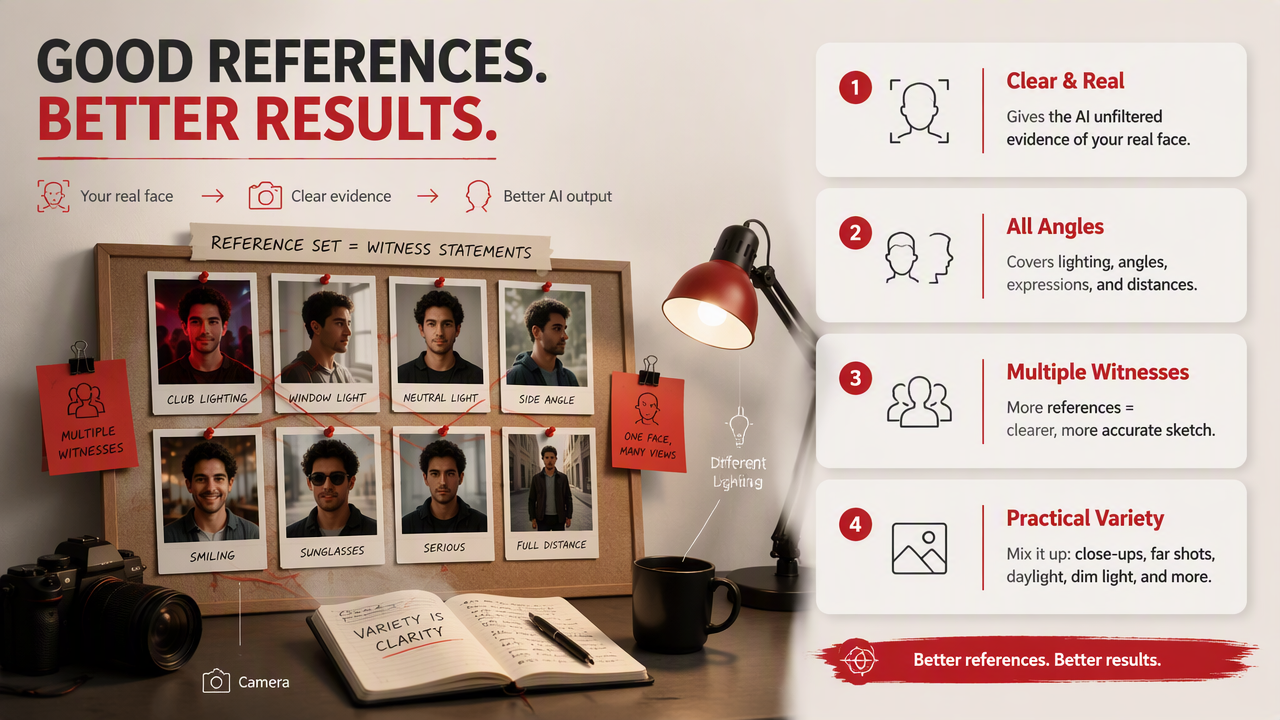
I would choose an ordinary, well-lit photo over a flattering image with a strong beauty filter. The reference should communicate your face, not an editing app's interpretation of it. Follow the tool's upload requirements rather than assuming more images always help.
- Include a clear front-facing view and a slight three-quarter angle.
- Show your everyday hairstyle and facial hair.
- Use a natural smile if you want smiling portraits.
- Keep sunglasses, heavy shadows, and face-covering hair out of key references.
A mix of childhood photos, an old beard, and a recent haircut gives competing versions of your appearance. Keep useful angle variety while making the intended version of you obvious.
Make the first prompt intentionally boring
A simple starting prompt makes the result easier to evaluate. Where the tool accepts instructions, try: Create a natural portrait of the person in the reference photos, preserving recognizable facial proportions, current hairstyle, and age. Use soft daylight and a plain background.
Once you have a recognizable result, change one creative element at a time. I recommend adding the outfit first, then the setting, then more expressive lighting. That sequence gives you a clearer view of what each choice contributes.
A likeness-first workflow with HotphotoAI
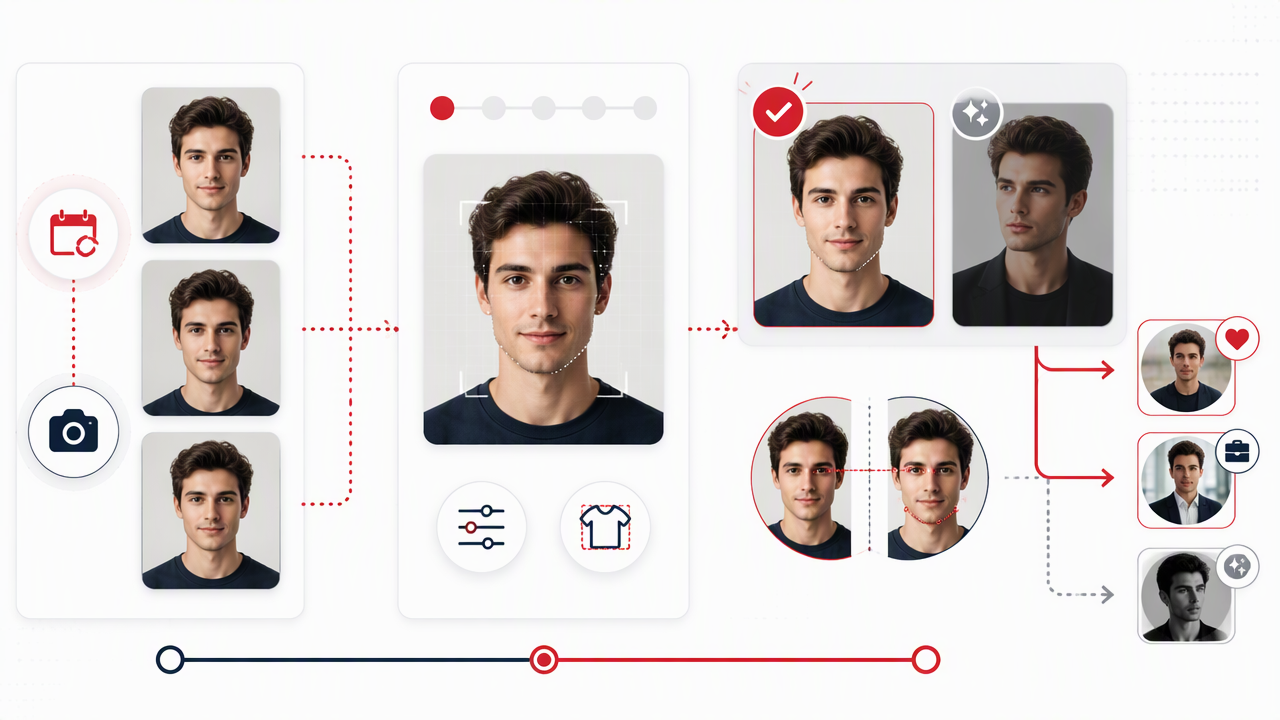
HotphotoAI is a relevant option for readers exploring AI-generated personal photos for dating, social, or polished profile use. I recommend approaching that creative process with a clear brief: decide where the image will appear, choose your current references, and define the look you want.
Match the creative brief to the profile
The intended audience should guide the styling. A dating portrait can feel relaxed and approachable; a work profile can use quieter styling; a fantasy portrait can be openly theatrical. These are recommended creative directions, not claims about specific platform controls.
- Dating: Everyday clothing, natural expression, believable surroundings.
- Professional: Clear face, restrained styling, simple composition.
- Social or creative: Distinctive colors, outfits, or an explicitly imaginative setting.
Give each image one job. A focused brief makes selection easier and helps you build a set with variety rather than several versions of the same pose.
How can I check whether a portrait is accurate?
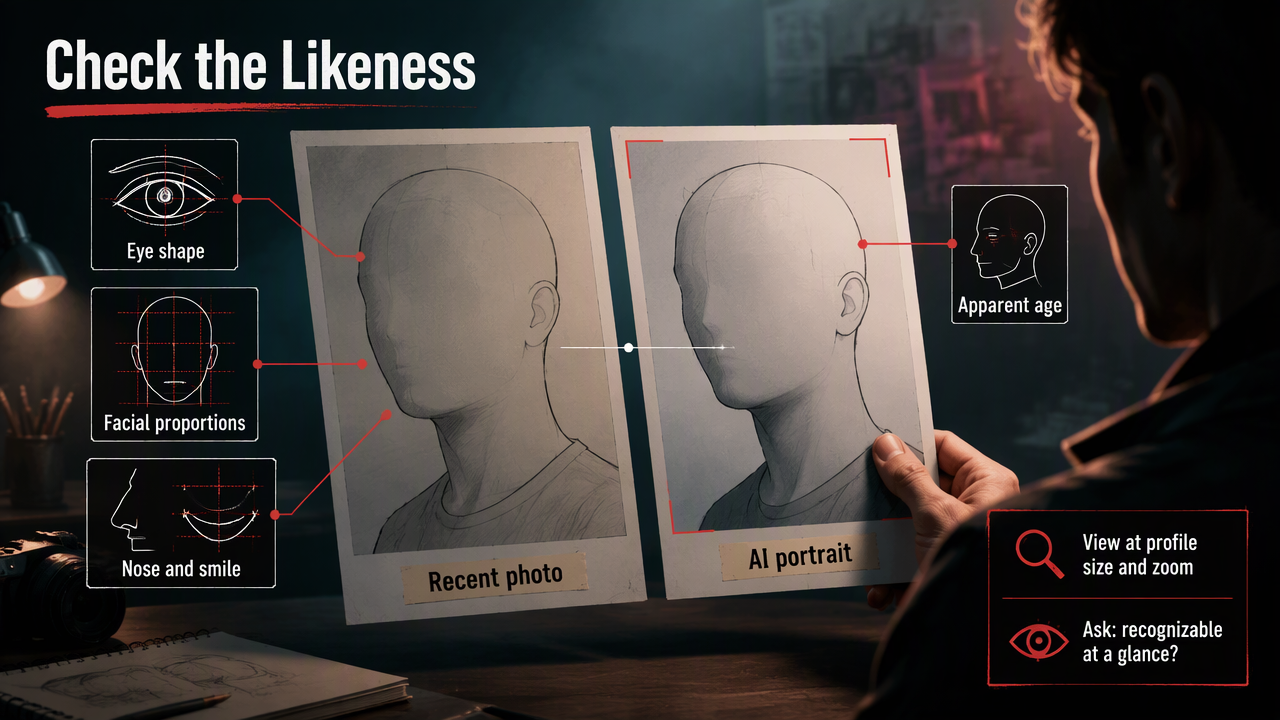
Check portrait accuracy by comparing the generated face with a recent, unfiltered photo at a similar angle. Review eye shape, facial proportions, nose, smile, and apparent age before judging attractiveness. Then ask someone who knows you whether the image is immediately recognizable, without explaining what they should notice.
Use a recognition test, not a beauty contest
I recommend reviewing both images at ordinary profile size and zoomed in. Small previews can hide changes, while close inspection can make harmless details feel bigger than they are. Prioritize features that affect recognition over individual pores.
Ask whether someone meeting you tomorrow would recognize you from this photo.
For dating profiles, pair an AI-styled portrait with current, unedited photos. For professional use, check the platform's and employer's rules. Keep clearly fictional scenes in creative contexts where viewers understand the intent.
FAQ: Getting recognizable AI portraits
These answers address the practical choices that matter when your goal is a recognizable personal photo.
Will uploading more selfies improve my likeness?
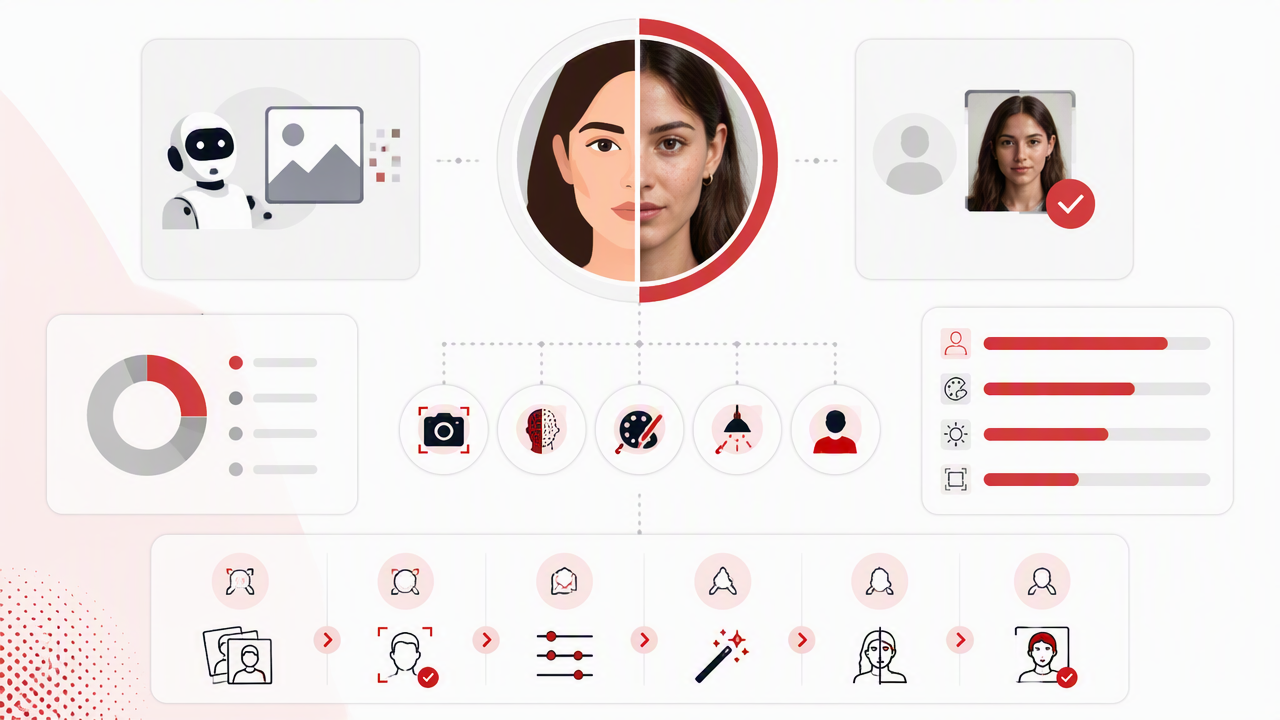
More selfies aren't automatically better. Clear, consistent references are more useful than a large collection with filters, conflicting hairstyles, or obscured faces. Follow the service's stated requirements, then prioritize useful variety: front-facing, slightly angled, neutral, and naturally smiling photos that represent how you look now.
Can a prompt guarantee an exact match?
A prompt can describe the features you want preserved, but it doesn't guarantee an exact match. Use specific instructions about recognizable proportions and current appearance instead of asking only for attractiveness. I would still compare every selected result with a real photo before publishing it.
Should I use AI portraits on Tinder?
Use them only when they remain a fair representation of your current appearance and comply with the app's rules. I recommend keeping recent real photos in the mix. If the image changes your face, body, or apparent age enough to create different expectations, choose another picture.
Conclusion
Start with one clear reference set and one simple portrait brief. Select for recognition first, then build the style around it.
For your next creative session with HotphotoAI, visit hotphotoai.com with a specific destination in mind: dating profile, professional headshot, or imaginative portrait. Keep a recent real photo beside your results and choose the image that feels unmistakably yours.