AI Yearbook Photo Generator Guide: 90s, Y2K, and Retro Portraits That Still Look Like You
TL;DR
Use an AI yearbook photo generator when you want nostalgic portraits without booking a studio shoot, but start with clear selfies and a specific decade style. The best results keep your face recognizable, match outfits to the era, and avoid over-filtered skin, plastic lighting, or fantasy-school chaos.
A good retro portrait should make people say, "Wait, were you secretly popular in 1998?" not "Which wax museum donated this face?" An AI yearbook photo generator turns your selfies into school-style portraits with decade-specific clothing, lighting, poses, and backgrounds. For polished personal images, tools like HotphotoAI can help you experiment with yearbook, glamour, model, and lifestyle looks without hiring a photographer.
Yearbook: A yearbook is an annually published book, often used by schools to record, highlight, and commemorate the past year.
AI yearbook portrait: An AI-generated image that recreates the visual language of school portraits, including head-and-shoulders framing, studio lighting, formal or trend-based outfits, and period-specific styling.
Table of Contents
What is an AI yearbook photo generator?
An AI yearbook photo generator is a tool that uses uploaded selfies or prompts to create retro school-portrait images, usually in 70s, 80s, 90s, or Y2K styles. It blends face identity, wardrobe cues, background design, lighting, and pose conventions to produce portraits that feel nostalgic, shareable, and still recognizably you.
Most tools follow the same basic pattern: upload several clear photos, pick a decade or template, then receive a batch of styled portraits. Top-ranking products in the search results often emphasize 90s and Y2K looks, with some asking for around six uploads and returning a themed pack after processing.
Key insight: the face matters, but the era sells the image. Hair, collar shape, backdrop color, and awkwardly confident posture do half the work.
How these generators usually work
Modern portrait generators are built on image models that learn patterns from large visual datasets. A related 2024 BioScience paper on the openVertebrate project discussed how large-scale 3D imaging collections increase the impact of visual scientific data, which shows a broader point: structured image inputs matter when machines need to understand form, shape, and detail Blackburn, Boyer, and Gray, 2024.
For personal portraits, the practical version is simple:
- Input photos: clear selfies with varied angles and lighting.
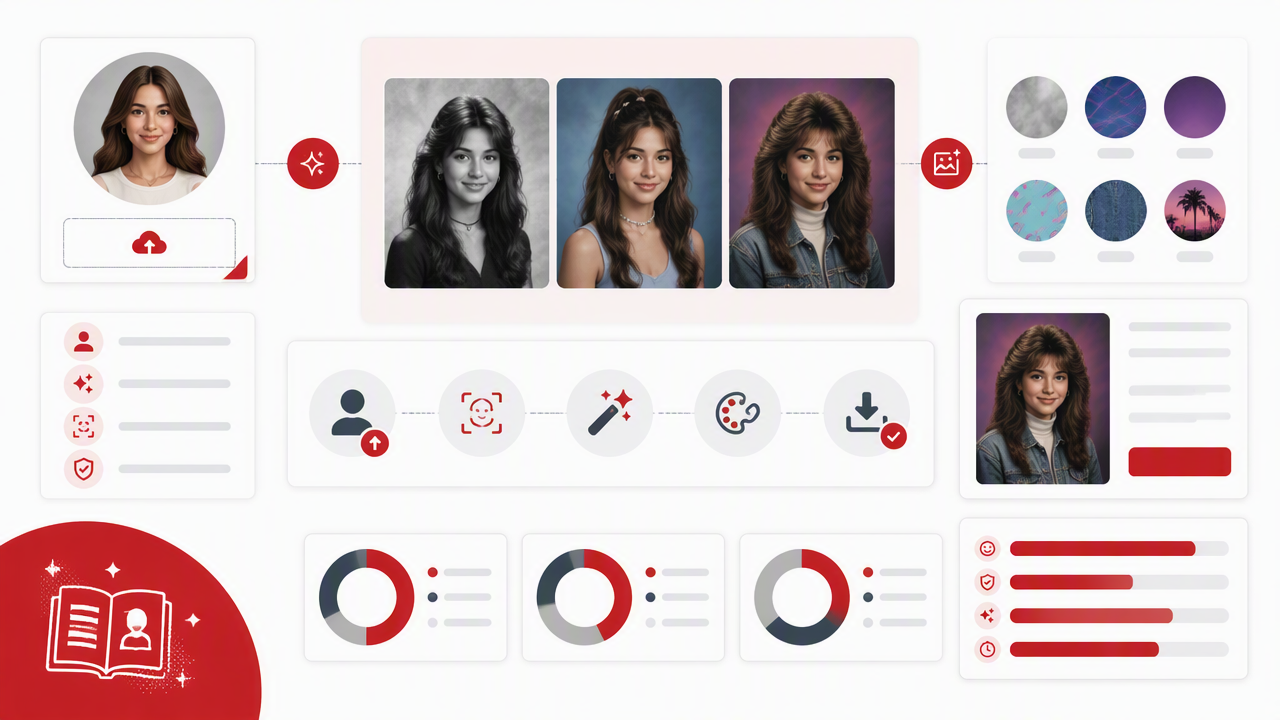
- Identity mapping: the model learns your facial structure.
- Style transfer: decade-specific wardrobe, lighting, and backgrounds are applied.
- Output selection: you choose the most realistic images from a generated set.
How do you create realistic AI yearbook photos?
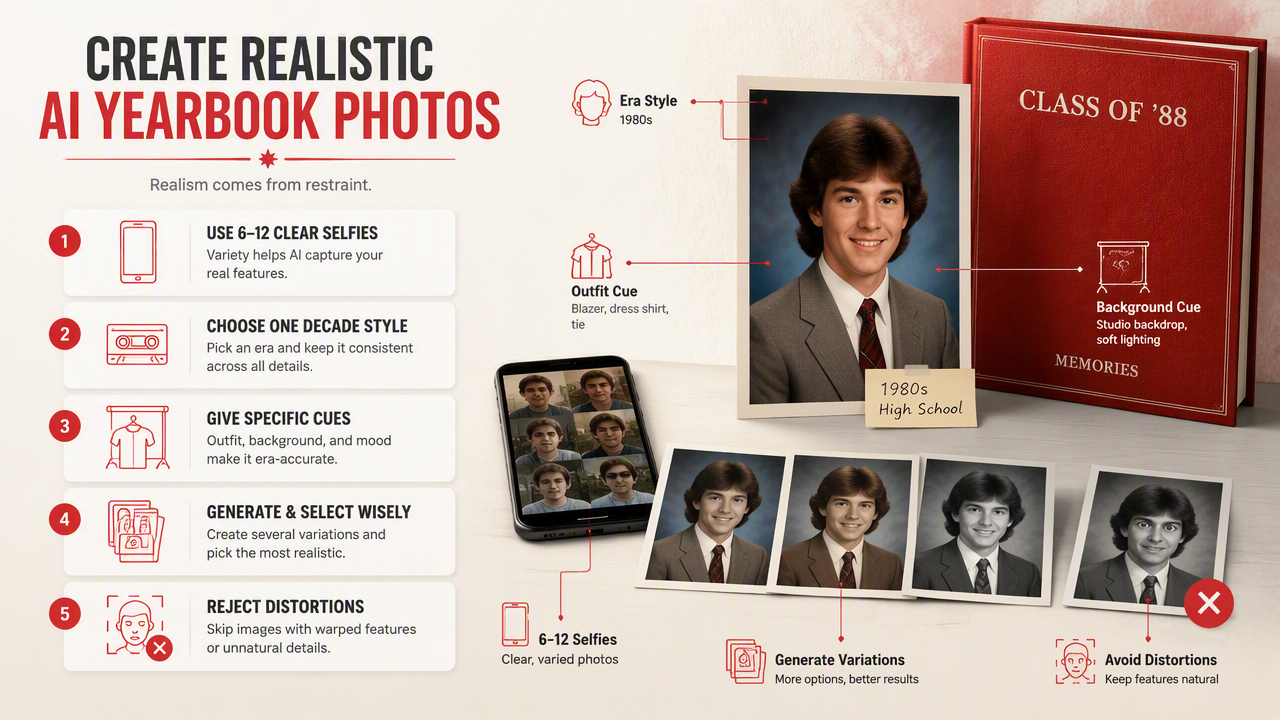
Create realistic AI yearbook photos by using 6 to 12 clear selfies, choosing one decade style, giving specific outfit and background cues, generating several variations, and rejecting images with distorted facial features. Realism comes from restraint: believable lighting, era-accurate styling, and a face that still passes the "group chat recognition test."
A simple workflow for better results
- Choose your target decade. Pick 80s, 90s, or Y2K before writing prompts.
- Upload strong source photos. Use front-facing, three-quarter, smiling, and neutral shots.
- Avoid heavy filters in source images. Skin-smoothing apps confuse identity.
- Describe wardrobe clearly. Say "denim jacket over white tee," not "cool outfit."
- Pick a school-photo background. Use blue-gray, mottled studio cloth, lockers, or laser backdrop.
- Generate in batches. More options give you better odds.
- Check identity last. If the hair is perfect but the face is cousin-adjacent, reject it.
I'd rather see one excellent, boringly believable yearbook shot than twelve portraits where your left eye has apparently joined a ska band.
Which decade style should you choose?
The best decade style depends on the vibe you want: 80s looks bold and theatrical, 90s feels candid and nostalgic, and Y2K reads glossy, playful, and social-media ready. Choose the era that matches your intended use, not just the trend, because a dating profile and a joke post need different levels of realism.
Decade-by-decade prompt guide
| Era | Outfit cues | Background ideas | Best for |
|---|---|---|---|
| 70s | Turtleneck, corduroy jacket, feathered hair | Warm brown studio gradient | Artsy retro portraits |
| 80s | Blazer, big hair, bright sweater, pearl earrings | Blue laser backdrop, smoky studio light | Funny, bold social posts |
| 90s | Denim jacket, plaid shirt, varsity sweater, simple chain | Blue-gray mottled backdrop, school hallway | Most realistic yearbook look |
| Y2K | Baby tee, layered necklace, frosted styling, glossy hair | Pink-purple gradient, lockers, mall-photo feel | TikTok, Instagram, playful edits |
For broad appeal, start with the 90s. It's recognizable without shouting. The 80s is funnier, the 70s is moodier, and Y2K is the one most likely to say "I owned a flip phone and made it everyone's problem."
Prompt ideas you can copy
- Classic 90s: "studio yearbook portrait, denim jacket, white tee, soft blue-gray mottled background, natural smile, realistic skin texture, school photo lighting."
- Preppy senior photo: "90s high school yearbook portrait, navy blazer, white button-down shirt, neat hair, subtle smile, traditional studio backdrop."
- Y2K popular-kid look: "early 2000s yearbook photo, glossy hair, pastel top, layered necklace, pink-purple studio background, flash photography."
- 80s drama club energy: "1980s school portrait, oversized blazer, voluminous hair, laser studio backdrop, confident expression, soft glam lighting."
Keep prompts short enough to steer the model, not trap it in a costume closet. One outfit, one background, one mood.
How HotphotoAI handles retro portrait styling
HotphotoAI is useful when you want styled personal portraits that feel intentional instead of randomly filtered. The HotphotoAI platform is built for people experimenting with attractive profile photos, glamour looks, lifestyle images, fantasy portraits, and polished online visuals, so retro yearbook styling fits naturally into that broader portrait workflow.
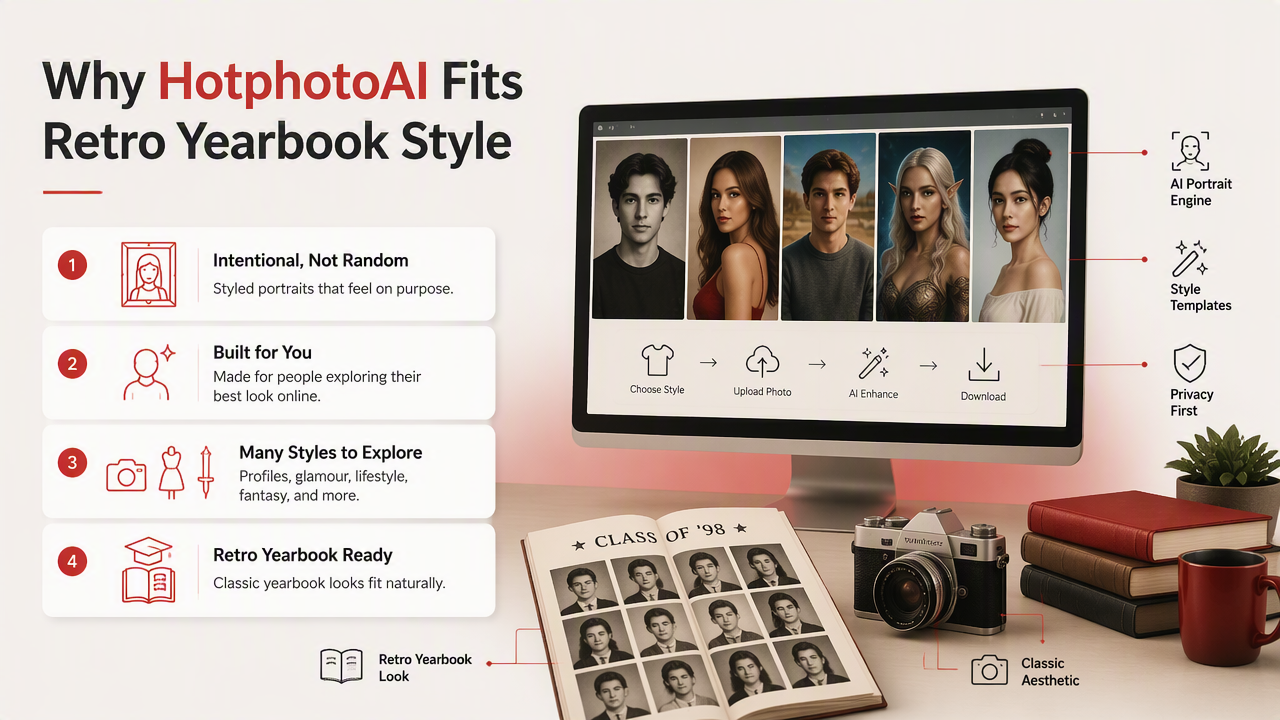
With HotphotoAI, the smart move is to treat the generator like a mini creative brief. Decide whether you want a believable senior portrait, a stylized model-style image, or a social-first Y2K post before you start. That choice guides your clothing, background, and lighting instructions.
Practical rule: if the image could plausibly sit beside real school portraits from that decade, it's working. If it looks like a shampoo ad filmed inside a time machine, dial it back.
Best use cases by profile goal
| Goal | Style direction | Realism level |
|---|---|---|
| Tinder or dating profile | Clean 90s studio portrait, soft smile | High |
| Instagram carousel | Y2K or 80s theme, bolder colors | Medium |
| LinkedIn-adjacent personal branding | Subtle vintage studio look | Very high |
| Creator content | Multiple eras in one post | Medium to playful |
If you want to test several portrait identities, head to hotphotoai.com and start with a realistic batch before pushing into more stylized looks. Reality first, glitter second.
How can you avoid over-filtered or fake-looking results?
Avoid fake-looking results by starting with natural source photos, limiting style instructions, checking facial symmetry, and rejecting images with plastic skin, warped teeth, odd hands, or era-mismatched clothing. A believable yearbook image should look lightly styled, not like your face lost an argument with an airbrush.
Realism checks before you post
- Face match: Would a friend recognize you in two seconds?
- Skin texture: Does the portrait keep pores, lines, and normal shadows?
- Eyes: Are both pupils aligned and natural?
- Teeth: Are there the correct number, in the correct galaxy?
- Hairline: Does it match your actual shape and density?
- Era accuracy: Does the outfit belong to the chosen decade?
- Lighting: Does the face match the background direction and intensity?
Visual privacy also deserves attention. A 2023 review in Multimedia Tools and Applications examined visual privacy preservation techniques for active and assisted living, a useful reminder that images of faces are personal data, not just content fodder Ravi, Climent-Pérez, and Flórez‐Revuelta, 2023.
Use only photos you're comfortable uploading, read data and deletion policies, and avoid generating images of other people without consent.
Frequently asked questions
How many selfies do I need for a good AI yearbook portrait?
Most people get better results with several clear selfies rather than one perfect image. Use a mix of front-facing, slight-angle, smiling, and neutral expressions. Competitor workflows commonly ask for multiple uploads, and that makes sense because varied inputs help the model keep your identity stable across outfits and poses.
Can I use AI yearbook photos on dating apps?
Yes, but keep at least one photo realistic enough that it represents how you actually look. A 90s studio portrait can be a great conversation starter, while a heavily stylized Y2K fantasy image works better as a supporting photo. I'd use one retro image, not an entire alternate-universe yearbook.
What prompts make yearbook photos look more authentic?
Use concrete school-photo language: "studio yearbook portrait," "mottled blue-gray background," "soft flash lighting," "varsity sweater," "denim jacket," or "traditional senior portrait." Avoid stacking too many styles at once. Authenticity usually comes from three details working together: hair, clothes, and backdrop.
Are AI-generated yearbook photos private?
Privacy depends on the tool's policies, not the image style. Before uploading selfies, check how the service handles storage, training use, deletion, and account access. Faces count as sensitive personal images in practice, so don't upload photos of friends, minors, or partners unless you have clear permission.
Conclusion
A strong AI yearbook photo generator result balances nostalgia with recognition: clear input photos, one decade, specific styling, and a ruthless realism check. Start with a 90s or Y2K prompt, generate a small batch, save only the images that still look like you, then test them on your profile or feed.
For a polished set of retro, lifestyle, and profile-ready portraits, try HotphotoAI, or visit hotphotoai.com when you're ready to turn "what if I peaked in 1997?" into an actual photo set.