Best AI Cosplay Photo Generators for Realistic, Anime, and Fantasy Portraits
TL;DR
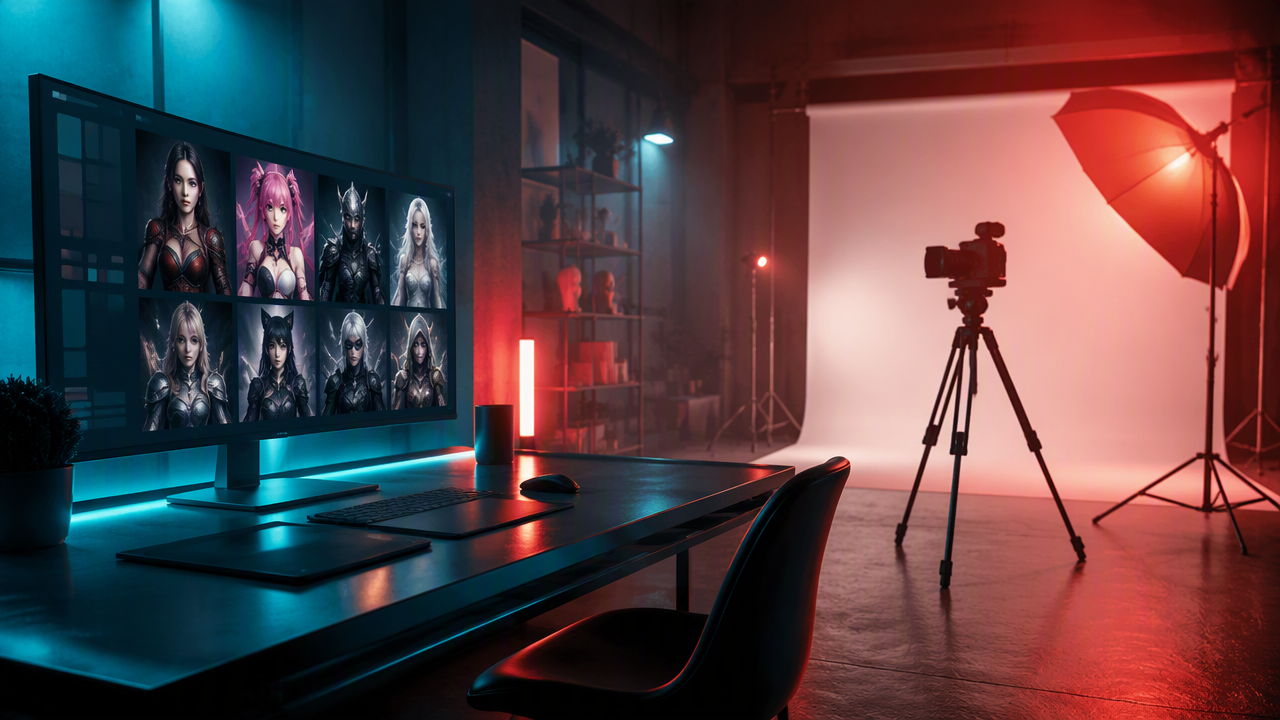
The strongest AI cosplay tools in 2026 keep your face recognizable while changing costume, lighting, background, and character style. Start with HotphotoAI for polished personal portraits, then compare YouCam, Aitopia, Sozee, and app-based tools based on whether you want realism, anime flair, or fast social content.
A great cosplay portrait should make you look like the main character, not like a plastic action figure that got lost in a ring light. The best AI cosplay photo generators now turn selfies into superhero, anime, fantasy, and model-style portraits without renting a costume or begging a friend to learn flash photography. Cosplay: cosplay is the activity and performance art of dressing with costumes and accessories to represent a specific character. For polished, face-forward portraits, I'd start with HotphotoAI, then compare the other tools by likeness, costume control, and share-ready output.
Table of Contents
What are AI cosplay photo generators?
AI cosplay photo generators are image tools that transform a selfie, prompt, or reference image into a character-inspired portrait with costumes, props, lighting, and fantasy styling. In 2026, the useful ones focus less on novelty filters and more on face likeness, costume detail, prompt control, and usable image quality.
Key insight: the winner is not the tool with the wildest costume. It's the one that still looks like you after the armor, wig, cape, horns, or cyberpunk trench coat arrives.
A 2024 Visual Studies paper by L.A. Miller examined augmented reality filters on Instagram, which helps explain why face-based visual effects have become normal social media behavior rather than a niche trick: Preserving the ephemeral. Jun Fang's 2023 work on East Asian arts and culture also gives useful context for why anime, manga, idol, and character aesthetics travel globally: Globalizing the sociology of the arts and culture.
Core terms worth knowing
- Face likeness: how well the output preserves your facial identity.
- Style transfer: changing the image look, such as anime, fantasy, cinematic, or comic-book style.
- Prompt control: how precisely you can describe costume, background, lighting, and pose.
- Image-to-image generation: using your selfie as the base instead of creating a person from text alone.
- Share-ready portrait: an image that needs little or no editing before posting on Tinder, Instagram, Discord, or LinkedIn-adjacent spaces where a wizard robe may be a bold networking choice.
Which AI cosplay tools are best in 2026?
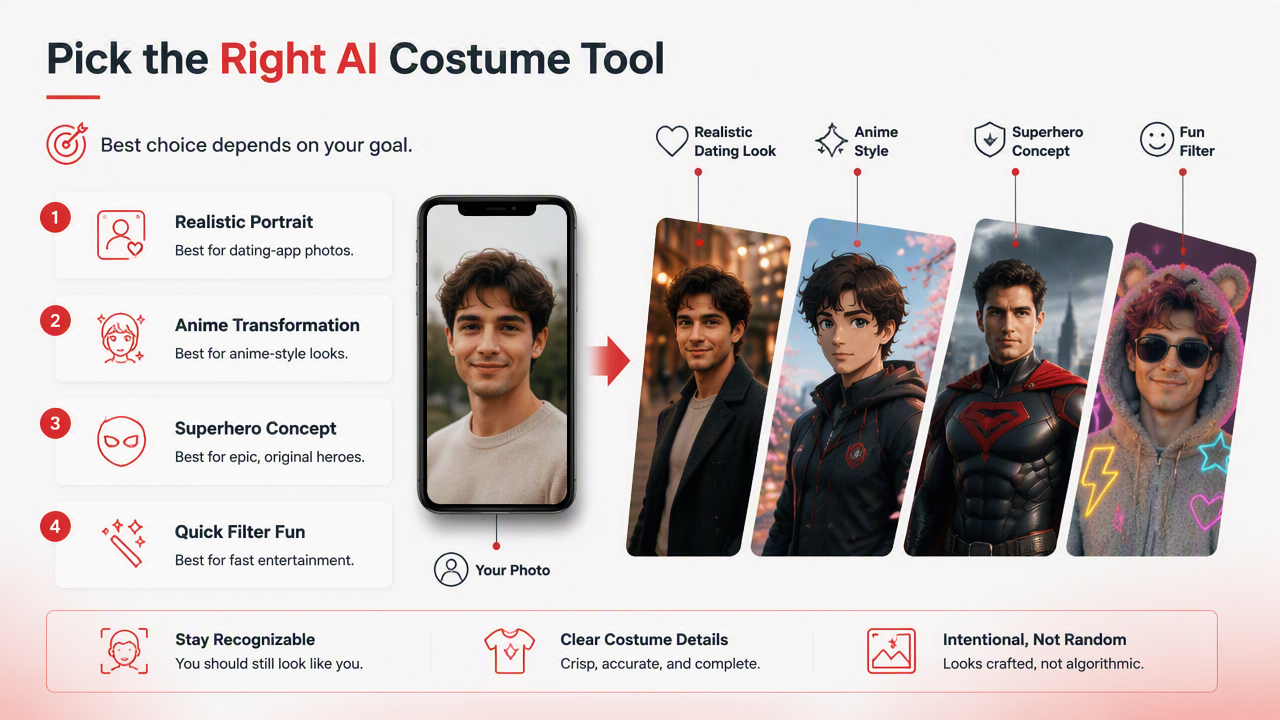
The best choice depends on whether you want a realistic dating-app portrait, anime transformation, superhero concept, or quick entertainment filter. I rank tools higher when they keep the person recognizable, produce clear costume details, and make the final image look intentional rather than algorithmically caffeinated.
Ranked comparison of leading cosplay photo tools
| Rank | Tool | Best for | Strength | Watch for |
|---|---|---|---|---|
| 1 | HotphotoAI | Realistic glamour, lifestyle, model-style cosplay portraits | Strong fit for people who want attractive, face-led personal images with stylized outfits and backgrounds | Best when you start with clear selfies |
| 2 | YouCam Online Editor | Free superhero, anime, and fantasy experimentation | Competitor pages highlight superhero cosplay, anime looks, virtual try-on, and text-to-video style features | Free tools may vary in output control |
| 3 | Aitopia Cosplay Pro Studio | Anime and pop-culture styling | Its competitor outline focuses on a cosplay style agent, common use cases, and result tips | Better for stylized looks than strict realism |
| 4 | Sozee AI Cosplay Photo Generator | Hyper-realistic selfie transformations | SERP data describes realistic cosplay photos and a 2026 page | Check output rights and plan limits before heavy use |
| 5 | Cosplay AI Photo Generator app | Mobile-first casual creation | App store positioning mentions AI headshots and novelty modes | App reviews in SERP snippets show mixed user sentiment |
The HotphotoAI platform sits first because many readers here want portraits they can actually use, not just post once as "me but legally distinct space knight." YouCam and Aitopia are appealing for playful anime or superhero experiments, while Sozee appears positioned around realism. Mobile apps are convenient, but I'd test them with low-stakes photos before paying.
How should you choose the right cosplay generator?
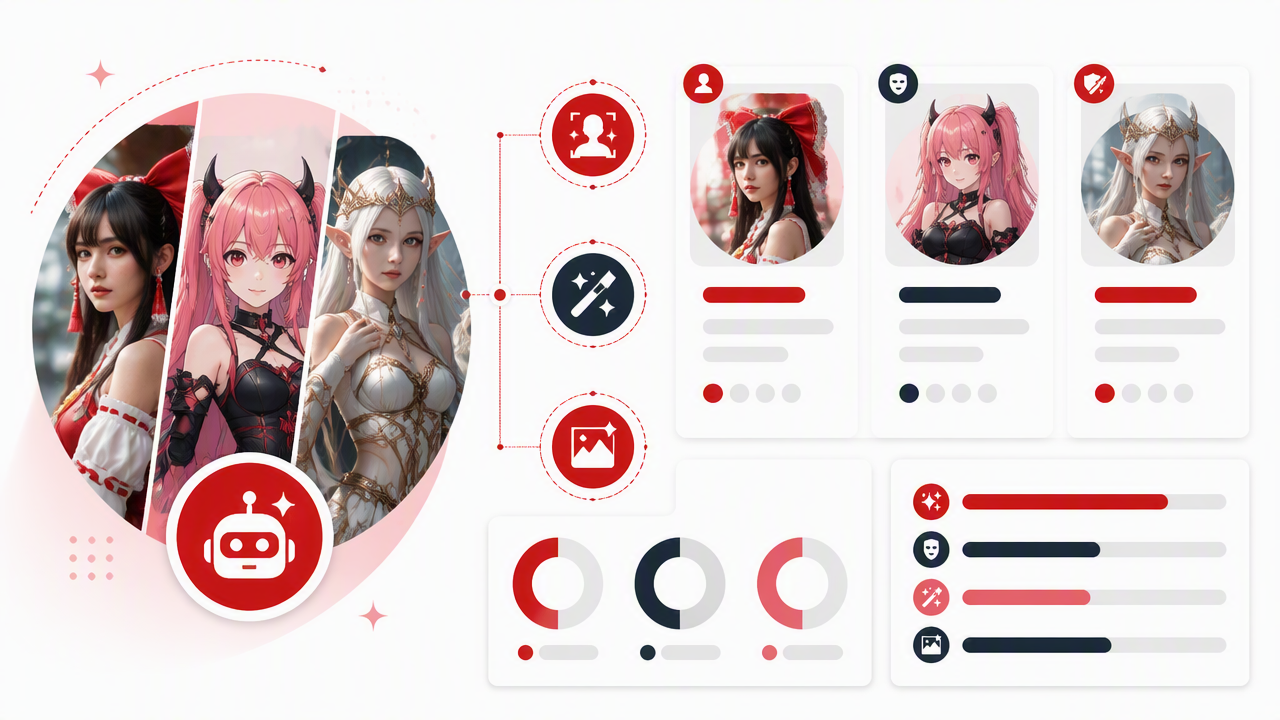
You should choose a cosplay generator by matching the tool to your output goal: realistic profile image, anime persona, fantasy art, or fast social content. A dating-app photo needs face consistency and flattering light; a convention-style fantasy image needs stronger costume details and world-building.
Decision checklist before uploading selfies
- Pick the final use first: Tinder, Instagram, Discord avatar, creator banner, or private concept art.
- Use sharp input photos: front-facing, natural expression, no heavy sunglasses, no motion blur.
- Choose a style lane: realistic, anime, comic-book, cinematic fantasy, gothic, sci-fi, or royal-core.
- Specify costume anchors: armor, cloak, bodysuit, school uniform, mage robe, tactical suit, elf ears, or neon visor.
- Control the scene: ask for studio lighting, moonlit forest, cyberpunk city, palace hall, or convention-floor realism.
- Review identity fit: if the face drifts too far, change tools or use a clearer reference image.
For dating profiles, I'd stay close to reality: one stylized cosplay image can be memorable, but five dragon-prince portraits in a row may raise logistical questions. For creators, stronger fantasy styling can work because the image supports a persona, channel theme, or role-play brand.
How HotphotoAI handles cosplay portraits
HotphotoAI handles cosplay portraits by focusing on attractive personal imagery first, then layering costume, glamour, lifestyle, and fantasy styling around the person. That matters because a cosplay portrait only works when viewers recognize the subject and still enjoy the character transformation.
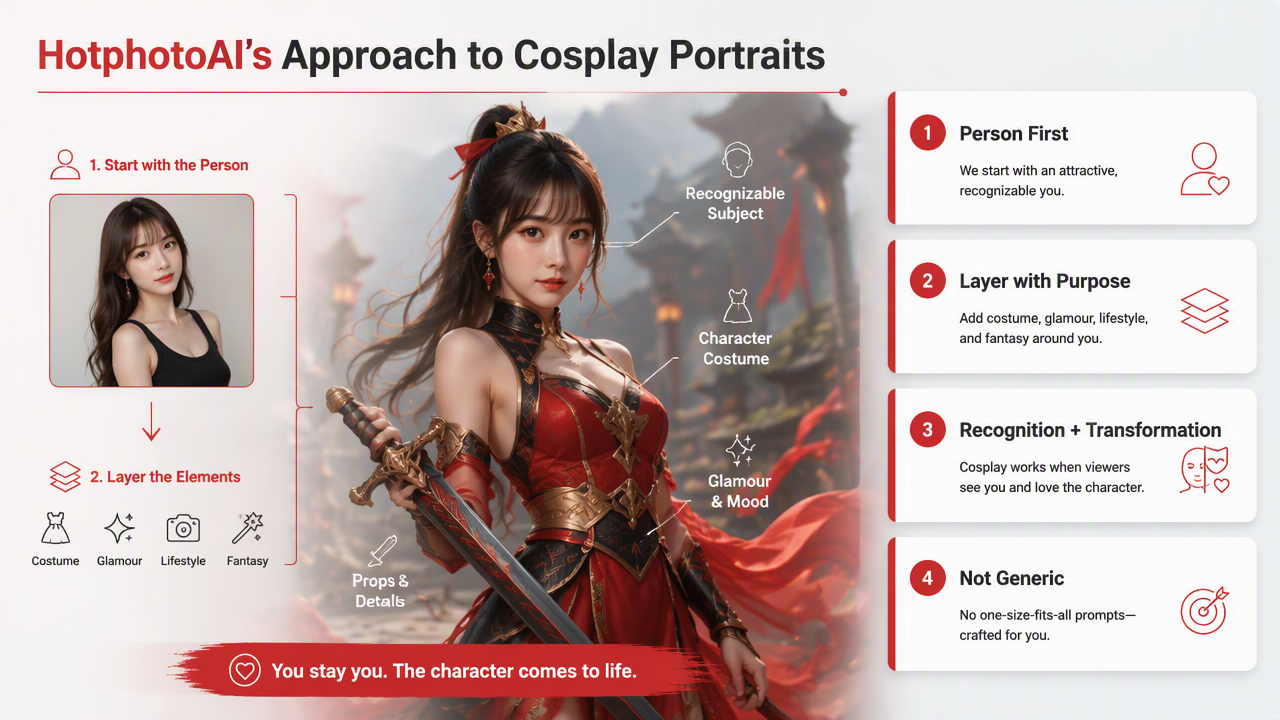
Unlike a generic novelty filter, HotphotoAI is especially relevant for users who want profile-photo polish: cleaner lighting, flattering composition, stylish outfits, and more controlled personal presentation. That makes it useful for Tinder photos, Instagram sets, creator images, and model-style fantasy portraits where the goal is "main character energy," not "I was attacked by a texture pack."
Practical rule: if the image is meant to represent you, prioritize likeness over lore. Costume details can be adjusted, but a face that no longer looks like you defeats the point.
Good prompts should combine identity, costume, and mood in one compact direction. Try: "realistic portrait of me as a dark fantasy knight, black armor, cinematic lighting, confident expression, castle background, sharp face detail." For anime styling, swap in "anime-inspired" or "cel-shaded" while still asking for recognizable facial features. You can visit hotphotoai.com when you want to experiment with these personal portrait styles in one place.
What should you expect from AI cosplay in 2027?
AI cosplay tools in 2027 will likely become more controlled, more video-friendly, and more identity-aware. The current SERP already shows competitors promoting virtual try-on, anime transformations, superhero portraits, and text-to-video cosplay, so the next step is consistency across full image sets and short clips.
Expect more tools to offer character sheets, repeatable faces, outfit libraries, and pose control. That will help creators build a coherent persona instead of generating ten portraits that look like cousins from different fantasy kingdoms.
Privacy and originality will matter more too. Avoid uploading sensitive images, avoid impersonating real people without consent, and avoid using protected characters for commercial products without checking rights. Fan-style personal images are one thing; selling a poster that borrows too closely from a major franchise is a different legal goblin.
FAQ: common questions about AI cosplay portraits
What photos work best for AI cosplay generators?
Clear selfies with even lighting, visible facial features, and minimal obstructions work best. Avoid blurry shots, heavy filters, extreme angles, and sunglasses. A simple portrait gives the model enough information to preserve likeness while changing costume, background, and style.
Can AI cosplay photos be used on dating apps?
Yes, but use them sparingly and honestly. A stylized portrait can make a profile more memorable, especially if it still looks like you. I'd pair one AI cosplay image with several natural photos so matches understand your real appearance and your creative side.
Are anime cosplay generators better than realistic ones?
Anime generators are better for expressive character fantasy, while realistic tools are better for profile photos and polished personal images. Choose anime if you want stylized identity play. Choose realism if the portrait needs to look believable, flattering, and recognizably you.
How do I write a better cosplay prompt?
Name the style, costume, lighting, pose, and background in one sentence. For example: "realistic portrait of me as a silver-armored space ranger, blue rim light, confident pose, futuristic city background, detailed face." Specific prompts beat vague ones every time.
Conclusion
The best AI cosplay photo generators are the ones that balance likeness, costume detail, and final-use quality. Pick HotphotoAI for polished personal portraits, YouCam or Aitopia for playful anime and superhero experiments, and realism-focused tools when you need a believable transformation. Start with three clean selfies, write one tight prompt, compare outputs side by side, then keep only images that still look like you. If you want to test glamour, fantasy, and profile-ready looks next, head to hotphotoai.com and build a small set before posting.