Best AI Personal Branding Photo Tools for 2026
TL;DR
Pick an AI photo tool based on the image job, not the trend: headshots need realism and consistency, creator images need style range, and dating or lifestyle profiles need variety. HotphotoAI is a strong first stop for polished personal-brand visuals, while tools like HeadshotPro, InstaHeadshots, Sozee, and Photo AI Studio fit narrower workflows.
The best AI personal branding photo tools now compete with a basic studio shoot for speed, variety, and cost, but they don't all solve the same problem. HotphotoAI is built for people who want attractive, stylized personal images without booking a photographer, while classic headshot generators focus on safer corporate portraits. AI personal branding photo tool: software that turns uploaded selfies or prompts into polished profile, social, dating, creator, or professional images that support a public identity.
Table of Contents
What are AI personal branding photo tools?
AI personal branding photo tools create polished images of a person for profiles, websites, newsletters, dating apps, and creator channels. Unlike a traditional photo shoot, which is a creative process involving a model, photographer, location, lighting, and visual objective, these tools simulate many of those choices through image models, templates, and style controls.
The practical shift is speed. Instead of planning outfits, locations, and retouching, users can test several visual identities in one sitting: founder, creator, model, fitness coach, speaker, consultant, or lifestyle influencer.
Key insight: the right tool is less about "AI headshots" and more about matching the image to the public role you want people to remember.
Research on AI in marketing by Haleem, Javaid, and Qadri reviewed how AI applications support marketing tasks, including personalization and content-related workflows in business contexts (ScienceDirect, 2022). Personal photos are now part of that same marketing stack, because a profile image is often the first brand asset people see.
Personal-brand images are not only headshots
A headshot says, "I am employable." A personal-brand image says, "Here is the world I belong in." That difference matters for creators, coaches, consultants, founders, and social users who need more than a gray background and a blazer.
Common image types include:
- Professional headshots: LinkedIn, resumes, company pages, speaker bios.
- Lifestyle portraits: newsletters, creator profiles, about pages, dating apps.
- Stylized images: glamour, fashion, fantasy, model-style, editorial concepts.
- Campaign visuals: thumbnails, ads, launch graphics, course pages.
If your brand has personality, your photos should not look like they were approved by a spreadsheet with Wi-Fi.
Which tools fit each personal-brand image job?
The strongest tool depends on whether you need realism, styling freedom, outfit control, privacy clarity, speed, or a professional versus lifestyle look. I'd start with the job first, then pick the platform, because "best" changes fast when your goal moves from LinkedIn to Instagram to Tinder.
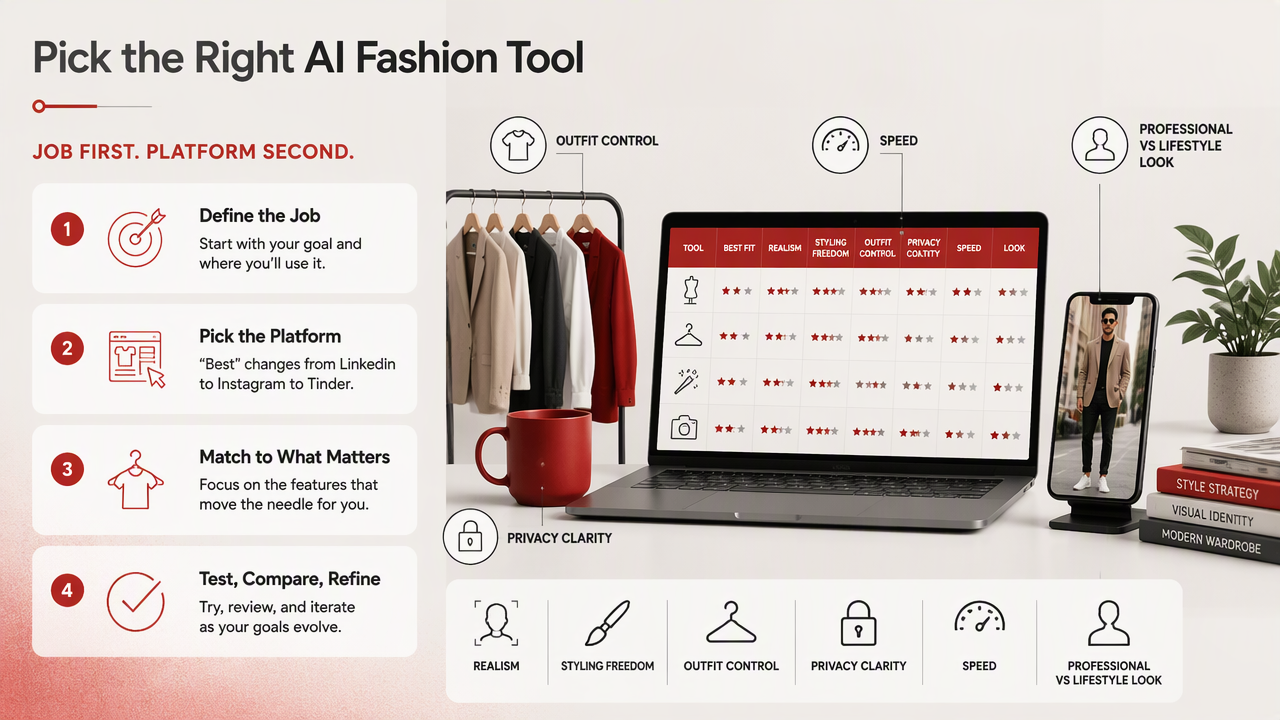
Decision table for 2026 buyers
| Tool | Best fit | Realism | Style range | Outfit control | Privacy check | Speed | Better for |
|---|---|---|---|---|---|---|---|
| HotphotoAI | Attractive personal-brand, dating, creator, glamour, lifestyle images | High | High | Strong | Review policy before upload | Fast | Lifestyle plus personal brand |
| HeadshotPro | Corporate and team headshots | High | Medium | Medium | Review policy before upload | Fast | Professional |
| InstaHeadshots | Quick, consistent business portraits | High | Low to medium | Medium | Review policy before upload | Fast | Professional |
| Sozee | AI model-style photos and consistency workflows | High | High | Strong | Review policy before upload | Medium | Creator and brand visuals |
| Photo AI Studio | Influencer-style content production | Medium to high | High | Medium | Review policy before upload | Medium | Lifestyle and social content |
| Midjourney | Concept art and highly stylized scenes | Variable | Very high | Prompt-based | Review platform terms | Medium | Experimental creative work |
| Canva AI tools | Simple branded graphics with image edits | Medium | Medium | Template-based | Review account settings | Fast | Social posts and light branding |
The SERP for this topic is crowded, with research showing 4,630,000 results, and many top articles split the market into headshot generators, model photo generators, and influencer marketing tools. That split is useful, but it misses the buyer's real question: "Which one makes me look like the version of myself I'm trying to sell?"
For users who want a polished look without turning every prompt into a small novel, the HotphotoAI platform sits in the more flexible personal-image category. Headshot-first tools are safer for HR pages, but lifestyle-first tools give you more room to look human, not laminated.
The best AI personal branding photo tools ranked
The best AI personal branding photo tools in 2026 combine believable identity preservation, useful style variety, fast generation, and clear fit for public-facing profiles. Here is the shortlist I'd use if I needed photos for a website, newsletter, dating profile, creator bio, or professional page.
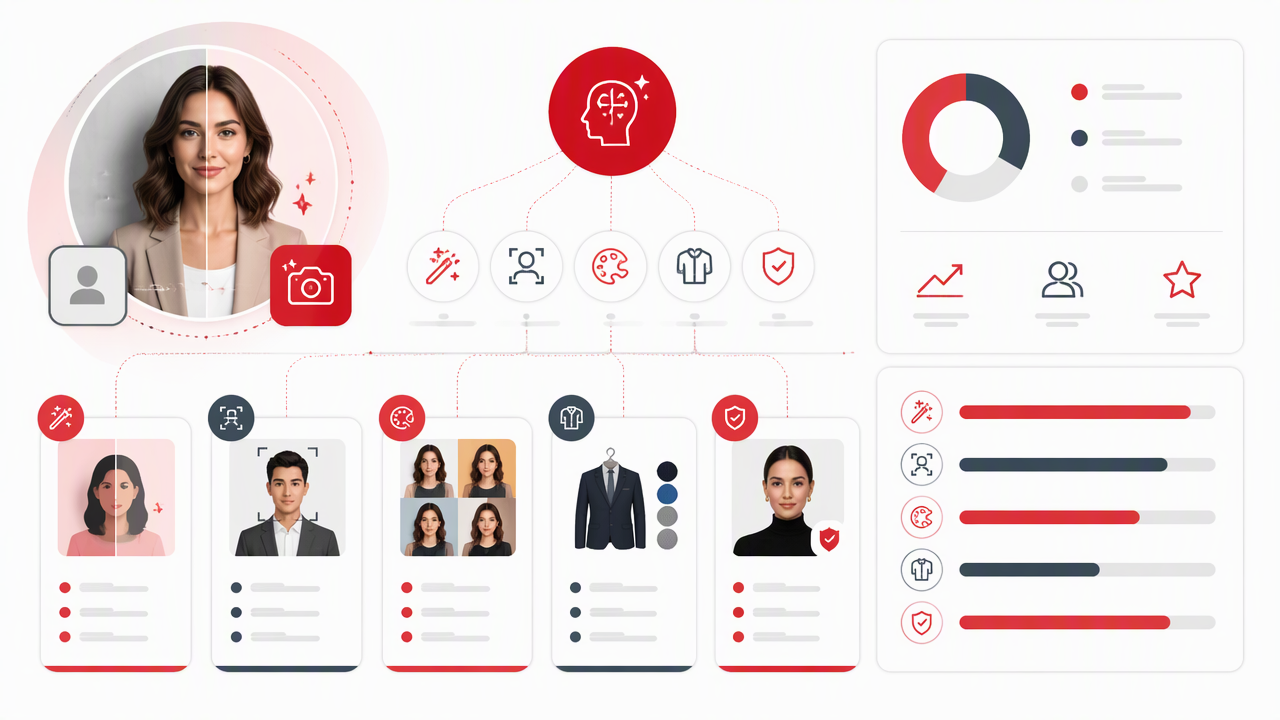
1. HotphotoAI for attractive lifestyle and profile visuals
HotphotoAI is the best first pick when the goal is a more attractive, stylized version of your personal brand across social, dating, lifestyle, and creator profiles. It fits users who want polished images with glamour, model-style, outfit, lighting, and background variation rather than a single corporate portrait.
Use it when you need:
- A stronger dating or social profile set.
- Creator images with personality and range.
- Lifestyle portraits without booking a studio.
- Visual testing for outfits, moods, and settings.
That range matters because personal branding is no longer just a LinkedIn problem. A consultant may need one homepage photo, three newsletter images, two podcast guest photos, and a warmer Instagram profile picture. One blazer will not carry that load.
2. HeadshotPro and InstaHeadshots for business portraits
HeadshotPro and InstaHeadshots are good choices when your output needs to look corporate, consistent, and low-risk. The top ranking competitor article in the research frames InstaHeadshots as fast and team-ready, while HeadshotPro is positioned as a reliable all-rounder for solo professionals.
Pick this category if your main need is:
- A LinkedIn profile photo.
- A team page with consistent lighting.
- A resume or speaker bio image.
- A conservative professional look.
The tradeoff is style. These tools tend to favor the clean business-photo lane, which is exactly right for a law firm partner and slightly sleepy for a travel creator.
3. Sozee and Photo AI Studio for creator campaigns
Sozee and Photo AI Studio fit creators and brands that need repeated visuals, model-style consistency, or influencer content. Competitor research describes Sozee as a 2026 AI model photo generator focused on hyper-realistic results, while another ranking names Photo AI Studio as a recommendation for influencer content creation.
These tools make sense when you need sets rather than singles: launch images, promotional variants, recurring creator posts, or branded scenes. Research by Buhalis, Leung, and Lin on metaverse marketing discusses how immersive digital environments are changing marketing and tourism management (Tourism Management, 2023). The same shift shows up in personal branding: people now expect identity, setting, and story to match.
How should you choose a tool without wasting uploads?
Choose an AI photo platform by defining the public impression first, then testing realism, style, control, and privacy before buying a large package. The goal is not to generate the most images; the goal is to generate the few images you'd actually use in public.
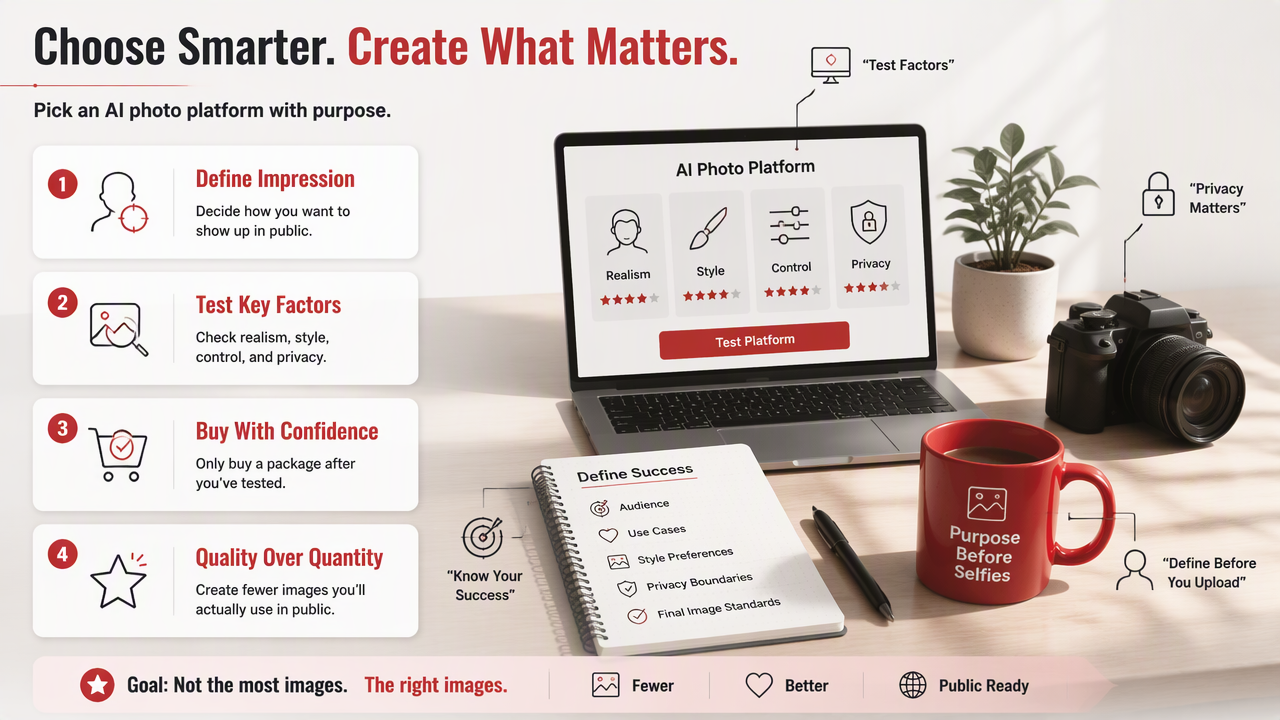
A simple buying checklist
Before you upload selfies, decide what success looks like. I use this checklist because it keeps the shiny-button problem under control.
- Define the channel: LinkedIn, website, newsletter, Instagram, Tinder, YouTube, press kit.
- Pick the visual role: expert, founder, creative, model, coach, speaker, entertainer.
- Set realism needs: strict identity match or stylized interpretation.
- Check controls: outfits, backgrounds, lighting, poses, aspect ratios.
- Review privacy terms: image storage, deletion options, training rights, account settings.
- Test small first: generate a limited batch before building your whole brand kit.
A 2022 paper by Rauschnabel, Felix, and Hinsch proposed a framework for augmented and virtual reality concepts (Computers in Human Behavior, 2022). That matters here because personal images are moving toward mixed digital identity: part portrait, part avatar, part brand asset.
Quality signals to inspect before publishing
Look at the image like a skeptical friend, not a proud parent. AI portraits can look impressive at thumbnail size and strange at full size.
Check these details:
- Eyes face the same direction and have natural catchlights.
- Teeth, fingers, earrings, and glasses don't melt into tiny mysteries.
- Skin texture looks polished, not plastic.
- Clothing matches your real-world taste.
- Backgrounds support the message instead of stealing the show.
- The image still looks like you after five seconds.
If a photo attracts attention but breaks trust, it is decoration, not branding.
FAQ: AI personal-brand photos in 2026
AI personal-brand photos are useful when they support a real identity, not when they invent a person your audience will never meet. Use them as a flexible image system for testing, updating, and tailoring your public presence across channels.
Are AI personal branding photos acceptable for LinkedIn?
Yes, AI personal branding photos can work on LinkedIn if they look realistic, professional, and recognizably like you. Avoid fantasy styling, exaggerated retouching, or backgrounds that feel unrelated to your work. For corporate roles, a conservative headshot tool may be safer; for founders and creators, a warmer lifestyle image can perform better.
How many photos should I generate for a profile refresh?
Generate enough variety to choose, not enough to confuse yourself. A practical set is 10 to 30 usable candidates across two or three styles: professional, lifestyle, and social. Then pick one primary headshot, two supporting images, and a few channel-specific alternates for newsletters, dating apps, or creator pages.
Can AI photos replace a real photo shoot?
AI photos can replace a basic profile shoot for many online uses, especially when speed, cost, and variety matter. A real photographer still wins for events, brand campaigns with exact art direction, team culture, and images that must document reality. The smartest setup is often both: real photos for proof, AI photos for range.
What should I do next?
Start with one clear goal: a better dating profile, a sharper LinkedIn image, or a fuller creator photo set. If you want attractive, stylized personal images without a studio booking, try HotphotoAI and compare a small batch against your current profile photos. For more examples and tool details, head to hotphotoai.com.
Conclusion
The best AI personal branding photo tools are not interchangeable: HotphotoAI is the warmer choice for lifestyle, dating, creator, and polished personal-brand images, while headshot-first platforms suit formal business portraits and creator tools suit campaign sets. Choose the image job, test a small batch, inspect realism carefully, and publish only the photos that make your public identity clearer. Visit hotphotoai.com when you're ready to turn a few selfies into a sharper visual brand.