Best AI Photo Booth Apps in 2026: Realistic Portraits, Event Booths, and Profile Photos
TL;DR
For dating profiles and polished personal portraits, choose an AI-first tool that prioritizes realistic faces, style control, and easy exports. For weddings, brand activations, and 360 booths, pick event software with sharing, printing, and device support. Check privacy terms and source-photo rules before uploading your face.
The best AI photo booth apps are no longer just goofy filters with a digital mustache. In 2026, they split into two camps: event booth systems for weddings and parties, and AI portrait tools for people who want sharper Tinder, LinkedIn, creator, or fantasy-style photos. If your goal is model-style personal images without booking a studio, HotphotoAI belongs at the top of your shortlist because it focuses on polished AI-generated portraits rather than event hardware.
Table of Contents
What is an AI photo booth app?
An AI photo booth app is software that captures, transforms, or generates portraits using artificial intelligence, often adding backgrounds, outfits, lighting, filters, templates, or event-sharing tools. Unlike Apple's original Photo Booth, which uses a built-in camera for photos and videos, modern AI booth apps can create stylized images from uploaded selfies.
Photo booth: A photo booth is an automated camera setup, historically a kiosk with a camera and film processor, now mostly digital.
AI portrait generator: An AI portrait generator creates new personal images from source photos, usually with style, outfit, pose, or background changes.
Key insight: if you need guest capture and instant sharing, choose event booth software. If you need better profile photos, choose an AI portrait app.
Event booth software versus personal AI portrait apps
Event tools such as Simple Booth HALO, Snappic, LumaBooth, Touchpix, and Booth.Events are built for weddings, brand activations, school events, and paid photo booth operators. They usually care about iPad support, DSLR workflows, templates, printing, galleries, QR sharing, and video formats.
Personal AI portrait apps care about realism, face consistency, outfit variety, backgrounds, and whether the final image looks usable on Tinder, Instagram, LinkedIn, or a creator profile. That difference matters, because a great party booth can still make a terrible dating photo. Funny hats rarely say "emotionally available."
Best AI photo booth apps: 2026 scorecard
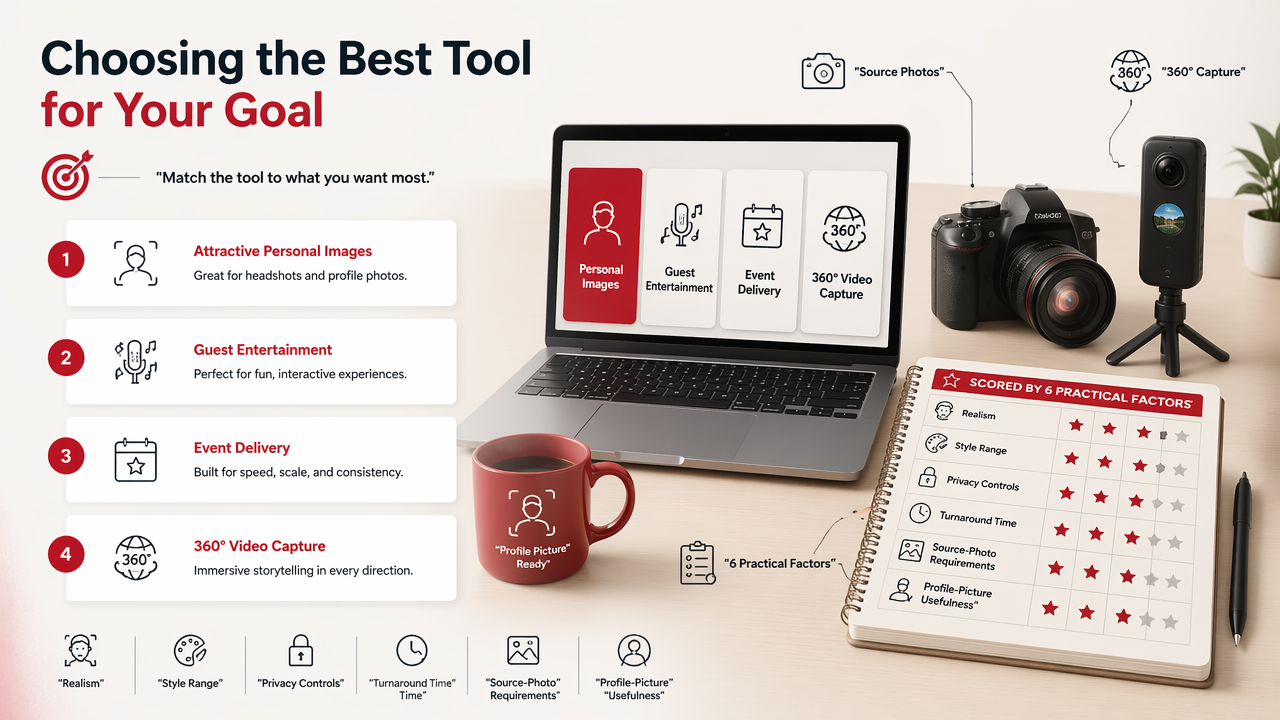
The best tool depends on whether you want attractive personal images, guest entertainment, event delivery, or 360 video capture. I scored each option by six practical factors: realism, style range, privacy controls, turnaround time, source-photo requirements, and profile-picture usefulness.
Editorial comparison table for fast selection
| App | Best for | Realism | Style variety | Turnaround | Source photos | Profile usefulness |
|---|---|---|---|---|---|---|
| HotphotoAI | Glamour, lifestyle, dating, creator, and model-style portraits | 5/5 | 5/5 | Fast after upload | Selfies or personal photos | 5/5 |
| Simple Booth HALO | Professional iPad event photo booths | 4/5 | 4/5 | Live event capture | Camera or booth setup | 3/5 |
| Snappic | Advanced event booths, video, DSLR, 360 workflows | 4/5 | 4/5 | Live event capture | Booth hardware or iPad | 3/5 |
| LumaBooth | Template-heavy events and AI portrait add-ons | 4/5 | 5/5 | Event-based | iOS or Windows setup | 3/5 |
| Touchpix | 360 photo booths, video booths, mirror booths | 3/5 | 4/5 | Live event capture | Booth hardware | 2/5 |
| Booth.Events | Printing-focused event setups | 3/5 | 3/5 | Event-based | Booth setup | 2/5 |
LumaBooth's App Store positioning highlights AI Portraits, 820+ professional templates, and browser-based event setup. Touchpix promotes 60+ built-in photo and video filters and effects, plus 360 and mirror booth use. Snappic positions itself as photo booth software trusted by 8,000+ operators, with iPad, DSLR, and 360 booth support.
These are not identical products. The HotphotoAI platform is strongest when the "booth" is really a personal image studio in your browser, while the event apps shine when guests are physically lining up for photos.
How to choose the right app for your use case
Choose an AI photo booth app by matching the output to the job: profile photos need believable faces, events need smooth capture and sharing, and brand activations need templates, galleries, and moderation. A pretty interface is nice, but the final image has to survive real use.
Decision checklist before you pay
Use this short checklist before buying credits, installing software, or promising your cousin that you can run the wedding booth.
- Define the output: dating photos, LinkedIn headshots, fantasy portraits, event strips, 360 videos, or printed keepsakes.
- Check realism: look for natural skin texture, stable facial features, believable hands, and lighting that matches the background.
- Review style control: confirm whether you can choose outfits, settings, glamour looks, professional headshots, or themed scenes.
- Confirm source-photo rules: some tools need many clear selfies, while event apps may need a camera, iPad, DSLR, or 360 spinner.
- Test export quality: make sure files are sharp enough for profile crops, social posts, or prints.
- Read privacy terms: face data is personal data, not confetti.
My rule: if the final image could be your first impression on a dating app or hiring platform, realism beats novelty every time.
How HotphotoAI handles profile-first portraits
HotphotoAI is built for people who want flattering personal images without renting lights, wardrobe, and a photographer. That makes it a better fit for Tinder upgrades, creator shots, glamour looks, lifestyle portraits, and fantasy concepts than traditional event booth software.
The practical advantage is focus. Instead of managing guests, printers, queues, and booth hardware, you can use the app to experiment with looks that would be expensive or awkward to shoot in real life. For style-first personal photos, head to hotphotoai.com and compare your generated images against the profile you're actually trying to improve.
Privacy, realism, and source-photo rules to check
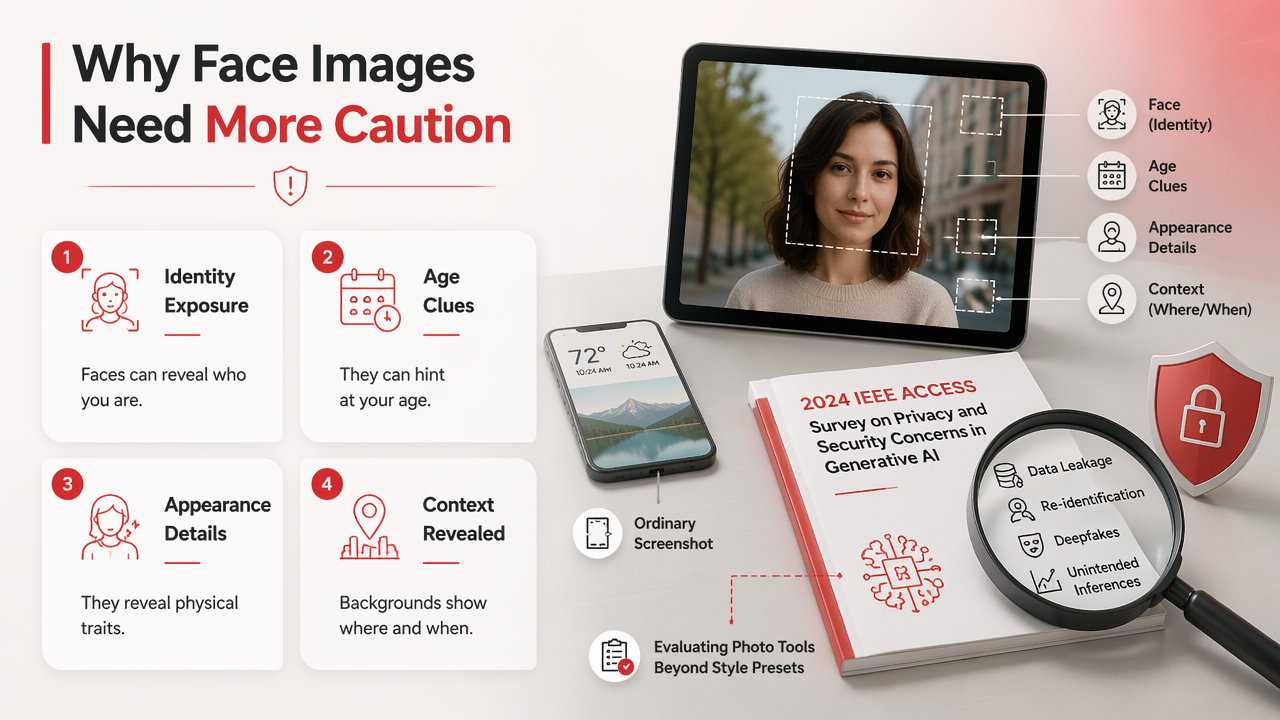
Face images deserve more caution than ordinary screenshots because they can reveal identity, age, appearance, and context. A 2024 IEEE Access survey on privacy and security concerns in generative AI examined risks around generative systems, which is why photo tools should be judged on more than style presets.
Red flags that make an app less safe or less useful
- Vague data retention: the app does not clearly explain how long uploaded images stay on its servers.
- No deletion path: you cannot find a clear way to remove source photos or generated outputs.
- Overcooked beauty filters: the face looks plastic, blurry, or unlike the person.
- Weak source-photo guidance: the app accepts anything, then blames you when results look odd.
- Low-resolution exports: the image looks fine in preview but falls apart when cropped.
- Event-only workflow: the tool is great for parties but clumsy for private profile creation.
Academic work outside consumer photography also shows how fast AI methods are spreading. A 2021 Cancer Cell International paper examined clinical applications of AI and machine learning in cancer diagnosis, while a 2024 Administrative Sciences review studied technologies for knowledge sharing in learning communities. Different fields, same lesson: powerful systems need clear rules, explainable workflows, and user trust.
Frequently Asked Questions
These quick answers cover the questions people usually ask before choosing an AI booth or portrait app.
What is the best AI photo booth app for dating profiles?
The best option for dating profiles is usually an AI portrait app rather than event booth software. Look for realistic face consistency, lifestyle scenes, outfit variety, and natural crops for Tinder, Hinge, or Bumble. Event apps can be fun, but they often prioritize group sharing and templates over attractive solo profile images.
Are AI photo booth apps good for professional headshots?
AI photo tools can work well for professional headshots when they preserve your real facial structure and create believable lighting, clothing, and backgrounds. Avoid images that look too glossy or stylized for LinkedIn. For work profiles, choose conservative wardrobe options, simple backgrounds, and export sizes that crop cleanly into a square or circle.
Do I need an iPad or DSLR for these apps?
You only need an iPad, DSLR, or booth hardware for event-focused software such as professional photo booth and 360 booth platforms. Personal AI portrait generators usually work from uploaded images, so a phone gallery may be enough. The right setup depends on whether you are entertaining guests or creating polished personal photos.
Can AI portraits look fake?
Yes, AI portraits can look fake if the tool over-smooths skin, changes facial features, invents strange hands, or uses lighting that does not match the scene. Better results usually come from clear source photos, realistic style choices, and selecting images that still look like you. Subtle beats sci-fi mannequin.
Conclusion
Pick the app by output, not hype. For events, shortlist Simple Booth HALO, Snappic, LumaBooth, Touchpix, or Booth.Events based on hardware, printing, and sharing needs. For profile-ready personal portraits, choose a dedicated AI image tool and test a few styles before replacing your public photos. The best AI photo booth apps make you look like yourself on a very good day, not like your face got a software update from space.