Best AI Portrait Generators for Dark Skin: A 2026 Buyer’s Guide
TL;DR
Choose a portrait generator by skin-tone fidelity and facial likeness, not its prettiest sample. Treat this shortlist as a starting point: performance and current prices aren't verified, so compare matched portraits and cost per usable image before buying.
The best AI portrait generators for dark skin should make you look well photographed, not like somebody else. For dating profiles, creator portraits, or polished personal images, I'd start with a clear brief: recognizable features, natural undertones, and lighting that suits your complexion. HotphotoAI belongs on that personal-portrait shortlist.
AI portrait generator: Software that creates or transforms portrait images using artificial intelligence.
Dark skin: Human skin rich in melanin pigments; the term covers many shades and undertones, not one interchangeable color.
Contents: Tool shortlist · Tone accuracy · Testing workflow · Choosing · FAQ
Table of Contents
Which AI portrait tools belong on your shortlist?
HotphotoAI, Fotor, Proshoot, and Lumenor are candidates to investigate, but the supplied research doesn't establish a tested winner for dark skin. It contains search-result descriptions, not matched-subject experiments, verified checkout prices, or usable-photo counts. I wouldn't turn that into a gold-medal ceremony.
A useful comparison starts with your intended result: a personal profile portrait, professional headshot, or creative image. Keep that goal consistent when reviewing each option.
Candidate comparison and verification status
The table separates each candidate's role in your search from the evidence still needed for a purchase decision.
| Tool | Shortlist role | Tone accuracy | Facial likeness | Usable-photo rate | Verified pricing |
|---|---|---|---|---|---|
| HotphotoAI | Personal portraits for your profile-photo brief | Not measured | Not measured | Not measured | Not supplied |
| Fotor | Headshot candidate | Not measured | Not measured | Not measured | Not supplied |
| Proshoot | Realistic-headshot candidate | Not measured | Not measured | Not measured | Not supplied |
| Lumenor | Creative imagery featuring dark skin | Not measured | Not measured | Not measured | Not supplied |
These are research candidates, not performance rankings. Confirm that each current service supports your intended workflow, particularly uploaded-person likeness rather than text-generated fictional people.
For pricing, record the checkout total, included outputs, renewal terms, and any separate charges. A search snippet's price isn't a verified 2026 offer.
What does accurate dark skin look like?
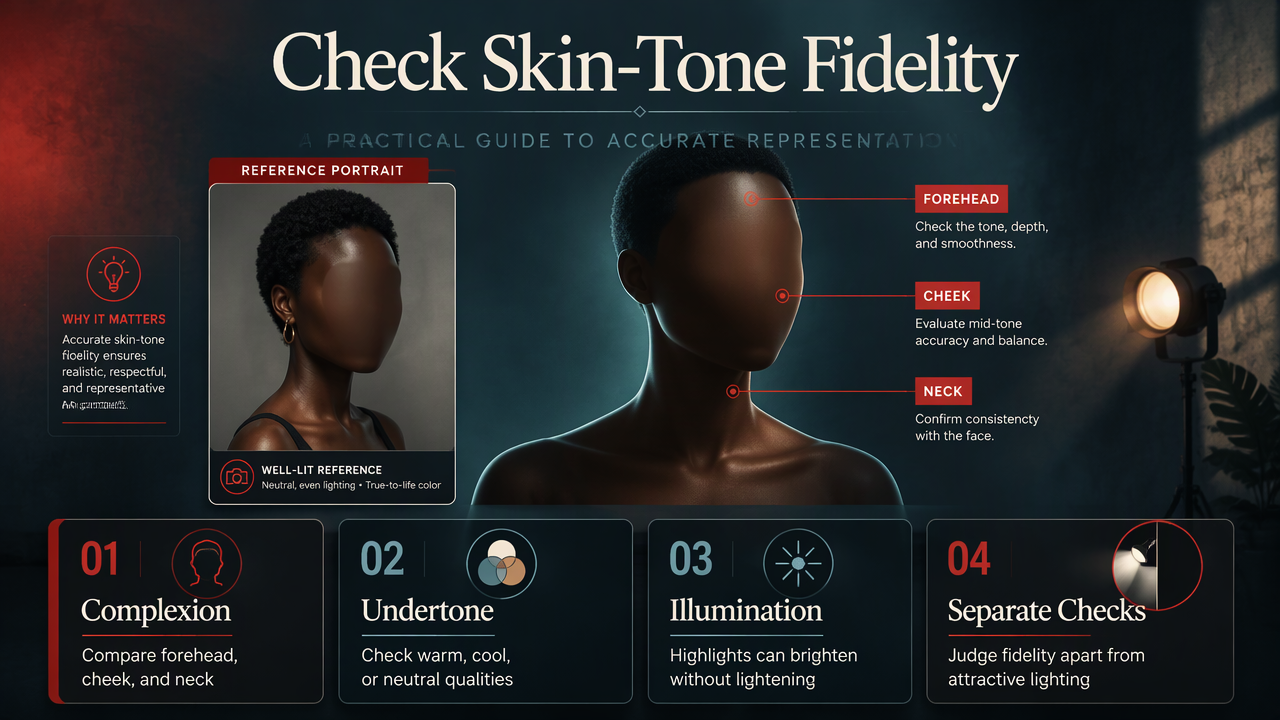
Accurate dark skin in an AI portrait preserves the subject's underlying complexion and undertones while allowing believable changes in illumination. Brighter highlights don't automatically mean lightening, and deeper shadows don't automatically mean accuracy. Compare several facial areas against a well-lit reference rather than judging one shiny cheek.
Separate complexion from photographic style
Skin-tone fidelity and attractive lighting are different checks, so assess them separately.
- Complexion: Does the forehead, cheek, and neck retain a believable relationship to the reference?
- Undertones: Are warm, cool, or neutral qualities recognizable under comparable lighting?
- Texture: Does skin retain detail instead of becoming a uniform painted surface?
- Likeness: Are the nose, lips, jaw, and eye shape still yours?
A moody image can look excellent while concealing useful evidence. For an initial evaluation, I'd choose soft, neutral lighting before nightclub neon or fantasy styling. Your cheekbones don't need a witness-protection program.
The 2021 review by Anantrasirichai and Bull examines artificial intelligence in creative industries. It provides broader context, not a complexion-specific rating of these tools.
A flattering portrait passes two separate tests: it looks good, and the person pictured still looks like you.
How do you test generators fairly?
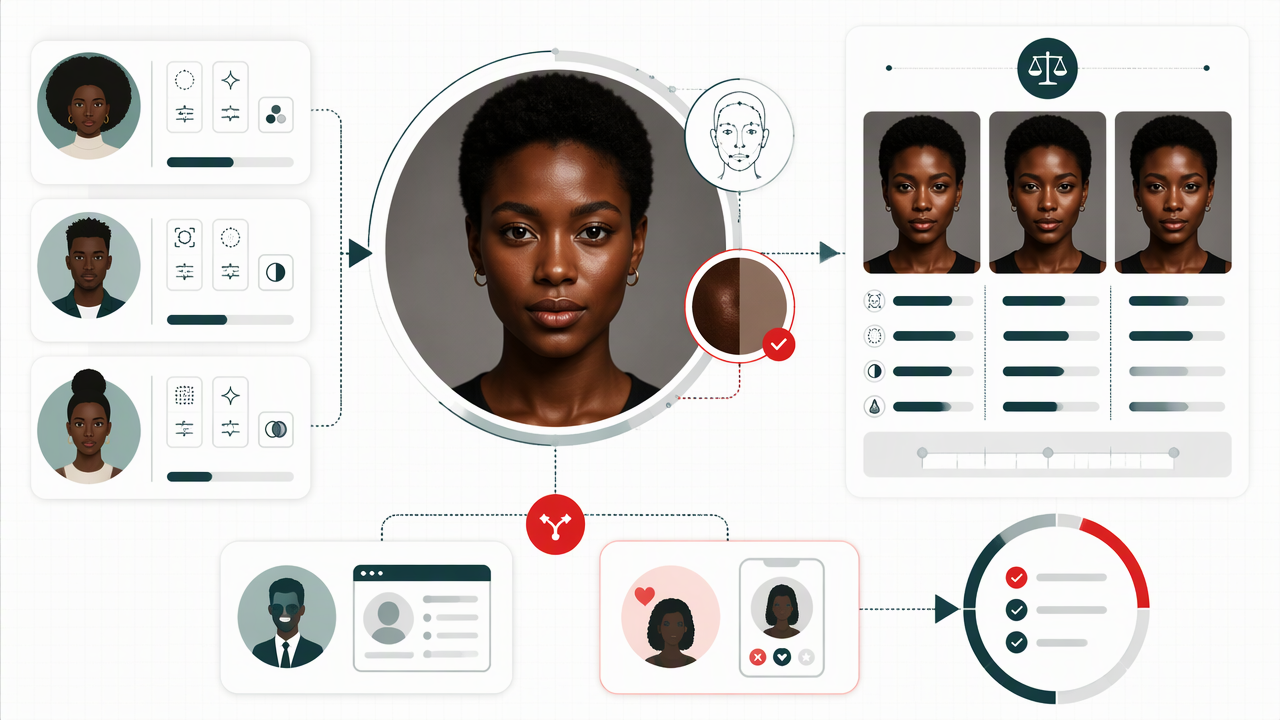
Test portrait generators with the same consenting subjects, comparable reference photos, and a shared portrait brief. Evaluate tone, likeness, and usefulness separately, then calculate cost per accepted image. Keep every output in the review so a single impressive sample doesn't stand in for the whole package.
A repeatable matched-subject workflow
A fair test changes the tool while keeping the subject and creative request as consistent as each service permits.
- Get consent: Explain where photos will be uploaded and how generated images will be used.
- Prepare references: Use clear, unfiltered photographs with visible facial detail and neutral lighting.
- Match the brief: Request the same framing, outfit category, background, and lighting wherever supported.
- Review anonymously: Hide tool names during evaluation and include the subject's judgment.
- Count accepted outputs: Divide usable portraits by all delivered portraits, including duplicates and rejected images.
- Record actual spending: Divide the paid total by accepted portraits, and check deletion terms before uploading.
Use a consistent display setup for review; changing brightness between batches adds another variable.
Clearly labeled evaluation example
An illustrative brief might read: Create a chest-up portrait of the reference person in a navy shirt, against a neutral background, with soft window light. Preserve facial features, complexion, and natural skin texture.
That's a proposed test, not an example generated or measured here. If a service doesn't accept prompts, select its closest available preset and record the difference.
The 2023 ImageReward paper by Xu and colleagues concerns learning and evaluating human preferences for text-to-image generation. It's relevant background for preference assessment, not evidence that any shortlisted product preserves dark skin better.
Who should pick which portrait option?
Choose by intended use first, then require evidence that the result preserves your identity. A dating-profile photo, a professional headshot, and a fantasy portrait have different jobs; one universal winner would be a suspiciously convenient answer.
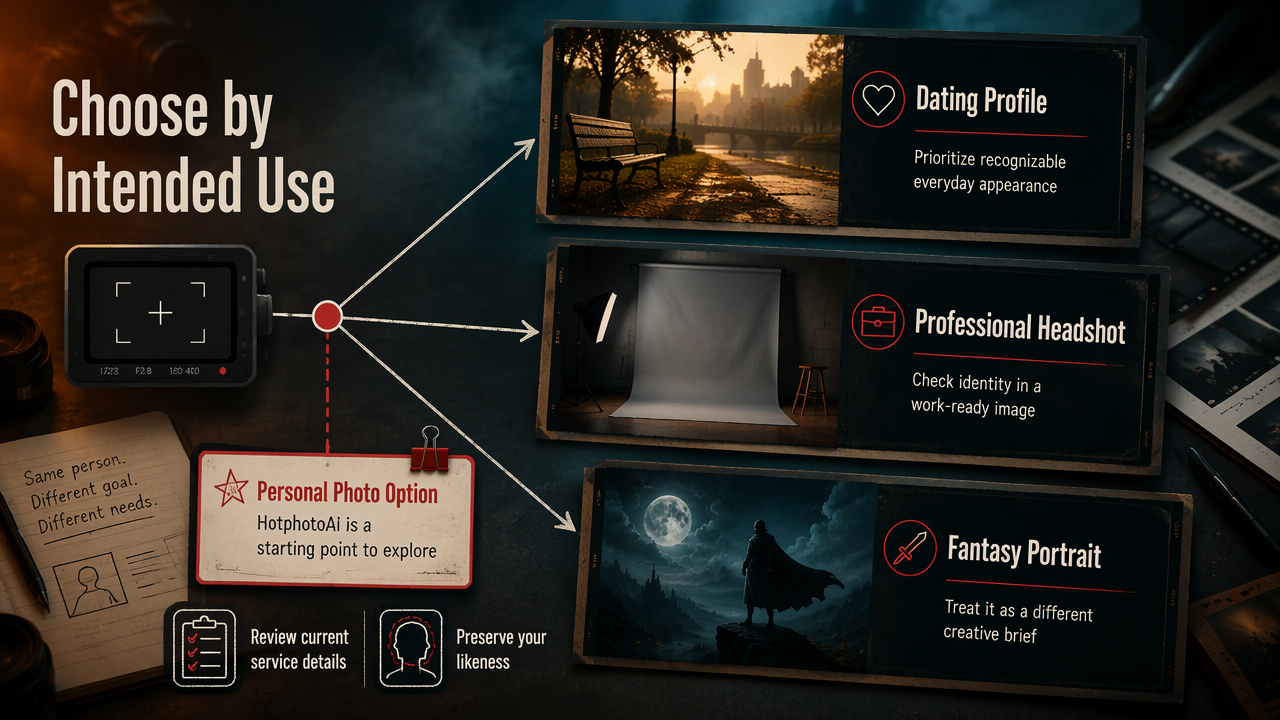
For a personal-photo brief, HotphotoAI is a starting point to explore. Visit hotphotoai.com with your intended setting, outfit, and mood in mind, then review the current service details.
Match the shortlist to your publishing goal
Your publishing goal determines which candidates deserve closer inspection.
- Dating profiles: Prioritize recognizable everyday appearance and believable settings over heavy glamour.
- Professional profiles: Investigate Fotor and Proshoot against your employer's expectations for headshots.
- Creative portraits: Explore Lumenor's dark-skin imagery for visual direction, while checking its current personal-portrait workflow.
I'd keep a real photograph alongside stylized images when an accurate first impression matters. For fantasy work, give creativity more room, but make the styling intentional.
FAQ: Dark-skin AI portraits
The practical questions are whether a tool preserves your complexion, how much control you have, and what a usable result actually costs.
Can AI portraits make dark skin look lighter?
An AI-generated portrait can depict a different apparent complexion from its reference, so inspect the result rather than assuming fidelity. Lighting, exposure, and stylization can also change appearance. Compare neutral-light outputs with your reference, looking across the face and neck instead of relying only on bright highlights.
Should I mention skin tone in my prompt?
If the tool accepts prompts, ask it to preserve the reference person's complexion and undertones. Describe lighting separately, such as soft window light or a warm studio background. I'd avoid requesting a new skin color when the goal is identity preservation, and review the output because wording alone isn't a guarantee.
Is the cheapest portrait package the best value?
The cheapest package is best value only if it delivers enough portraits you'll actually use. Compare total spending with accepted outputs, not advertised image volume. Check recurring billing, extra charges, resolution, and usage terms before purchasing. Current verified prices weren't supplied for this shortlist, so confirm them directly.
Conclusion
Start with one clear portrait brief and a neutral reference photo. Explore HotphotoAI for your personal-photo goal, then use the same tone, likeness, and acceptance checks across your shortlist. Pay for the result you can confidently publish, not merely the largest pile of pictures.