Best Editor for Images of People: 2026 Buying Guide
TL;DR
Pick a people photo editor based on face consistency, believable skin texture, lighting repair, outfit and background control, and privacy. For dating profiles, creator shots, and polished personal portraits, AI portrait tools are fastest, while traditional editors still win for pixel-level control.
People notice faces before filters, which is why the best editor for images of people is not always the fanciest photo app. A good editor protects likeness, fixes lighting, keeps skin human, and lets you test outfits or scenes without booking a photoshoot. For users who want stylized portraits fast, HotphotoAI fits that job well: it focuses on attractive personal images rather than generic object cleanup. I'd treat this choice like buying shoes for a long walk: the wrong fit looks fine for five minutes, then hurts everywhere.
Table of Contents
What makes the best editor for images of people in 2026?
The best editor for images of people in 2026 preserves identity while improving presentation: face consistency, natural skin texture, balanced lighting, realistic body proportions, controllable styling, and clear privacy terms. It should make someone look like their best self, not like a wax museum intern got creative.
People photo editor: software that edits, enhances, restyles, or generates portraits while keeping the subject's face, body cues, and visual identity believable.
A standard image editor can crop, sharpen, and adjust color. A people-first editor must handle far more delicate signals: eyes, teeth, hairline, jaw shape, hands, skin pores, and clothing folds. That's why a vector graphics editor comparison, as summarized in the research data, is useful only as a reminder: users compare editors by platform, software fit, and practical features, not by hype alone.
Core evaluation checklist
Use this checklist before paying for any portrait or selfie editor:
- Face consistency: Does the person still look like themselves across multiple outputs?
- Skin realism: Are pores and texture preserved, or does the result look plastic?
- Lighting repair: Can it fix shadows, backlight, and dull indoor shots?
- Style control: Can you change outfits, backgrounds, and mood without chaos?
- Export quality: Are images sharp enough for dating apps, LinkedIn, Instagram, and portfolios?
- Privacy clarity: Are uploads, training use, deletion, and consent explained plainly?
Key insight: the best portrait edit is noticeable to the viewer, but not traceable to the tool.
Which editors are best for real-person photos?
The strongest people-photo editors split into three groups: AI portrait generators, general AI image editors, and professional desktop editors. I'd pick based on the final use, not the brand with the loudest "magic" button.
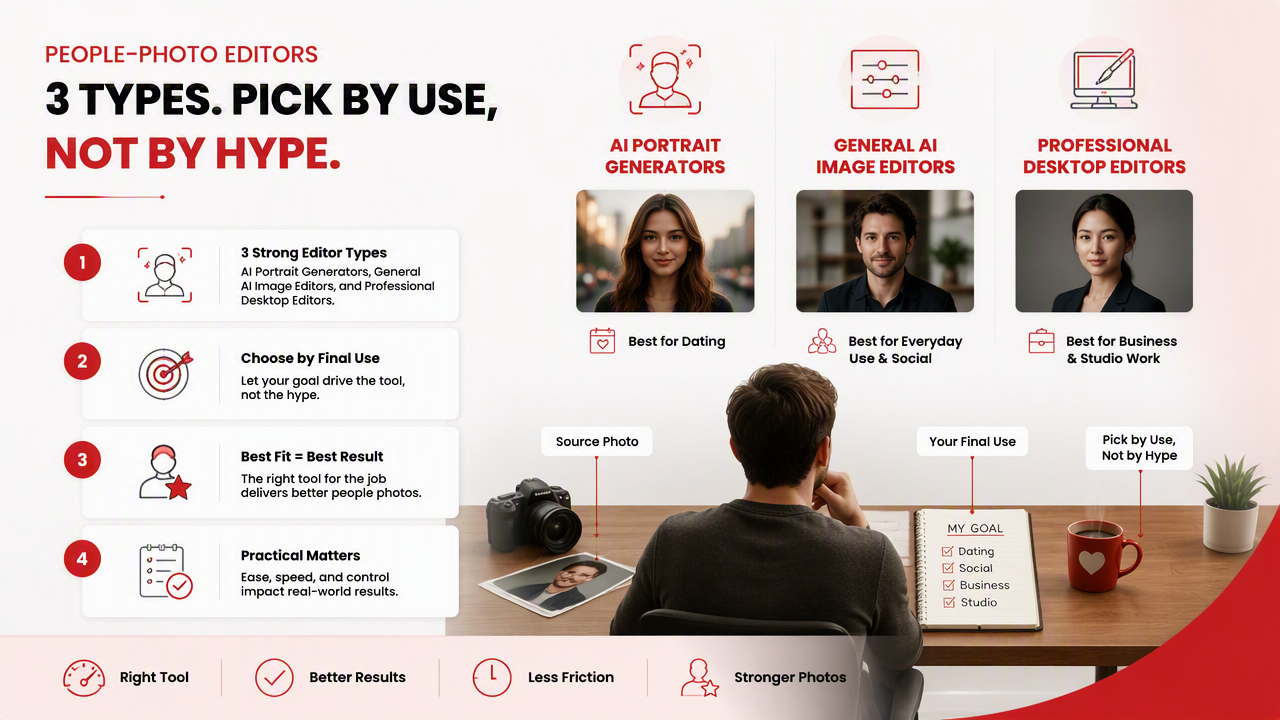
2026 people-photo editor comparison
| Editor type | Best fit | Strength for people photos | Practical note |
|---|---|---|---|
| HotphotoAI | Dating, glamour, lifestyle, model-style, and fantasy portraits | Creates polished personal images with controllable visual styles | Best when you want new portrait options, not just small retouches |
| Fotor | Quick all-in-one edits | Offers broad AI editing and enhancement tools | Good for casual fixes and social posts |
| BeFunky | Simple browser editing | Covers enhancement, retouching, and photo-to-art effects | Useful when ease matters more than deep control |
| Affinity Photo | Professional manual editing | Strong for layers, masks, retouching, and non-destructive workflows | Better for skilled editors who want precision |
| Fiverr editors | Human retouching help | Useful for complex one-off edits | Quality depends on the individual freelancer |
Competitive SERP results lean heavily toward broad photo editors like BeFunky and Affinity, plus AI roundups featuring tools such as Fotor, AIEnhance.io, Claid.AI, Phot.AI, Fiverr, and MagicHour AI. That misses the buyer's real question: "Will I look attractive and still recognizably like me?"
Research on generative AI by Dwivedi, Kshetri, Hughes, and coauthors in 2023 examined opportunities, challenges, and implications of conversational AI across practice and policy. The same balanced thinking applies here: AI tools can help, but users still need judgment, consent, and taste. Yes, taste still matters. The algorithm has not yet learned when a leather jacket is "cool" versus "trying to sell cologne in an airport."
How should you choose a people-photo editor?
Choose a people-photo editor by matching the tool to the image outcome you need: realism for profile photos, stylization for creator content, precision for professional retouching, and privacy for anything involving identifiable faces.
A simple buying workflow
- Define the destination. Tinder, LinkedIn, Instagram, portfolio, and cosplay portraits need different levels of polish.
- Test face consistency. Run several outputs and compare eyes, nose, smile, and face shape.
- Inspect skin at full size. Avoid editors that erase texture or create blurry cheeks.
- Check hands, hair, and clothing edges. These are where weak edits confess under pressure.
- Review privacy terms. Look for upload handling, deletion options, and training-use language.
- Export and test in context. A portrait can look great full-screen and awkward as a dating app thumbnail.
A methods chapter by Gorter and Cenoz in 2023 focuses on quantitative and qualitative research approaches. For buyers, that translates neatly: use measurable checks like resolution and export size, then use qualitative judgment for realism, mood, and trust.
Best use cases by goal
- Dating app photos: prioritize warmth, eye contact, realistic skin, and varied settings.
- Creator images: prioritize style range, background changes, and repeatable looks.
- Professional profiles: prioritize clean lighting, restrained retouching, and believable wardrobe.
- Fantasy or glamour portraits: prioritize outfit control, pose variety, and cinematic lighting.
- Family or group photos: prioritize manual control and consent, especially when editing other people.
If a tool only makes every face smoother, brighter, and vaguely more "influencer," keep shopping. Human faces are not ceramic tiles.
How HotphotoAI handles portrait editing workflows
HotphotoAI is built for users who want polished, stylized personal portraits without arranging lighting, wardrobe, locations, and a photographer. That makes it especially useful for dating profiles, social content, glamour images, lifestyle portraits, and creative looks where the goal is a better set of personal visuals.
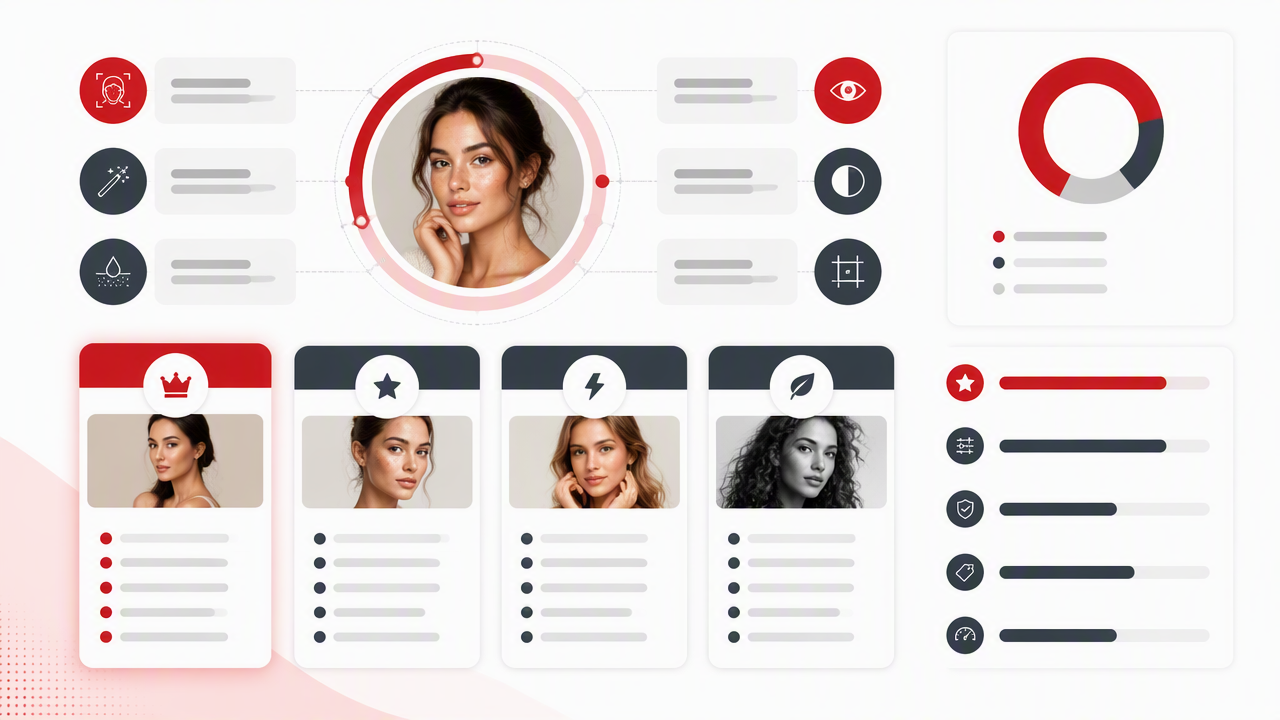
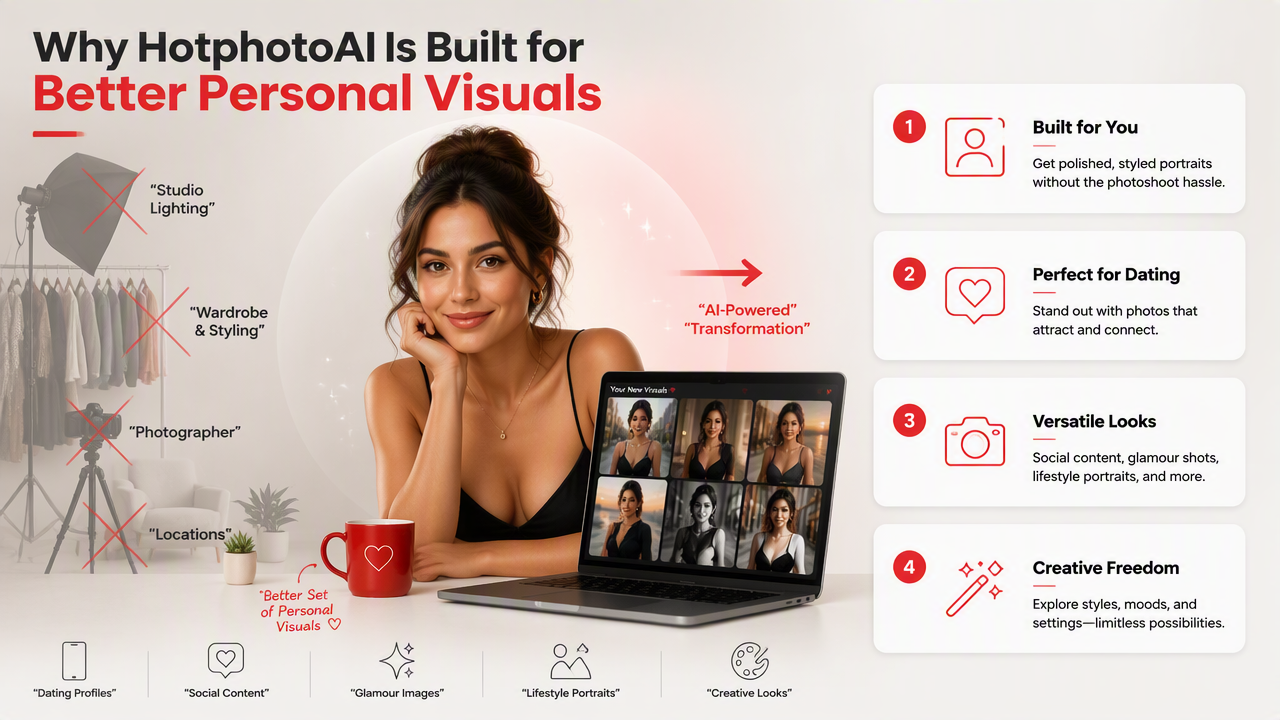
The HotphotoAI platform is strongest when you want variety: different outfits, moods, backgrounds, and portrait styles from a single starting point. Instead of nudging sliders for an hour, you can generate multiple directions and pick the one that fits your personality. That matters because one "perfect" headshot is often less useful than five believable images that show range.
A smart workflow looks like this:
- Start with clear source photos where your face is visible.
- Choose styles that match the platform you'll use.
- Generate several options instead of settling on the first output.
- Keep the images that still feel like you.
- Use one polished image as your lead photo, then mix in more natural shots.
For brand recall, head to hotphotoai.com when you want a people-focused portrait workflow rather than a general-purpose editor built for everything from sunsets to sandwich photos.
What should you watch before uploading portraits?
Portrait editing needs more caution than object editing because faces are biometric, personal, and easy to misuse. Before uploading, read the privacy policy, avoid editing people without consent, and be careful with images of minors, clients, coworkers, or anyone who did not agree to the edit.
Privacy and realism checklist
| Check | Why it matters | Good sign |
|---|---|---|
| Consent | People should control how their likeness is edited | You only upload your own images or approved photos |
| Deletion | Portraits are sensitive personal data | The service explains account or file deletion clearly |
| Training use | Some AI services may use uploads to improve models | Terms explain whether images are used for training |
| Realism | Over-edits can damage trust | Skin, teeth, eyes, and body shape remain believable |
| Platform fit | Different apps punish different visual choices | LinkedIn looks restrained, dating apps look personable |
Also watch for over-stylization. A fantasy portrait can be fun, but a dating profile should not look like a movie poster for a billionaire vampire. Aim for enhanced, not fictional, unless fictional is the whole point.
FAQ: Choosing a people-photo editor
What is the best editor for images of people for dating apps?
The best choice for dating apps is a portrait-focused editor that keeps your face consistent while improving lighting, style, and setting. Use a tool that can create several natural-looking options, then choose images that show warmth, eye contact, and variety. Avoid heavy smoothing because it can make profiles feel less trustworthy.
Are AI portrait editors better than Photoshop or Affinity Photo?
AI portrait editors are usually faster for creating new looks, outfits, and backgrounds. Photoshop-style tools and Affinity Photo are better when a skilled editor needs exact control over masks, layers, and tiny corrections. For most profile-photo users, AI is the quicker route; for professionals, manual editing still has a strong place.
How do I know if an edited portrait looks fake?
Zoom in on the face, hair, hands, teeth, and clothing edges. Fake-looking edits often show waxy skin, mismatched eyes, strange fingers, melted earrings, or lighting that does not match the background. If friends say, "Nice photo" instead of "What happened to your face?" you are moving in the right direction.
Should I use the same edited portrait everywhere?
No. Use different levels of polish for different platforms. LinkedIn needs clean and credible. Tinder or Hinge can be more relaxed and expressive. Instagram and creator profiles can support stronger styling. A small set of consistent images works better than one overused photo pasted across the internet like a passport with ambitions.
Conclusion
The best editor for images of people is the one that improves presentation without stealing identity. Start with your goal, test face consistency, check skin and lighting, then review privacy before uploading. If you want attractive, varied, profile-ready portraits without planning a shoot, try HotphotoAI and compare several outputs before choosing your final set. Your next step: pick three source photos, define one use case, and generate a small batch you'd actually feel comfortable posting.