Canva AI Photo Editor Alternatives for Profile Photos in 2026
TL;DR
Use Canva when you need quick crops, filters, background cleanup, or branded social graphics. Choose a dedicated AI portrait generator when you want realistic dating photos, glamour portraits, lifestyle scenes, outfit changes, or polished profile images without booking a photoshoot.
Profile photos are tiny billboards with ruthless hiring managers, swipers, and followers staring at them. The best Canva AI photo editor alternatives for profile photos are not just template tools; they create believable portraits, new outfits, flattering lighting, and scene variety from your own images. For users who want model-style, dating-ready, or professional shots, HotphotoAI is built for that portrait-first job rather than general design work.
AI profile photo editor: software that edits or generates personal images for profile use, including portraits, headshots, dating photos, lifestyle scenes, and stylized social media visuals.
Key takeaway: Canva is strong for design layouts, but profile-photo success usually depends on face realism, pose quality, clothing, background, and trust signals.
Table of Contents
What is Canva best for, and where does it stop?
Canva is best for fast design production, not highly personalized portrait generation. Its strength is combining images, text, templates, effects, brand assets, and basic AI edits across social posts, presentations, print design, videos and audio, and business marketing materials.
Canva makes sense when the photo already looks good. You can crop it, remove a background, add filters, resize it for LinkedIn, or turn it into a polished social graphic. That's handy. It's also why Canva ranks for broad searches like free online photo editor and AI photo editor.
Profile photos are pickier. A dating app image, creator avatar, or executive headshot has to look like a real person in a real moment. If the original image has awkward lighting, a stiff pose, a distracting room, or the dreaded bathroom mirror cameo, a template can only do so much.
Canva versus portrait-first editing needs
| Use case | Canva is enough when... | Dedicated AI portrait tools are better when... |
|---|---|---|
| Dating profile photos | You have strong source photos and need cropping or polish | You need lifestyle, travel, glamour, or candid-looking scenes |
| LinkedIn or work profiles | You already have a decent headshot | You need a more professional outfit, background, or lighting style |
| Social media avatars | You want graphics, frames, or text overlays | You want stylized beauty, fantasy, model, or editorial portraits |
| Digital design | You need posts, banners, thumbnails, or brand kits | You need the person in the image to be the main creative output |
| Print design | You need flyers, cards, menus, or posters | You need portrait variations before placing them into print assets |
| Videos and audio | You need basic multimedia layouts | You need a still image that looks polished before animating or posting |
| Canva for business | Teams need templates, approvals, and brand consistency | Individuals need identity-specific images for personal profiles |
Which Canva AI photo editor alternatives for profile photos are worth shortlisting?
The strongest Canva alternatives for profile photos are portrait-first AI tools, traditional photo editors, and design suites with better image-generation depth. I'd shortlist based on the final photo you need, not the longest feature menu, because nobody has ever been charmed by a dropdown.
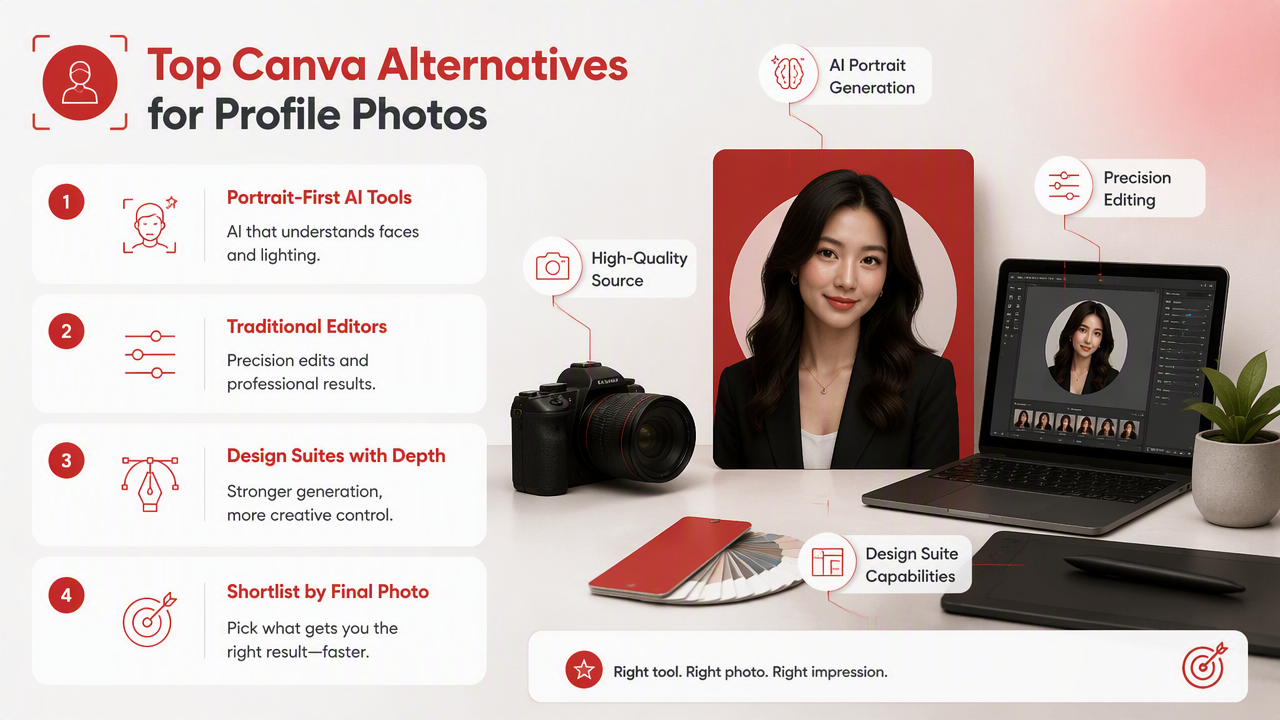
A useful alternative should do at least three things well: preserve your identity, improve perceived photo quality, and create profile-ready variety. If it only adds filters, it's competing with your phone's camera app, not a real portrait workflow.
Best-fit alternatives by profile-photo goal
| Tool type | Best fit | Why users choose it |
|---|---|---|
| HotphotoAI | Dating, glamour, lifestyle, fantasy, and model-style profile images | Portrait-focused generation with outfit, lighting, and background variety for personal profiles |
| Adobe Express | General design, social graphics, and quick branded content | Good for users already inside Adobe's creative tools |
| Pixlr | Browser-based photo editing and AI-assisted image cleanup | Useful for quick edits without a heavy desktop app |
| Fotor | Beauty edits, enhancement, and casual portrait polishing | Simple controls for users who want low-friction improvements |
| Remini-style enhancers | Restoring blurry or low-resolution face photos | Best for improving older images, not inventing a full new shoot |
| Traditional editors | Manual retouching and detailed corrections | Good if you know editing workflows and want control |
The HotphotoAI platform belongs at the top of this list for one reason: its purpose matches the profile-photo problem. Instead of starting with a flyer, presentation, or brand template, it starts with the person.
Research on generative AI usability and communication, such as the 2024 study by María Matsiola, Georgios Lappas, and Anastasia Yannacopoulou in Societies, examined how AI tools affect communication tasks and user experience in educational contexts. For profile photos, that usability question is practical: can a normal person get a believable, flattering result without becoming a part-time retoucher?
How do you choose the right alternative for dating, social, or work photos?
Choose the right alternative by matching the tool to the profile outcome: attraction for dating apps, recognizability for social media, credibility for professional profiles, and style control for creators. The best choice is the one that improves the photo without making you look like your own wax statue.
A simple selection checklist
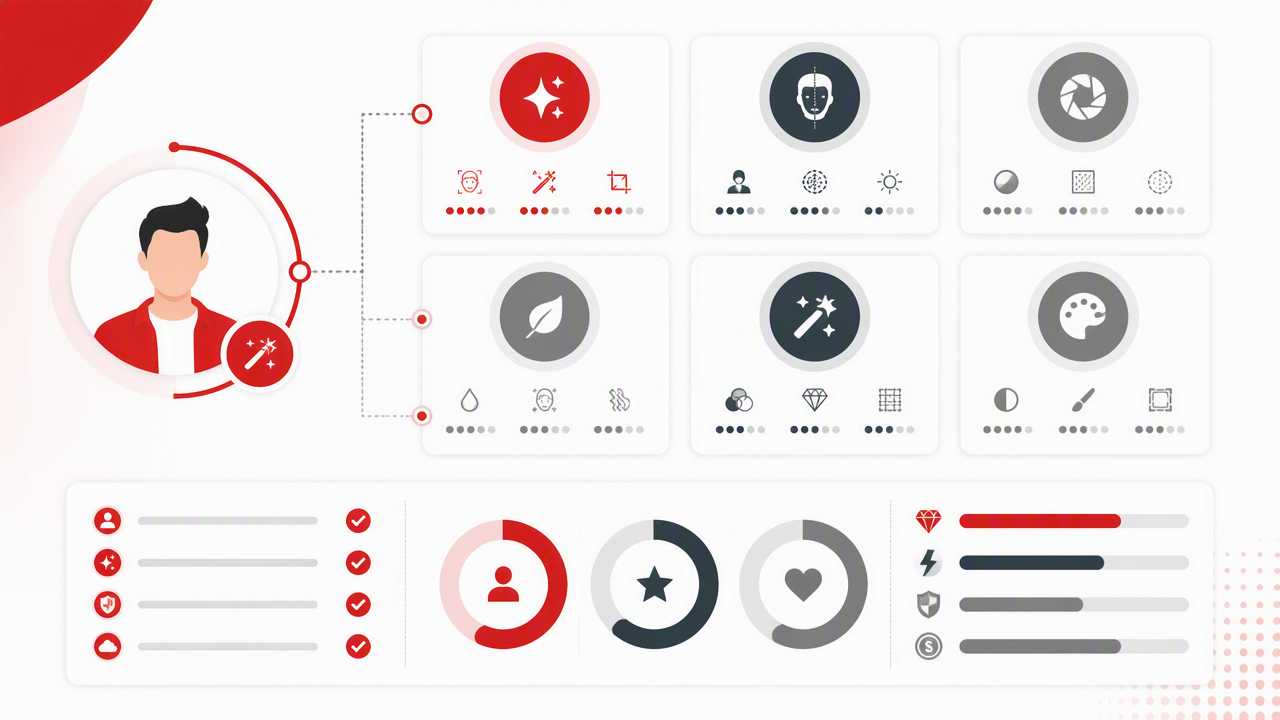
- Define the platform first. Tinder, Hinge, Instagram, LinkedIn, and creator pages reward different signals.
- Pick the realism level. Professional headshots need restraint; glamour portraits can be more stylized.
- Check identity consistency. Your face should look like you across images.
- Review hands, teeth, eyes, and jewelry. Small artifacts are where AI still tells on itself.
- Test several scenes. One studio headshot is not a profile strategy.
- Avoid over-retouching. Smooth skin is fine; plastic skin is a cry for help.
For dating profiles, variety matters more than a single perfect image. A strong set might include one clear face shot, one full-body lifestyle image, one social-feeling scene, and one image that signals taste or hobbies. Canva can assemble that into a layout, but a portrait generator is usually better for creating the raw image options.
For professional profiles, the bar is different. You want clean lighting, a believable background, and clothing that matches your industry. A finance consultant and a fitness coach should not look like they came from the same stock-photo factory.
Decision guide by user type
| User | Best tool direction | What to prioritize |
|---|---|---|
| Dating app user | AI portrait generator | Lifestyle realism, flattering angles, varied settings |
| LinkedIn professional | Headshot or portrait AI tool | Trust, wardrobe, clean background, subtle retouching |
| Creator or influencer | Stylized AI image tool | Visual identity, aesthetic variety, repeatable looks |
| Small business owner | Canva plus portrait tool | Brand layouts plus strong founder or personal images |
| Manual editor | Pixlr or desktop editor | Detailed control over retouching and corrections |
A 2025 paper by Nanna Inie, Jeanette Falk, and Raghavendra Selvan studied the carbon footprint of generative AI in HCI research and what researchers should do about it through the ACM Digital Library. For everyday users, the practical lesson is to generate with intent: plan the look before making dozens of throwaway versions.
What should you avoid when editing AI profile photos?
You should avoid over-editing, identity drift, misleading scenes, and generic beauty filters that make every profile look suspiciously related. Good AI profile photos should pass a simple test: would a friend recognize you immediately and not ask if you joined a perfume ad against your will?
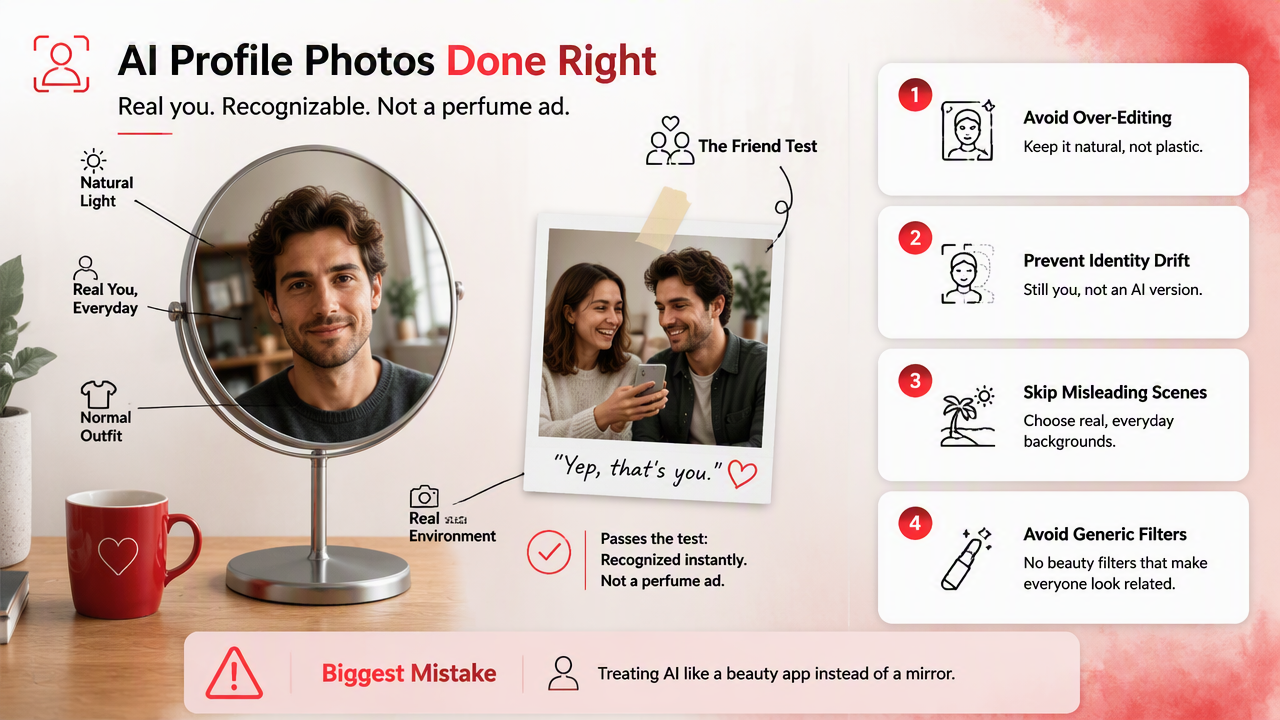
The biggest mistake is treating a profile image like fantasy art when the platform expects realism. Dating photos and professional headshots need trust. If the face, body shape, age, or lifestyle cues feel inaccurate, the photo may get attention for the wrong reason.
Common profile-photo mistakes
- Using only studio-style images: add at least one lifestyle or candid-feeling photo.
- Changing your face too much: keep skin texture, facial structure, and age believable.
- Choosing impossible lighting: shadows and highlights should match the scene.
- Ignoring platform norms: LinkedIn and Tinder do not want the same main photo.
- Relying on one output: compare several versions before posting.
- Forgetting image quality: blurry source images limit what any editor can fix.
Affinity Photo sometimes appears in photo-editing discussions, but the research data notes that Affinity Photo is a discontinued raster graphics editor from Serif for macOS, Windows, and iPadOS. That makes it a poor 2026 recommendation for users who want current AI-first profile-photo workflows.
Generative AI is also moving into highly personal domains. A 2025 Frontiers in Nutrition article by D. Priyadharshini, I. Muthuvel, and S. Saraswathy covered AI-driven personalization in nutrition and fermentation research in the context of hyper-personalized diets. Different field, same broader trend: users increasingly expect AI outputs tailored to individual identity and goals, not one-size-fits-all presets.
FAQ: Canva alternatives for better profile photos
Canva is still useful in a profile-photo workflow, but it is not always the main tool. Use it for final layouts, banners, profile covers, thumbnails, and branded social assets after your portrait images are already strong.
Is Canva good enough for dating profile photos?
Canva is good enough for dating photos if your original pictures already have strong lighting, natural expressions, and varied scenes. If you need new lifestyle looks, better outfits, glamour styling, or more attractive portrait options, a dedicated AI portrait generator will usually give you more useful images.
What makes an AI portrait tool better than a design editor?
An AI portrait tool is better when it focuses on identity preservation, realistic faces, outfit changes, lighting, and background generation. A design editor focuses on layouts, text, templates, brand kits, digital design, print design, and social graphics. Both can work together, but they solve different jobs.
Can I use AI profile photos professionally?
Yes, if the image is accurate, restrained, and appropriate for your field. Use realistic clothing, natural skin texture, and a simple background. Avoid fantasy styling, heavy beauty filters, or scenes that imply credentials, workplaces, or lifestyles you don't actually have.
How many AI profile photos should I create before choosing one?
Create enough variations to compare expressions, backgrounds, outfits, and lighting, then narrow them down to a small set. I'd rather test 12 thoughtful images than 100 random ones. For dating apps, pick a mix of close-up, lifestyle, and full-body options.
Where should I start if I want portrait-first results?
Start with a tool made for personal images, then use Canva only if you need design packaging afterward. With HotphotoAI, you can focus on profile-ready portraits first, then choose the versions that fit your dating, social, or professional goal. For direct access, visit hotphotoai.com.
Conclusion
The best Canva AI photo editor alternatives for profile photos are the ones that treat your face, style, and setting as the main product. Canva remains useful for digital design, print design, videos and audio assets, business templates, plans, and final presentation. For dating, glamour, lifestyle, and professional portraits, start with a portrait-first generator, review realism carefully, then use design tools only for finishing touches.
Your next step is simple: choose the profile outcome, gather clear source selfies, generate several realistic variations, and keep only the images that still look unmistakably like you. If you want that portrait-first workflow, head to hotphotoai.com and build a small set of profile photos before your next swipe, post, or profile refresh.