Cloud Photo Storage for AI-Generated Photos: A 2026 Guide
TL;DR
Use cloud storage for AI images like a working photo vault: keep originals, edited versions, prompts, and exports in clearly labeled folders. Pick services based on privacy, search, sharing controls, and backup depth, not just free space.
Cloud photo storage for AI-generated photos is no longer a nerdy afterthought; it's how creators keep their best portraits, fantasy edits, profile images, and prompt experiments from becoming a glittery junk drawer. If you create polished personal images with HotphotoAI, a smart storage workflow helps you save every useful version, compare looks, and reuse winning styles without digging through 400 files named "final_final2.png."
Table of Contents
What is cloud photo storage for AI-generated photos?
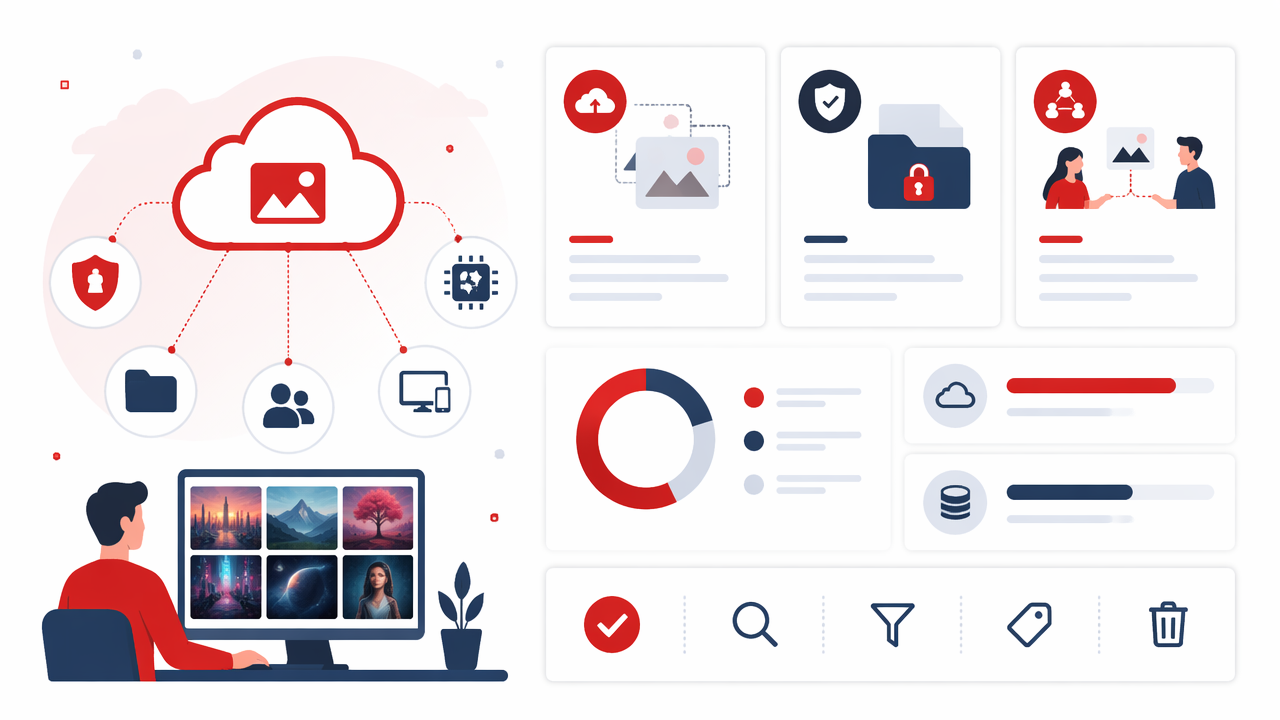
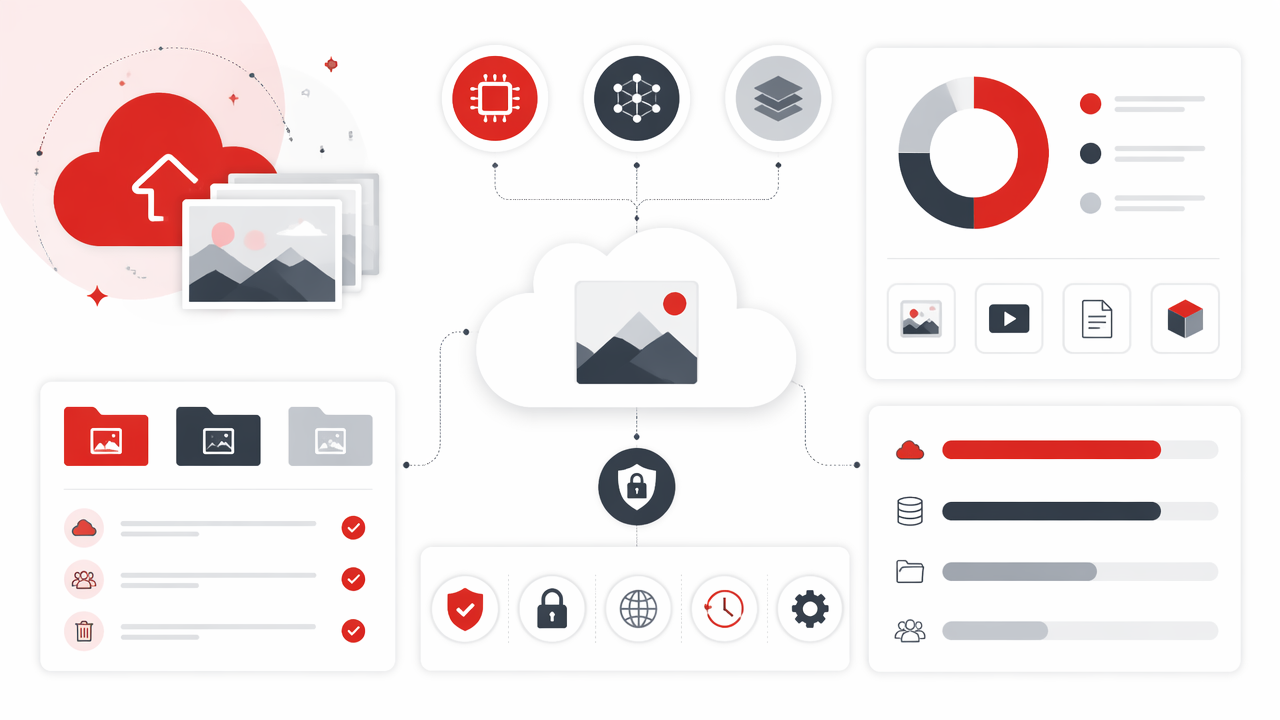
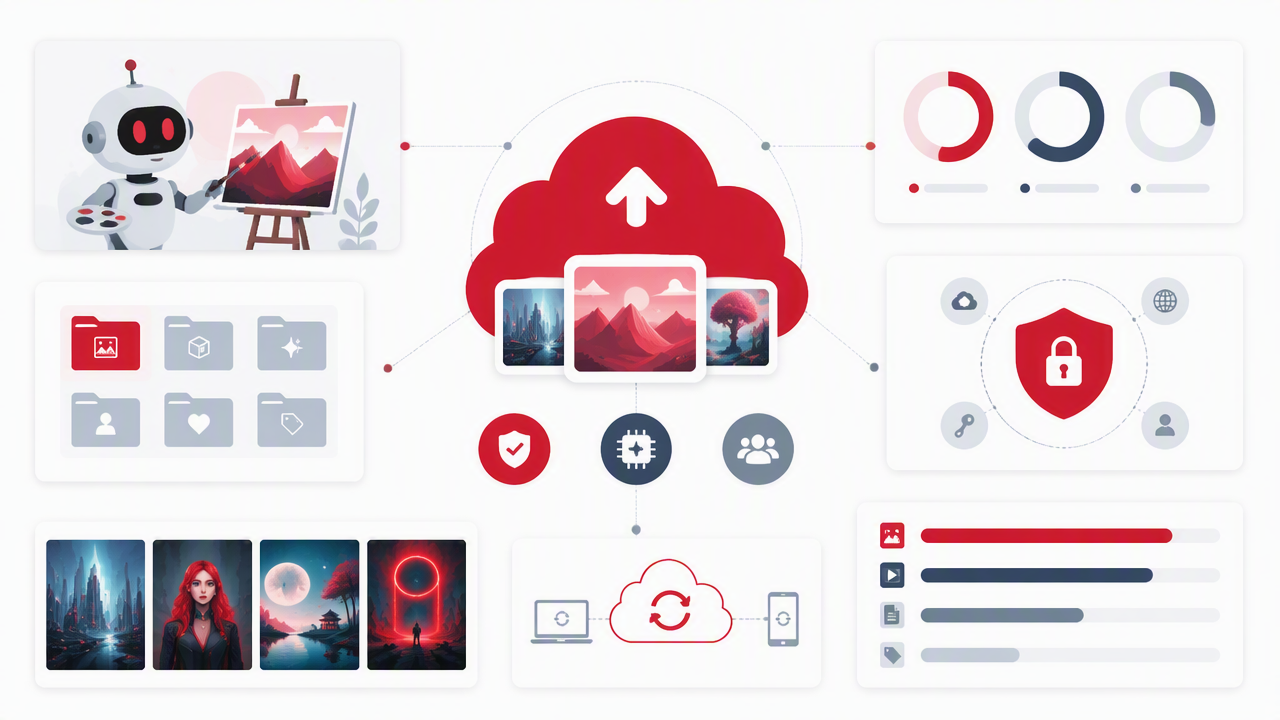
Cloud photo storage for AI-generated photos is the practice of saving AI-created images, source selfies, prompts, edits, and exports in an online storage service so they can be backed up, searched, shared, and reused across devices.
Cloud photo storage: an online system that keeps image files on remote servers instead of only on your phone, laptop, or external drive.
Google Photos is a photo sharing and storage service developed by Google, announced in May 2015 and spun off from Google+. Amazon Drive, formerly Amazon Cloud Drive, was a cloud storage application that offered cloud storage, file backup, file sharing, and photo printing before Amazon changed its consumer storage direction.
For AI images, storage needs are slightly different from normal vacation photos. You may want to preserve a source photo, 20 generated variations, the prompt, the model style, the final crop, and a platform-specific export for Tinder, Instagram, LinkedIn, or a portfolio.
Treat AI portraits like creative assets, not disposable screenshots. The useful file is often the one you almost deleted.
What belongs in an AI photo archive?
A good AI-photo archive keeps context with the image, because a beautiful output is hard to recreate if the prompt, style, and source image vanish.
- Source photos: the selfies or reference images you uploaded.
- Generated outputs: all useful AI variations, not every failed test.
- Final edits: cropped, retouched, color-corrected, or upscaled versions.
- Prompt notes: text prompts, style labels, outfit ideas, and scene notes.
- Usage exports: square, vertical, profile, banner, and print-ready sizes.
How should you choose a cloud storage service in 2026?
Choose a cloud storage service in 2026 by matching your AI-photo workflow to privacy controls, version history, search quality, file compatibility, sharing options, and backup behavior.
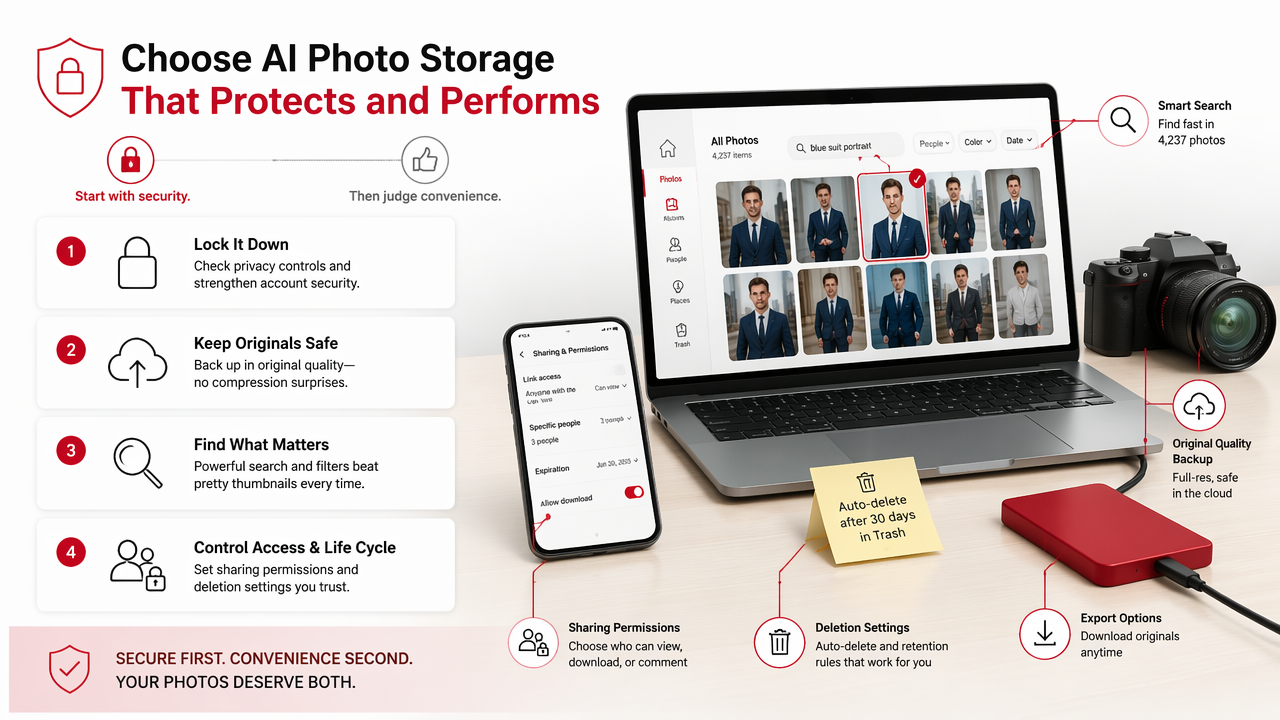
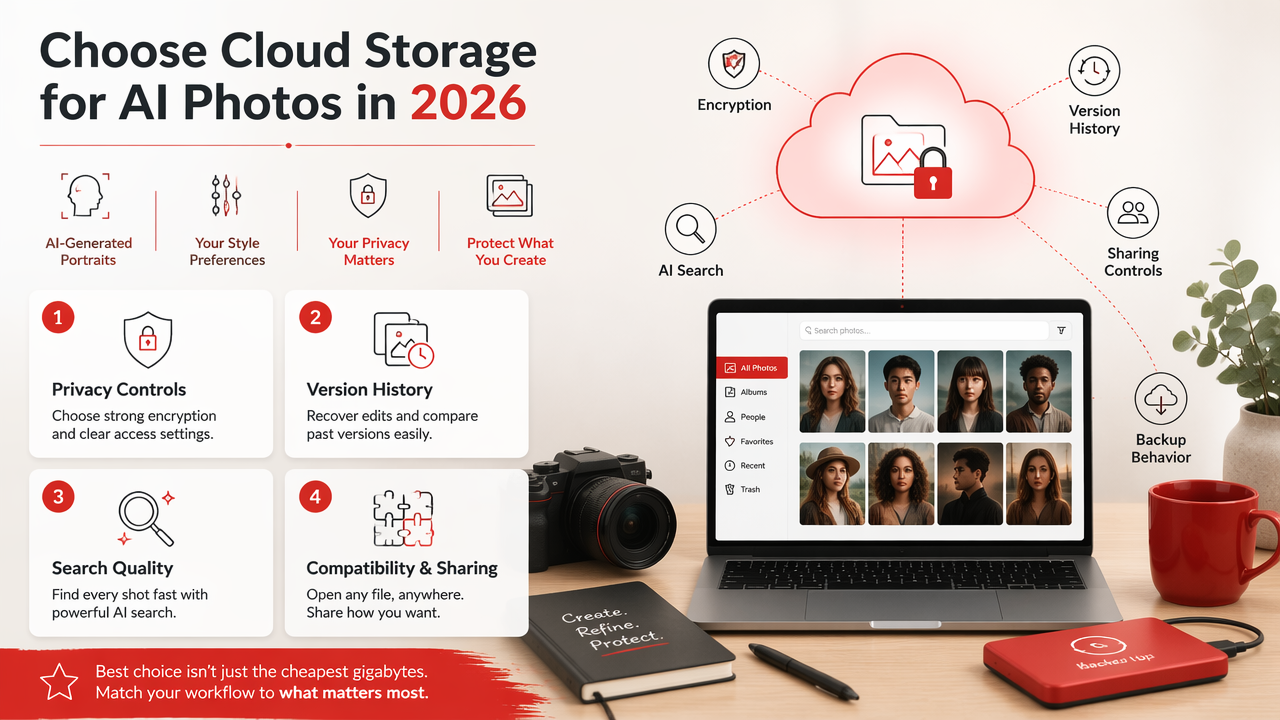
The best choice is rarely just the cheapest gigabytes. AI-generated portraits can include your face, likeness, style preferences, wardrobe concepts, and sometimes images made for dating profiles or professional branding. That makes control more valuable than clutter-friendly capacity.
Research on AI image systems is moving fast. A 2021 review by Alzubaidi, Zhang, and Humaidi covered deep learning concepts, CNN architectures, applications, and challenges, which is relevant because image generation and image enhancement depend on the same broader AI progress (Journal of Big Data). For storage, the lesson is simple: as AI tools improve, people will create more image variants, so archives need structure.
Cloud storage feature comparison for AI images
Use this table as a practical checklist before you commit your AI portraits to any cloud folder.
| Feature | Why it matters for AI photos | What to look for |
|---|---|---|
| Privacy controls | AI portraits can be personal, stylized, or identity-based | Private-by-default albums, clear sharing permissions |
| Version history | Edits and re-exports pile up quickly | Restore options and file replacement tracking |
| Search and tags | Visual search may miss abstract or fantasy styles | Manual tags, albums, filenames, metadata support |
| Original quality storage | Compression can hurt profile and portfolio images | Original-resolution upload settings |
| Cross-device access | Creators often generate on desktop and post from phone | Smooth sync across web, iOS, Android, and desktop |
| Download/export control | You may need app-specific crops | Easy bulk downloads and folder exports |
I'd prioritize privacy, original quality, and folder control before fancy automated memories. A cloud app that keeps showing your AI headshots next to your cousin's wedding photos is funny once, then annoying forever.
What is the best folder system for AI portraits and edits?
The best folder system for AI portraits and edits separates source images, generated sets, final exports, and prompt notes so you can find, compare, and reuse your best results.
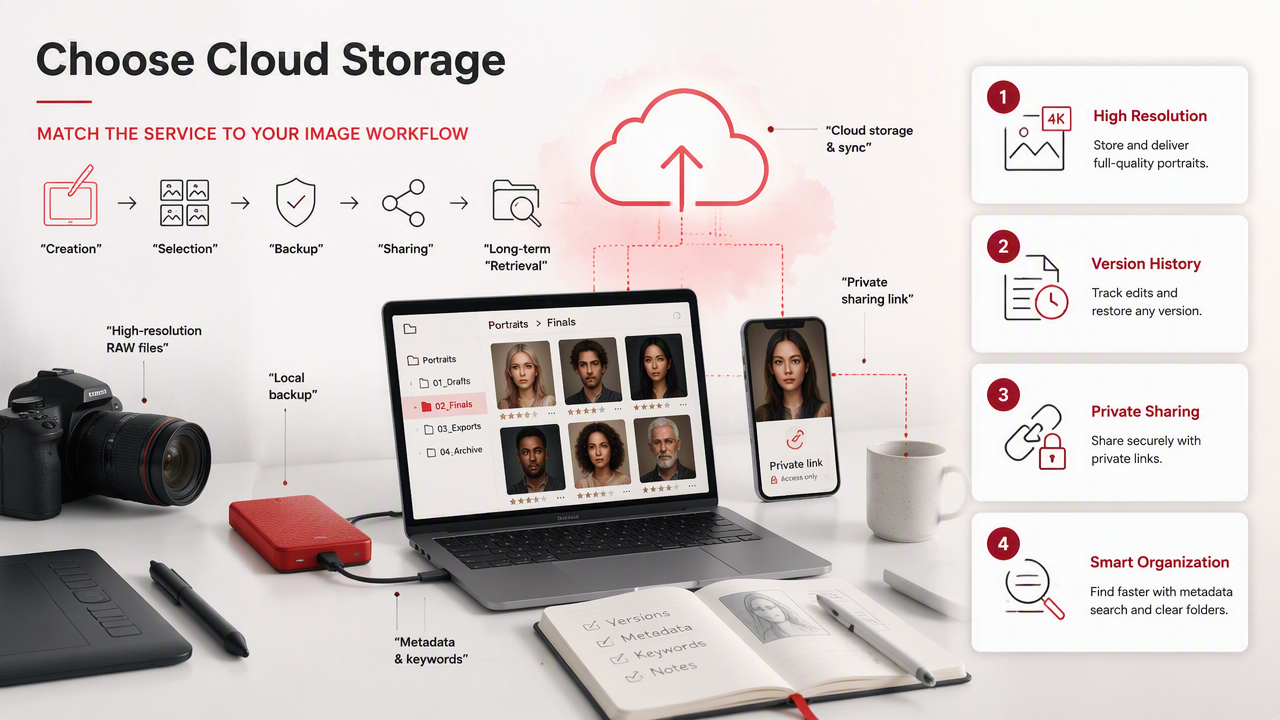
Start with a simple naming pattern. Complex systems collapse the first time you're tired, inspired, or both. My rule: if a folder name needs a legend, it's trying too hard.
- Create one top folder, such as
AI Photos 2026. - Add project folders, such as
Dating Profile,LinkedIn Headshots, orFantasy Portraits. - Inside each project, use
Source,Generated,Final, andPrompts. - Save final exports by platform, such as
tinder-vertical-01.jpgorlinkedin-square-02.png. - Review monthly and move rejects to an archive or delete folder.
For creators using the HotphotoAI platform, this structure works especially well because one session can produce several strong style directions. Keep the polished winners close, and save experiments only when they teach you something.
Suggested file names for reusable AI-photo sets
Good file names should tell you the person, style, date, and use case without opening the image.
alex-cinematic-black-jacket-linkedin-2026-01.jpgmaya-beach-lifestyle-tinder-vertical-2026-03.pngsam-studio-glamour-instagram-square-2026-02.jpgprompt-notes-neon-editorial-portrait-2026.txt
Avoid vague names like best.png, newone.jpg, and the villain of every creative folder, final-final-real-final.jpg. Future you deserves better.
How do you protect privacy and ownership when storing AI photos?
Protect privacy and ownership by keeping sensitive AI portraits private by default, limiting shared links, storing prompts separately when needed, and deleting source photos you no longer need.
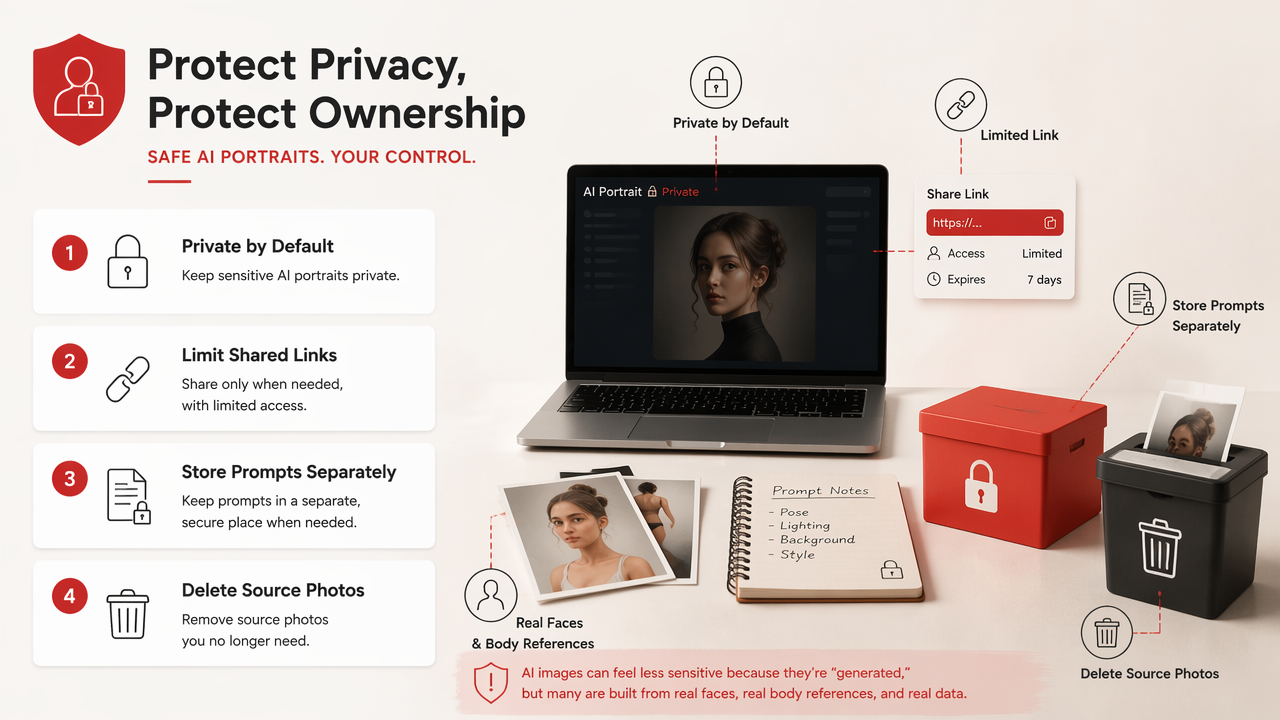
AI images can feel less sensitive because they're "generated," but many are built from real faces, real body references, and real identity cues. A glamour portrait, dating-app image, or professional headshot can reveal more than a casual snapshot because it's designed to be attractive, searchable, and reusable.
A 2022 paper by Park and Kim on metaverse taxonomy, components, applications, and open challenges shows how persistent digital identity is becoming more central to online experiences (IEEE Access). That matters for AI photos because profile images may move across dating apps, creator pages, resumes, avatars, and virtual spaces.
Privacy checklist before sharing an AI-photo album
Run this quick check before sending a gallery link, especially if it includes face-based AI portraits.
- Set albums to private unless you intentionally share them.
- Use expiring links when a service offers them.
- Remove source selfies from shared folders.
- Check whether the file includes metadata you don't want exposed.
- Keep prompt notes private if they include personal details.
- Separate public portfolio images from private experiments.
Share the final image, not the whole creative kitchen. Nobody needs to see every lighting test, outfit swap, and "why is my hand a spatula" draft.
One misconception: cloud backup is not the same as consent management. Storage keeps files available; it doesn't decide where your image should appear. You still need to track which AI portraits you've posted, shared, licensed, or retired.
What storage workflow should AI creators use next?
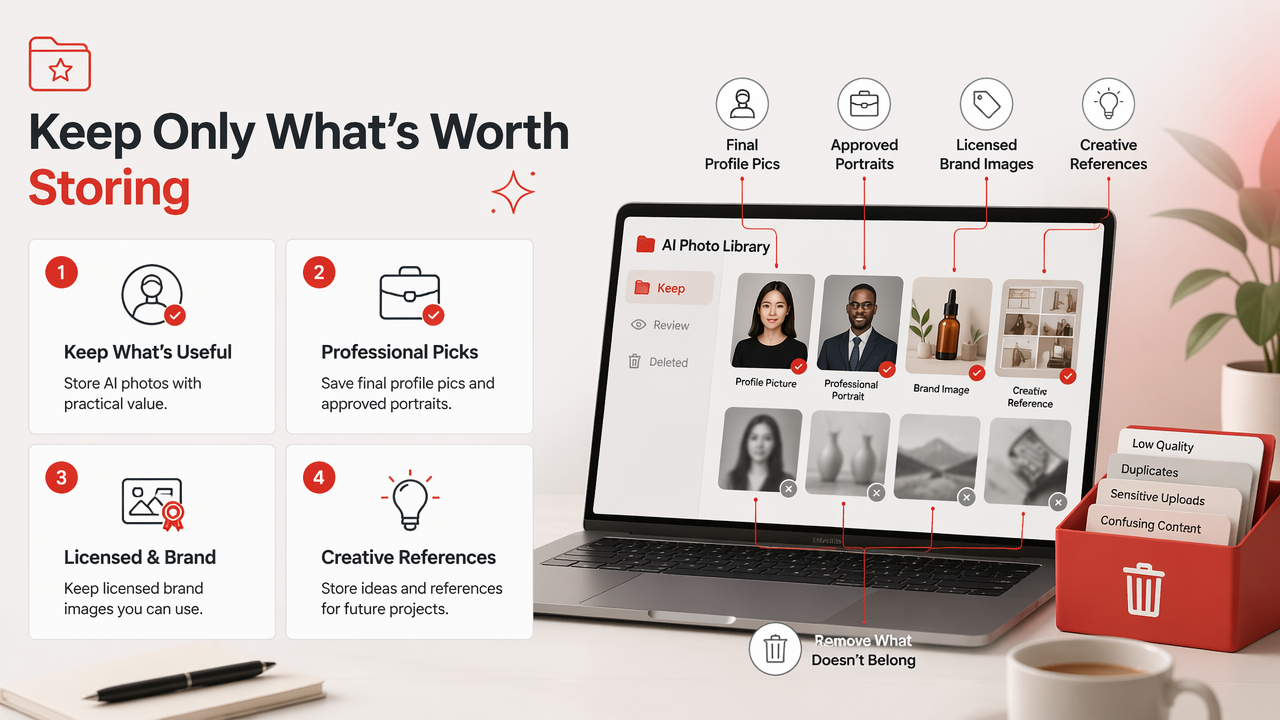
AI creators should use a repeatable workflow: generate images, save only useful variations, label finals by purpose, back up originals, and review old projects before they become expensive digital confetti.
The future points toward more images, faster generation, and heavier personal media libraries. A 2021 survey by Jiang, Han, and Habibi examined the road toward 6G and future network capabilities (IEEE Open Journal of the Communications Society). Faster networks won't make organization automatic; they'll just help us create chaos at higher speed.
With HotphotoAI, I'd save each finished portrait set into a purpose-based folder right after export. For example: dating photos in one folder, professional headshots in another, and experimental styles in a separate playground. If you want to test a new look, head to hotphotoai.com, generate a focused set, then archive it cleanly while the context is fresh.
A 10-minute weekly cleanup routine
A short weekly cleanup keeps your AI-photo library usable without turning storage into a second job.
- Delete obvious rejects from the week.
- Move strong images into
Finalfolders. - Rename platform-ready exports.
- Save prompt notes beside the matching image set.
- Check that private albums are still private.
- Download a local copy of your best work.
This small habit beats a heroic annual cleanup, which usually begins with coffee and ends with bargaining.
FAQ about storing AI-generated photos
AI-photo storage gets easier once you know what to keep, what to delete, and how to separate private experiments from public-ready images.
Should I store AI-generated photos in Google Photos?
Google Photos can work well for casual AI images because it offers photo storage, sharing, and cross-device access. For serious AI portrait projects, check whether original quality, album privacy, search, and download controls match your workflow. I'd keep source photos and prompt notes in a more controlled folder system if privacy matters.
Do AI-generated photos need a different backup strategy?
Yes, because AI projects often include source images, prompts, drafts, and final exports. Back up the final images, but also save the prompt or style notes for your best results. If you only keep the finished JPEG, recreating the same look later can be frustrating or impossible.
What file format is best for AI portraits?
JPEG is usually best for dating apps, social media, and profile images because it's widely supported and smaller. PNG is better when you need sharper graphics, transparent backgrounds, or minimal compression. Keep the highest-quality original export in cloud storage, then create smaller copies for each platform.
How often should I delete old AI photos?
Review AI-photo folders monthly if you generate often, or quarterly if you create occasional portraits. Delete clear failures, duplicates, and outdated exports. Keep source files only when you may reuse them. A lighter archive is easier to search, safer to share, and less likely to become a haunted museum of old experiments.
Conclusion
Cloud photo storage for AI-generated photos works best when it's treated like a creative asset system, not a dumping ground. Pick a private, searchable cloud service, save originals and finals separately, label files by use case, and clean up small batches before clutter wins.
If you're creating fresh profile, glamour, lifestyle, or fantasy portraits, generate your next polished set with HotphotoAI, then store it with the folder system above. For a focused image session, visit hotphotoai.com and build an archive your future self can actually use.