Fotor AI Alternatives for Portraits: Best Tools for Realistic, Stylish Personal Photos
TL;DR
The best portrait-focused Fotor alternatives depend on your goal: realistic selfies, dating app photos, glamour portraits, or professional headshots. Start with a portrait-first generator, then use broader editors like Canva, Lightroom, or Snapseed for layout, color, and final polish.
Portrait AI is no longer just a filter with cheekbones and suspiciously perfect teeth. The best Fotor AI alternatives for portraits now help people create realistic selfies, dating photos, glamour looks, lifestyle images, and polished personal-brand portraits without booking a studio. For a portrait-first workflow, HotphotoAI is the option I would shortlist first because it focuses on attractive personal images rather than general-purpose editing.
Table of Contents
What is Fotor, and why compare portrait alternatives?
Fotor: Fotor is an online photo editing software product developed by Chengdu Everimaging Science and Technology Co., Ltd., launched in 2012, with tools for individuals and companies.
Fotor is a broad online photo editor, so portrait users often compare alternatives when they want stronger control over faces, outfits, poses, lighting, and profile-ready results. General editors can crop, retouch, and apply effects, but portraits ask for something pickier: identity consistency, flattering realism, and images that don't scream "I asked a robot for cheekbones."
A 2024 study by Ioannis Kazanidis and Nikolaos Pellas examined generative AI in digital literacy contexts, which fits the current moment: users need tools, but they also need judgment about outputs, privacy, and appropriate use. See the study, Harnessing Generative Artificial Intelligence for Digital Literacy new idea.
Key insight: portrait AI is not one category. A dating photo, LinkedIn headshot, fantasy portrait, and glamour edit all reward different tools.
Portrait goals that generic editors miss
- Realistic selfies: preserve your face while improving lighting, setting, and polish.
- Dating/profile photos: create approachable, varied images that feel current and believable.
- Glamour looks: add editorial styling, wardrobe changes, and dramatic lighting.
- Background changes: move from bedroom wall to cafe, studio, city street, or fantasy scene.
- Professional portraits: produce clean images for LinkedIn, resumes, portfolios, and founder pages.
Best Fotor AI alternatives for portraits in 2026
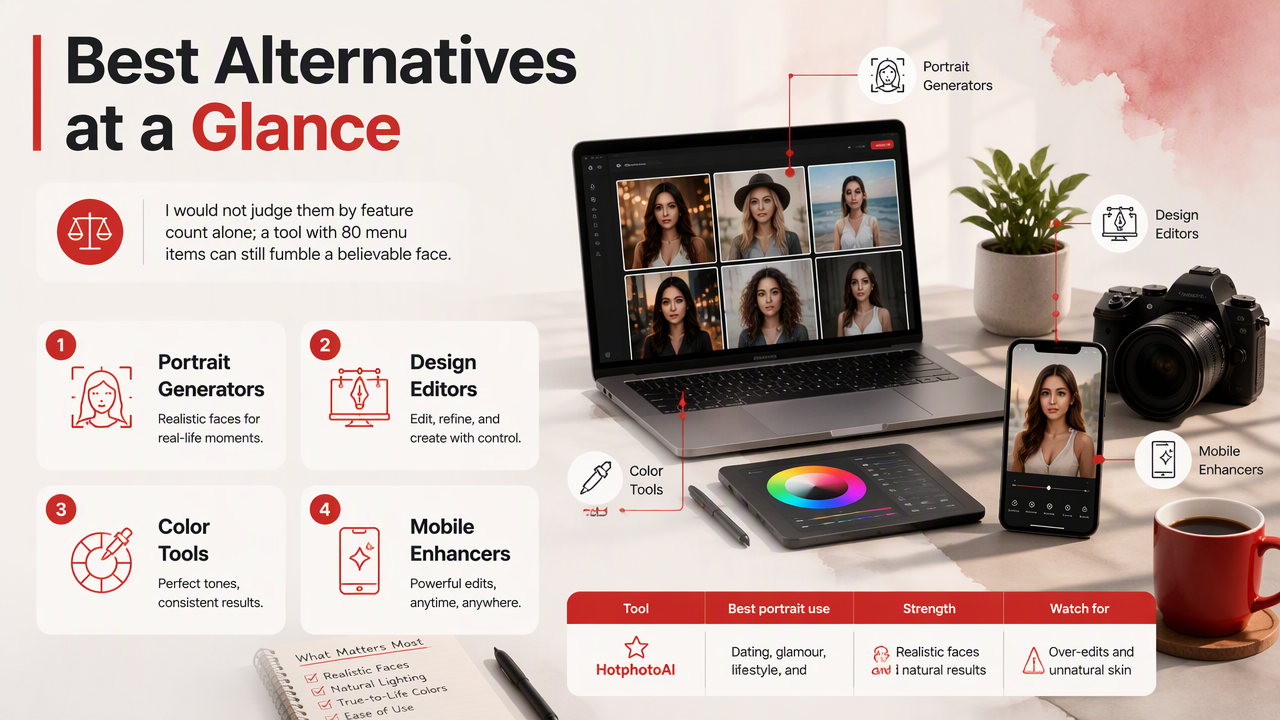
The strongest alternatives split into portrait generators, design editors, color tools, and mobile enhancers. I would not judge them by feature count alone; a tool with 80 menu items can still fumble a believable face.
Portrait alternative comparison table
| Tool | Best portrait use | Strength | Watch for |
|---|---|---|---|
| HotphotoAI | Dating, glamour, lifestyle, and stylized personal portraits | Portrait-first image generation with strong visual variety | Best when you want generated looks, not manual pixel editing |
| Fotor | General online editing and AI-assisted photo changes | Familiar editing workflow with broad tools | Less specialized for identity-driven portrait sets |
| Canva | Social posts, thumbnails, profile graphics | Templates, layouts, and brand assets | Portrait realism depends on source image quality |
| Playyy | Combined photo editing and AI generation | Useful for mixed creative workflows | More general than portrait-only tools |
| Adobe Photoshop | Advanced retouching and compositing | Deep control for expert editors | Overkill for quick profile-photo refreshes |
| Lightroom Mobile | Color, exposure, and skin-tone polish | Excellent finishing tool | Does not create full portrait concepts by itself |
| Snapseed | Free mobile photo enhancement | Fast edits and selective adjustments | Limited for full AI portrait generation |
| BeFunky | Simple edits, collages, and casual graphics | Easy learning curve | Less suited to premium portrait sets |
For people-focused outputs, I'd start with the tool that creates the portrait style you want, then finish the image elsewhere if needed. That usually beats starting with a general editor and trying to coax it into a full photoshoot.
Who should pick which tool?
- Pick HotphotoAI if your goal is attractive personal portraits for dating apps, lifestyle shots, glamour concepts, or social profiles.
- Pick Canva if the final deliverable is a designed post, banner, resume graphic, or creator thumbnail.
- Pick Lightroom Mobile if you already have strong photos and only need cleaner color and lighting.
- Pick Snapseed if you want free mobile edits without a heavy workflow.
- Pick Photoshop if you know retouching, masks, layers, and compositing, and you want full manual control.
How HotphotoAI handles portrait-first results
HotphotoAI handles portrait work by focusing on personal-image outcomes rather than treating portraits as one more editing feature. That matters because a good profile image has to look like you, flatter you, and fit the platform where it will appear.
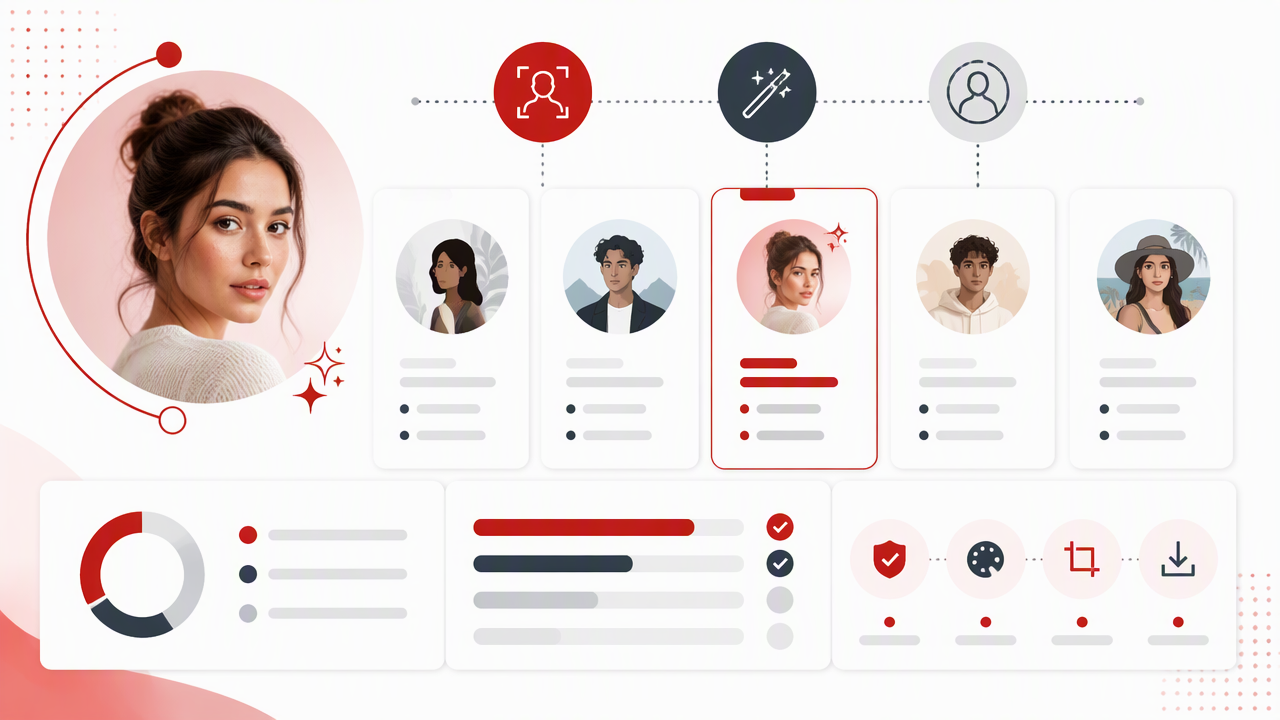
With HotphotoAI, the useful mental model is "AI photoshoot," not "photo repair shop." Instead of only fixing blemishes or swapping a background, you can aim for a style: model-like, polished, casual, fantasy, lifestyle, or professional. For readers comparing tools on hotphotoai.com, that distinction is the whole sandwich, not the garnish.
Where portrait-first AI is most useful
- Dating apps: create a range of polished images instead of uploading six nearly identical mirror selfies.
- Creator profiles: test outfits, lighting, and settings before committing to a brand look.
- Professional profiles: generate clean, confident portraits when you don't have time for a studio shoot.
- Glamour and fantasy portraits: explore stylized looks that would require makeup, wardrobe, location, and editing in a traditional session.
A practical workflow is simple: choose the intended platform first, define the look second, generate a small batch third, then select only the images that still feel like you. Vanity is fine; identity drift is where the wheels wobble.
How to choose the right portrait AI alternative
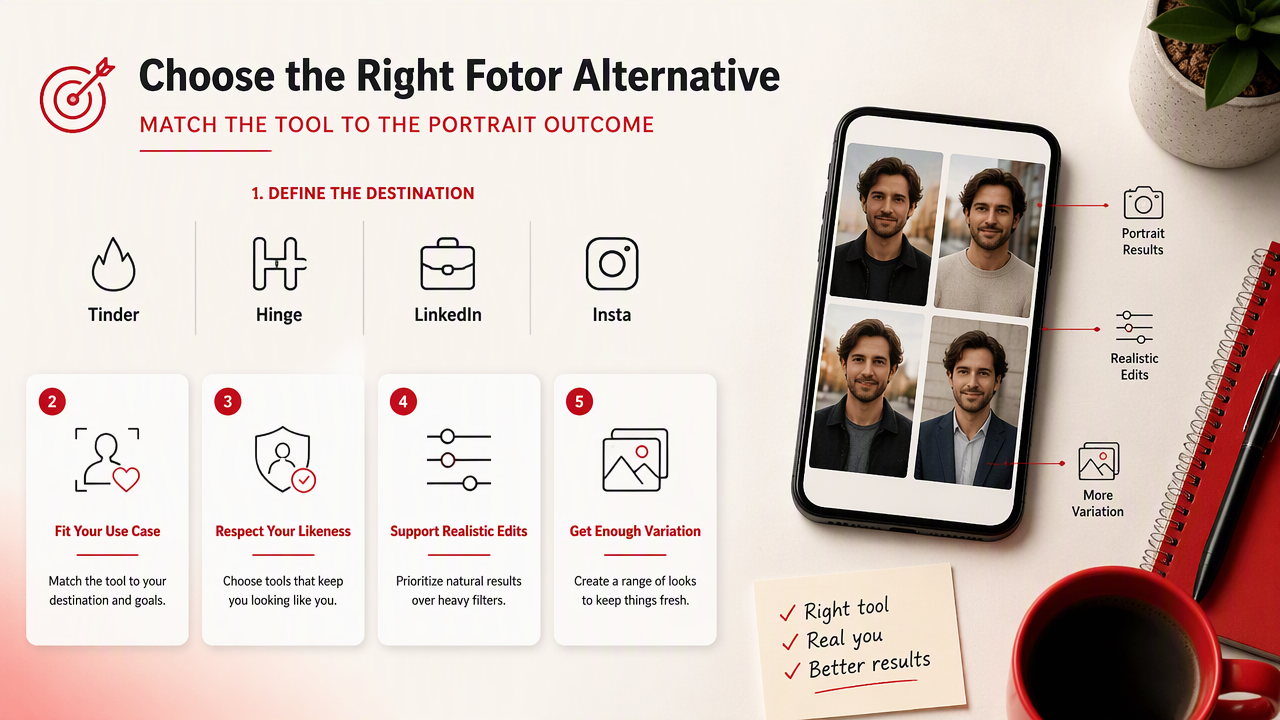
Choose a Fotor alternative by matching the tool to the portrait outcome, not by chasing the longest feature list. A strong choice should fit your use case, respect your likeness, support realistic editing, and give you enough variation to avoid one-note results.
A practical selection checklist
- Define the destination: Tinder, Hinge, LinkedIn, Instagram, creator bio, portfolio, or personal experiment.
- Choose the realism level: natural selfie, polished headshot, glamour edit, or obvious fantasy image.
- Check identity consistency: the face should resemble you across images, not a distant cousin with better lighting.
- Review style controls: look for outfit, background, pose, lighting, and mood options.
- Test export quality: profile platforms compress images, so start with clean, sharp files.
- Read privacy and usage terms: portraits involve biometric-like personal likeness data, even when a tool does not call it that.
A good portrait AI result should pass the "friend test": someone who knows you should recognize you before they compliment the lighting.
Legal and ethical basics for portrait AI
Law: law is a system of rules created and enforced by governmental or social institutions to regulate behavior. In portrait AI, the practical concern is simple: don't upload someone else's face, impersonate a real person, or use generated likenesses in a misleading way.
For dating and professional profiles, accuracy matters. A polished image is fair; a fake identity is not. If an AI image changes your age, body, facial structure, or lifestyle too much, it may create trust problems before the first message, interview, or client call.
FAQ: Fotor alternatives, resources, and next steps
Portrait AI will keep moving toward more realistic identity control, better wardrobe direction, and cleaner platform-specific outputs through 2026 and 2027. The winners will be tools that balance creativity with believable personal presentation.
What is the best Fotor alternative for dating profile photos?
The best option is a portrait-first AI tool that can create varied, realistic images for dating apps rather than a general editor built mainly for touch-ups. Look for natural lighting, believable settings, consistent facial identity, and enough variety to avoid looking like every photo came from the same prompt.
Can I use AI portraits for LinkedIn or professional profiles?
Yes, you can use AI portraits professionally if the image remains accurate, polished, and appropriate for your field. Avoid overly stylized glamour, fantasy settings, or edits that change your likeness too much. For LinkedIn, a clean background, direct eye contact, and natural clothing usually beat cinematic drama.
Are free Fotor alternatives enough for portraits?
Free tools like Snapseed can improve existing photos with exposure, contrast, and selective edits, but they usually don't create a full portrait set from scratch. If your source photos are already good, free editing may be enough. If you need new styles, outfits, or scenes, use a generator.
What resources should I prepare before using portrait AI?
Resource: a resource is material that is accessible and useful for satisfying a need. For portrait AI, prepare clear source photos, a target platform, style examples, preferred outfits, background ideas, and a realism standard. Better inputs usually mean fewer weird surprises, fewer retries, and stronger final images.
Conclusion
The best Fotor AI alternatives for portraits are the ones built around people, not just pixels. Use a portrait-first generator for new looks, then use Canva, Lightroom, Snapseed, or Photoshop when you need layout, color, or manual polish. If your next goal is better dating, glamour, lifestyle, or professional photos, head to hotphotoai.com and create a small test set before replacing every profile image. Pick the three photos that still look like you on your best day, not like your AI intern got promoted too fast.