GIMP Photo Editing Software vs AI Photo Editors: 2026 Guide
TL;DR
Choose GIMP when you want precise changes to an existing photo; choose an AI portrait tool when you want new styles or settings. For dating and professional profiles, prioritize a recognizable likeness, then make only the finishing edits you need.
A better profile photo doesn't always need a new photoshoot, but it does need the right kind of editing. GIMP photo editing software vs AI photo editors comes down to one practical distinction: controlling an existing image versus asking software to help create a different look. I recommend deciding which job you need before choosing a tool. For readers interested in styled personal portraits, HotphotoAI belongs in that conversation alongside traditional editing, rather than as a replacement for every editing task.
Table of Contents
What separates GIMP from AI photo editors?
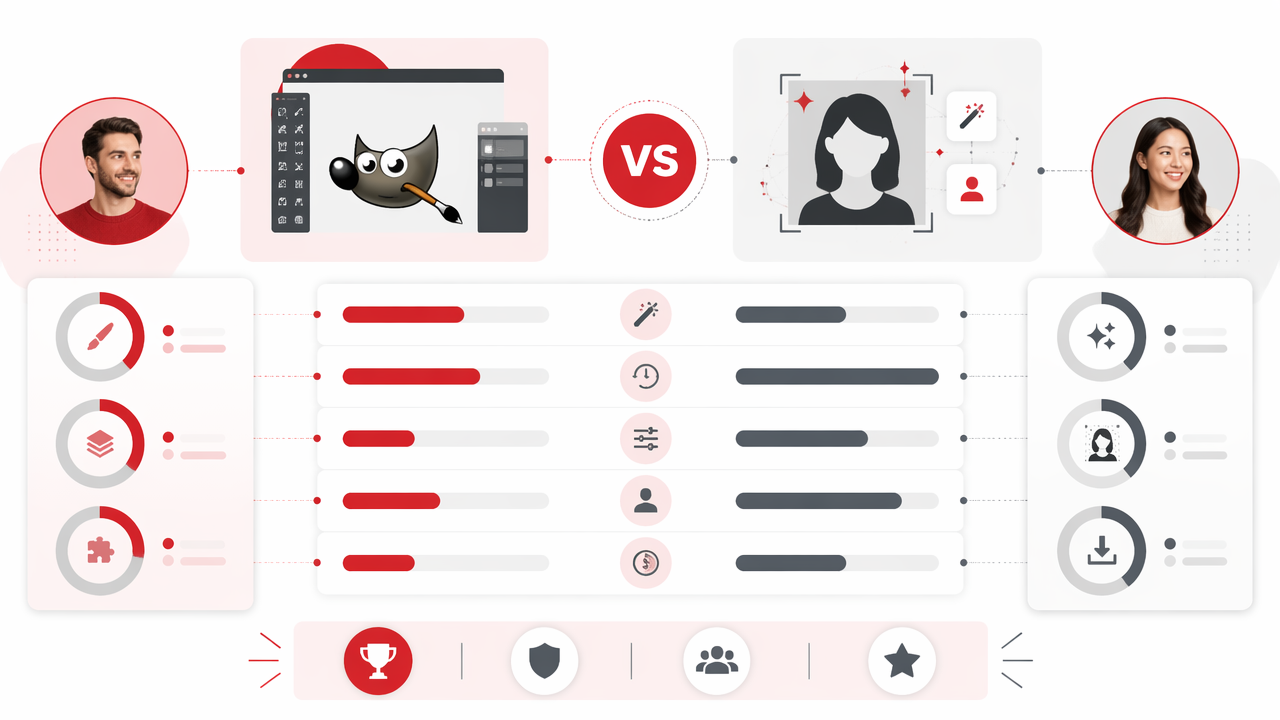
GIMP is a free, open-source image editor for hands-on photo manipulation, while AI photo editors use artificial intelligence to automate edits or generate imagery. The useful distinction isn't simply old versus new: it's how much control you want over individual changes and whether you're editing a photograph or creating a portrait variation.
GIMP: The GNU Image Manipulation Program, a free and open-source raster graphics editor.
AI photo editor: Software that uses artificial intelligence to assist with image changes, enhancement, or generation.
Raster image: A picture made from pixels, rather than scalable mathematical shapes.
The official GIMP website identifies support for GNU/Linux, macOS, and Windows, and describes uses including photo manipulation, original artwork, and graphic design. AI tools vary widely, so check whether a particular service edits existing images, generates portraits, or does both.
Compare the job each option is meant to do
| Decision point | HotphotoAI | GIMP | AI photo editors generally |
|---|---|---|---|
| Main role here | AI personal-portrait option | Hands-on image manipulation | Assisted editing or image generation |
| Best starting goal | Explore styled profile imagery | Refine a selected photograph | Automate a task or try visual variations |
| Creative approach | Portrait-focused exploration | Direct editing decisions | Instructions, presets, or automated tools |
| What to evaluate | Likeness and suitability for your profile | Control and time required | Available features and output quality |
Choose by the job, not the label. "AI-powered" doesn't tell you whether a tool offers the specific edit you need.
Who should pick which for profile photos?
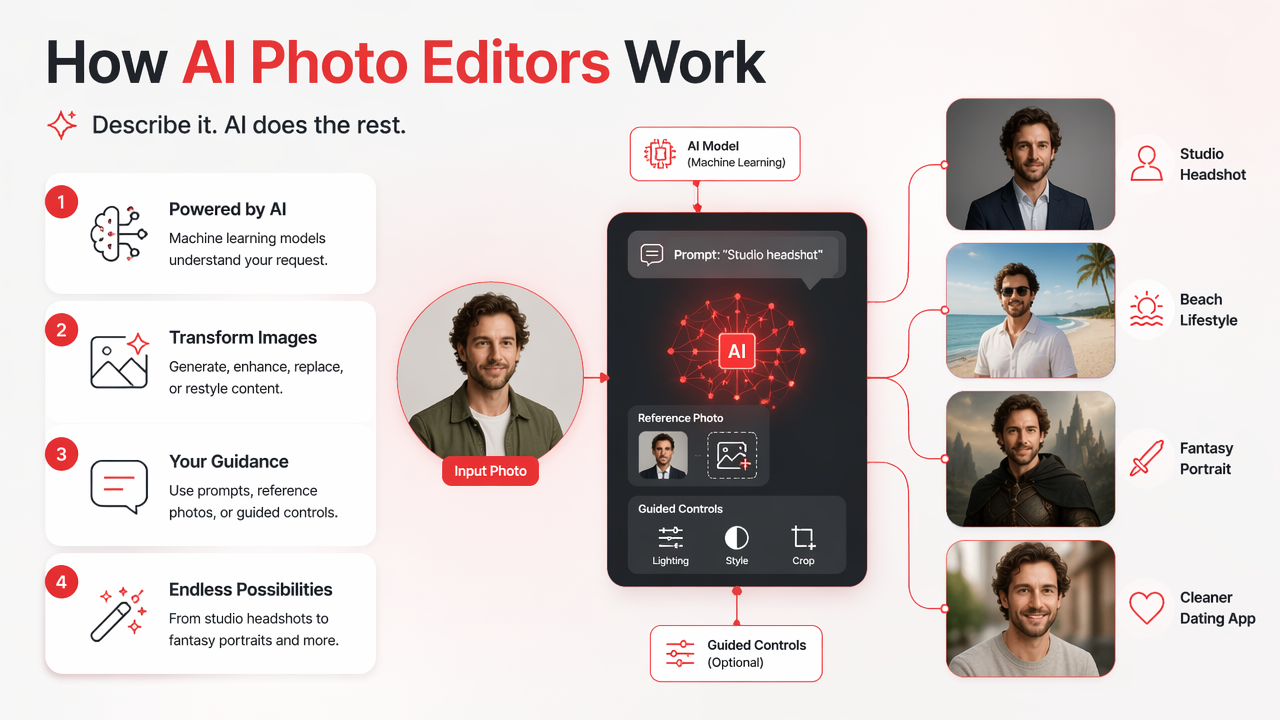
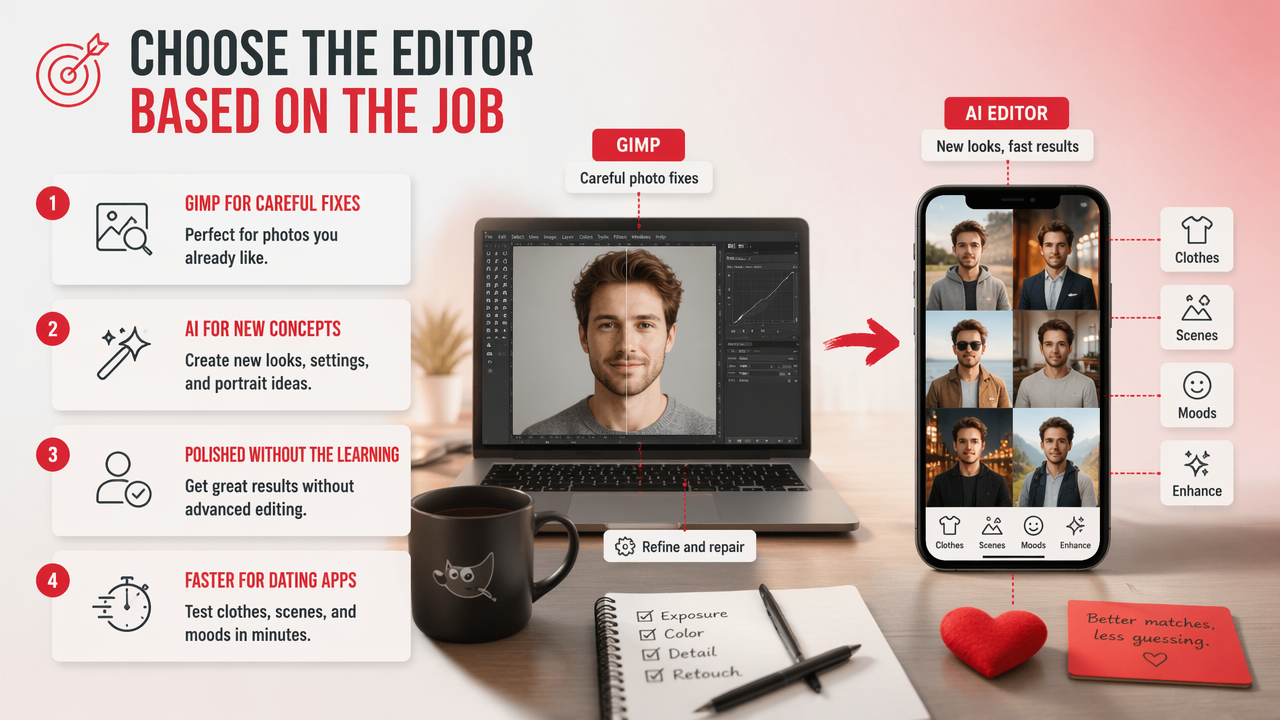
GIMP suits people who want to direct individual edits, while AI portrait tools suit people exploring alternative looks, outfits, and settings. I wouldn't choose based on which sounds more advanced. I'd choose based on what the finished picture needs to communicate.
Choose manual editing for a photo worth preserving
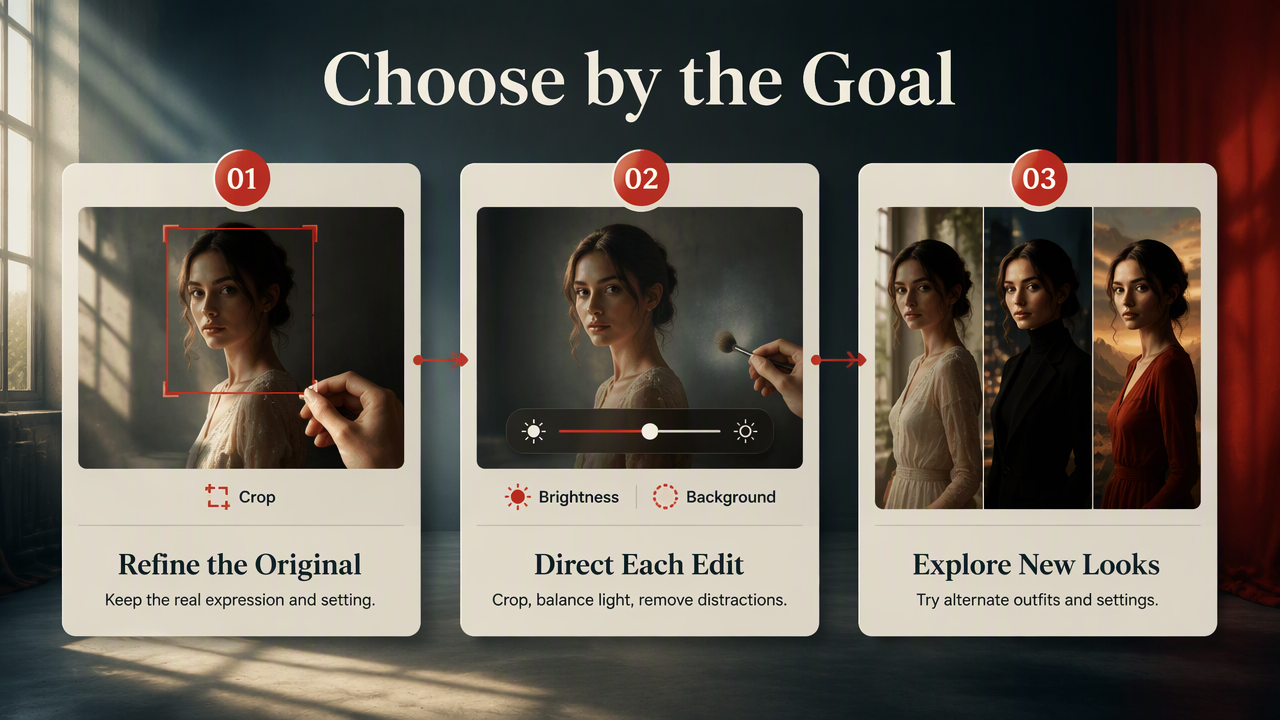
A strong existing photograph often needs refinement rather than reinvention. For example, you might want a tighter crop, more balanced brightness, or a distracting background detail removed while keeping the original expression.
I favor manual editing when the photograph's real setting matters, such as a speaker portrait, a travel memory, or a professional image tied to an actual event. GIMP also makes sense if you want an editor available across supported desktop operating systems.
- Dating profile: Preserve recognizable features and a natural expression.
- Professional profile: Keep presentation appropriate for your role.
- Social content: Make deliberate visual choices across a series.
Choose AI for creative direction and portrait variations
AI portrait tools are a different fit: you want to explore a look, not just polish one frame. Think editorial styling, a different outfit concept, or a fantasy-inspired personal image.
A generated portrait can serve as a creative option; a manual editor can handle the final composition. My recommendation is to treat these as complementary jobs. The most useful workflow may involve both, with one tool providing variations and the other helping you finish your chosen image.
How HotphotoAI handles this
HotphotoAI fits the portrait-focused side of this comparison: exploring personal imagery for profiles, social posts, and styled presentation. That gives readers a relevant alternative to starting every change inside a traditional image editor.
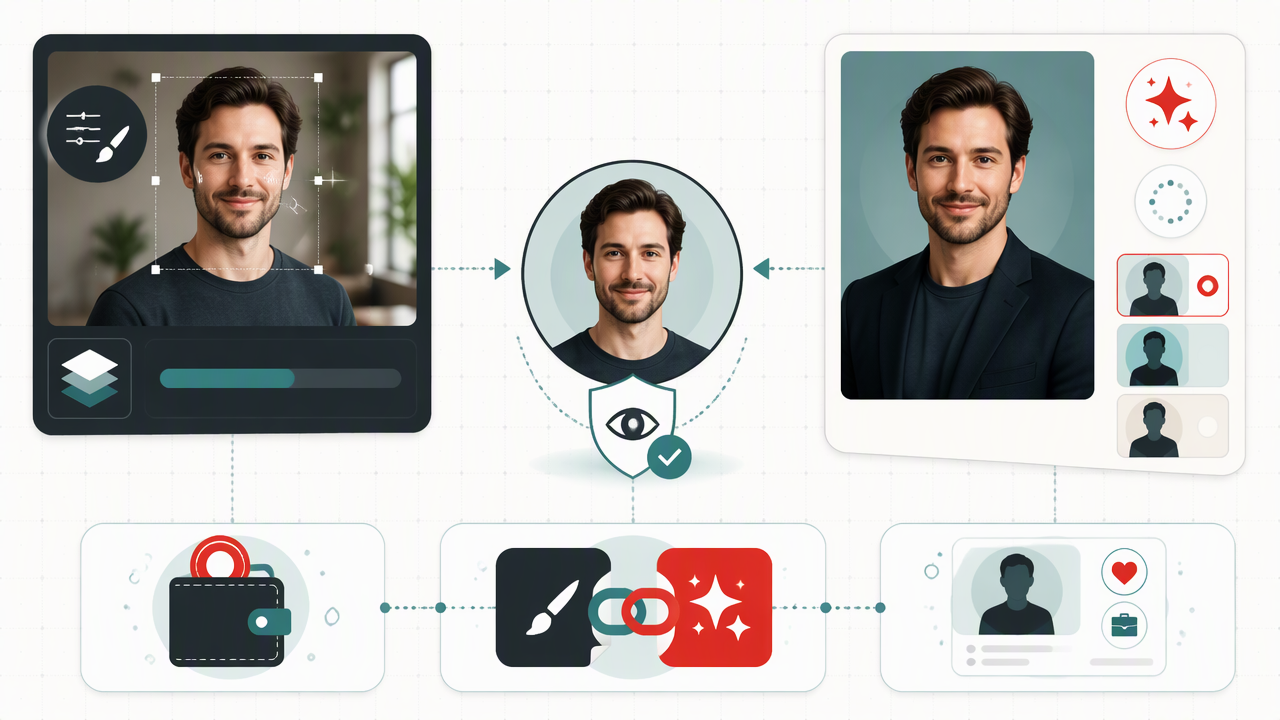
For a practical starting point, visit hotphotoai.com with a clear portrait brief. I suggest describing the intended use first, then choosing a visual direction. "Approachable professional portrait" is a more useful goal than "make everything amazing." Even software appreciates a brief that isn't a motivational poster.
Build a portrait brief before choosing your final image
- Name the destination: A dating profile, creator page, or professional account.
- Choose the mood: Friendly, polished, glamorous, or clearly imaginative.
- Set identity priorities: Keep recognizable facial features central to your selection.
- Review the composition: Check expression, framing, clothing, and background together.
- Finish for the platform: Use the selected portrait in the crop and format your profile requires.
This separates creative exploration from publishing decisions. You can enjoy several visual directions without needing every result to become your new public identity.
How do you keep AI portraits credible?
Credible AI portraits keep your identity recognizable and match the expectations of their destination. Review facial features, expression, clothing, and context before publishing. For dating or professional profiles, choose images that represent you fairly; for fantasy or artistic posts, make the creative framing clear rather than implying a documentary photograph.
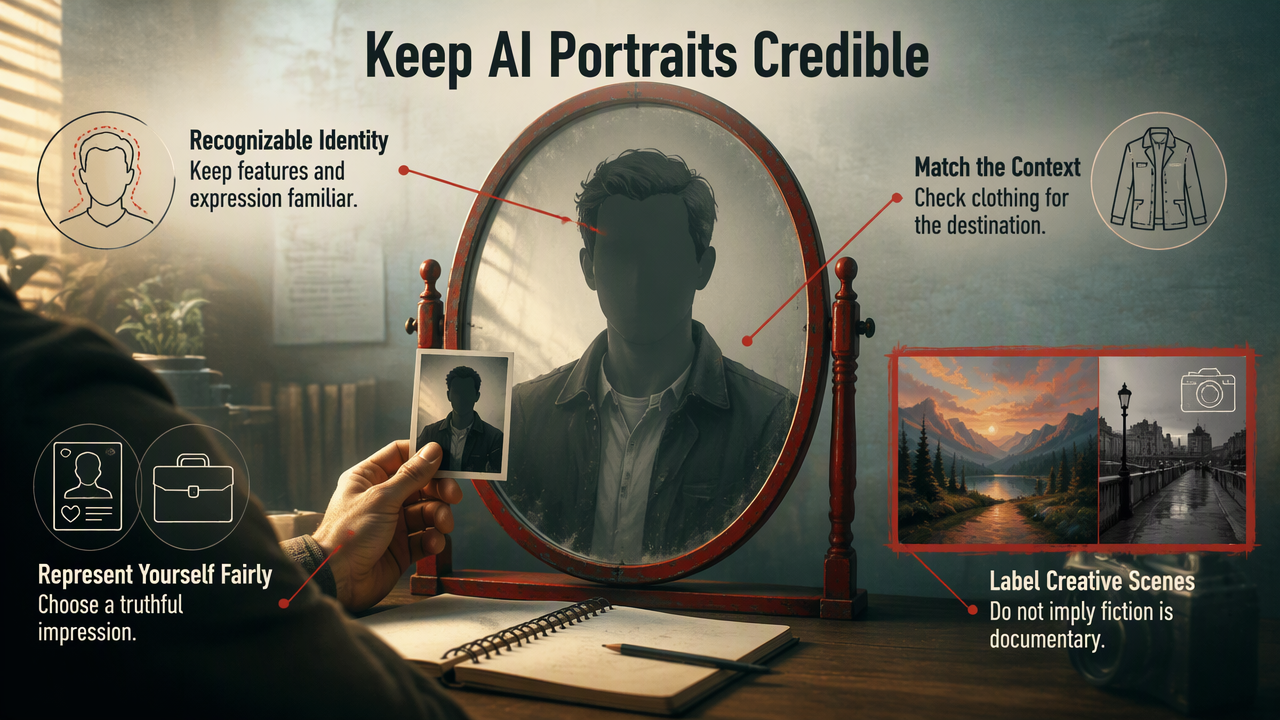
The distinction between editing and generation matters beyond appearance. A photograph can communicate a real place or event, while a generated setting may be purely illustrative.
Check representation, not just attractive lighting
The 2022 survey by Zanardelli, Guerrini, and Leonardi examines deep-learning approaches to image-forgery detection. Akhtar's 2023 survey covers deepfake generation and detection. These older sources provide background on authenticity, not a ranking of current photo editors.
- Compare the portrait with recent photographs of yourself.
- Inspect facial details and background objects closely.
- Avoid suggesting attendance at an event that didn't happen.
- Check a service's current upload, retention, and deletion terms.
My rule: a profile image should help someone recognize you, not require a plot twist when you meet.
FAQ: Cost, AI features, and combined workflows
The right choice depends on your task, budget, and willingness to edit manually, rather than a universal winner.
Is GIMP photo editing software free?
Yes. GIMP is free and open source, making it a practical option when software cost is a priority. Your time still matters: learning an editor and making careful changes takes effort. Compare that time commitment with an AI service's current pricing and included features rather than assuming every AI editor follows the same payment model.
Does GIMP have the same AI features as portrait generators?
Don't assume that GIMP and a portrait generator provide equivalent workflows. GIMP is a general image editor; an AI portrait service focuses on a different kind of image creation. If you need a particular AI function, verify the current tool or extension directly instead of choosing software based on a broad category label.
Can I use GIMP after creating an AI portrait?
Yes, provided you can export the portrait in a format GIMP supports and your intended use follows the service's terms. A combined workflow lets you select a generated image, then make targeted finishing changes. I recommend keeping the original export separately so you can revisit your crop or other edits without starting over.
Conclusion
For GIMP photo editing software vs AI photo editors, start with one decision: refine a real photograph or explore a new portrait style. Pick one image and one destination. If styled personal portraits fit your goal, explore HotphotoAI at hotphotoai.com, then select the result that represents you best.