How Reference Photos Work in AI Image Generation
TL;DR
Reference photos guide AI image generators by supplying visual information that text prompts cannot describe precisely, such as pose, lighting, facial likeness, outfit shape, or background mood. Use clear, well-lit references, avoid asking for exact copies of protected images, and combine image guidance with plain text instructions for better control.
A text prompt can say "cinematic portrait," but a reference photo can show the AI your jawline, your favorite jacket, and the lighting that makes you look mysteriously employed. That is the practical answer to how reference photos work in AI image generation: they act as visual guidance, not magic photocopiers. For profile pictures, dating app shots, creator images, and model-style portraits, tools like HotphotoAI use reference-based generation to help turn a personal photo into polished variations while keeping the result recognizable.
Reference photo: an uploaded image used to guide an AI image model's composition, subject identity, pose, lighting, style, or background.
Generative AI: a type of artificial intelligence that uses generative models to create images, text, audio, video, code, or other data.
Photo-referencing: an art practice where a creator uses a photograph as the basis for a new visual work, rather than inventing every detail from scratch.
Table of Contents
- What is a reference photo in AI image generation?
- How do reference photos guide an AI image model?
- What should a reference photo not copy exactly?
- How should you choose reference photos for better results?
- How HotphotoAI handles reference-based personal portraits
What is a reference photo in AI image generation?
A reference photo in AI image generation is an image input that helps the model understand what the output should resemble, while the prompt tells it what to change, emphasize, or ignore. The reference can guide identity, pose, color, lighting, composition, clothing, or mood depending on the tool and settings.A reference image is different from a text prompt because it gives the model visual evidence. A prompt says "soft window light, confident pose, dark blazer." A reference photo shows the angle of your face, the blazer's silhouette, and where the light lands. Less poetry, more coordinates.
Modern image systems build on deep learning methods that detect patterns across pixels, shapes, and features. A 2021 review by Alzubaidi, Zhang, Humaidi, and coauthors covers deep learning concepts, CNN architectures, applications, and future challenges in visual AI research (Journal of Big Data, 2021).
Reference photos versus text prompts
| Input type | Best for | Weakness |
|---|---|---|
| Text prompt | Concept, mood, scene, styling instructions | Can be vague or interpreted unpredictably |
| Reference photo | Face, pose, composition, outfit shape, lighting pattern | May over-anchor the result if guidance is too strong |
| Text plus reference | Controlled personal images with creative variation | Needs clear instructions about what should change |
Key insight: prompts describe intent, while reference photos provide visual evidence.
How do reference photos guide an AI image model?
Reference photos guide an AI image model by giving it visual features to preserve or reinterpret during generation. Depending on the system, the model may analyze the reference for face structure, pose, scene layout, colors, lighting direction, texture, or style, then blend those signals with the written prompt.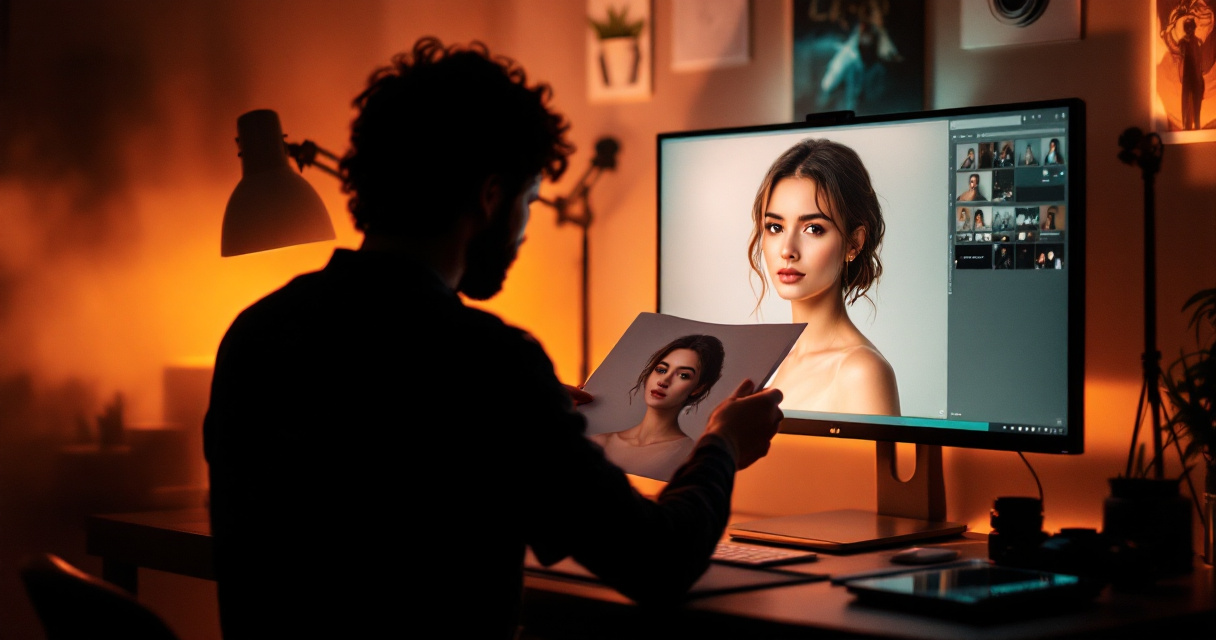
The exact mechanics vary by product. Some tools use image-to-image generation, where the uploaded photo strongly shapes the output. Others use reference adapters, face guidance, pose maps, depth cues, or style transfer-style methods. OpenAI's GPT Image family, described broadly as image generation and editing models, is one example of the wider move toward multimodal image creation.
The important part for users is control. A strong reference can keep your face consistent. A weaker reference can borrow only the mood or composition. If the setting is too literal, you may get a stiff remake. If it is too loose, the AI may wander off and return wearing sunglasses indoors.
What the AI can reasonably copy from a reference
- Identity cues: face shape, hairstyle, expression, and general likeness when the tool supports personal photos.
- Pose: head angle, shoulder position, standing or seated posture, hand placement, and framing.
- Lighting: soft window light, flash, studio light, golden hour, shadows, and contrast.
- Outfit inspiration: color, silhouette, fabric feel, and styling direction.
- Composition: close-up portrait, waist-up crop, street scene, editorial layout, or dating profile framing.
- Background mood: cafe, office, beach, luxury hotel, fantasy setting, or clean studio look.
A strong workflow separates "must match" from "nice to have." For example: keep my face and pose, change the outfit to a black evening dress, use warm studio lighting, and place me in a rooftop background.
What should a reference photo not copy exactly?
A reference photo should not be treated as permission to reproduce every detail of another person's image, a copyrighted artwork, a branded campaign, or a private photo you do not have rights to use. The safest goal is inspired similarity, not a pixel-level duplicate or an unauthorized likeness.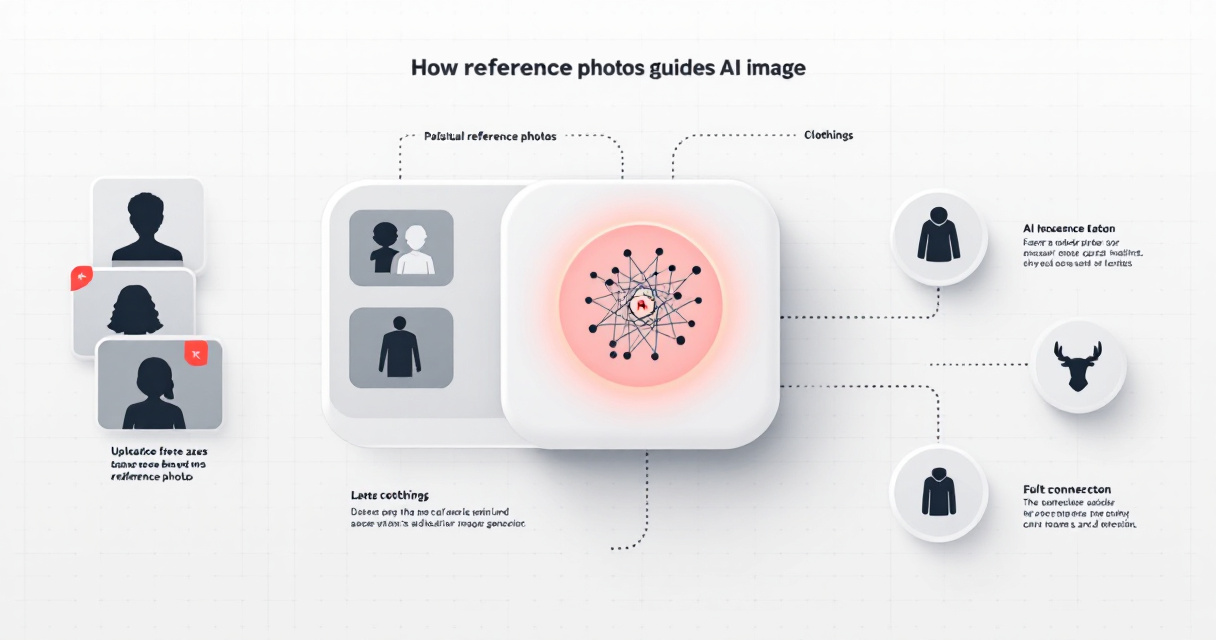
This matters because AI image outputs sit at the messy intersection of creativity, identity, and ownership. Mississippi State University's 2025 research guide on AI and images discusses image use and citation practices for AI-generated visuals (Image Use & Citation, 2025). For personal portraits, the practical rule is simple: use photos of yourself, photos you own, or references you have permission to use.
Privacy also deserves a seat at the adult table. Face images are personal data in many contexts. Before uploading, check whether the platform explains storage, deletion, training use, and account controls in plain language.
Safe reference-photo boundaries
- Use your own face photos when generating images of yourself.
- Do not upload someone else's selfie to create romantic, glamour, or identity-based images without consent.
- Avoid copying a photographer's exact composition, lighting, wardrobe, and background all at once.
- Treat celebrity, influencer, and model references as style inspiration only.
- Remove sensitive details from uploads when possible, such as IDs, addresses, or private screens.
A good reference says "make something in this direction." A risky reference says "recreate this exact person, campaign, or private moment."
How should you choose reference photos for better results?
Choose reference photos that are clear, well-lit, recent, and aligned with the trait you want the AI to follow. One clean face reference helps likeness; a pose reference helps body angle; a style reference helps mood. The best results often come from using fewer, better images rather than a photo dump.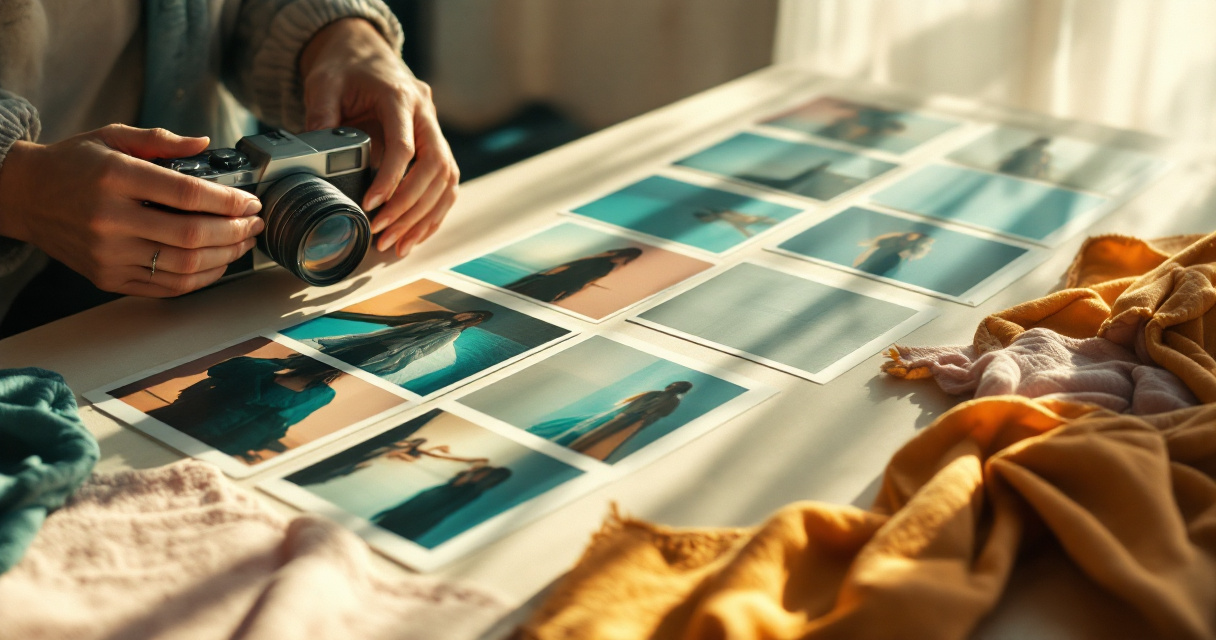
If your goal is a dating profile image, pick references where your face is unobstructed and your expression looks natural. If your goal is a fantasy portrait, choose a face reference plus a separate style reference, such as dramatic lighting or a costume concept. For professional profiles, keep references simple: front-facing, sharp, and not buried under nightclub lighting.
Research into foundation models, including a 2023 Nature paper by Moor, Banerjee, Hossein Abad, and coauthors, shows how general-purpose AI systems can adapt across different data types and tasks (Nature, 2023). For image users, that broad trend means more flexible controls, but better inputs still win.
Reference-photo checklist
- Pick photos where the main subject is easy to see.
- Use high-resolution images when available.
- Match the reference to the job: face for likeness, pose for posture, outfit for styling.
- Keep lighting consistent if you want a realistic final image.
- Use multiple angles when a tool supports identity matching.
- Write what should change, not just what should stay.
For example, a strong prompt might say: "Use my face from the reference, keep the relaxed seated pose, change the outfit to a cream suit, use soft studio lighting, and make the background a modern hotel lounge." That gives the model a job description instead of a treasure map drawn by a raccoon.
How HotphotoAI handles reference-based personal portraits
HotphotoAI focuses on using your personal photos as the foundation for stylized, attractive portrait variations, especially for dating profiles, social media, lifestyle images, glamour shots, and creative looks. The goal is not to make a cold clone of one photo, but to turn recognizable visual input into polished images with better outfits, lighting, settings, and presentation.With HotphotoAI, the reference-photo workflow is useful when you want to test a new vibe before booking a photographer, buying clothes, or asking a friend to take 200 pictures in a parking lot. You can think in layers: keep the face, improve the setting, change the styling, and tune the mood. For brand recall, head to hotphotoai.com when you are ready to try this kind of guided portrait generation.
The HotphotoAI platform is especially relevant for people asking, "Can AI recreate a photo style using my face?" The fair answer is yes, with limits: it can recreate the style direction, lighting feel, pose language, and overall visual mood using your face as the anchor, but the best use is a new image inspired by the reference, not a direct copy.
Best use cases for reference-photo portraits
| Use case | Reference to upload | Prompt direction |
|---|---|---|
| Tinder or dating app photo | Clear face photo | Confident lifestyle portrait, natural smile, outdoor cafe |
| Professional profile | Headshot or clean selfie | Polished studio lighting, blazer, neutral background |
| Creator content | Face plus style reference | Editorial lighting, bold outfit, social media crop |
| Glamour portrait | Face plus pose reference | Model-style pose, dramatic light, luxury interior |
| Fantasy or themed look | Face plus concept reference | Cinematic costume, magical background, stylized mood |
The best AI portraits look intentional, not overcooked. If it looks like your face went on a luxury vacation without telling you, dial the style back.
FAQ: Reference photos and AI portraits
Can AI recreate a photo style using my face?
Yes. An AI image tool can use your face photo as an identity reference and another image or prompt as a style guide. The result should be a new portrait that borrows lighting, mood, pose, or background direction rather than duplicating the reference exactly.
How many reference photos should I upload?
Use the number the tool recommends, but prioritize quality over volume. A few sharp, recent, well-lit photos usually help more than many blurry or inconsistent images. For likeness, include different angles with the same general appearance.
Are reference photos better than prompts?
Reference photos are better for visual accuracy, while prompts are better for instructions. The strongest workflow combines both: the image shows what you look like or what style you like, and the prompt explains the changes you want.
What should I try first on hotphotoai.com?
Start with a clean face photo and one clear goal, such as a better dating app portrait or a polished social profile image. Then test variations in outfit, lighting, and background before trying more dramatic fantasy or editorial styles.
Conclusion
Understanding how reference photos work in AI image generation helps you get better portraits with fewer weird surprises. Use references to guide likeness, pose, lighting, clothing, or mood; use prompts to explain what should change; and keep consent, ownership, and privacy in the frame.
For your next image, choose one strong face reference, one style direction, and one clear outcome. If you want model-style, dating-ready, or polished lifestyle portraits without staging a full photoshoot, try HotphotoAI and compare a few variations before picking the one that actually looks like you on your best day.