How to Make AI Photos Look Realistic in 2026
TL;DR
Realistic AI photos come from strong source images, consistent facial details, believable lighting, normal camera choices, and light post-editing. Use AI for variety, outfits, and settings, but keep the result imperfect enough to feel like a real phone or camera photo.
The fastest way to make an AI photo look fake is to make it too perfect. If you want to know how to make AI photos look realistic for Tinder, Instagram, LinkedIn, or personal branding, start with the boring stuff: clean source photos, natural expressions, plausible lighting, and backgrounds that don't scream "luxury yacht at noon, somehow indoors." Tools like HotphotoAI help turn personal photos into polished lifestyle images, but realism still depends on the choices you make before and after generation.
Photorealism: a visual style where an image is designed to resemble a real photograph as closely as possible.
AI slop: low-effort generative AI content that feels mass-produced, low-quality, or meaningless.
Realistic AI portraits don't look flawless; they look photographed.
Table of Contents
What makes an AI photo look realistic?
A realistic AI photo looks believable because the face, light, lens, pose, clothing, background, and image texture all agree with one another. The viewer should feel like someone could have taken the image with a phone, mirrorless camera, or studio setup, not assembled it from five different universes.
The 2023 GPT-4 Technical Report reflects how quickly generative AI systems have improved, but better models don't remove the need for human judgment. Realism is a consistency problem first and a resolution problem second.
Realism signals that matter most
| Realism signal | What to check | Better choice |
|---|---|---|
| Face identity | Eyes, nose, jaw, smile, skin texture | Keep facial structure consistent across images |
| Lighting | Direction, shadow softness, highlights | Match light to the scene and time of day |
| Camera behavior | Lens distortion, depth of field, crop | Use normal portrait framing |
| Background | Scale, perspective, clutter | Pick places real people actually stand |
| Styling | Outfit fit, fabric, accessories | Keep clothing plausible for the setting |
| Texture | Skin, hair, hands, fabric | Avoid plastic smoothness |
Small flaws help. A slightly uneven smile, flyaway hair, mild skin texture, and ordinary room lighting often look more convincing than a glassy fashion-campaign finish.
How to make AI photos look realistic in 7 steps
To make AI photos look realistic, use sharp source photos, preserve identity, describe natural lighting, choose believable locations, avoid over-styled outfits, generate expression variety, and finish with subtle edits. The goal is not maximum beauty; it's a photo that can survive a two-second human sniff test.
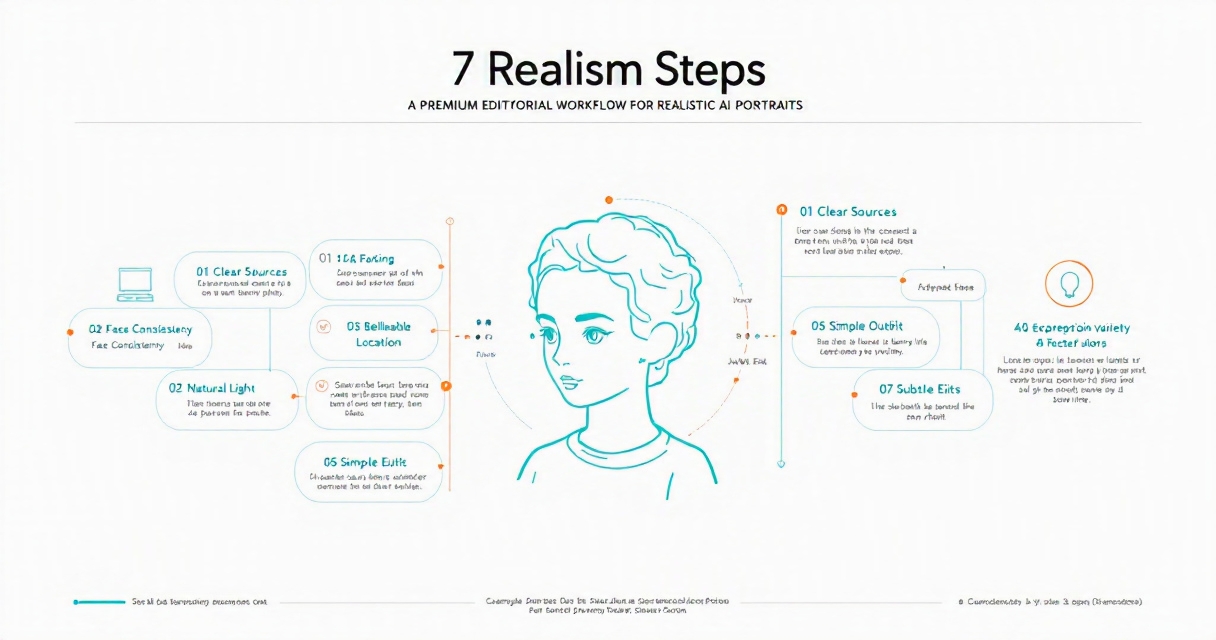
- Start with clear source photos. Use multiple images where your face is visible, evenly lit, and not buried under sunglasses, hats, or heavy filters.
- Protect face consistency. Check eye shape, smile, jawline, hairline, and facial proportions before judging the outfit or background.
- Prompt normal lighting. Ask for "soft window light," "overcast outdoor light," or "even indoor lighting" before asking for cinematic drama.
- Choose plausible settings. Coffee shops, city streets, offices, hotels, parks, gyms, and home interiors usually beat fantasy castles for profile realism.
- Keep outfits wearable. Clothing should fit your age, body type, activity, and scene. A tuxedo in a laundromat can work, but only if the joke is intentional.
- Generate several expressions. Mix relaxed smiles, neutral looks, candid glances, and light movement so your gallery doesn't look cloned.
- Edit lightly. Add grain, reduce sharpness, correct color, and crop like a normal photo instead of polishing every pore into witness protection.
A simple prompt formula for believable portraits
Use this structure when writing prompts:
- Subject: who is in the image, described plainly
- Setting: where the photo is taken
- Light: natural, studio, indoor, outdoor, time of day
- Camera feel: phone photo, portrait lens, candid snapshot, editorial portrait
- Expression: relaxed smile, neutral face, laughing, looking away
- Constraints: natural skin texture, realistic hands, no heavy retouching
Example: "Realistic phone photo of a man in his early 30s sitting near a coffee shop window, soft afternoon light, casual navy jacket, relaxed smile, natural skin texture, shallow background blur, candid framing."
Source photos decide the final realism
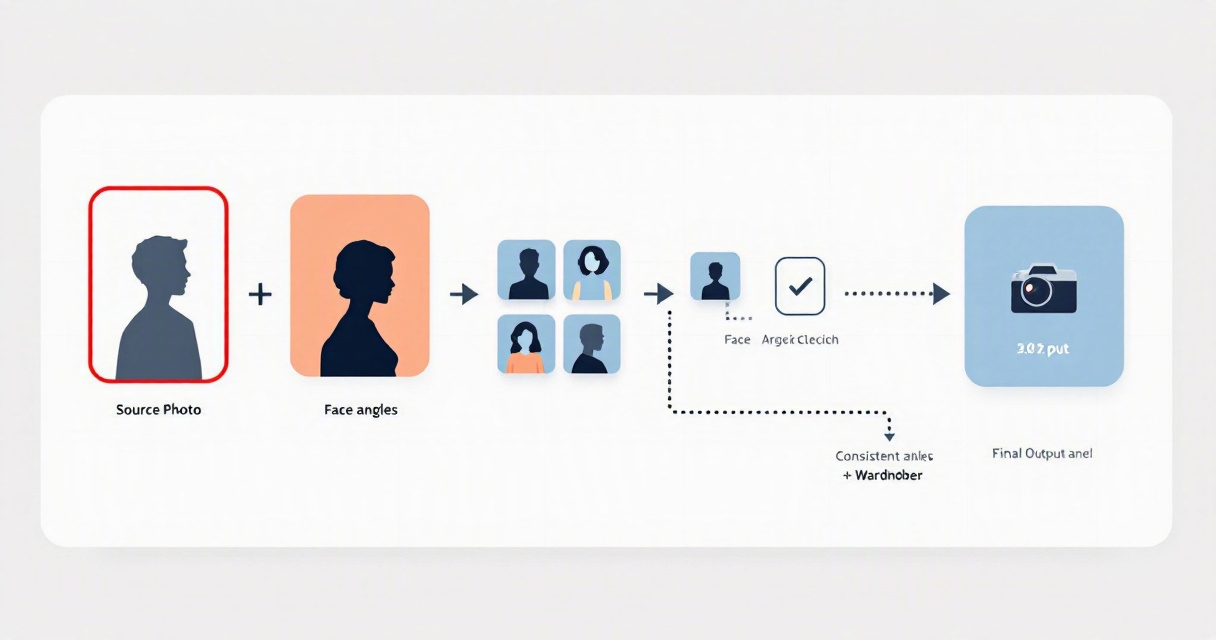
The most believable AI portraits usually come from varied, high-quality input photos rather than one heavily filtered selfie. If your training or reference images all have the same angle, same expression, and same bathroom lighting, the output will learn that you live permanently at 11:47 p.m. under a ceiling bulb.
For personal profile images, the HotphotoAI platform works best when users treat source photos like a mini casting set: clear face, varied angles, and real expressions. For brand recall or trying a new set, you can head to hotphotoai.com and compare styles with your existing profile photos.
Best input-photo checklist
- Use 8 to 20 varied photos if the tool allows it, not near-duplicates.
- Include front, three-quarter, and slight side angles.
- Use different expressions: smile, neutral, candid, serious.
- Add indoor and outdoor lighting examples.
- Avoid beauty filters, extreme makeup changes, and distorted wide-angle selfies.
- Remove photos where your face is tiny, blurry, blocked, or overexposed.
Better inputs reduce weird outputs. AI can invent a jacket; it should not have to guess your actual jawline.
Research on virtual environments, such as Park and Kim's 2022 IEEE Access paper on metaverse taxonomy and open challenges, shows how realism depends on many connected components. Portraits work the same way: identity, space, lighting, and interaction must line up.
Fix the details that expose AI images
AI photos usually look fake when one small area breaks the illusion: hands, teeth, jewelry, shadows, reflections, hair edges, or background geometry. Don't judge the image only by the face; zoom out, then zoom in, then ask whether the whole scene obeys basic physics.
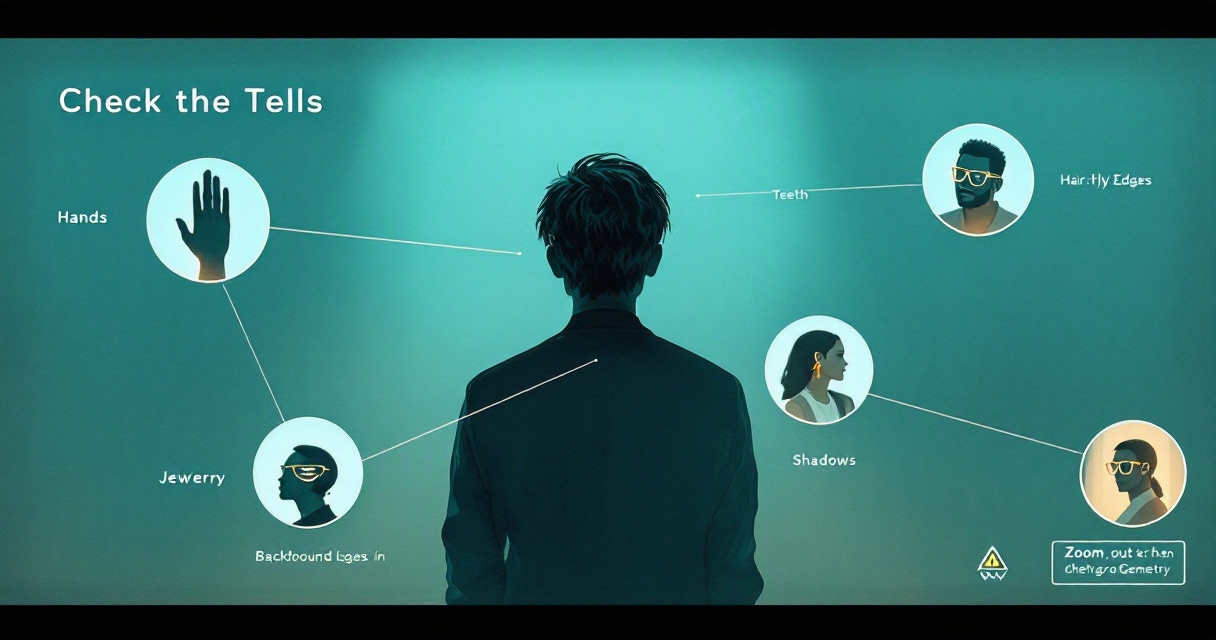
Some mistakes are subtle. A watch can melt into a wrist. Eyeglasses can have mismatched arms. Earrings may differ on each side. Teeth can look too uniform, like a keyboard designed by a dentist.
Common realism problems and quick fixes
| Problem | Why it looks fake | Quick fix |
|---|---|---|
| Over-smooth skin | Looks like plastic retouching | Add mild texture or reduce smoothing |
| Perfect symmetry | Human faces are naturally uneven | Keep small asymmetries |
| Strange hands | Fingers merge or bend oddly | Crop, regenerate, or use pockets/props |
| Mismatched shadows | Light direction conflicts | Regenerate with clearer lighting terms |
| Unreal background | Scale or perspective feels wrong | Use simpler rooms or outdoor scenes |
| Too much sharpness | Every detail competes | Add slight blur or grain |
Post-generation editing should make the image less shiny, not more artificial. I usually adjust exposure, warmth, contrast, crop, and grain before touching facial features. The less you edit the person, the more believable the person remains.
Profile-specific realism checks
Dating apps need credibility more than perfection. A realistic Tinder or Hinge set should include one clean face photo, one full-body or waist-up shot, one social or activity image, and one relaxed lifestyle portrait.
Professional profiles need restraint. LinkedIn-style images should avoid fantasy lighting, nightclub backgrounds, and outfits you would never wear to a meeting. Social creators can push style further, but the face still needs to match across posts.
What should you expect from realistic AI portraits in 2027?
Realistic AI portraits in 2027 will likely become easier to create, but harder to trust at a glance. Better models will improve hair, hands, fabric, and lighting, while platforms and viewers will pay more attention to authenticity signals, disclosure, and consistency across a person's online presence.
The 2021 IEEE survey on the road toward 6G discusses future network capacity and connected applications. Faster systems may make richer generated media more common, but taste will still matter. Faster fake-looking photos are still fake-looking photos.
The 2027 realism playbook
- Expect more personalized models that preserve identity across many scenes.
- Expect more camera-style controls for lens, grain, blur, and flash.
- Expect stronger demand for authentic-looking imperfections.
- Expect audiences to notice repeated poses, cloned smiles, and too-perfect skin faster.
- Expect profile platforms to reward images that feel current, varied, and human.
With HotphotoAI, the smartest approach is to create a believable set rather than one "perfect" image. A profile should feel like a real person had a good photo week, not like a mannequin won the lottery.
Frequently asked questions
These common questions cover the practical choices that make AI-generated personal photos look more natural and useful.
Why do my AI photos look obviously fake?
AI photos often look fake because the face, lighting, background, and texture don't match. Over-smooth skin, strange hands, mismatched shadows, and fantasy-level styling are the usual suspects. Start by simplifying the scene, using better source photos, and choosing natural light before trying advanced edits.
Should AI profile photos look like smartphone photos?
For dating apps and casual social profiles, yes, at least some should feel like smartphone photos. A full gallery of studio-perfect portraits can seem staged. Mix polished images with candid-looking shots, normal crops, everyday locations, and relaxed expressions so the set feels believable.
Can I edit AI photos after generating them?
Yes, light editing usually improves realism. Adjust color, contrast, exposure, crop, and grain before changing facial structure. Avoid heavy smoothing or dramatic filters because they can make an already generated image look even less natural. Think "finished photo," not "wax museum brochure."
How many AI photos should I use on a dating profile?
Use AI photos as part of a balanced set, not the whole identity. A strong dating profile can include several polished AI-assisted images, but they should still match how you look in real life. Consistency across face shape, age, hairstyle, and body type matters more than one dramatic hero shot.
Conclusion
Learning how to make AI photos look realistic comes down to consistency: feed the model better source images, ask for normal light and believable settings, keep human texture, and edit with restraint. If the image looks like a great photo someone could actually take, you're on the right track.
Use HotphotoAI to create polished dating, lifestyle, glamour, or professional portraits, then review each result with the checklist above. Pick the images that still look like you on a very good day, and visit hotphotoai.com when you're ready to build a more realistic profile set.