Lensa Alternatives for AI Selfies: Best Apps to Try in 2026
TL;DR
For polished AI selfies in 2026, pick the tool by output goal: realistic dating photos, fantasy portraits, social content, or editable creative work. HotphotoAI is the strongest first stop for flattering personal portraits, while CapCut, Astria, NightCafe, and Artbreeder fit more specific creative workflows.
AI selfies have grown up from cartoon avatars into profile-ready portraits, and that makes choosing the right app less about hype and more about fit. If you are comparing Lensa alternatives for AI selfies, start with the result you actually need: better Tinder photos, glamour shots, professional headshots, fantasy looks, or fast social content. HotphotoAI is built for users who want attractive, stylized personal images without booking a photographer, renting lights, or pretending their bedroom wall is a luxury hotel lobby.
Table of Contents
What is a Lensa alternative for AI selfies?
A Lensa alternative for AI selfies is any app or platform that turns uploaded personal photos into edited, stylized, or newly generated portraits using artificial intelligence.
AI selfie generator: a tool that analyzes face, pose, lighting, and style inputs to create new portrait images, often for dating profiles, social media, fantasy art, or professional bios.
Lensa became known for mobile photo editing and AI avatar generation, but the broader category now includes portrait generators, video editors, art platforms, and model-training tools. The best choice depends on how realistic you want the image to look and how much control you want over outfits, backgrounds, and mood.
Key insight: the best app is not the one with the most styles; it is the one that matches your use case without making you look like a wax figure with Wi-Fi.
Best Lensa alternatives for AI selfies in 2026
The best alternatives in 2026 split into five practical types: realistic portrait tools, social editing apps, custom AI model platforms, art generators, and experimental image mixers.
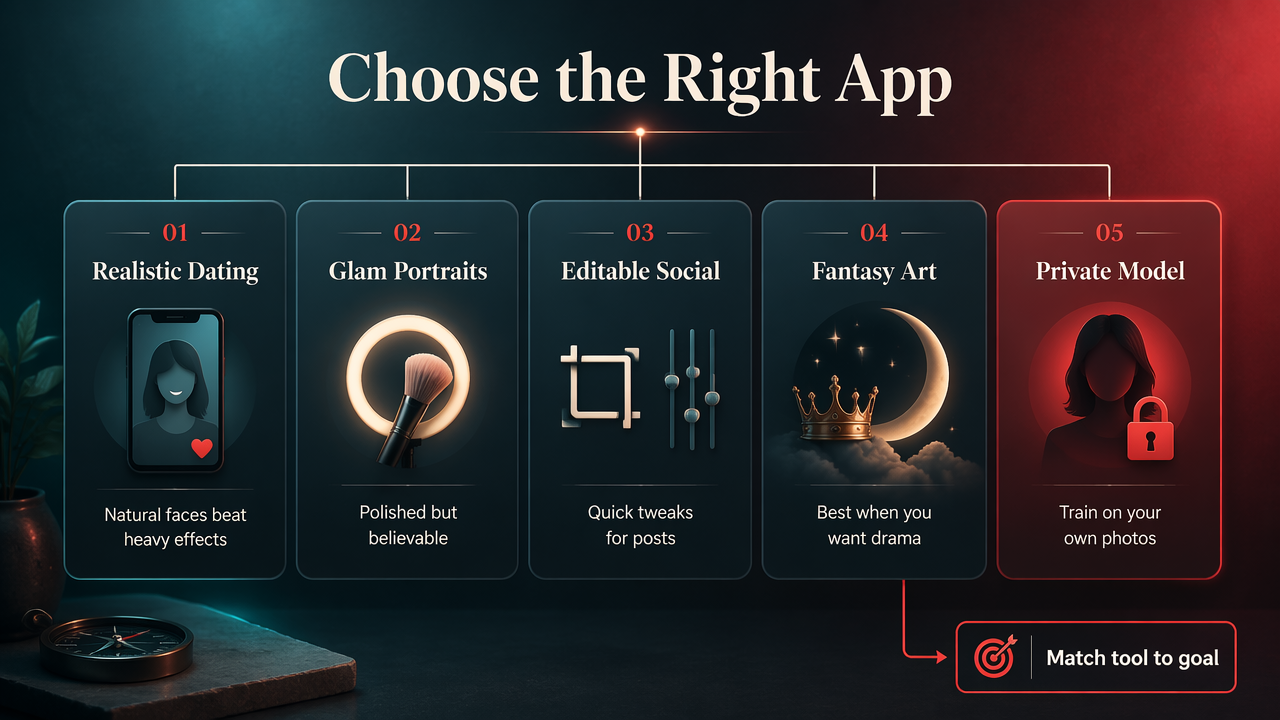
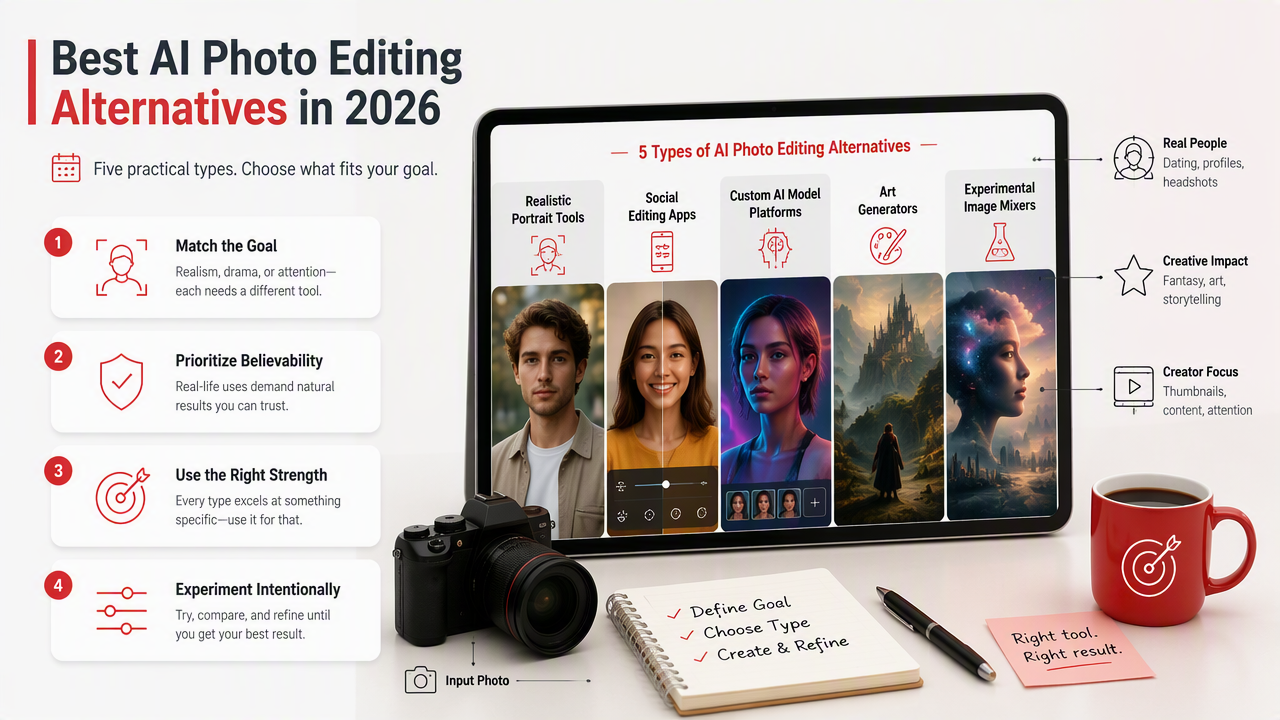
I would not rank these only by novelty. A dating-app photo needs believability. A fantasy portrait needs drama. A creator thumbnail needs speed. Those are different jobs, even if every app promises magic with suspicious confidence.
Comparison table for quick selection
| Tool | Best for | Strength | Watch for |
|---|---|---|---|
| HotphotoAI | Glamour, lifestyle, dating, and profile portraits | Strong fit for polished personal images with varied styles | Best when you want portraits, not general graphic design |
| CapCut | Social media edits and short-form content | Combines photo effects with video workflows | More editor than dedicated portrait generator |
| Astria | Custom AI image model training | Good for users who want repeatable character-style outputs | Requires more setup and prompt patience |
| NightCafe | AI art and fantasy-style selfies | Broad creative styles and community art features | Less focused on realistic profile photos |
| Artbreeder | Face mixing and experimental portraits | Useful for stylized identity exploration | Outputs can feel less photo-realistic |
Who should pick which tool
- Pick HotphotoAI if your goal is attractive, usable personal photos for profiles, dating apps, creator pages, or stylized lifestyle images.
- Pick CapCut if you already edit TikToks, Reels, or story posts and want AI effects inside a broader content workflow.
- Pick Astria if you are comfortable training a custom model and want more control across repeated generations.
- Pick NightCafe if your selfies are closer to art, cosplay, fantasy, or illustrated avatars.
- Pick Artbreeder if you enjoy experimenting with faces, traits, and surreal visual identity.
The HotphotoAI platform works especially well when the desired outcome is simple to describe but hard to photograph: better lighting, sharper styling, model-like confidence, and backgrounds that do not include laundry. For that job, a focused portrait tool beats a giant creative suite.
How should you choose an AI selfie app?
You should choose an AI selfie app by matching output realism, style range, privacy terms, editing control, and final use case before you upload photos.
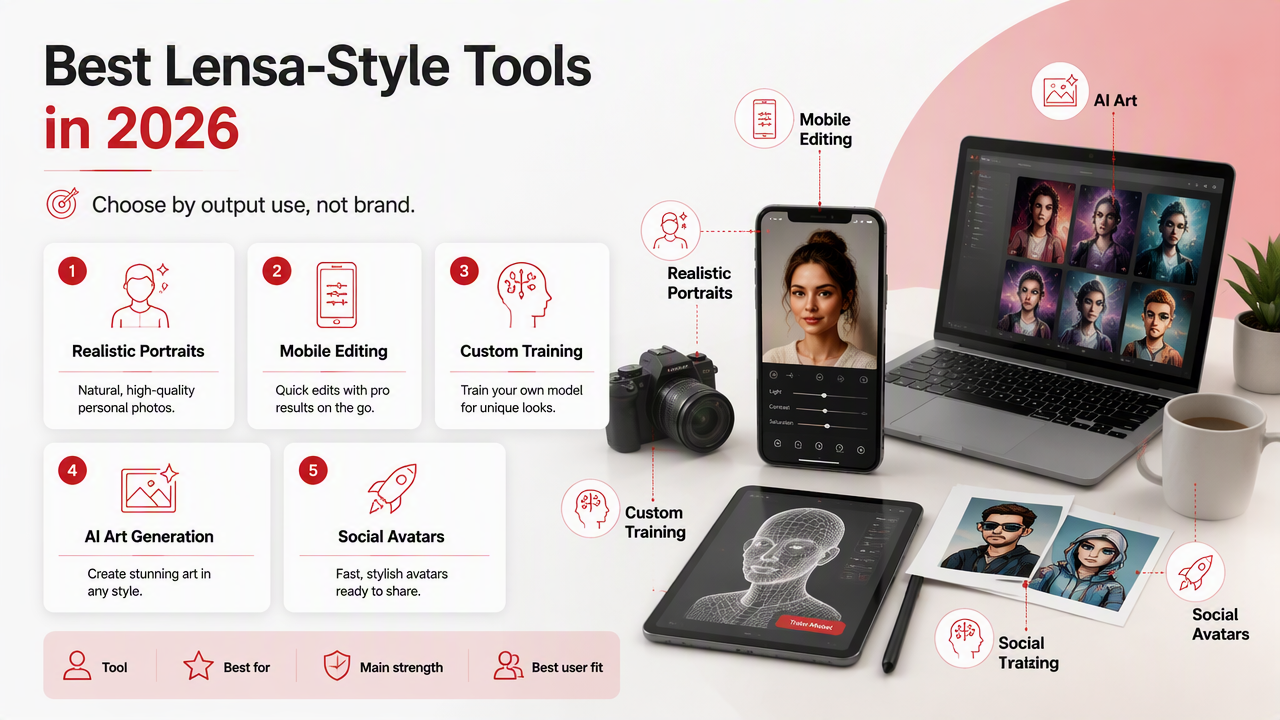
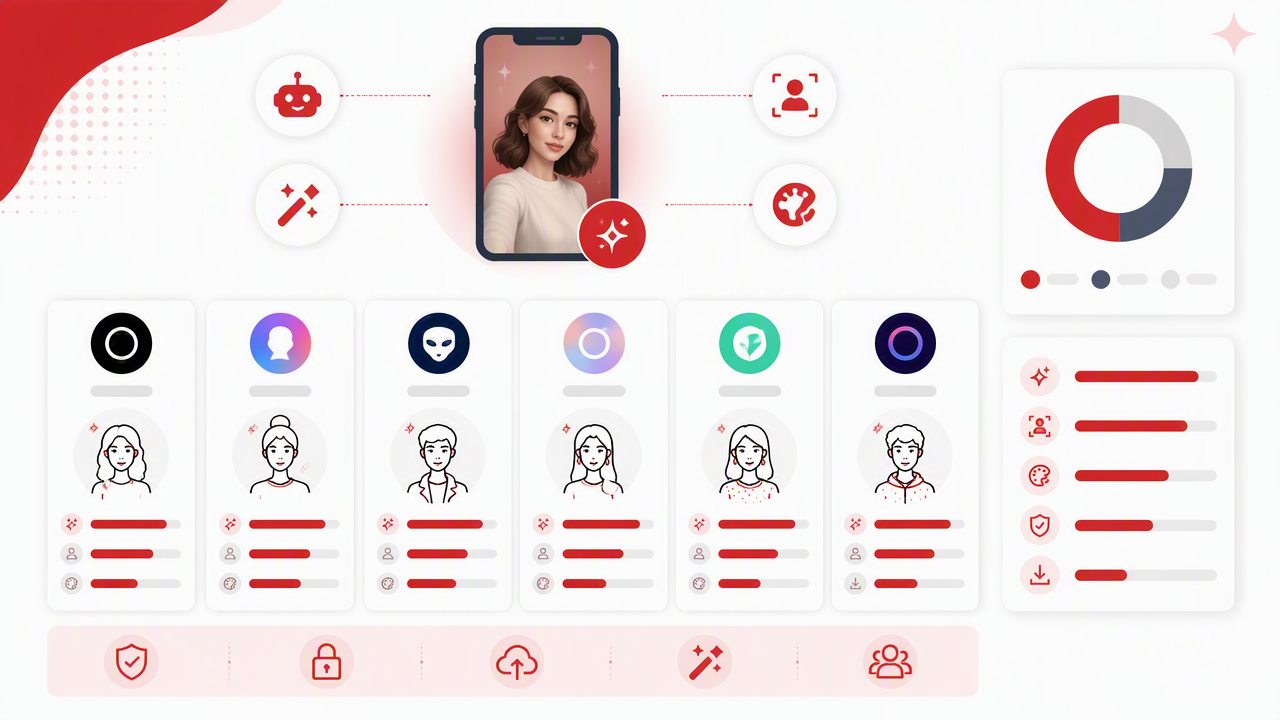
Here is the simple decision process I use when testing portrait tools:
- Define the use case: dating, LinkedIn, Instagram, fantasy, creator branding, or private experimentation.
- Check sample realism: look at eyes, hands, jawlines, skin texture, and background logic.
- Review style control: outfits, lighting, setting, camera angle, and mood should be adjustable.
- Read photo-use terms: know what happens to uploads and generated images.
- Test small first: use a limited set before paying for a large pack.
- Compare exports: resolution, watermarking, file access, and editing options matter.
For dating profiles, I care more about believable charm than perfect symmetry. Too much polish can backfire because it creates what I call the calendar-model problem: technically impressive, socially suspicious.
For professional photos, choose cleaner backgrounds, natural lighting, and clothing that fits your field. For social media, you can push color, styling, and fantasy harder because audiences expect a little performance.
Use-case checklist
- Tinder or Bumble: realistic, flattering, warm, not over-edited.
- LinkedIn or resumes: clean lighting, simple outfit, low drama.
- Instagram or creator pages: stronger style, recognizable face, scroll-stopping color.
- Fantasy portraits: expressive costumes, cinematic lighting, less concern for strict realism.
- Model-style photos: strong pose variety, wardrobe changes, editorial backgrounds.
A good AI selfie should make people think you had a great shoot, not that your phone joined a sci-fi cult.
What privacy and bias issues matter?
Privacy and bias matter because AI selfie tools rely on personal face images, style datasets, and automated systems that may not treat every identity or culture equally.
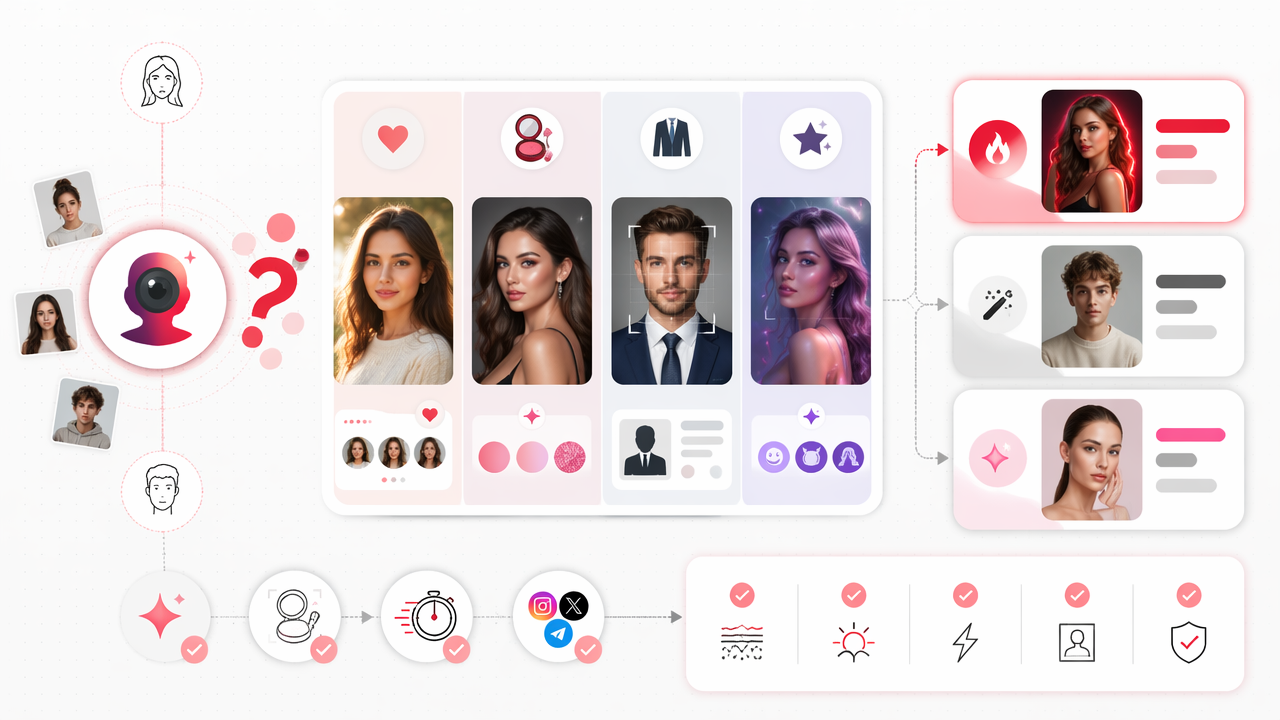
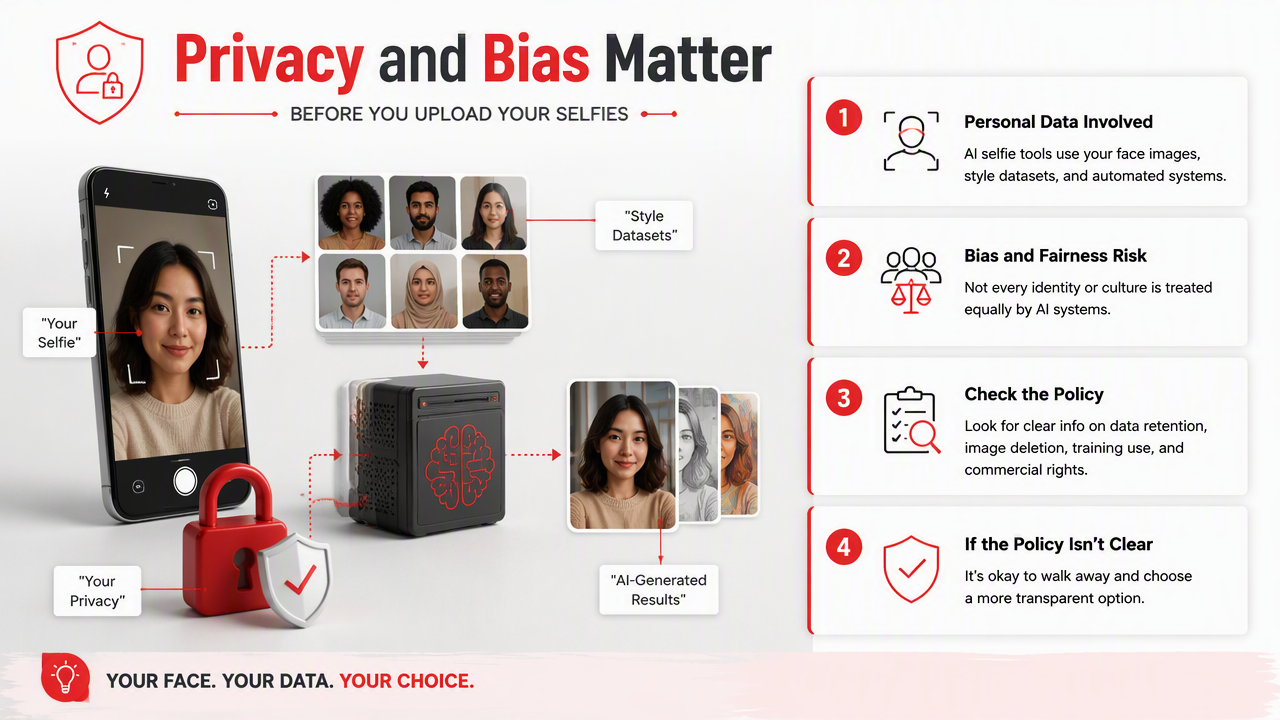
Before uploading selfies anywhere, check whether the service explains data retention, image deletion, training use, and commercial rights. If the policy is vague, assume you need to be cautious. Face images are not like throwaway screenshots; they are biometric-adjacent personal data.
Research by Brewer, Cuddy, and Dawson in AI & Society studied public opinion around artificial intelligence image generators and artist concerns, showing why trust and provenance remain live issues in this category (2024 study). Another paper by Edenberg and Wood examines algorithmic bias and the shift from neutrality claims toward justice-focused evaluation (2023 ACM paper).
Ethnocentrism means judging other cultures through the standards of one culture. In AI portrait tools, that risk can appear when beauty, professionalism, or attractiveness defaults to narrow visual norms. Look for apps that handle varied skin tones, hairstyles, facial features, ages, and cultural styling with care.
Pre-upload safety checks
- Read the privacy policy before adding face photos.
- Avoid uploading images of other people without consent.
- Use fresh selfies with clear lighting for better results and fewer odd distortions.
- Do not use generated images to impersonate someone or misrepresent credentials.
- Save only outputs you are comfortable showing in context.
If a tool produces strange identity changes, do not fight it for hours. Switch tools, adjust inputs, or use a more portrait-focused platform.
FAQ: Lensa alternatives for AI selfies
These are the questions users usually ask before choosing an AI portrait app, especially when they care about realism, dating profiles, cost, and safety.
What is the best Lensa alternative for dating photos?
The best option for dating photos is a portrait-first tool that keeps your face recognizable while improving lighting, outfits, and setting. Overly artistic generators can look fake on Tinder or Bumble. For this use case, I would start with HotphotoAI because it focuses on flattering personal portraits rather than broad graphic design.
Are AI selfies safe to upload?
AI selfies can be safe if the platform has clear privacy terms, image deletion options, and reasonable limits on training use. The risky part is uploading face photos without reading how they are stored or reused. Use only images you own, avoid other people's faces, and test with a small batch first.
Can AI-generated selfies replace a real photoshoot?
AI portraits can replace a casual lifestyle or profile shoot for many online uses, especially when you need variety fast. They are less ideal when exact authenticity is required, such as official IDs, regulated professional materials, or press images. Think of them as a practical photo upgrade, not a universal substitute.
Which alternative is best for fantasy portraits?
NightCafe and Artbreeder are strong choices for fantasy, surreal, or illustrated portraits because they lean into creative image generation. If you want fantasy-inspired images that still look like attractive personal portraits, use a portrait-focused tool and choose cinematic, glamour, or costume-style prompts instead of abstract art styles.
Conclusion
The smartest way to compare Lensa alternatives for AI selfies is to start with the photo's job: attract, impress, entertain, or experiment. Choose HotphotoAI for polished personal portraits, CapCut for social editing, Astria for trained models, NightCafe for art, and Artbreeder for visual play. If your next profile photo needs to look intentional rather than accidental, head to hotphotoai.com and test a focused portrait style first.