Photo Frames and Aspect Ratios for AI Portraits: A Practical 2026 Sizing Guide
TL;DR
Use 1:1 for profile photos, 4:5 for feed portraits, 9:16 for phone wallpapers and stories, and 2:3 or 3:4 for framed portrait prints. Generate AI portraits slightly wider than the final crop so you can fit faces, outfits, and backgrounds without awkward trimming.
A beautiful AI portrait can still look strangely wrong if the frame crops your forehead, chops the jacket, or turns a dating-photo glow-up into a passport-office incident. The practical trick behind photo frames and aspect ratios for AI portraits is simple: choose the destination before you generate the image. With HotphotoAI, that means thinking about the final use, such as Tinder, LinkedIn, Instagram, wallpaper, or print, before picking a portrait style.
Table of Contents
What is aspect ratio for AI portraits?
Aspect ratio: the proportional relationship between an image's width and height, written as width:height, such as 1:1, 4:5, or 9:16.
Aspect ratio for AI portraits is the shape of the image frame that controls how much face, body, outfit, and background appear in the final result. A square ratio favors avatars, a vertical ratio favors people, and a tall ratio favors phone screens or story formats.
A 2021 review by Nantheera Anantrasirichai and David Bull examined artificial intelligence in the creative industries, which helps explain why AI image tools now behave less like cameras and more like creative layout systems. You're not only capturing a face; you're composing a reusable visual asset.
Key insight: pick the frame before the prompt, not after the portrait is generated.
For portraits, I treat aspect ratio as a creative decision first and a technical setting second. A 1:1 headshot says "profile picture." A 4:5 portrait says "social feed." A 2:3 print says "classic photo frame." A 9:16 image says "phone wallpaper, story, or full-screen reveal."
Which aspect ratio fits each AI portrait use?
The best aspect ratio depends on where the AI portrait will appear, because every destination crops attention differently. Profile photos need centered faces, social posts need room for styling, wallpapers need vertical breathing space, and framed prints need dimensions that match common physical frames.
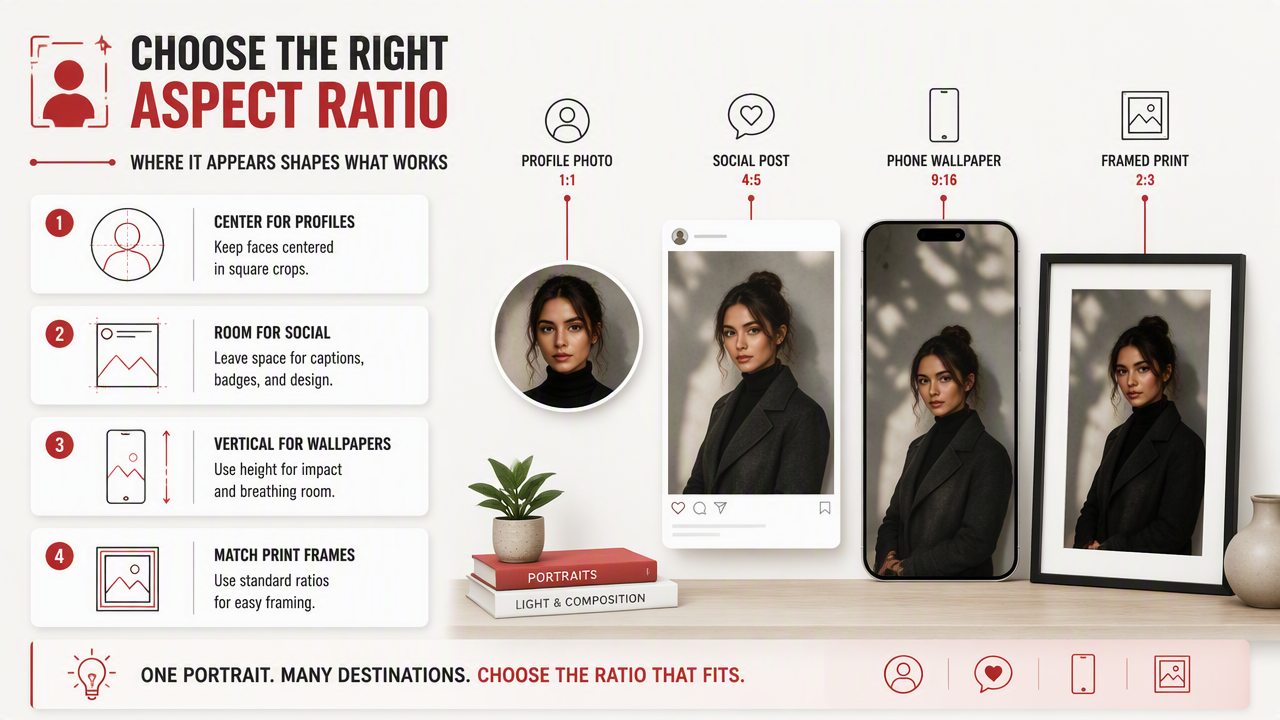
Use these rules before generating:
- Face-first crops: choose
1:1for avatars, dating thumbnails, and account icons. - Torso portraits: choose
4:5or3:4for fashion, lifestyle, and creator photos. - Full-screen portraits: choose
9:16for phone wallpapers, stories, reels covers, and lock screens. - Print-friendly portraits: choose
2:3,3:4,4:5, or5:7, depending on the frame.
Common portrait destinations and frame ratios
| Use case | Recommended ratio | Common size examples | Best composition |
|---|---|---|---|
| Dating app main photo | 1:1 or 4:5 |
Square crop, vertical card | Face centered, shoulders visible |
| LinkedIn or professional avatar | 1:1 |
Square profile image | Head and upper torso |
| Instagram feed portrait | 4:5 |
1080 x 1350 style crop | Face, outfit, background cue |
| TikTok, Reels, Stories | 9:16 |
Vertical full-screen | Subject in center third |
| Phone wallpaper | 9:16 or 19.5:9 |
Modern phone screens | Extra space around head |
| Small framed print | 4:5 |
8 x 10 in, 16 x 20 in | Classic bust portrait |
| Standard photo print | 2:3 |
4 x 6 in, 8 x 12 in | Natural camera-like crop |
| Wall portrait | 3:4 |
9 x 12 in, 12 x 16 in | Balanced head-to-waist view |
| Desk frame | 5:7 |
5 x 7 in | Close portrait with tidy edges |
Most AI portrait users should generate one master portrait in a vertical shape, then export tighter versions for avatars and feeds. That keeps the nice lighting, hair, outfit, and background intact instead of forcing one crop to do five jobs.
How should you crop AI portraits for every frame?
Crop AI portraits by protecting the face first, preserving the shoulders second, and leaving extra background third. The safest workflow is to generate a slightly wider portrait than needed, then crop copies for each platform or frame size.
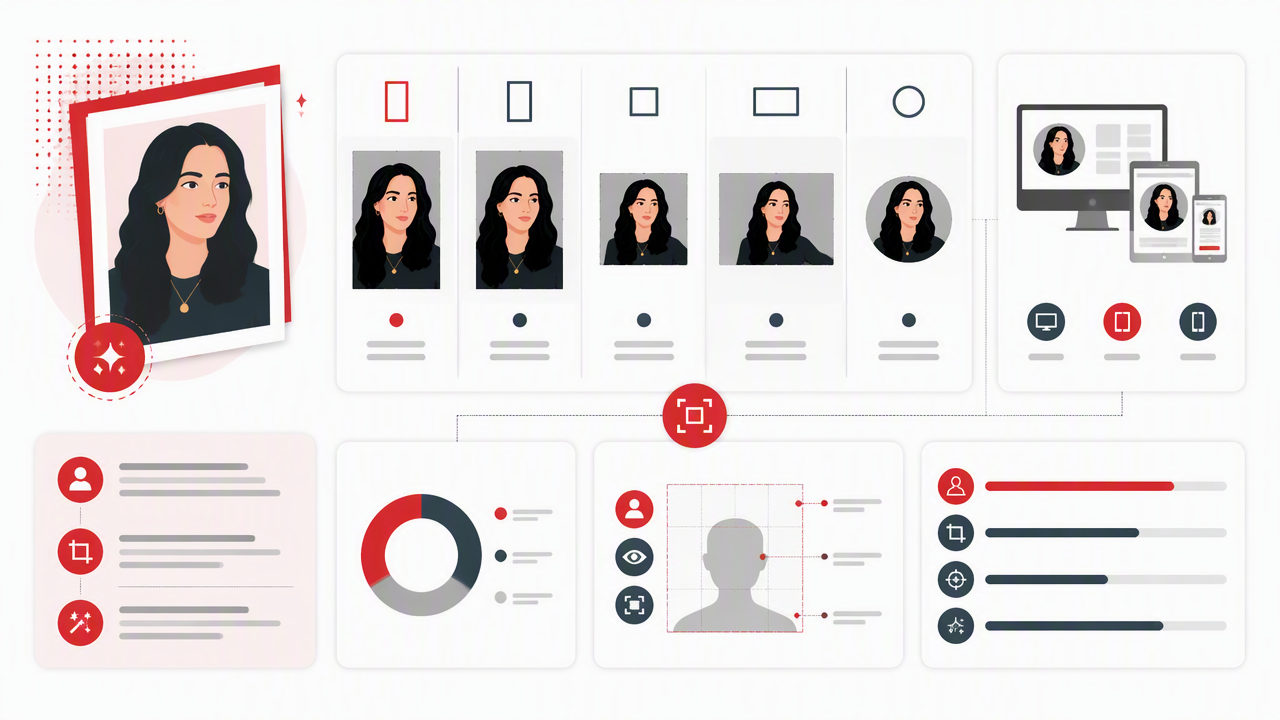
- Start with the final destination. Pick profile, social post, wallpaper, or print before writing the prompt.
- Keep the eyes above center. Portraits usually feel more natural when the eyes sit slightly above the midpoint.
- Leave margin above hair. AI hair, hats, and fantasy styling need room to breathe.
- Protect the hands. If hands appear, avoid tight edge crops, since partial fingers look odd fast.
- Export separate versions. Save one file for square profiles, one for vertical posts, and one for print.
Safe crop zones for portrait composition
| Portrait element | Safe placement | Why it matters |
|---|---|---|
| Eyes | Upper middle third | Keeps the viewer focused on expression |
| Chin | Clear of bottom edge | Avoids a cramped headshot feel |
| Shoulders | Inside side margins | Makes profile photos look more confident |
| Outfit detail | Lower center | Helps glamour, model, and lifestyle looks read clearly |
| Background texture | Outer edges | Adds style without competing with the face |
AI portraits reward generous framing. If I'm making one image for both a dating profile and a framed print, I usually generate a 3:4 or 4:5 version first, then crop down to 1:1. Square-to-vertical expansion is harder than vertical-to-square cropping, because the missing jacket, hair, or background has to be invented later.
How HotphotoAI handles portrait framing choices
A good AI portrait platform should help users think in finished outputs, not just pretty previews. The HotphotoAI platform is best used when you pair the portrait style with a target frame, such as dating-card, model portrait, phone wallpaper, or polished professional headshot.
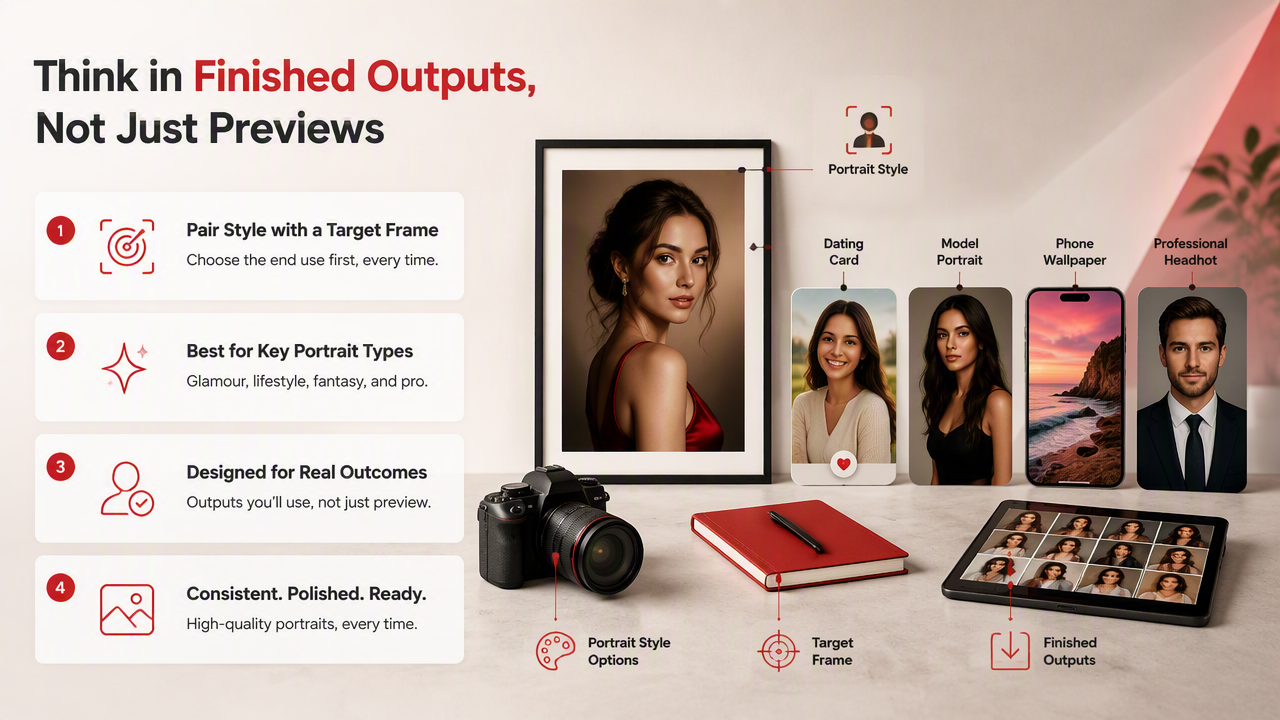
For glamour, lifestyle, fantasy, and profile images, the frame changes the message:
- Tight square: direct, confident, profile-ready.
- Vertical half-body: stylish, social, outfit-aware.
- Tall full-screen: cinematic, wallpaper-friendly, more dramatic.
- Print portrait: calmer, balanced, made for a physical frame.
Prompt framing examples for stronger results
| Goal | Better prompt direction | Suggested ratio |
|---|---|---|
| Tinder main photo | "Natural confident portrait, upper body, clean background" | 4:5 |
| Profile avatar | "Close headshot, centered face, soft lighting" | 1:1 |
| Fashion creator post | "Editorial portrait, outfit visible, urban background" | 4:5 |
| Fantasy portrait | "Cinematic vertical portrait, detailed costume, atmospheric light" | 9:16 |
| Desk print | "Classic portrait, shoulders visible, neutral backdrop" | 5:7 |
Research by Md. Shohel Rana, Mohammad Nur Nobi, and Beddhu Murali reviewed deepfake detection methods in 2022, a reminder that realistic AI portraits should be used honestly and responsibly. For personal branding, dating, and creator content, the sweet spot is polished but still recognizably you.
HotphotoAI works especially well when you plan a small set of outputs rather than chasing one magic image. Create a square avatar, a vertical social portrait, and a tall wallpaper version from the same visual direction, then keep the one that survives real-world cropping.
What will change for AI portrait sizes in 2027?
AI portrait sizing will keep moving toward multi-output generation, where one prompt produces platform-ready versions for avatars, vertical feeds, phone screens, and print frames. The winner won't be the biggest image; it'll be the image that adapts cleanly without losing identity or style.
Three shifts are already easy to see:
- More adaptive crops: tools will suggest safe square, vertical, and wallpaper versions automatically.
- Better outpainting: expanding backgrounds around a portrait will become more normal.
- More authenticity signals: creators and professionals will care more about images that look polished but not fake.
A 2022 paper by Seungbo Shim, Jin Kim, and Seong-Won Lee studied super-resolution and generative adversarial networks for road damage detection, outside the portrait field, but it shows how image enhancement research keeps improving resolution workflows. For portrait users, that points to cleaner upscales and better print preparation over time.
Practical 2026 rule: generate for the tallest likely use, then crop downward into smaller frames.
FAQ: What is the best aspect ratio for AI dating photos?
The best aspect ratio for AI dating photos is usually 4:5, with a backup 1:1 crop for thumbnails. A 4:5 portrait shows face, shoulders, outfit, and setting, while a square crop keeps the image readable in app grids. Avoid overly wide shots, since faces become too small.
FAQ: What size should I use for an AI portrait print?
Use 2:3, 3:4, 4:5, or 5:7 for AI portrait prints, depending on the frame you plan to buy. Common choices include 4 x 6, 8 x 10, 12 x 16, and 5 x 7 inches. Match the ratio before printing, not at checkout.
FAQ: Is 9:16 good for AI portraits?
Yes, 9:16 is excellent for phone wallpapers, stories, reels covers, and dramatic full-screen portraits. It gives the subject vertical space and makes backgrounds feel cinematic. For profile photos, though, export a separate square crop so the face stays large and clear.
FAQ: Should I generate one AI portrait or several ratios?
Generate several ratios when the portrait matters. One square image may work for an avatar, but it won't make the best wallpaper or framed print. I recommend one 1:1, one 4:5, and one 9:16 version for most personal branding, dating, and creator uses.
Conclusion
Choose the frame first, then generate the portrait. For photo frames and aspect ratios for AI portraits, use 1:1 for avatars, 4:5 for social and dating, 9:16 for phones, and print ratios like 2:3, 3:4, 4:5, or 5:7 for physical frames. If you want polished portraits for multiple destinations, create a small ratio set with HotphotoAI, compare the crops on your actual apps, and visit hotphotoai.com when you're ready to make the next batch sharper, better framed, and less "why is my ear the main character?"