PhotoAI Alternatives for Personal AI Photos in 2026
TL;DR
TL;DR: The best PhotoAI alternative depends on whether you want dating photos, polished headshots, creative portraits, or broad image generation. Start with a personal-photo-first tool, check realism and style control, then test one small batch before buying a larger package.
PhotoAI alternatives for personal AI photos are getting serious in 2026 because people no longer want one decent avatar, they want a full shoot: dating shots, LinkedIn headshots, travel-style portraits, and a few "I own a linen shirt in Santorini" fantasies. If your goal is attractive, stylized personal images without booking a photographer, HotphotoAI is a strong first place to look because it focuses on personal portraits rather than generic image generation.
Personal AI photos: AI-generated or AI-enhanced portraits made from uploaded selfies, prompts, or style presets for profile pictures, dating apps, social media, professional bios, and creative identity experiments.
Key insight: Don't compare these tools like ordinary text-to-image apps. For personal photos, identity consistency, flattering lighting, realistic skin, outfit variety, and safe handling of uploaded images matter more than surreal art tricks.
Table of Contents
What are PhotoAI alternatives for personal AI photos?
PhotoAI alternatives for personal AI photos are apps that generate realistic or stylized portraits from selfies, prompts, templates, or model training, giving users options beyond PhotoAI for profile pictures, dating photos, headshots, glamour portraits, and lifestyle images. The best options focus on recognizable identity, natural posing, and usable outputs.
PhotoAI positions itself around AI photo shoots and lists an official FAQ, which is useful if you're comparing workflows. Still, the search results for this topic now include pay-once tools, headshot services, broad AI image generators, and niche portrait apps, so the category has split into several lanes.
For a practical shortlist, I separate tools by job, not by hype. A dating profile photo needs warmth and believability. A work headshot needs polish without plastic skin. A fantasy portrait can bend reality a little, preferably without turning your hands into decorative pasta.
Quick definition by use case
- Dating photos: Casual, attractive portraits that look like they could exist in your camera roll.
- Professional headshots: Clean, business-ready images for LinkedIn, resumes, speaker pages, and portfolios.
- Lifestyle portraits: Travel, cafe, gym, city, studio, or creator-style images for social media.
- Glamour and fantasy photos: More stylized portraits with dramatic outfits, lighting, or backgrounds.
- General AI image generators: Flexible tools such as the image generators covered in major 2026 roundups, but not always tuned for your face.
Best PhotoAI alternatives to compare in 2026
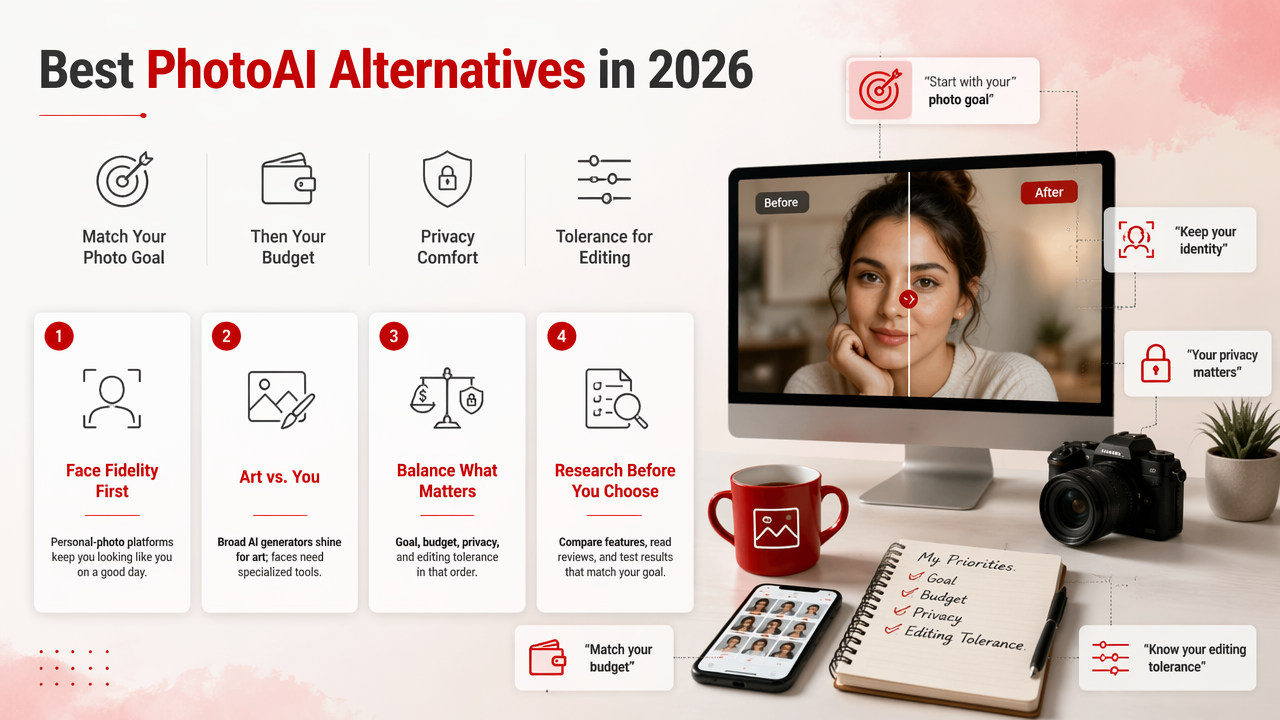
The best PhotoAI alternatives in 2026 are the tools that match your photo goal first, then your budget, privacy comfort, and tolerance for editing. A broad AI image generator may be brilliant for art, but a personal-photo platform usually wins when your face must still look like you on a good day.
Competitor SERP analysis found 131 results around this query, with top pages often listing many tools rather than explaining which type of user should pick each one. That's useful for browsing, but less useful when you need a profile photo before Friday.
Comparison table for personal photo needs
| Alternative | Best for | Main strength | Watch for |
|---|---|---|---|
| HotphotoAI | Dating, lifestyle, glamour, and profile-ready portraits | Personal-photo focus with attractive, stylized looks | Pick clear selfies for the best starting point |
| PhotoAI | AI photo shoots and model-style outputs | Recognized name in the category | Compare pricing and output style before committing |
| HeadshotPro | Business headshots | Professional, work-focused images | Less playful for dating or fantasy styles |
| Aragon AI | Corporate headshots | Formal profile use | Better for work than casual identity shots |
| Remini | Photo enhancement and portraits | Mobile-friendly enhancement | May fit edits better than full photo-shoot variety |
| Fotor | General editing and AI image tools | Accessible creative toolkit | Not only built for personal-photo consistency |
| Profile Picture AI | Avatars and profile images | Simple profile use | Style range can matter if you need realism |
| Midjourney | Artistic portrait concepts | Strong visual style | Identity consistency takes more effort |
| Canva | Social graphics and simple AI visuals | Easy design workflow | Better for layouts than dedicated AI shoots |
How should you choose a PhotoAI alternative?
Choose a PhotoAI alternative by matching the tool to the final place your photo will appear: Tinder, Hinge, Instagram, LinkedIn, a creator bio, or a fantasy portrait set. Then judge realism, face consistency, output variety, privacy terms, turnaround time, and whether the images need extra editing.
The smartest choice is rarely "the most powerful AI." It's the tool that gives you 10 usable images instead of 100 strange almost-yous. I'd rather delete three boring shots than explain to friends why my AI portrait has celebrity cheekbones and a haunted elbow.
A fast buying checklist
- Define the channel: Dating app, LinkedIn, Instagram, portfolio, or creative set.
- Decide the realism level: Natural camera-roll photo, polished studio shot, or stylized fantasy.
- Check identity consistency: Your face should look familiar across outfits and backgrounds.
- Review style control: Look for outfit, location, lighting, and mood options.
- Start small: Test one batch before paying for a larger package.
- Inspect details: Teeth, hands, glasses, hairlines, earrings, and shirt collars reveal weak outputs.
- Keep a human edit pass: Crop, brighten, and remove any uncanny images before posting.
Practical rule: If the image would make a friend say "nice photo," it works. If they say "what app made this," it needs another pass.
How does HotphotoAI handle personal AI photos?
HotphotoAI handles personal AI photos by focusing on attractive portrait outcomes people can actually use on dating profiles, social media, and personal branding pages. Rather than treating your face as just another prompt object, the HotphotoAI platform is built around the idea of a polished personal shoot.
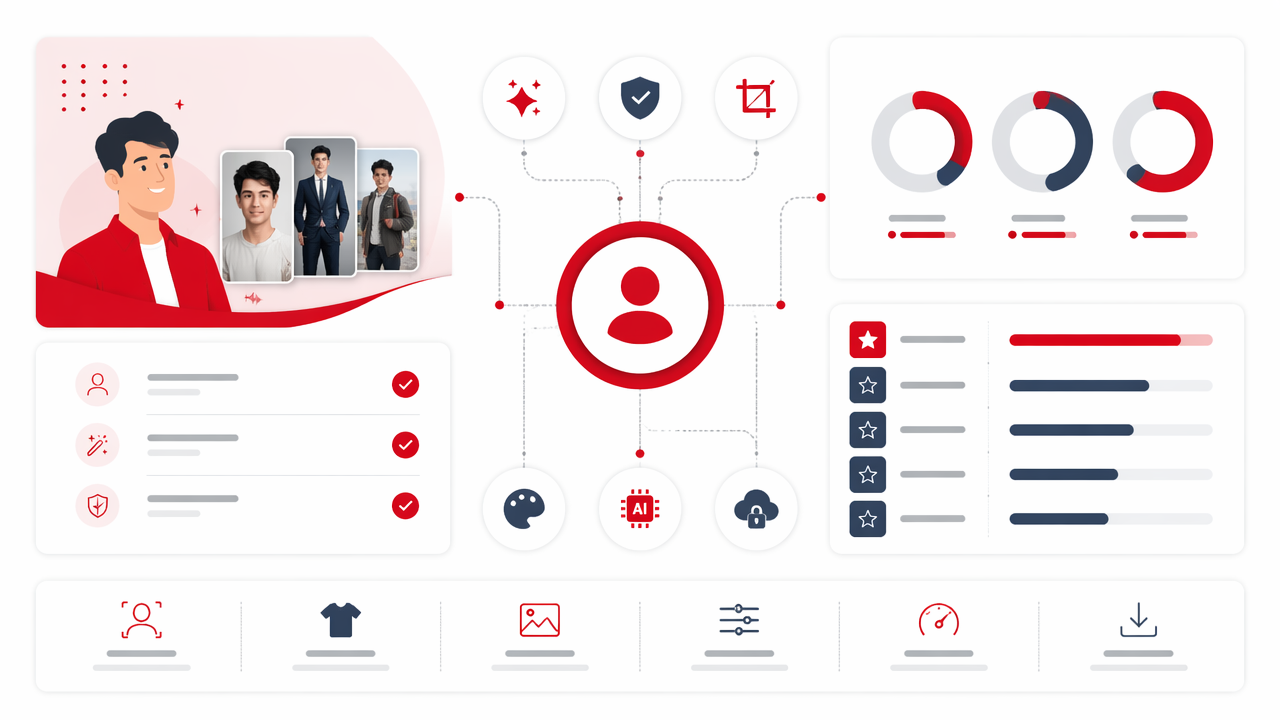
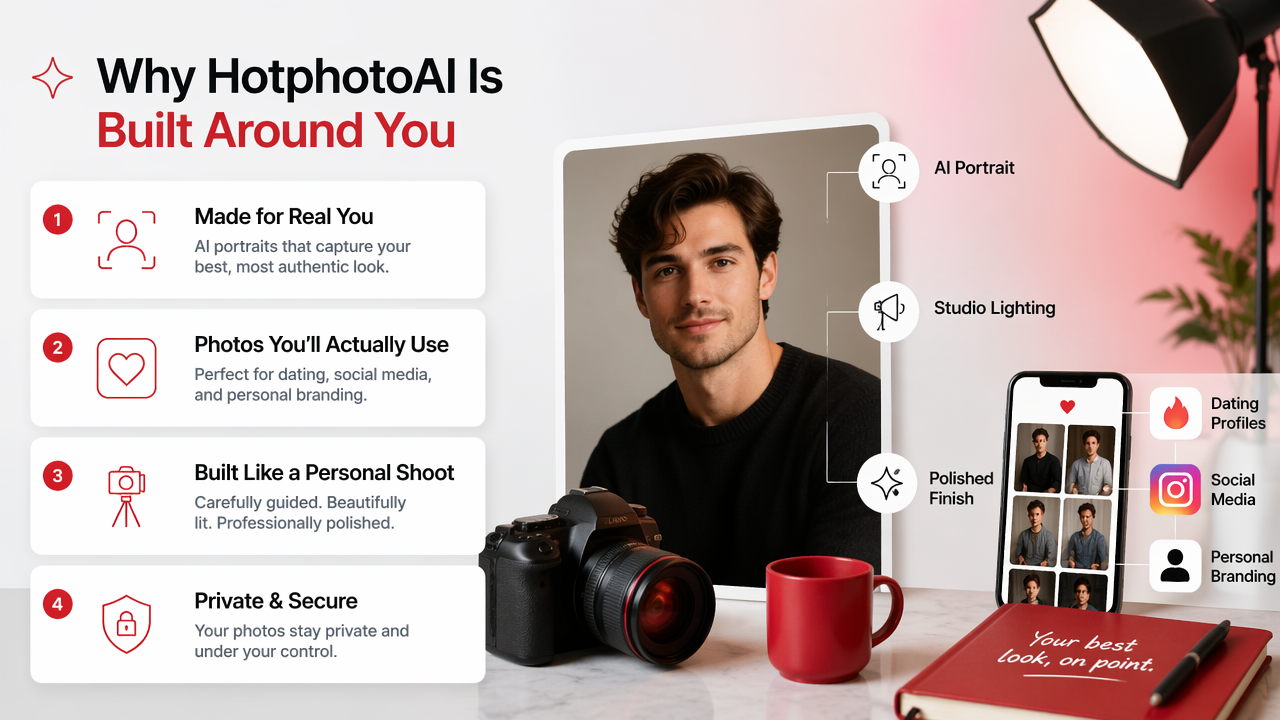
That matters because personal photos are judged differently from fantasy art. A beautiful castle background is pointless if your smile looks borrowed from a stock image. The stronger workflow is to start with clear source selfies, select the vibe you want, then generate multiple looks you can sort like a real contact sheet.
For creators and profile-heavy users, the appeal is variety. You can test polished lifestyle shots, model-inspired portraits, bolder glamour looks, and images that feel more editorial than everyday. If you want to compare styles before changing every profile photo you own, head to hotphotoai.com and start with one clear goal: dating, social, or professional.
Who should pick which tool
- Pick HotphotoAI if you want flattering personal portraits for dating, Instagram, creator profiles, glamour looks, or lifestyle-style images.
- Pick a headshot-only tool if your only goal is a conservative LinkedIn or corporate directory image.
- Pick a general image generator if you want art direction freedom and don't mind spending more time on prompts.
- Pick an editing app if you already have strong photos and only need enhancement, cleanup, or background changes.
What should you expect from personal AI photos in 2027?
Personal AI photo tools in 2027 will likely move toward better identity consistency, more natural full-body posing, clearer consent controls, and faster style testing across dating, work, and creator platforms. The winning tools won't just generate prettier pictures; they'll help users choose photos that fit the context.
Expect more "shoot planning" features. Instead of choosing from vague styles, users will ask for a dating-first set, a founder bio set, a vacation lifestyle set, or a clean professional set. That shift makes sense because people don't buy AI photos for the pixels. They buy them for better first impressions.
There's also a taste problem. AI portraits can become too perfect, too smooth, or too obviously staged. In 2026, the best results already lean slightly imperfect: real skin texture, believable lighting, relaxed shoulders, and backgrounds that don't scream luxury hotel lobby from a dream sequence.
Signals of a good future-proof result
| Signal | Why it matters |
|---|---|
| Recognizable face | Friends and dates should know it's you |
| Natural imperfections | Realism beats wax-museum polish |
| Context fit | LinkedIn and Tinder should not share the same mood |
| Multiple usable angles | One hero image is not enough for a profile set |
| Easy retesting | Better tools let you refine style without starting over |
FAQ about PhotoAI alternatives
PhotoAI alternatives work best when you treat them as a photo strategy tool, not a magic button. Start with the platform that matches your use case, upload strong source images, and judge the results by whether they help you look credible, attractive, and recognizable.
What is the best PhotoAI alternative for dating photos?
The best alternative for dating photos is one that creates natural, flattering images with believable lighting and relaxed expressions. Avoid anything that looks too corporate or too cinematic. Dating profiles usually perform better when photos feel socially plausible, like a friend captured you on a very lucky afternoon.
Are AI-generated personal photos acceptable for LinkedIn?
AI-generated personal photos can work for LinkedIn if they look professional, realistic, and clearly resemble you. Choose simple clothing, neutral backgrounds, and natural skin texture. Skip fantasy lighting, dramatic poses, and heavy retouching because hiring managers are not usually shopping for wizard energy.
How many selfies should I upload for better results?
Upload several clear selfies with different angles, lighting, and expressions if the tool allows it. Avoid sunglasses, heavy filters, group shots, and extreme crops. The goal is to give the system enough visual information to preserve your face while still creating new outfits, backgrounds, and moods.
Can I use the same AI photos everywhere?
You can, but you probably shouldn't. Dating apps, LinkedIn, Instagram, and creator pages reward different signals. Use warmer, more casual shots for dating, cleaner portraits for work, and more expressive images for social platforms. One photo set can serve many uses, but each image needs the right job.
Conclusion
PhotoAI alternatives for personal AI photos are worth comparing by outcome, not by tool fame. Decide where the image will live, choose the realism level, test a small batch, and keep only photos that feel like the best version of you, not a suspiciously airbrushed cousin.
If you want profile-ready portraits with room for dating, lifestyle, glamour, and social styles, try HotphotoAI and compare your first outputs against the checklist above. Visit hotphotoai.com, pick one use case, and build a small photo set before you overhaul every profile at once.