PhotoAI vs Fotor for Personal Portraits: A 2026 Guide
TL;DR
Choose PhotoAI when your priority is generating different portraits from a personalized model; choose Fotor when you mainly want to edit existing photos. Before paying, compare likeness, usable outputs, and current plan terms rather than judging either tool by its best promotional image.
A better portrait starts with choosing the right workflow, not adding more digital cheekbones. PhotoAI vs Fotor for personal portraits comes down to generating new images of yourself versus editing images you already have. The supplied search summaries position PhotoAI around personalized AI photoshoots and Fotor around broader photo editing, including portrait retouching.
Personalized AI photoshoot: A workflow that uses reference photos to generate new portraits intended to resemble the same person.
AI portrait editing: A workflow that changes an existing portrait, such as its skin appearance, background, or overall presentation.
For another personal-image option, HotphotoAI is worth exploring alongside your portrait brief. I recommend starting with the intended result: a recognizable dating photo, a polished professional image, or a deliberately stylized portrait.
Table of Contents
PhotoAI vs Fotor: The Portrait Workflow Comparison
PhotoAI is the more focused candidate for personalized image generation, while Fotor is the broader candidate for editing an existing portrait. That distinction is more useful than asking which tool is universally better: a fresh lifestyle scene and a cleaner version of yesterday's selfie are different jobs.
Compare the Tools Against Your Actual Photo Brief
This table separates the positioning supported by the supplied summaries from details that require checking on current product pages. It isn't a hands-on quality ranking.
| Criterion | HotphotoAI | PhotoAI | Fotor |
|---|---|---|---|
| Starting point | Additional personal-portrait option to explore | Personalized AI photoshoot | Broad photo-editing workflow |
| Likeness | Review examples against your reference photos | Evaluate whether generated portraits preserve identity | Evaluate whether edits preserve the original face |
| Creative control | Match available options to your intended style | Oriented toward generating varied personal images | Oriented toward editing and retouching images |
| Editing workflow | Review the current workflow before choosing | Generate portraits from a personalized model | Work on an existing image; check generation options separately |
| Pricing | Check current portrait options and terms | Check model, generation, and download allowances | Check editing access and separate portrait allowances |
| Best-fit question | Does its portrait approach match your desired presentation? | Do you want several new scenes featuring yourself? | Do you already have a photo worth improving? |
Choose the workflow first. A tool can produce an attractive image without solving your particular portrait problem.
How Do You Compare Portrait Quality Fairly?
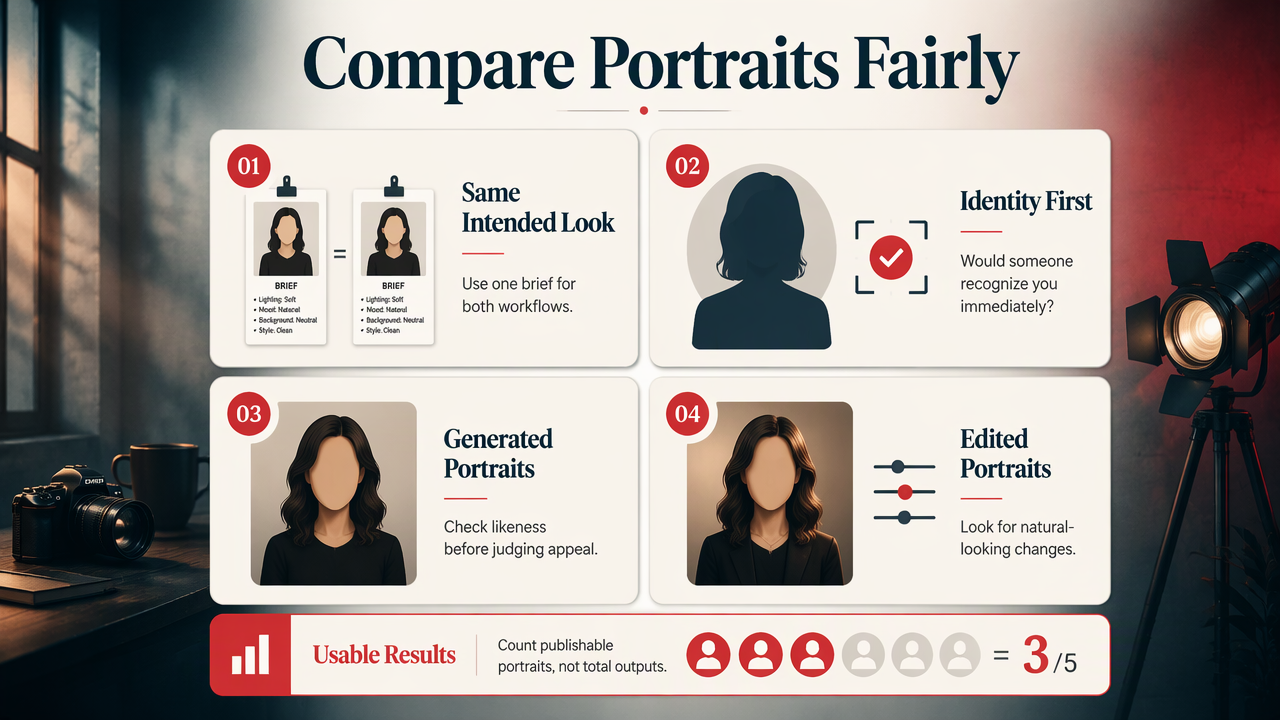
Compare portrait quality by testing the same intended look, checking identity before attractiveness, and counting usable results rather than total outputs. For PhotoAI and Fotor, the comparison should reflect their different workflows: generated portraits need identity checks, while edited portraits need checks for natural-looking changes.
Use Three Matched Portrait Briefs
I would use these briefs as a buying test, not claim they represent results from either platform:
- Dating portrait: Natural daylight, casual clothing, and a recognizable expression. Check whether someone meeting you would recognize you immediately.
- Professional headshot: Simple background, tidy clothing, and restrained retouching. Check whether the image suits your actual role.
- Creative portrait: Dramatic lighting or a fantasy setting. Check whether the style works while retaining the facial features you care about.
For each brief, inspect face shape, eye spacing, hairline, skin texture, and clothing details. Then view the image at profile-thumbnail size. A portrait that looks impressive full-screen can lose its expression inside a tiny circle.
Keep Evidence Separate From Marketing
The supplied research supports broad product positioning, but it doesn't include matched output samples, verified current prices, or measured likeness scores. I therefore wouldn't declare a quality winner or invent a percentage advantage.
Don't confuse PhotoAI with Topaz Photo AI, which also appears in the search results. A comparison about a similarly named product doesn't establish anything about this personalized-portrait workflow.
Who Should Pick PhotoAI, Fotor, or Both?
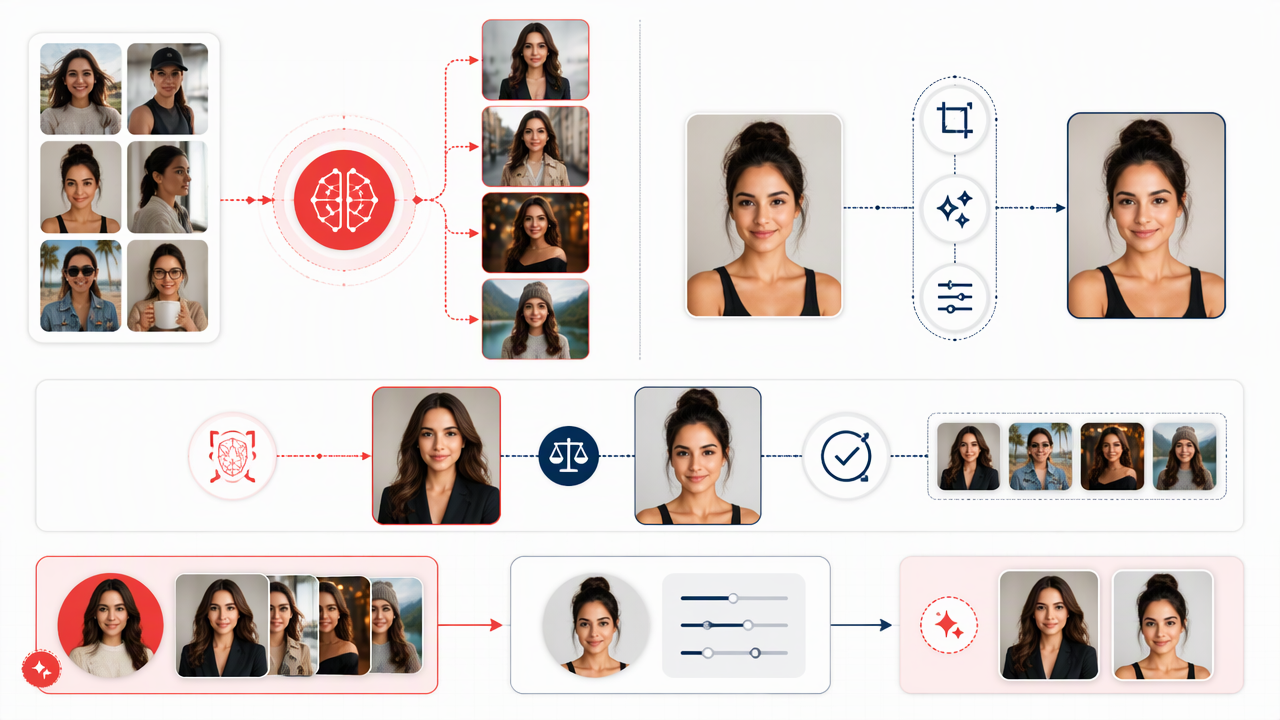
Pick PhotoAI for new personalized portrait variations, Fotor for improving existing photos, and a combined workflow only when generation and finishing serve separate needs. My recommendation is to buy for the next image you actually need, not the longest feature list.
Match the Purchase to Your Starting Point
- Choose PhotoAI first if you want several new personal portraits across different looks or settings and are prepared to evaluate likeness.
- Choose Fotor first if you already like your pose and expression but want a cleaner presentation or portrait retouching.
- Consider both workflows if you need generated scenes followed by finishing edits. Confirm that downloading and re-editing fit each service's current terms.
For dating profiles, I favor recognizability over maximal polish. For creators, intentional styling can matter more. For professional profiles, consistency with your real appearance and workplace expectations should guide the choice.
Compare Cost Per Usable Portrait
A subscription price alone doesn't tell you what a useful portrait costs. Check generation allowances, export access, resolution, renewal terms, and any separate headshot charges before paying.
My practical calculation is total spend ÷ portraits you would actually publish. Use your own results, not an assumed success rate. Ten suitable images can be more valuable than a larger batch that doesn't match your brief.
Where HotphotoAI Fits Your Portrait Shortlist
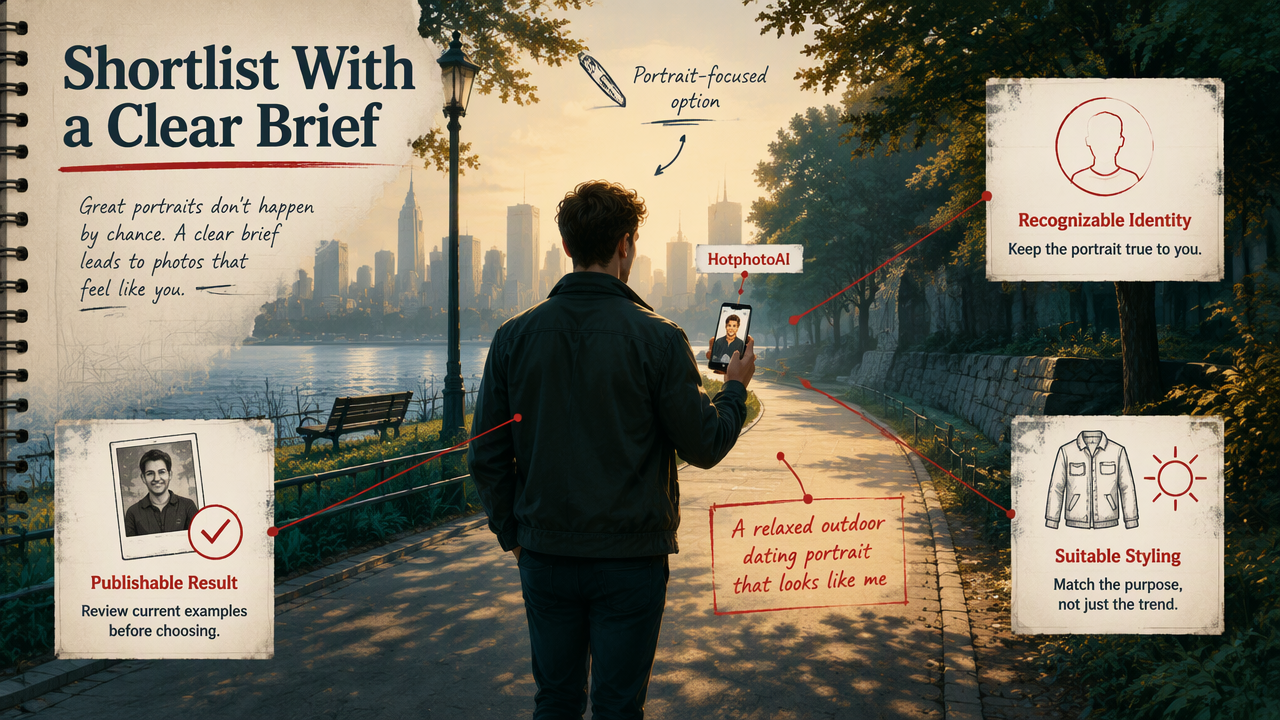
HotphotoAI is another personal-portrait option to assess against the same clear brief: recognizable identity, suitable styling, and a publishable result. Its useful place in this decision is as a portrait-focused alternative to explore, rather than an assumed replacement for every editing task.
Start With the Image You Want to Publish
I recommend writing a one-sentence brief before browsing examples: a relaxed outdoor dating portrait that looks like me, for instance. That keeps attractive styling tied to an actual purpose.
Visit hotphotoai.com with that brief, review the current offering, and compare its examples with the presentation you want. Keep your references consistent and your intended audience clear.
FAQ: Choosing an AI Personal-Portrait Tool
The right portrait tool depends on whether you need new images, edits to existing images, or both.
Is PhotoAI Better Than Fotor for Dating Photos?
PhotoAI is the more directly aligned candidate when you want new personalized dating portraits, based on the supplied summaries. Fotor fits better when you already have a strong photo that needs editing. Neither positioning proves better likeness, so I would judge recognizable facial features and natural presentation before choosing.
Can Fotor Generate Portraits as Well as Edit Them?
The supplied search summaries mention Fotor in AI headshot comparisons, suggesting its scope extends beyond editing alone. However, they don't establish current training requirements, portrait packages, or output allowances. Check the specific headshot or portrait feature rather than assuming that a general editing plan includes personalized generation.
Which Tool Is Cheaper for Personal Portraits?
The supplied research doesn't provide verified current prices, so a reliable cheaper-tool verdict isn't possible. Compare the total cost of your intended task, including any separate generation access and downloads. If you need only one edited image, your buying calculation will differ from someone seeking a full set of generated portraits.
Conclusion
Choose one portrait brief, gather suitable reference images, and check the current plan terms before purchasing. Start with generation if you need new scenes; start with editing if you already have the right photo. Let the publishable result, not the feature count, decide.