PhotoAI vs Lensa: Which Fits Your Profile Photo Goals?
TL;DR
Lensa is the clearer starting point for mobile photo editing and artistic selfies. If you want realistic profile portraits, compare PhotoAI's current samples and controls before paying; judge both tools on likeness, usable results, and checkout terms rather than promotional images.
A beautiful portrait isn't automatically a useful profile photo. My short verdict on PhotoAI vs Lensa: start with Lensa if your priority is editing existing photos or creating artistic selfies; evaluate PhotoAI if your priority is realistic personal portraits, but verify its current capabilities first. The supplied research describes Lensa's editing and stylization features, but doesn't establish PhotoAI's current features or either tool's prices. That limits any confident winner declaration. Below, I separate documented capabilities from the checks I'd make before buying. Your face deserves better than a decision based on whichever demo has the nicest lighting.
Table of Contents
PhotoAI vs Lensa: The Practical Verdict
Lensa has the clearer documented fit for mobile editing and stylized selfies; PhotoAI needs a current feature check before a realistic-portrait recommendation.
AI portrait generation: Creating a new personal image from reference photos rather than simply adjusting an existing photograph.
AI photo editing: Changing an existing image's appearance, such as its finish or artistic style.
Likeness: How recognizably an output preserves the person shown in the reference photos.
The supplied 2026 research summaries describe Lensa as a photo and video editing app for polished social visuals. They also describe transforming selfies and photos into artistic styles. That supports an editing-and-stylization recommendation, not a guarantee that every output will look photographic.
Capabilities to Compare Before Choosing
| Decision factor | PhotoAI | Lensa |
|---|---|---|
| Best-supported use case | Confirm current portrait-generation offering | Mobile editing and artistic selfie transformations |
| Realistic likeness | Inspect current samples against references | Check whether the chosen mode preserves identity |
| Creative control | Verify prompts, scene options, and adjustments | Verify controls in the specific editing or style mode |
| Payment structure | Check current checkout terms | Check current checkout and any separate purchases |
| Professional suitability | Judge the final image against your intended use | Judge the selected effect and final image |
I wouldn't score either tool's realism from marketing thumbnails alone. A polished sample establishes possibility; matched results establish suitability.
Choose the workflow first: improve a photograph you already have, or create a new portrait you couldn't easily shoot.
How Do You Compare Realism and Stylization Fairly?
- Compare realism and stylization using the same clear reference photos, where each tool permits them.
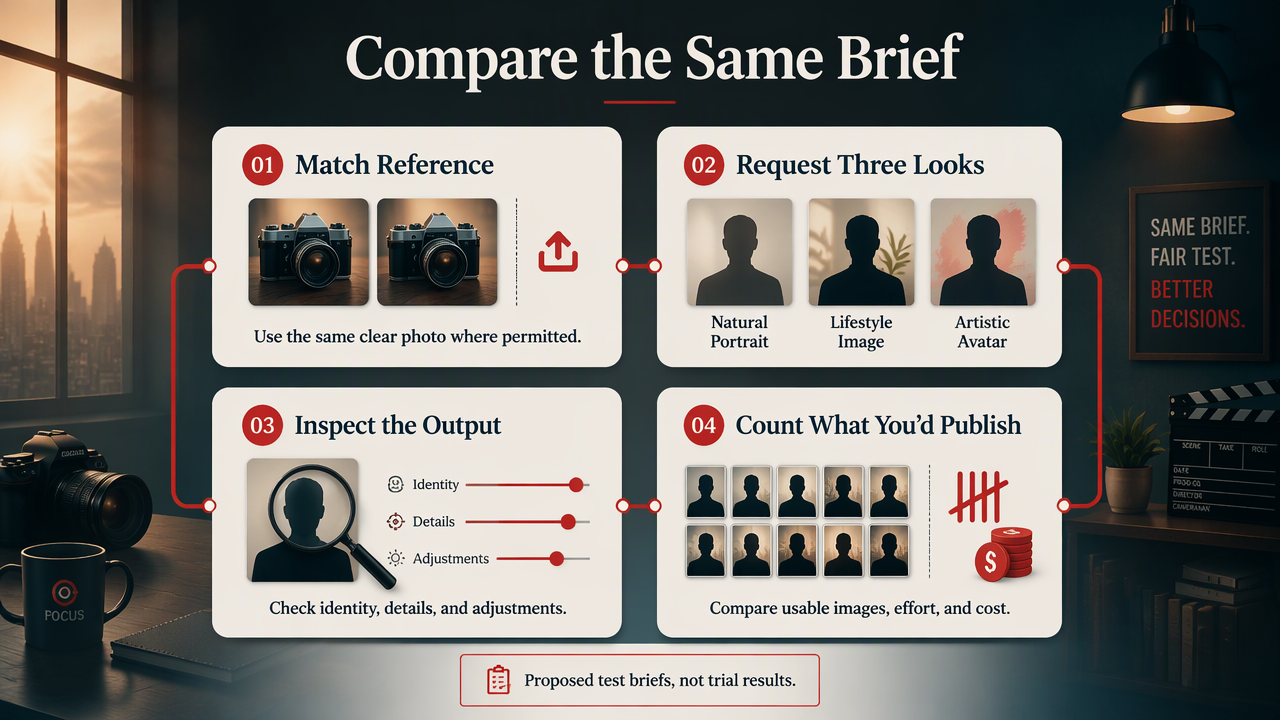
- Request equivalent outcomes: a natural portrait, a lifestyle image, and an artistic avatar.
- Inspect identity, details, and available adjustments.
- Count images you'd actually publish, not just images produced, then compare the effort and cost.
Three Matched Examples for Different Profiles
These are proposed test briefs, not results from a hands-on trial.
| Intended use | Matched brief | What earns a pass |
|---|---|---|
| Dating profile | Casual outdoor portrait, natural light, familiar hairstyle | Recognizable face and believable appearance |
| Professional profile | Simple background, restrained styling, clear head-and-shoulders crop | Appropriate presentation and consistent identity |
| Creator avatar | Illustrated portrait with a deliberate color palette | Distinctive style with enough identity to recognize you |
For dating photos, I'd favor a believable expression over dramatic polish. For professional use, I'd check the image at both full size and thumbnail size. For a creator avatar, stylization can be the point rather than a compromise.
Creative Control Means Repeatable Adjustments
A long style menu isn't the same as precise control. Check whether you can change one element, such as clothing or background, while keeping the face consistent.
- Compare facial shape, eyes, and hairstyle with your references.
- Inspect hands, jewelry, clothing edges, and background details.
- Check whether revisions require another purchase or generation allowance.
My preference is a tool that helps me reach a specific image, not merely collect attractive surprises.
What Do PhotoAI and Lensa Cost in 2026?
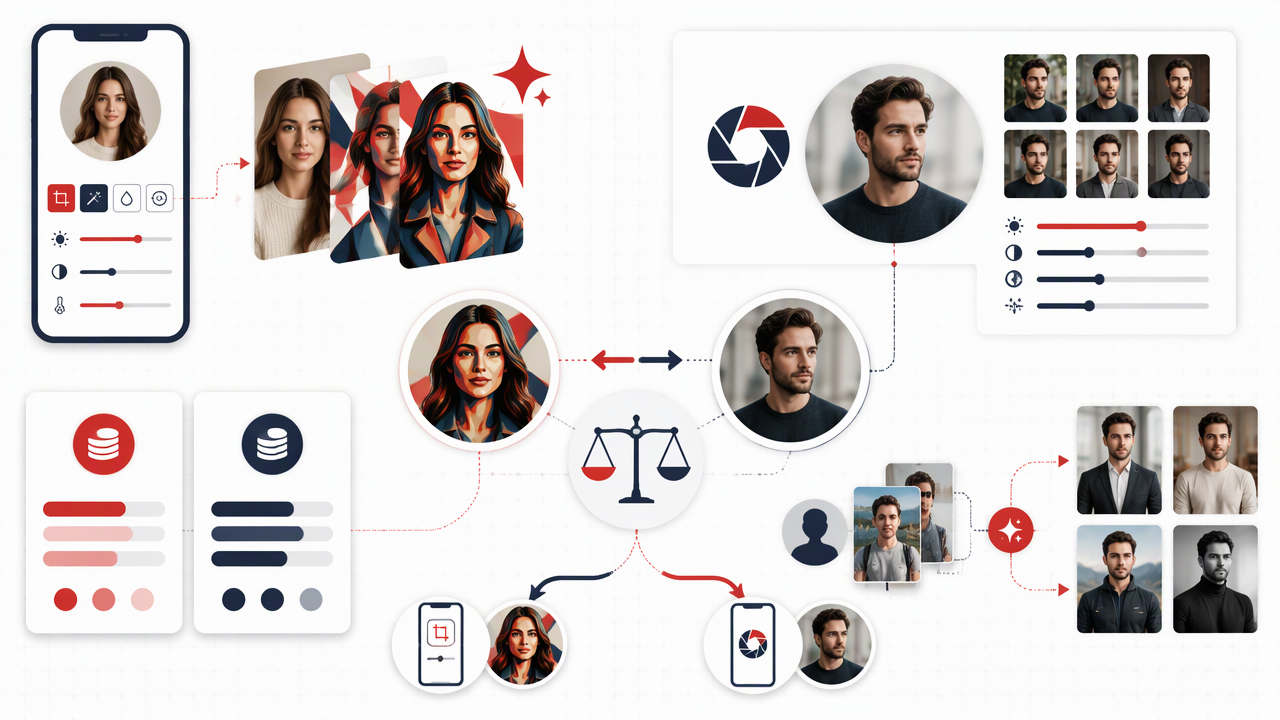
PhotoAI and Lensa pricing cannot be reliably stated from the supplied research because it contains no verified current prices or plan allowances. Before paying, check the exact checkout total, billing frequency, included generations or edits, export access, and whether special features require separate purchases. Compare usable outcomes rather than headline prices.
Compare the Purchase, Not Just the Price Tag
Record these details for each tool before choosing:
- Billing: One-time purchase, recurring plan, or another arrangement.
- Allowance: Included edits, generated images, or credits.
- Delivery: Download resolution and any export restrictions.
- Terms: Renewal, cancellation, refund, and uploaded-photo handling.
A subscription may fit frequent editing; a defined purchase may fit a single profile refresh, if available. Don't assume either payment model applies without checking.
Neither tool is my first recommendation when a platform requires an unaltered identity image or your goal is documentary accuracy. A recent camera photo better serves those needs.
For creative profile work, a clear brief makes buying simpler. Define the intended platform, desired style, and number of finished images before selecting a plan.
HotphotoAI for Personal-Photo Exploration
HotphotoAI is another option to explore when your goal is an AI-assisted personal-photo refresh. Its relevance here is the reader's brief: dating-profile images, social portraits, glamour concepts, and polished personal presentation.
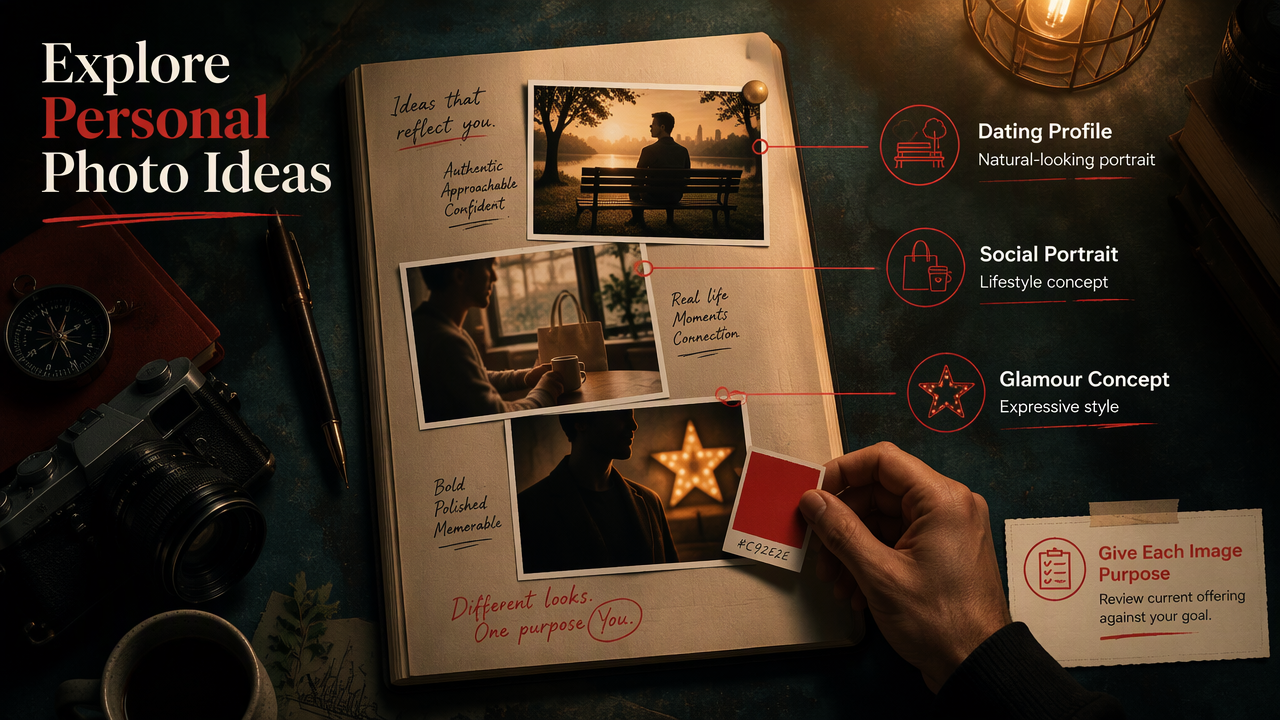
I'd approach that creative work with a small mood board: one natural-looking portrait, one lifestyle concept, and one expressive style. Giving each image a purpose makes the selection process more useful than asking for something vaguely attractive.
Start With a Clear Portrait Brief
For the HotphotoAI platform, visit hotphotoai.com and review the current offering against your intended result.
- Name the destination: dating app, social profile, or professional page.
- Describe the mood: approachable, polished, playful, or editorial.
- Choose the visual direction: lighting, clothing, framing, and setting.
That brief also makes any comparison easier: you're choosing a result for a real use, not shopping for impressive thumbnails.
FAQ: Choosing the Right Photo Workflow
The best choice depends on whether you need editing, realistic portraits, or deliberate artistic transformation.
Is PhotoAI Better Than Lensa for Tinder Photos?
The supplied evidence doesn't establish that PhotoAI is better for Tinder photos. I'd choose whichever current workflow produces recognizable, believable images that reflect your actual appearance. Compare natural expressions and ordinary settings, then keep recent real photos in the mix. A dating profile should introduce you, not your fictional casting double.
Is Lensa Mainly for Artistic Avatars?
Lensa supports artistic selfie transformations, but the supplied 2026 summaries also describe photo and video editing for social-ready visuals. It shouldn't be reduced to avatars alone. Check the specific feature you intend to use: editing an existing image and generating a stylized portrait are different jobs, even within one app.
Can Either Tool Guarantee an Accurate Likeness?
No likeness guarantee is established by the supplied research. I'd assess accuracy using multiple references and several outputs, rather than one flattering result. Compare the features people recognize immediately, including facial proportions, smile, and hairstyle. For professional profiles especially, recognizable identity matters more than an unusually polished finish.
Conclusion
For PhotoAI vs Lensa, match the tool to the job before matching it to your budget. Start with Lensa for documented editing and stylization; verify PhotoAI's current portrait offering for realistic-image goals. To explore another personal-photo direction with HotphotoAI, prepare your brief, then review samples and purchase terms before committing.