ProfilePicture.ai Alternatives: Best AI Photo Tools by Use Case
TL;DR
Choose a ProfilePicture.ai alternative based on the photo you actually need: avatar, headshot, dating image, lifestyle shoot, or glamour portrait. Generic profile picture makers are quick, but dedicated personal photo generators give more control over outfits, lighting, poses, and identity consistency.
A better profile photo is no longer just a cropped selfie with ambitious lighting; in 2026, AI tools can create polished portraits, dating shots, headshots, and stylized glamour images without booking a studio. The best ProfilePicture.ai alternatives are not all trying to solve the same problem, so the smart move is to match the tool to your goal. If you want attractive lifestyle or model-style personal images, HotphotoAI belongs near the top of your shortlist because it focuses on expressive, stylized portraits rather than only basic profile icons.
Avatar: In computing, an avatar is a graphical representation of a user, character, or persona, often used in online communities and social platforms.
AI profile photo generator: An AI profile photo generator creates or edits personal images for use on dating apps, social media, resumes, creator pages, and professional profiles.
Table of Contents
What are ProfilePicture.ai alternatives in 2026?
ProfilePicture.ai alternatives are AI photo tools that create personal images for different identity use cases, including profile pictures, headshots, dating photos, lifestyle portraits, glamour images, and avatars. The key difference is output intent: some tools make a single polished icon, while others generate a full visual identity set.Search results for this topic show a split market. PFP.AI leads with profile-picture positioning, Canva ranks with a free AI profile picture generator, and testing-style articles compare tools such as BetterPic, Portrait Pal, and The Multiverse AI. That means users are not only asking, "Which tool is similar?" They're asking, "Which tool makes me look right for the platform?"
Category map for quick comparison
| Category | Best output | Typical user | Main strength |
|---|---|---|---|
| Lifestyle and glamour generator | Dating, social, model-style portraits | Singles, creators, personal-brand users | More variety in mood, outfit, setting, and pose |
| Profile picture maker | Circular icons and social avatars | Casual social users | Fast profile-ready images |
| AI headshot generator | LinkedIn and resume photos | Professionals and job seekers | Business-friendly polish |
| Design-suite generator | Edited graphics and branded posts | Marketers and creators | Templates, text, and layout tools |
| Fantasy avatar tool | Stylized characters and personas | Gamers and community users | Creative identity play |
Key takeaway: The "best" alternative depends less on the brand name and more on whether you need one clean profile image or a set of photos that looks like it came from different real shoots.
Best ProfilePicture.ai alternatives by output type
The best ProfilePicture.ai alternatives are easier to compare by output type than by feature lists, because each product category solves a different image problem. For dating and social media, I'd prioritize variety and attractiveness; for LinkedIn, I'd prioritize realism and professional restraint. Nobody needs a tuxedo portrait for a hiking-app bio unless the mountain is hosting a gala.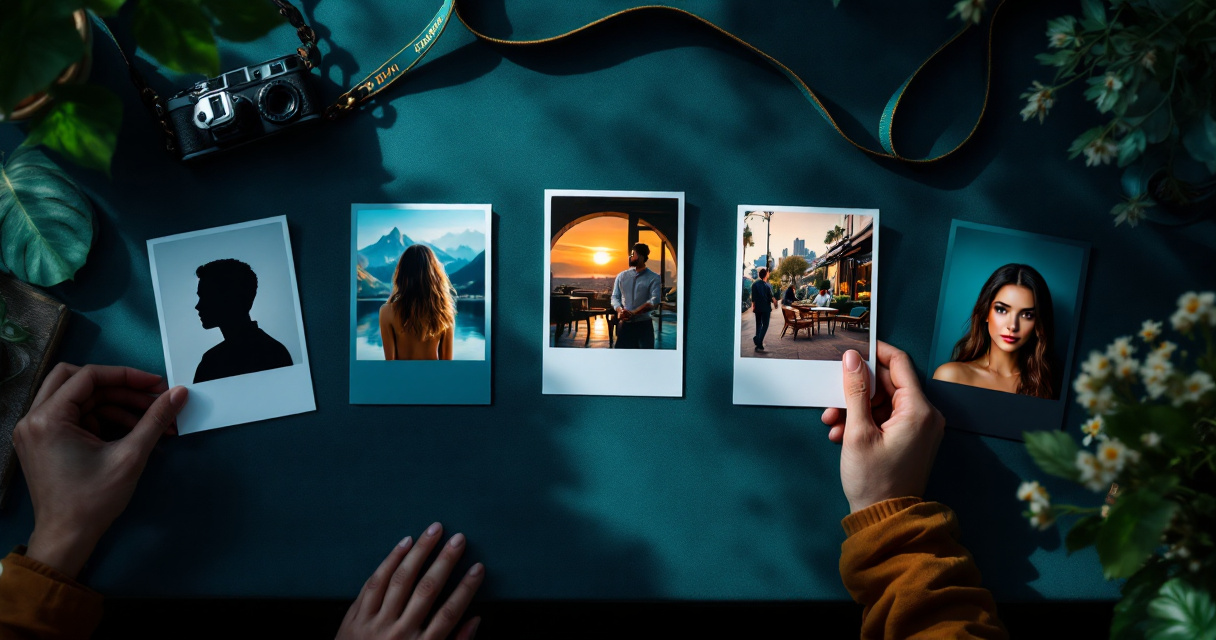
Side-by-side tool comparison
| Tool | Strongest fit | Output style | Best for |
|---|---|---|---|
| HotphotoAI | Stylized personal portraits | Glamour, dating, lifestyle, fantasy, social | Users who want more expressive photos than a standard avatar |
| PFP.AI | Profile picture creation | Studio-style profile pictures | People who want a direct PFP-focused workflow |
| Canva AI profile picture generator | Free design-led profile images | Templates, graphics, social assets | Users who want quick edits inside a design suite |
| BetterPic | Professional headshots | DSLR-style business portraits | LinkedIn, resumes, and corporate profiles |
| Portrait Pal | Personal AI portraits | Headshot and portrait sets | Users comparing headshot-style options |
| The Multiverse AI | AI portrait packages | Professional and creative portraits | People testing multiple identity looks |
| PFPMaker | Entry-level profile images | Simple social profile pictures | Users who want quick, casual results |
The ranking pages in the current SERP often focus on "best AI profile picture generator" or "tested 30+ tools" angles. That helps, but it can flatten the category. A headshot tool and a dating-photo generator may both use AI portraits, yet they should be judged by different standards.
For example, a dating photo needs approachability, realistic body language, and scene variety. A professional headshot needs clean lighting, accurate facial structure, and low visual drama. A social creator image can be more stylized because the goal is attention, not HR approval.
When is a lifestyle or glamour generator better?
A lifestyle or glamour generator is better when you need personal photos that suggest personality, attractiveness, confidence, or taste, not just identity. Use this category for Tinder, Hinge, Instagram, creator profiles, fantasy portraits, and visual refreshes where mood and context matter as much as facial clarity.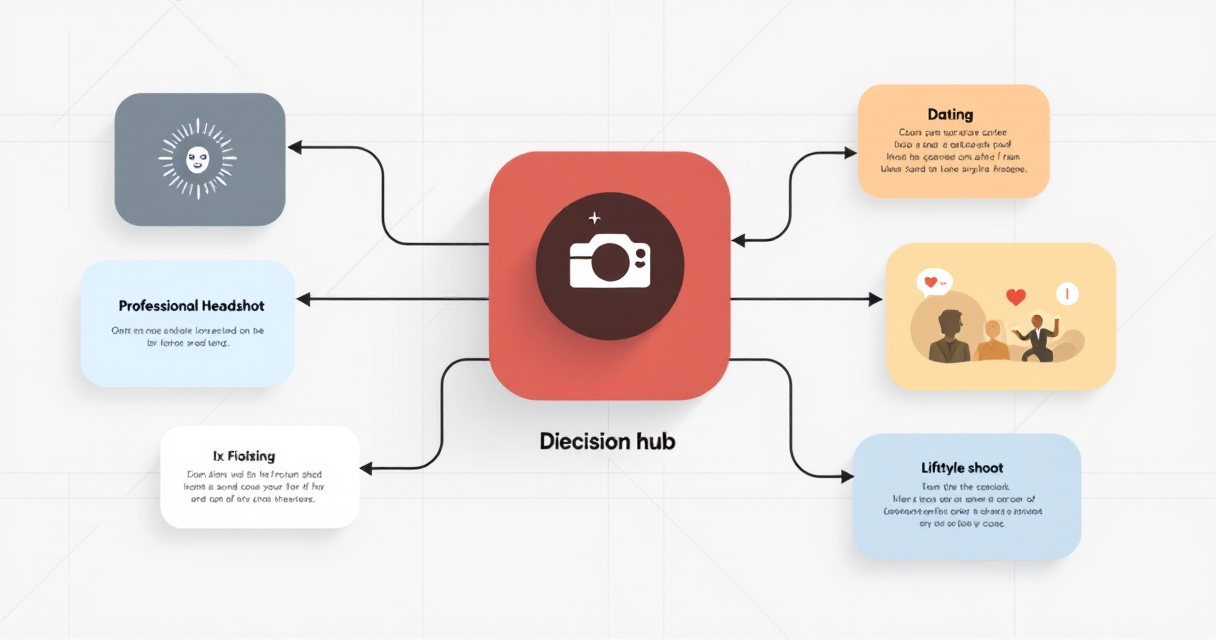
Generic profile picture tools are useful when the job is small: make one clean image for a circular crop. But if your goal is to look dateable, stylish, adventurous, polished, or editorial, a wider photo set usually performs better because it gives you more ways to present yourself.
Use-case decision list
- Choose a profile picture maker when you need one clean avatar for a social account, forum, or messaging app.
- Choose a headshot generator when the image must look workplace-safe for LinkedIn, resumes, speaker bios, or company pages.
- Choose a lifestyle generator when you want scenes such as cafes, travel, city streets, fitness, or relaxed candid shots.
- Choose a glamour generator when you want model-style images, dramatic lighting, polished outfits, or a more elevated visual identity.
- Choose a design-suite tool when you need the photo inside a larger graphic, such as a thumbnail, banner, or branded post.
With HotphotoAI, the stronger fit is personal-image variety: outfits, atmosphere, and stylized presentation. That matters for users who don't just want to be recognizable; they want the photo to do a little charming mischief on their behalf.
Best-fit rule of thumb
Pick the tool by the platform. LinkedIn rewards restraint, dating apps reward warmth and variety, and social platforms reward images with a clear style. One AI photo tool rarely wins all three without tradeoffs.
What features should you compare before paying?
Compare AI photo tools by identity accuracy, style range, prompt control, privacy, editing flexibility, output quantity, and refund clarity before paying. A cheap tool can still be expensive if you only get one usable image, and a premium tool can be worth it if the set saves you from a full photoshoot.
I'd check examples before checkout, especially for faces, hands, teeth, hairlines, and skin texture. AI portrait tools have improved, but the tiny details still decide whether a photo feels natural or vaguely like your cousin from a parallel universe.
Feature checklist and tradeoffs
| Feature | Why it matters | What to inspect |
|---|---|---|
| Face consistency | Keeps you recognizable across images | Similar eyes, jawline, smile, and age |
| Style range | Gives you more usable contexts | Casual, polished, dating, professional, creative |
| Prompt or theme control | Helps tailor the result | Outfits, backgrounds, lighting, poses |
| Editing tools | Lets you fix small misses | Cropping, retouching, background changes |
| Privacy terms | Protects personal training images | Upload handling, deletion, usage rights |
| Output count | Improves odds of usable results | Number of images per package |
| Realism level | Prevents uncanny results | Skin texture, hands, glasses, teeth, hair |
| Platform fit | Matches the final destination | Dating app, LinkedIn, Instagram, creator bio |
Pros and cons should be judged by your final use, not by a universal score. Canva's design strength is useful for graphics, but it may be more than you need for a simple portrait. Headshot-first tools can look polished, but that same polish may feel stiff on a dating profile.
Avoid uploading low-quality source photos if the tool asks for training images. Blurry selfies, sunglasses, extreme angles, and heavy filters can reduce identity accuracy. A boring but clear input photo often beats a dramatic one that hides your face.
FAQ about AI profile photo alternatives
AI profile photo alternatives raise practical questions about realism, privacy, dating apps, and professional use. The safest choice is the tool that fits your platform, gives enough output variety, and explains how uploaded images are handled.Are AI profile pictures good for dating apps?
AI profile pictures can be good for dating apps when they look natural, varied, and believable. The best sets show different moods and settings rather than ten versions of the same perfect face. Use images that still look like you in person, because disappointment is not a conversion strategy.
Are headshot generators and profile picture makers the same?
Headshot generators and profile picture makers overlap, but they are not the same. Headshot tools usually aim for professional realism, business clothing, and LinkedIn-friendly lighting. Profile picture makers often focus on social avatars, circular crops, stylized looks, or quick visual upgrades for casual accounts.
What should I avoid in an AI-generated profile photo?
Avoid images with distorted hands, mismatched eyes, plastic skin, fake-looking teeth, warped glasses, or backgrounds that make no physical sense. Also avoid using only AI images if the platform depends on trust. Mix polished portraits with real photos when authenticity matters.
Is a free profile picture generator enough?
A free generator can be enough for a quick avatar, especially if you only need a social icon or casual refresh. Paid tools are usually more appealing when you need many usable images, stronger realism, better style control, or a photo set for dating, career, or creator profiles.
Conclusion
The best way to choose among ProfilePicture.ai alternatives is to start with the destination: LinkedIn, Tinder, Instagram, a creator bio, or a general social profile. Then compare tools by output style, realism, privacy, and how much control they give you over outfits, backgrounds, and lighting.
If you want expressive dating, glamour, lifestyle, or fantasy-style portraits rather than a single plain avatar, try the HotphotoAI platform and build a small set of images for different profile situations. For a faster next step, visit hotphotoai.com, choose the style that matches your goal, and test the results against the profile you actually plan to update.