Remini Alternatives for AI Profile Photos in 2026
TL;DR
TL;DR: For dating profiles and polished personal images, pick an AI portrait tool before a generic enhancer. Use Remini-style apps for restoring blurry photos, but choose profile-first alternatives when you need better outfits, lighting, backgrounds, and believable lifestyle shots.
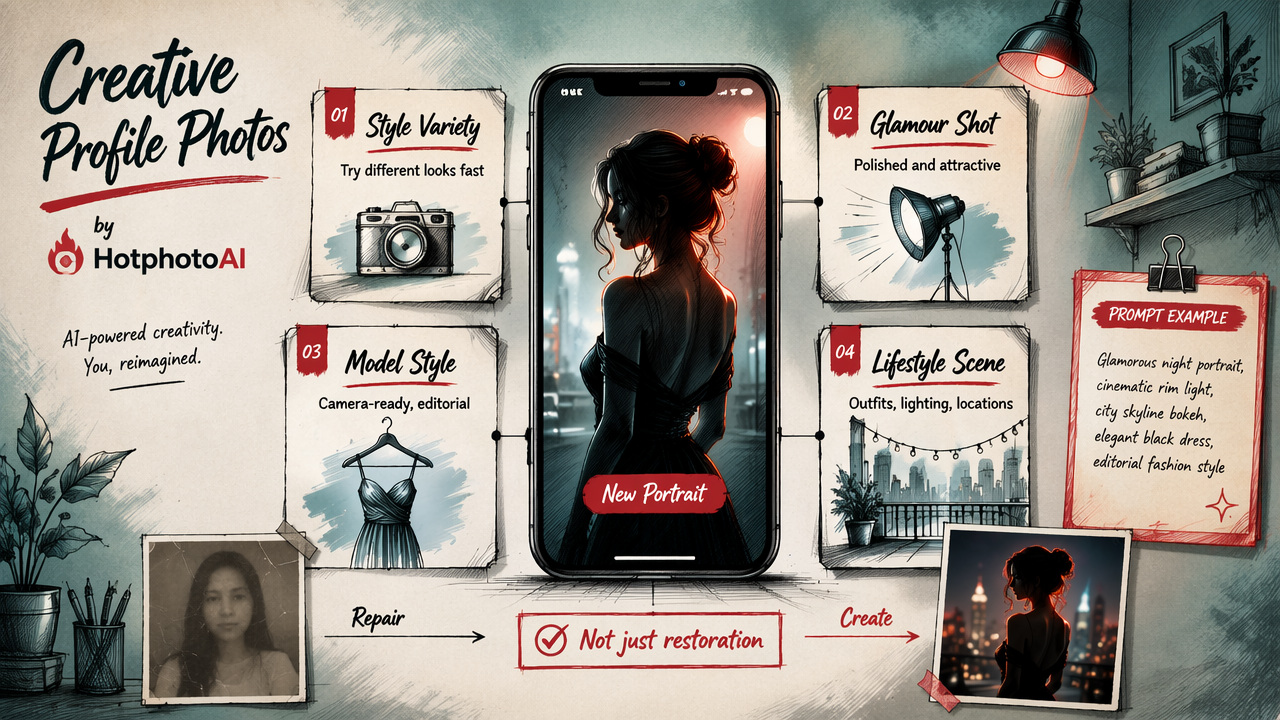
A sharper selfie won't save a boring profile, but a better AI portrait can absolutely stop the thumb-scroll. If you're comparing Remini alternatives for AI profile photos, the real question is not "which app makes skin smoothest?" It's "which tool creates a believable, attractive image you'd actually use on Tinder, Hinge, LinkedIn, Instagram, or a creator profile?" For profile-ready portraits, HotphotoAI is built around stylized personal images rather than simple photo repair.
Table of Contents
What are Remini alternatives for AI profile photos?
Remini alternatives for AI profile photos are apps or web tools that improve, regenerate, or stylize personal photos for online profiles, dating apps, social media, and professional bios.
AI profile photo generator: A tool that creates polished personal portraits from uploaded selfies, usually changing lighting, outfits, pose, background, or overall style.
Remini is best known for AI enhancement: sharpening faces, improving old photos, and adding detail to low-resolution images. That makes it useful when the original shot is close to usable. Profile-photo alternatives go further. They help you create a new visual identity: clean dating shots, model-style portraits, fantasy edits, lifestyle images, or more polished professional photos.
A 2024 paper in Applied Sciences examined AI-powered face enhancement technologies in face-driven orthodontic treatment planning, which is a useful reminder that facial enhancement is now a serious visual technology category, not just a selfie filter with better PR.
Key insight: Remini fixes photos. Profile-first AI tools help you make photos worth posting.
Which Remini alternative is best for profile photos?
The best Remini alternative for profile photos is the one that matches your end use: dating, social media, professional headshots, image restoration, or creative portraits.
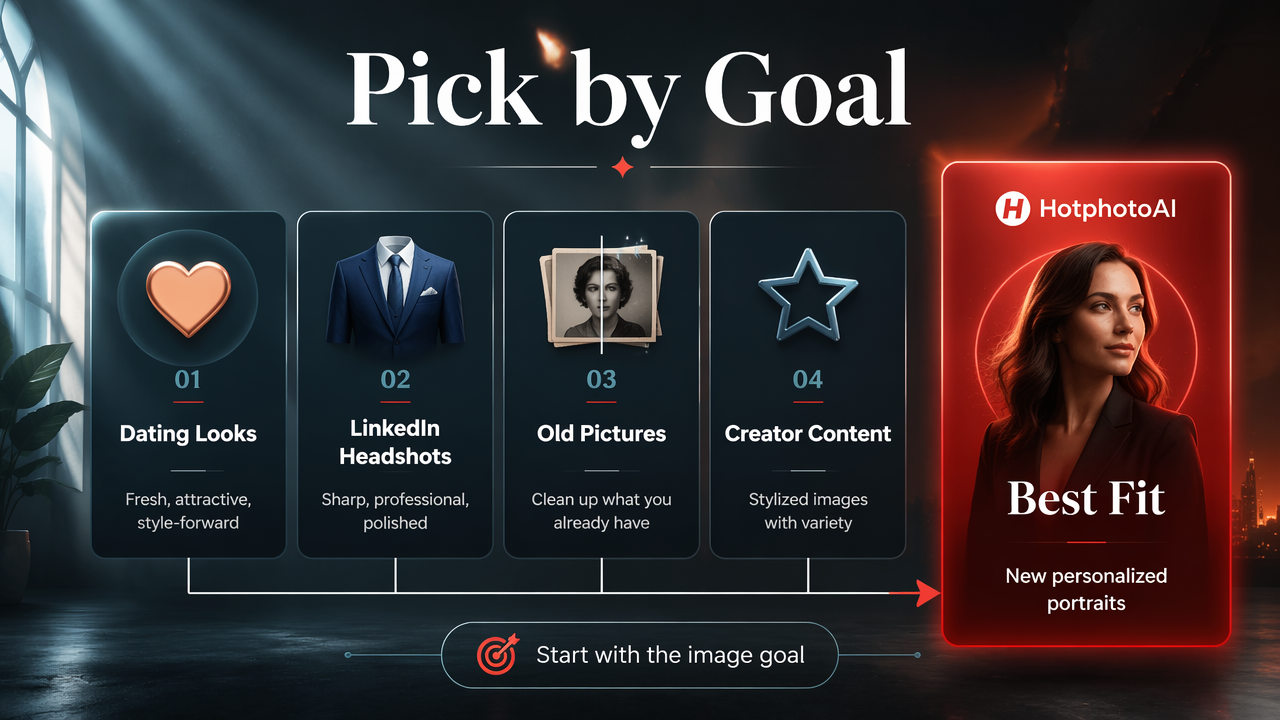
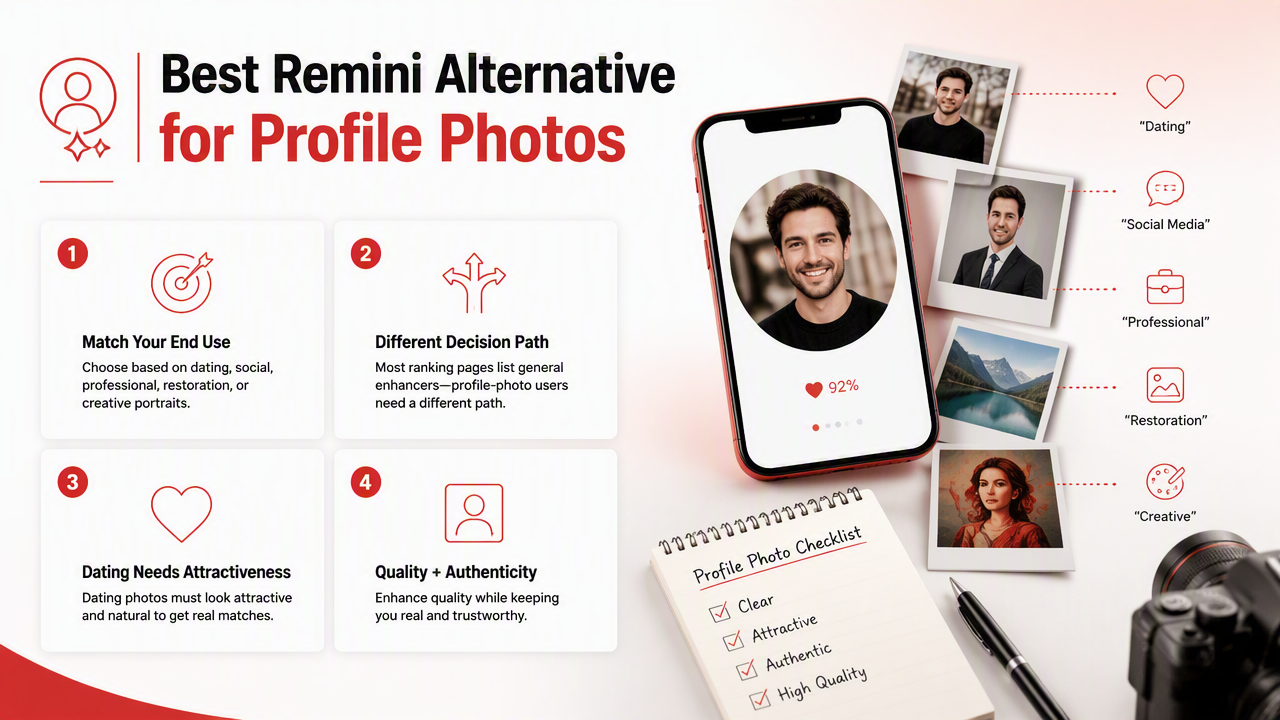
Most ranking pages list general photo enhancers, but profile-photo users need a different decision path. A dating photo has to look attractive without screaming "AI made me hotter than my passport allows." A LinkedIn photo needs polish, not nightclub lighting. A creator portrait needs personality, not just pore removal.
Profile-photo alternatives compared
| Tool | Best for | Main strength | Watch for |
|---|---|---|---|
| HotphotoAI | Dating, glamour, lifestyle, and stylized personal portraits | Profile-first image generation with attractive scenes, outfits, and visual styles | Best when you want new portrait options, not only restoration |
| Remini | Face enhancement and old-photo repair | Sharpening blurry or low-res faces | Can make images look heavily processed if pushed too far |
| PhotoGrid | Quick edits and free enhancement workflows | Broad editing toolkit, based on competitor coverage | Less specialized for dating or model-style portraits |
| Cutout.pro | Online upscaling and object-focused edits | Practical browser-based enhancement | More utility-tool than personal branding tool |
| Picsart AI Enhancer | Social edits and creator content | Familiar creative editing features | Can feel template-heavy if overused |
| Refoto | Mobile AI portraits and short AI videos | Android-friendly portrait workflows, based on SERP competitor data | App experience may matter more than output control |
If I were choosing for a dating profile, I'd prioritize believable lighting, clean background choices, and variety. One great close-up is not enough. Profiles need a mini photo set: face, full-body, lifestyle, dressed-up, casual, and one image that says "I leave the house sometimes."
How should you choose an AI profile photo app?
Choose an AI profile photo app by matching the output style, realism level, privacy comfort, and platform goal before paying for credits or a subscription.
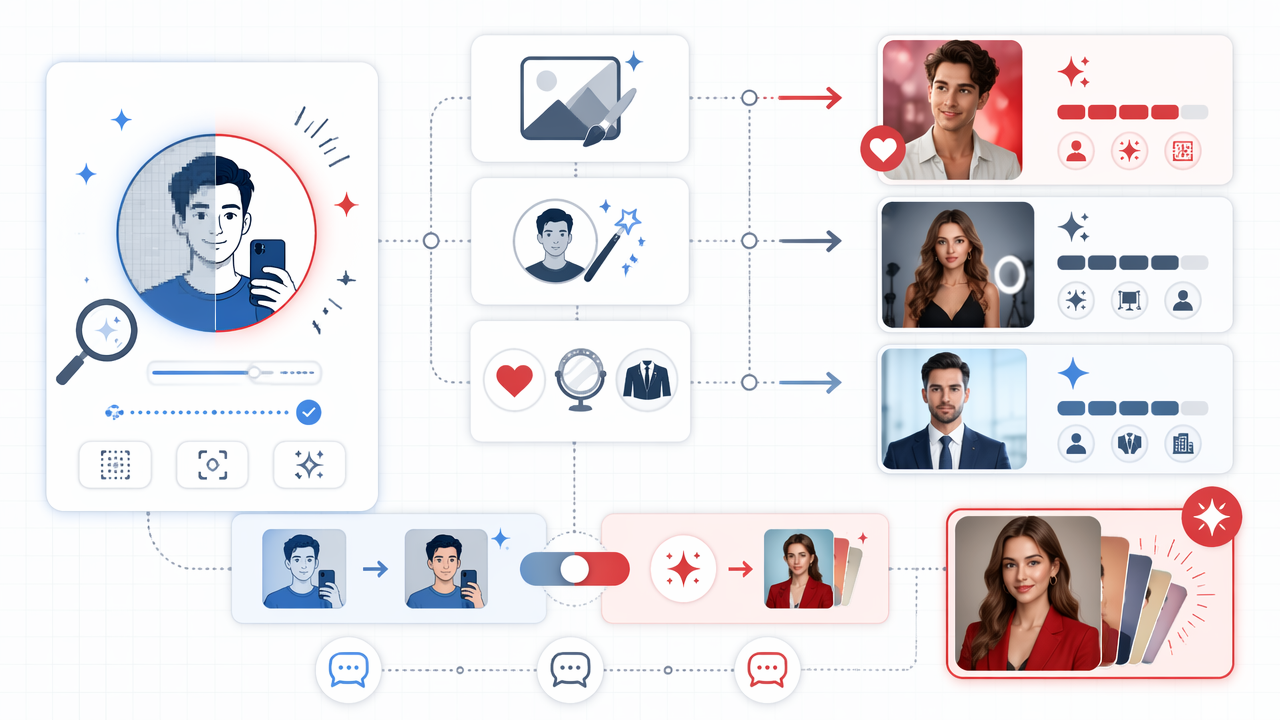
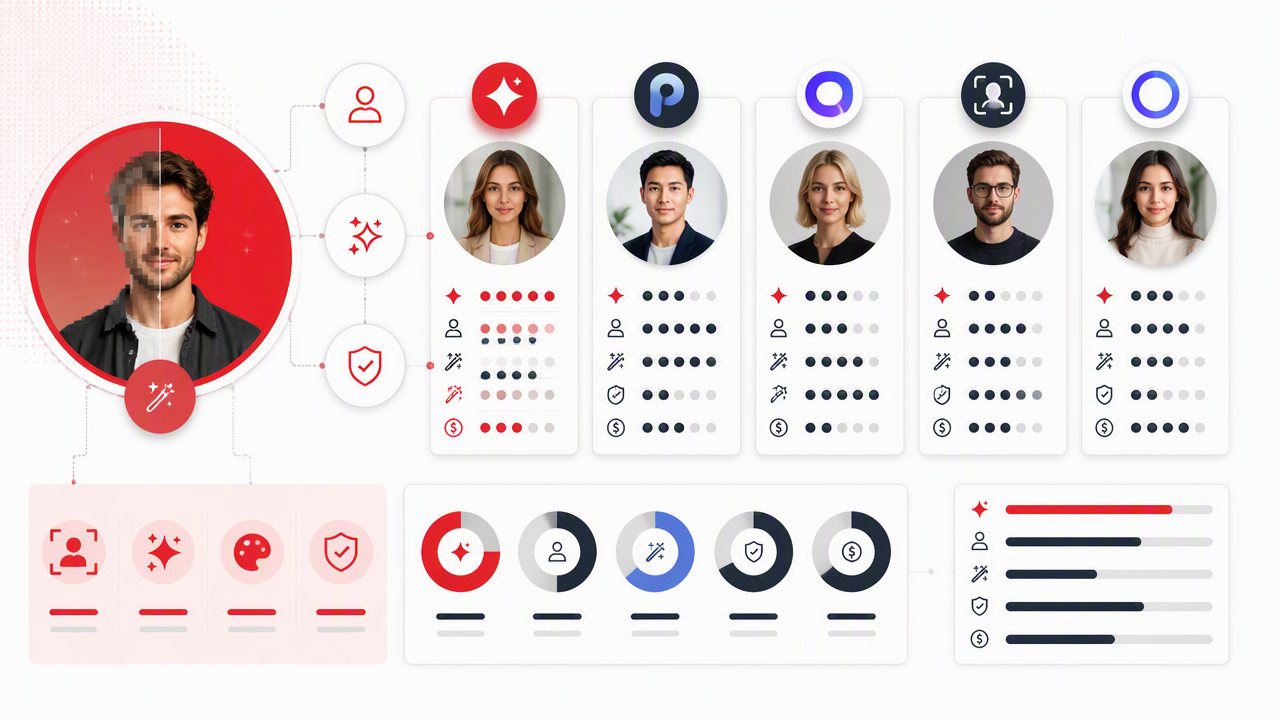
Use this quick filter before installing your fifth photo app of the evening:
- Define the platform. Tinder and Hinge reward approachable variety; LinkedIn rewards clean framing; Instagram rewards style and consistency.
- Check realism first. Hands, teeth, eyes, earrings, glasses, and jawlines expose weak AI fast.
- Look for style control. Outfits, backgrounds, lighting, and vibe matter more than raw sharpness.
- Avoid over-editing. If your photo looks like your cousin and a wax museum statue had a merger, start over.
- Test multiple images. One output can lie. A batch reveals whether the tool understands your face.
- Read export limits. Some apps look cheap until watermark removal, HD export, or extra generations cost more.
The HotphotoAI platform fits users who want a set of profile-ready looks instead of one "enhanced" version of a mediocre selfie. That distinction matters because profile performance depends on context. A crisp bathroom mirror selfie is still a bathroom mirror selfie, just in HD.
Practical rule: If your original photo has a good pose but poor quality, use enhancement. If the pose, outfit, or background is weak, use an AI portrait generator.
When is Remini still the right choice?
Remini is still the right choice when your goal is photo repair, not profile reinvention.
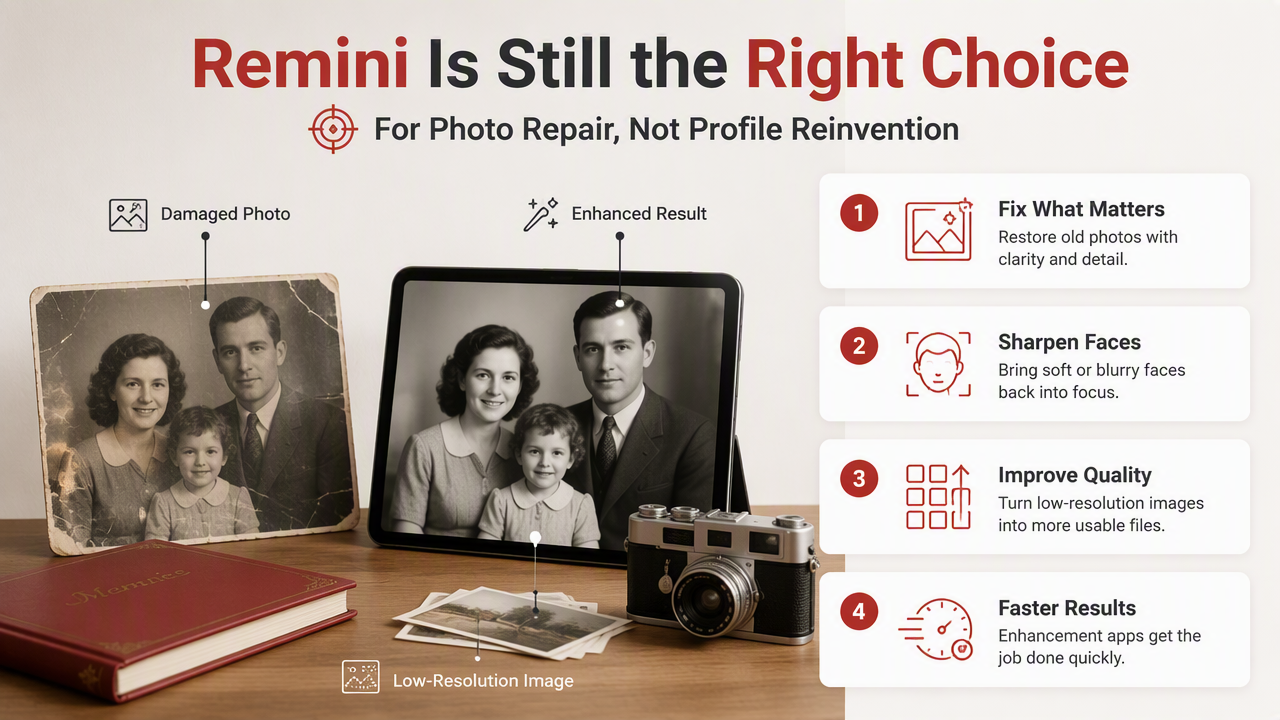
Plenty of users don't need a new portrait set. They need an old family picture cleaned up, a soft face sharpened, or a low-resolution image made more usable. For that job, enhancement apps can be faster than portrait generators because they preserve the original scene.
The complaints visible in search discussions often focus on photos looking too AI-generated, faces changing too much, or subscription frustration. Those are not small issues for profile photos. Dating and professional images have a trust problem: if the photo looks fake, people assume the rest of the profile is doing interpretive dance with the truth.
Use Remini-style enhancement when:
- The original expression is natural and flattering.
- The background is already acceptable.
- You want to preserve the exact moment.
- The photo only needs sharpness, detail, or deblur.
- You're restoring an older image, not building a new profile set.
Skip enhancement and use a portrait-first option when:
- The selfie angle is unflattering.
- The outfit does not match your goal.
- The lighting is harsh, flat, or chaotic.
- You need multiple styles for dating or social platforms.
- The image needs a stronger setting, not just a sharper face.
What should you expect from AI profile photos in 2026?
AI profile photos in 2026 are moving from simple face enhancement toward personalized image sets with controlled style, context, and platform-specific intent.
The SERP is already crowded: our research found 114 results for this topic, and one leading competitor page runs more than 5,000 words. That tells us demand is real, but it also means readers are tired of generic "top 10" lists. The useful next step is choosing by outcome, not by app-store popularity.
Expect three changes to matter most:
- More identity consistency: Better tools will preserve your face across outfits and scenes.
- More profile-specific presets: Dating, creator, professional, glamour, and fantasy styles will split into clearer workflows.
- More skepticism from viewers: The more common AI portraits become, the more believable results will win.
For creators and dating-app users, subtlety will age better than plastic perfection. A good AI image should look like your best day, not your fictional casting announcement.
If you want polished, stylized portraits for dating apps, social bios, or model-style images, try a profile-first workflow with HotphotoAI and compare the results against a simple enhancer. You can also head to hotphotoai.com when you're ready to build a fresh set of profile images.
FAQ: What is the best free Remini alternative?
The best free option depends on the task. PhotoGrid, Picsart-style editors, and browser enhancers can be useful for basic sharpening or social edits. Free plans often limit export quality, credits, watermark removal, or advanced styles, so they're best for testing rather than building a full dating or professional profile set.
FAQ: Are AI profile photos allowed on dating apps?
Most dating apps focus on authenticity, safety, and misleading behavior rather than banning every edited image. A good rule is simple: use photos that still look like you in person. Avoid changing age, body shape, facial structure, or anything that would make a first date feel like a product-return appointment.
FAQ: Is Remini better than an AI headshot generator?
Remini is often better for repairing an existing image, while an AI headshot generator is better for creating polished professional portraits from several selfies. If your source photo is strong but blurry, enhancement makes sense. If you need business-ready backgrounds, clothing, and lighting, use a headshot or portrait generator.
FAQ: How many AI photos should I use on a dating profile?
Use AI photos as part of a balanced set, not the entire profile. One or two polished images can help, especially if they look natural. Mix them with real candid shots, hobbies, travel, or social photos so the profile feels human. Too many perfect portraits can make people suspicious.
Conclusion
The smartest Remini alternatives for AI profile photos are not always the sharpest tools; they're the ones that create believable, useful images for the platform you care about. Start by deciding whether you need repair or reinvention. Then test a small set of outputs for realism, variety, and vibe before replacing your profile photos everywhere.
For your next step, gather 8 to 12 clear selfies with different angles and expressions, choose one dating or profile goal, and generate a focused batch with HotphotoAI. Keep the images that still look like you, delete the ones that look like your secret royal twin, and update one profile first so you can compare real-world results.