Remove Proof From Photo: Get a Clean, Licensed Portrait
TL;DR
For photographer proofs, request the licensed final image rather than erasing the watermark. If you control the image and watermark, re-export the original; if you want a different look, consider a new AI portrait from your own selfies.
A PROOF stamp usually means your portrait is awaiting a purchase or selection decision, not a rescue mission with an eraser. If you're searching for remove proof from photo, the best next step depends on who created the image and what rights you have. I'd start there before opening an editor: a licensed final portrait, an authorized clean export, and a newly generated portrait solve three different problems.
Table of Contents
What does "proof" on a photo mean?
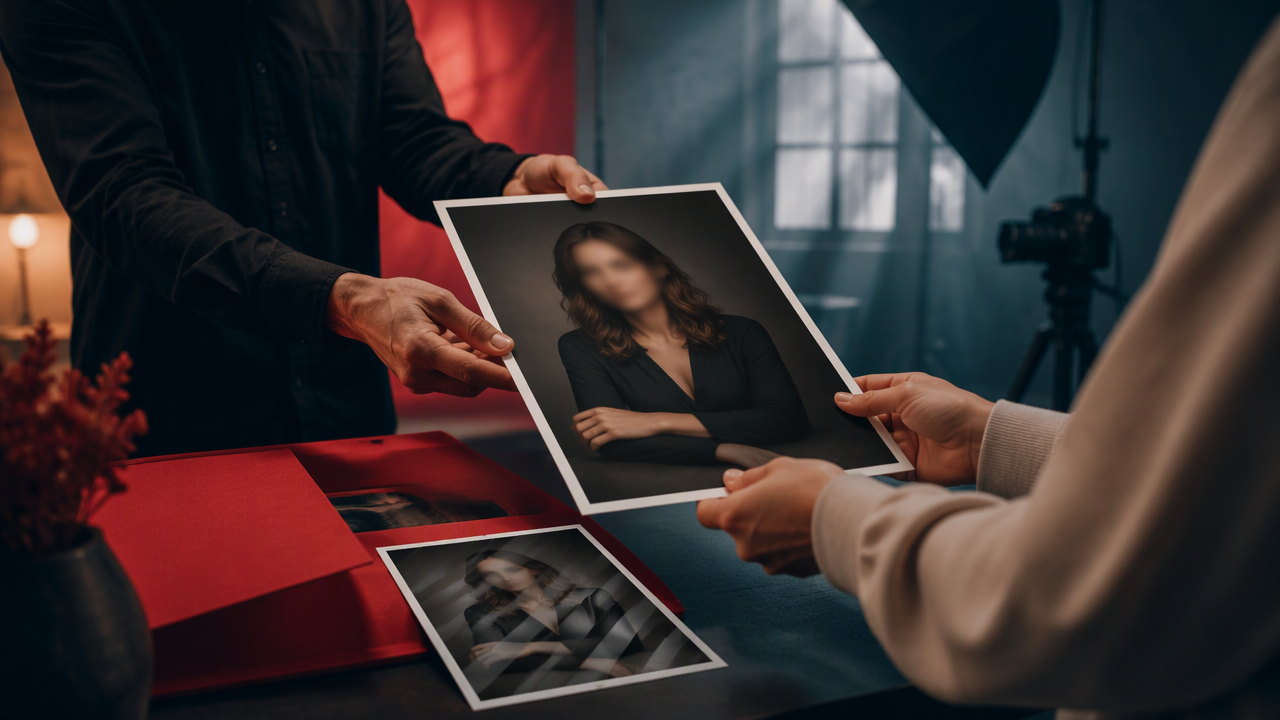
A photo proof is a preview image used to review or select photographs before receiving final deliverables. A visible proof watermark commonly distinguishes that preview from the finished file. Being pictured doesn't automatically establish permission to edit or publish it; the photographer's agreement determines what you can do.
Proof watermark: Text or a graphic placed over a preview to identify its status or discourage unauthorized use.
Licensed final image: A delivered photograph with permission for specified uses, which may include personal profiles, printing, or commercial publication.
Clean export: A new file generated from an authorized original without an added watermark layer.
Choose your route before choosing an editor
| Your situation | Best next step | What to check |
|---|---|---|
| A photographer supplied a proof | Order or request the final portrait | Package, image selection, permitted uses |
| You created the image and added the mark | Export again from the original | Layers, export settings, resolution |
| You have explicit editing permission | Request a clean source file first | Whether permission covers removal and publication |
| You want a different portrait altogether | Create a new image from your own selfies | Intended use and recognizable likeness |
A watermark isn't a purchase button. Removing it doesn't supply the permission or original detail that a final delivery provides.
How do you get a photographer's photo without the proof mark?
- Identify the photographer and the image number.
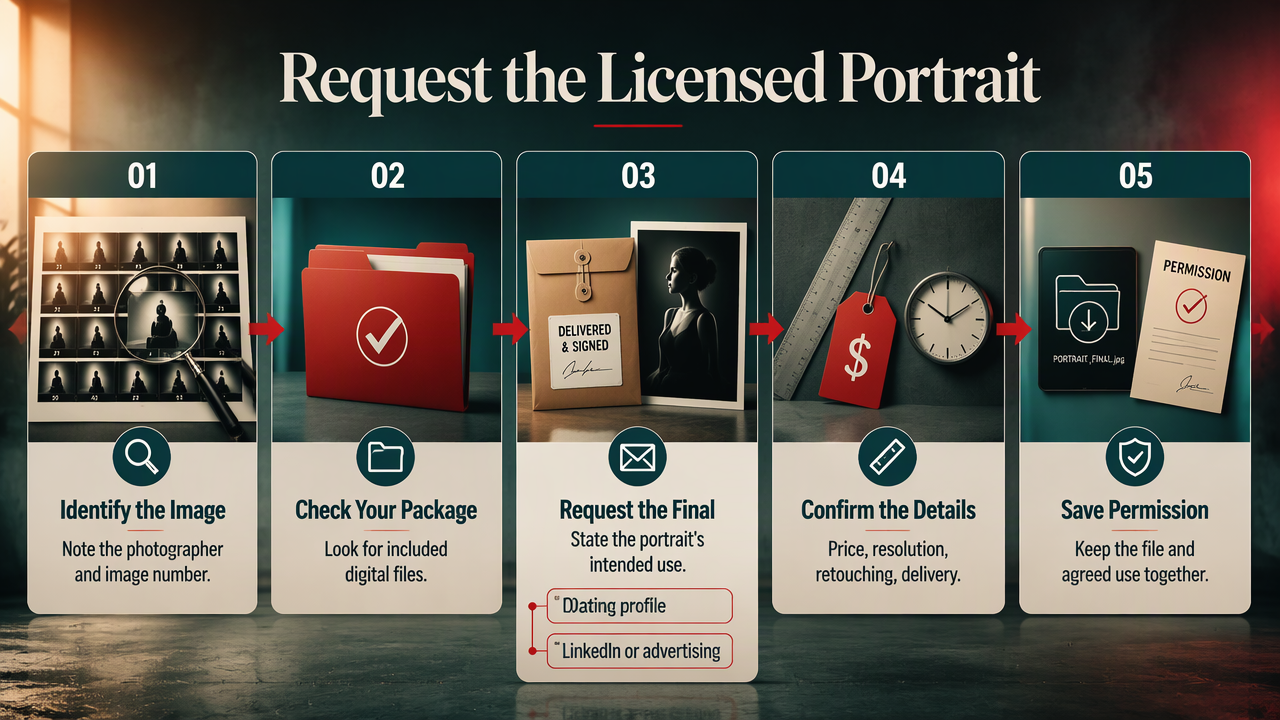
- Check your package for included digital files.
- Request an unwatermarked final portrait for your intended use.
- Confirm price, resolution, retouching, and delivery timing.
- Save the delivered file and permission details together so you can verify the agreed use later.
Ask for the deliverable you actually need
For a dating profile, request a high-resolution digital image plus any available profile-friendly crop. For professional use, specify whether the portrait will appear on LinkedIn, a company website, or advertising. Permission for one purpose shouldn't be assumed to cover another.
My suggested request: Please send pricing for the final digital version of image 024, including permission to use it on my personal dating and social profiles. Could you also confirm its resolution and whether retouching is included?
That's more useful than asking only for the stamp to disappear. The photographer may already have a finished version ready to deliver.
Check the package before paying again
- Look for included image credits or digital downloads.
- Check whether you must submit selections first.
- Confirm whether downloads are personal-use or commercial-use files.
- Ask about delivery rather than editing a screenshot.
A proof gallery is a selection desk, not necessarily the final download folder.
When can you remove a watermark from your own image?
You can consider removing a watermark when you control the relevant image rights and the mark, or have explicit authorization for the edit. The cleanest approach is usually re-exporting an original file. Ownership of a downloaded copy, or appearing in the photograph, doesn't by itself settle those permissions.
Prefer source-file recovery to pixel repair
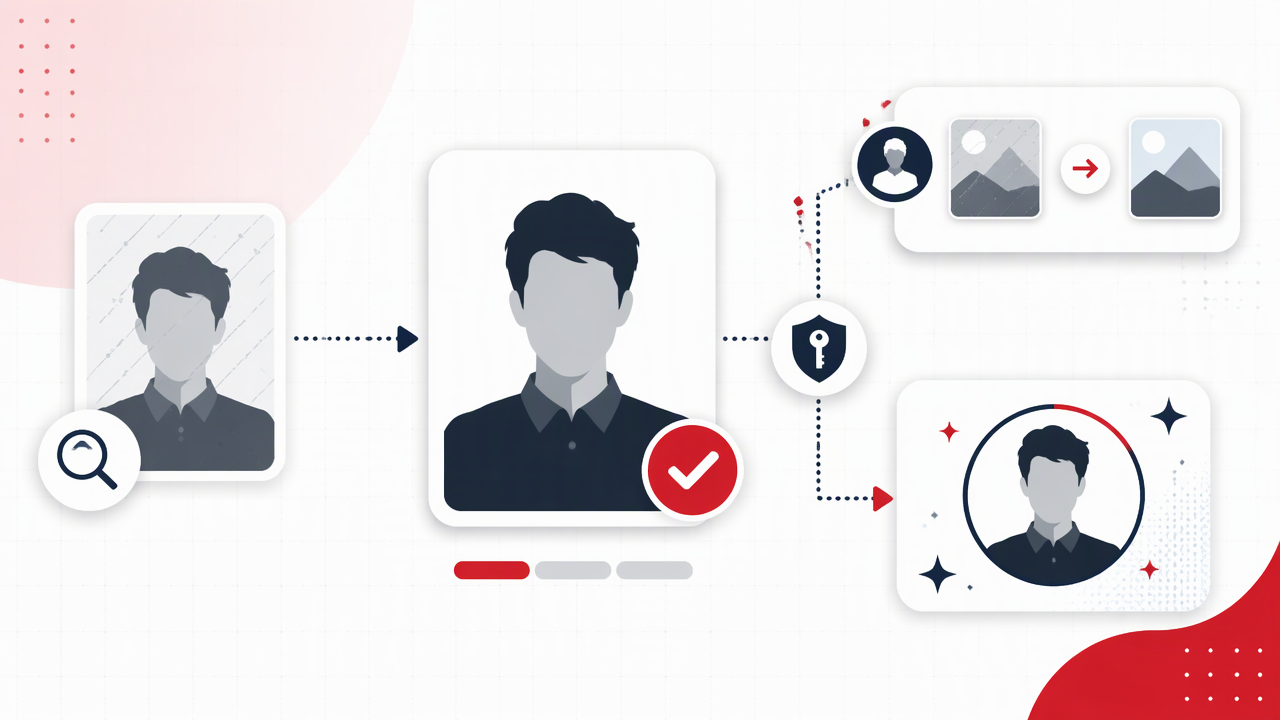
If you added the text yourself, open the original project, hide the watermark layer, and export a new copy. Check cloud storage, camera files, and previous exports before attempting restoration.
For an authorized flattened image, a repair tool estimates replacement pixels. It doesn't uncover a secret untouched face beneath the letters. Inspect eyes, skin texture, hair, clothing edges, and repeating backgrounds closely before using the result.
- Preserve the original file.
- Work on a duplicate.
- Compare the edit at full size.
- Export at the resolution needed for publication.
Keep AI research separate from tool promises
The 2021 paper Learning Transferable Visual Models From Natural Language Supervision addresses visual learning from language supervision. The 2023 report Gemini: A Family of Highly Capable Multimodal Models concerns multimodal models. Neither title supplies a watermark-removal benchmark, so I wouldn't treat either as proof of a remover's accuracy.
For a fresh portrait, start with clear reference images and a defined visual goal. Natural lighting, a recognizable expression, and an intentional background give the project a useful direction.
How HotphotoAI handles this
HotphotoAI offers a different route for readers seeking a new personal portrait: AI-generated imagery rather than an edited photographer proof. For a dating profile, creator page, or polished online presence, the relevant starting point is your own selfies and the look you want to create.
Who should choose a final photo or a new portrait?
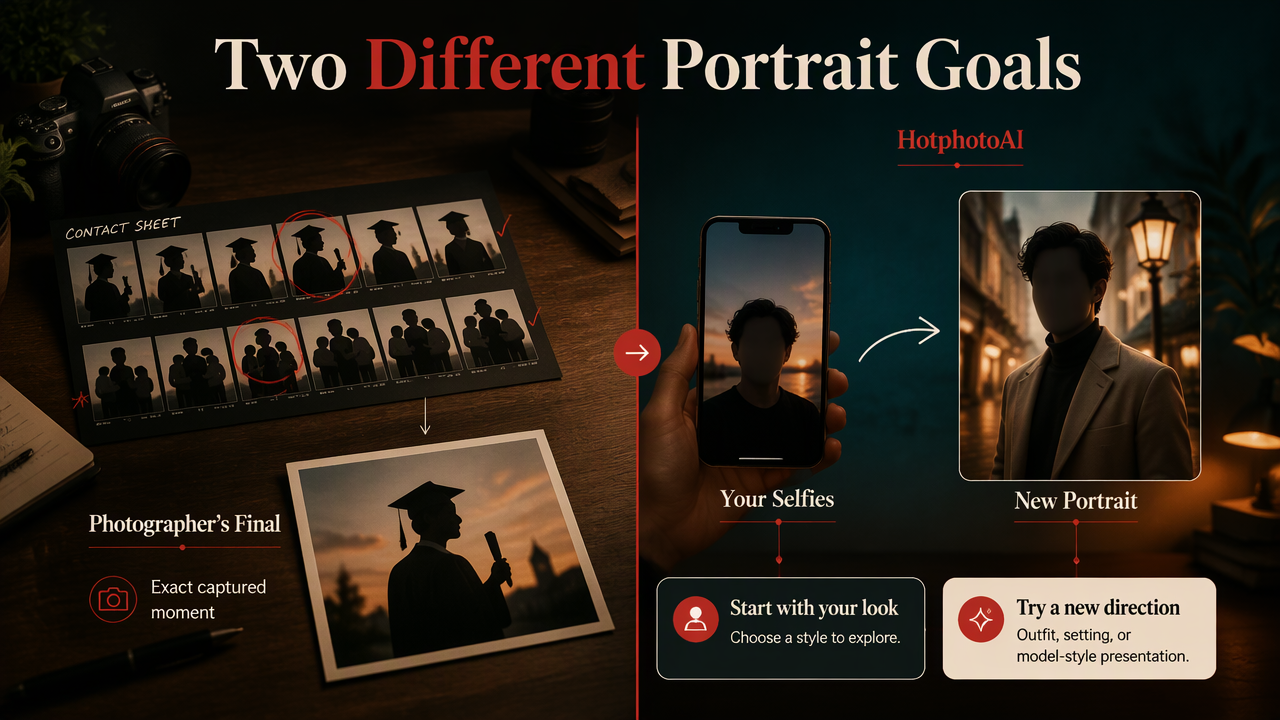
I'd choose the photographer's final file when the exact captured moment matters: a graduation expression, a family pose, or the lighting from a particular session. A newly generated portrait serves a different goal, such as exploring an outfit, lifestyle setting, or model-style presentation.
The HotphotoAI platform fits that second goal: creating a fresh personal image rather than unlocking an existing commissioned photograph.
- Choose the licensed final: You want the photograph you already selected.
- Choose an authorized clean export: You want your existing image without your added mark.
- Choose a new AI portrait: You want to explore a different visual style from your own selfies.
For dating profiles, my recommendation is to keep the result recognizable and pair stylized images with current everyday photos. Your profile should introduce you, not your fictional stunt double.
FAQ: permissions, quality, and profile use
The practical questions are whether you have permission, whether a clean original exists, and whether you want the same photograph or a new portrait.
Decide what you need before deciding what to erase.
Can I remove the proof stamp if I'm in the photo?
Being the subject doesn't automatically give you the photographer's editing or publication rights. Check your agreement and ask for the final file or written authorization. If the image is already included in your package, you may only need to complete your selection and request delivery.
Will AI restore the original pixels under a watermark?
AI repair generally estimates what could occupy the covered area; it doesn't guarantee recovery of the original pixels. That distinction matters when letters cross a face or detailed clothing. For faithful reproduction, request the unwatermarked source or final export rather than relying on a plausible reconstruction.
What if I already paid for the photos?
Check what the payment covered: the session, prints, digital files, or a combination. Then send the photographer your order details and selected image numbers. Ask whether clean digital delivery is included and what usage permission accompanies it. Payment alone doesn't explain every term of the package.
Conclusion
To remove proof from photo responsibly, first identify the creator, check your permissions, and request the correct final file. If your real goal is a fresh personal portrait, explore HotphotoAI at hotphotoai.com with your own selfies and a clear style brief. Choose the route that delivers the image you actually need.