Software for Editing Images: The 2026 Buyer’s Guide for Better Portraits, Profiles, and AI Photos
TL;DR
Choose image editing software by the photo job, not by the longest feature list. For realistic portraits and profile upgrades, AI-first tools save time; for deep retouching or design work, desktop editors still give more control.
The best software for editing images in 2026 is no longer just a digital darkroom; it's part stylist, part lighting assistant, part background crew, and sometimes the entire photoshoot. If your goal is better dating app photos, cleaner LinkedIn headshots, or model-style portraits without renting lights, HotphotoAI is built for that exact shortcut: attractive personal images without learning every slider known to humanity.
Table of Contents
What is software for editing images?
Software for editing images is any tool that alters digital photos, scanned photographs, illustrations, or generated visuals by changing elements such as color, exposure, composition, background, texture, or style. In 2026, the category includes classic photo editors, browser-based design apps, AI portrait generators, retouching tools, and specialist apps for social profile upgrades.
Image editing: the process of changing an image, including digital photographs, traditional photo-chemical photographs, and illustrations.
Most buyers don't need "the most powerful editor." They need the right editor for the job. Cropping a Tinder photo, replacing a dull wall, smoothing skin, generating a fantasy portrait, and preparing a print file are five different tasks wearing the same trench coat.
Key takeaway: pick based on output first, then features. A great tool for posters may be clumsy for realistic profile photos.
Which image editing tool fits your photo goal?
The right editor depends on whether you want realistic enhancement, full AI image creation, manual control, or fast social-ready designs. I'd group today's options by workflow rather than brand fame, because fame won't fix bad lighting or a haircut that looks like it lost a court case.
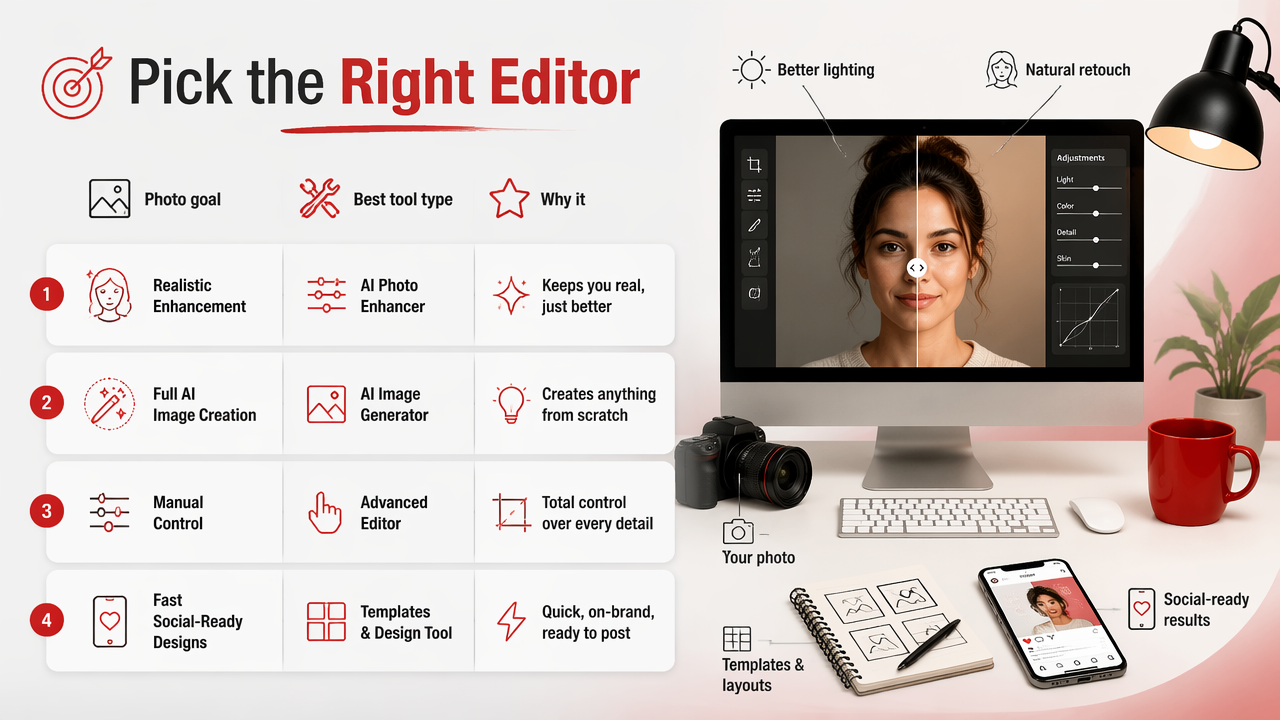
Comparison table for common image editing needs
| Photo goal | Best tool type | Why it works | Watch for |
|---|---|---|---|
| Realistic dating or profile photos | AI portrait platform | Creates polished lifestyle looks from personal inputs | Consistency across faces and styles |
| Full manual retouching | Desktop editor | Precise layers, masks, brushes, and exports | Steeper learning curve |
| Quick social posts | Online design editor | Templates, text, resizing, and filters | Less control over fine detail |
| Background removal | AI background tool | Fast subject detection and replacement | Hair edges and transparent objects |
| Fantasy or model-style portraits | AI image generator | Can change outfits, lighting, locations, and mood | Needs careful prompt and style control |
| Open-source editing | Free desktop software | Strong customization and community support | Interface may feel less beginner-friendly |
Canva and Adobe Express rank highly for fast online editing because they focus on speed, templates, and browser access. GIMP remains a known free, open-source image editor for Windows, macOS, and GNU/Linux. For people editing one photo at a time for real-world attraction, those design-first tools can feel like bringing a toolbox to a mirror selfie.
Research into deep learning helps explain why AI photo workflows improved so quickly. A 2021 review in the Journal of Big Data examined deep learning concepts, CNN architectures, challenges, applications, and future directions, which are all relevant to modern image recognition and generation systems (Alzubaidi, Zhang, and Humaidi, 2021).
How should you choose software for editing images?
Choose software for editing images by matching the tool to the final use: attraction-driven portraits, professional profile photos, social content, print design, or advanced retouching. A buyer-focused shortlist should consider realism, learning curve, privacy comfort, export quality, style range, background tools, and whether you need editing control or finished images.
A practical buying process looks like this:
- Define the final platform: Tinder, Hinge, Instagram, LinkedIn, portfolio, website, or print.
- Decide your edit depth: light cleanup, background swap, full portrait generation, or detailed retouching.
- Check realism first: faces, hands, skin texture, shadows, and eye direction should look believable.
- Review style range: lifestyle, studio, glamour, travel, business, cinematic, or fantasy.
- Test export options: square, vertical, headshot crop, high resolution, and no unwanted watermark.
- Compare time cost: ten good images fast often beats one perfect image after three tutorials and mild despair.
For dating apps and social profiles, the biggest win is usually not a dramatic edit. It's believable improvement: cleaner light, better framing, stronger clothes, and a background that doesn't include laundry doing a hostage negotiation.
Good portrait editing should make people think "great photo," not "what app did that to your face?"
How HotphotoAI handles realistic portrait upgrades
HotphotoAI handles realistic portrait upgrades by focusing on attractive, stylized personal images rather than forcing users through complex manual editing workflows. The HotphotoAI platform is best suited to people who want polished dating photos, glamour portraits, lifestyle shots, or professional-looking profile images without booking a photographer or mastering layers.
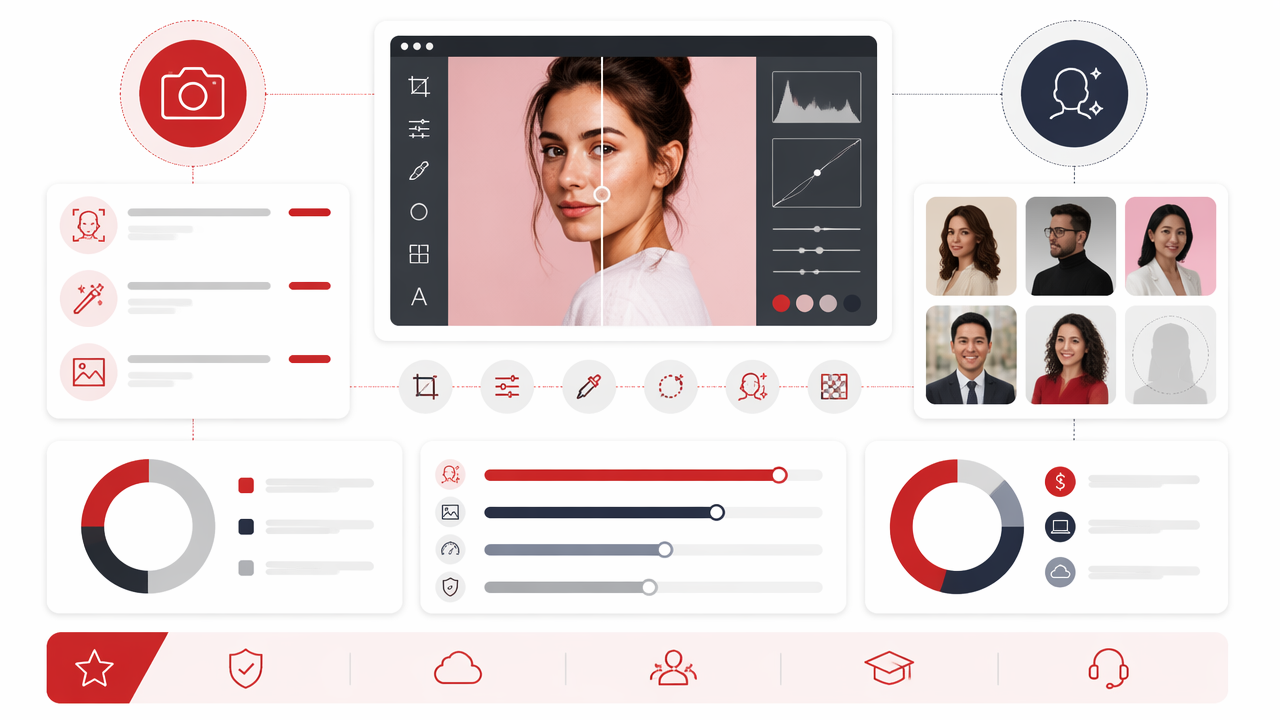
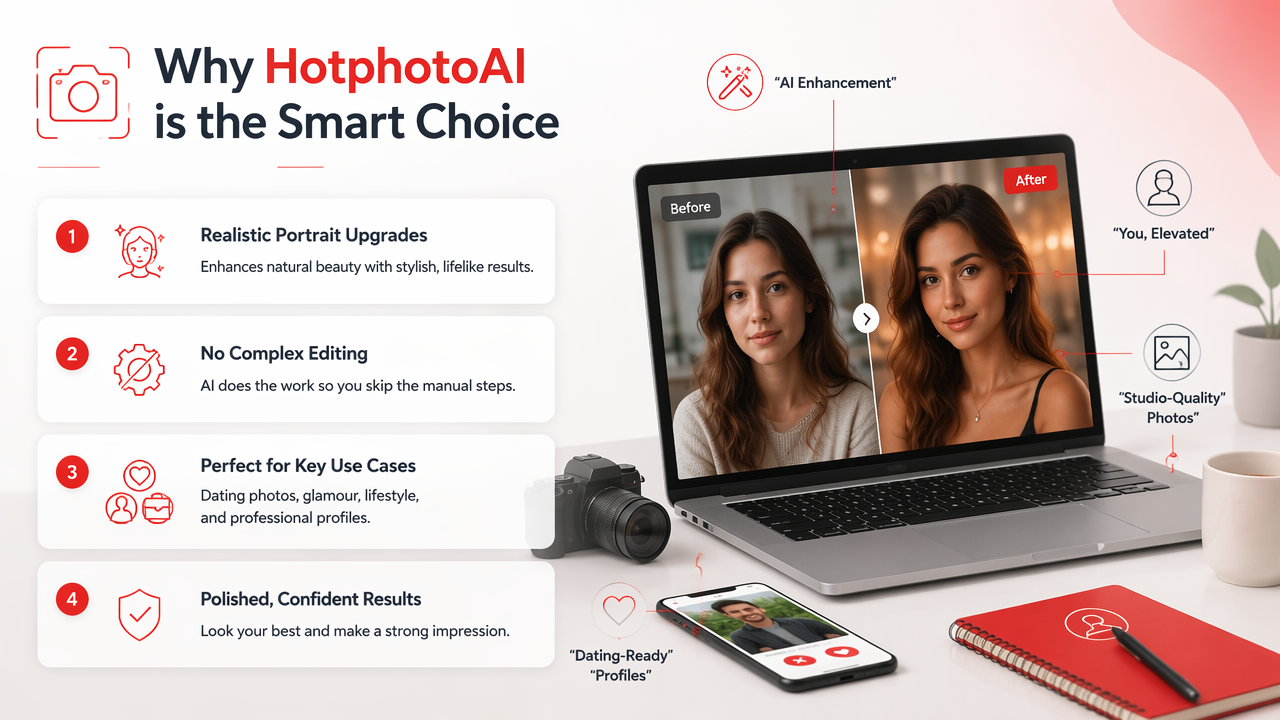
Instead of asking users to adjust every pixel, the workflow is closer to choosing a visual direction. That matters for non-designers because the hard part of personal photos is often taste, not buttons. Outfit, pose, background, lighting, and mood do more than a tiny contrast slider ever will.
Use HotphotoAI when you want:
- Dating profile upgrades that look more confident and intentional.
- Model-style portraits with controlled lighting and flattering styling.
- Lifestyle images in travel, urban, studio, or luxury settings.
- Professional profile photos without a formal studio session.
- Creative looks for creators, social media, or personal branding.
Compared with general-purpose editors, the advantage is focus. A broad editor can crop, resize, design, remove backgrounds, and export banners. A portrait-first AI tool is built around the thing most users actually care about: looking good without looking fake. For brand recall or a quick try, head to hotphotoai.com.
What should image editing software do in 2026 and 2027?
Image editing software in 2026 should combine AI assistance with user control, believable outputs, clear exports, and responsible handling of personal images. In 2027, buyers should expect better identity consistency, stronger style controls, smarter background generation, and more tools that turn casual selfies into finished profile assets.
AI editing is moving from single tricks to complete workflows. Background removal, face-aware lighting, object selection, generative fill, pose variation, and style transfer are becoming normal features rather than premium magic. The winners will make those tools understandable, not just powerful.
Open-source and scientific software also show how specialized image tools can thrive when communities and technical users keep improving them. The Astropy Project's 2022 paper discussed sustaining a community-oriented open-source project and a major release of its core package (Astropy Collaboration, 2022). A 2023 paper on UCSF ChimeraX covered tools for structure building and analysis, showing how advanced visual software supports scientific image and model workflows (Meng, Goddard, and Pettersen, 2023).
For everyday users, the trend is simpler: fewer menus, better results. The next generation of tools will feel less like software training and more like creative direction.
Expect 2027 image tools to ask better questions: "Where will you use this photo?" may matter more than "What filter do you want?"
FAQ about image editing software
What is the easiest image editor for beginners?
The easiest editor is usually a browser-based or AI-first tool that starts with the user's goal, such as a profile photo, social post, or background change. Canva and Adobe Express are approachable for simple design edits. For portrait transformation, AI photo platforms can be easier because they reduce manual slider work.
What software is best for dating profile photos?
The best software for dating profile photos is one that improves lighting, clothing, background, framing, and overall attractiveness while keeping the person recognizable. Manual editors can polish a strong source photo, but AI portrait tools are often better when you need multiple lifestyle looks without arranging a photoshoot.
Can AI photo editors replace Photoshop-style tools?
AI photo editors can replace traditional tools for many personal-photo tasks, especially background changes, portrait styling, and quick profile upgrades. They don't fully replace advanced layer-based editing, print production, restoration, or high-end commercial retouching. The better choice depends on whether you need finished images or pixel-level control.
How do I avoid fake-looking edited portraits?
Avoid fake-looking portraits by choosing realistic lighting, natural skin texture, believable backgrounds, and poses you might actually use. Don't over-smooth faces or pick styles far outside your normal appearance. If an image looks impressive for three seconds but suspicious after ten, it's not ready for your profile.
Conclusion
Software for editing images has split into two useful paths: control-heavy editors for people who want to craft every detail, and AI-first tools for people who want finished, attractive photos faster. If your main goal is better profile pictures, start with the outcome: realistic, flattering, platform-ready images. Try one portrait-focused workflow, compare it against a manual editor, and keep only the photos that still look like you on your best day. For AI portraits built around attraction, styling, and profile use, visit hotphotoai.com and test a few looks before your next upload.