Walmart Photo Developing AI Photos: How to Print AI Portraits in 2026
TL;DR
TL;DR: You can print AI-generated portraits through Walmart Photo if the image looks realistic, has enough resolution, and is exported as a standard photo file. Check crop, skin texture, hands, eyes, and lighting before ordering, because print makes weird AI details painfully honest.
AI glamour shots look great on a phone, but paper is less forgiving than a dating app grid. If you're searching for walmart photo developing AI photos, the real question is simple: will your AI portrait survive printing without looking like a wax museum passport photo? For polished profile, lifestyle, or fantasy portraits, tools like HotphotoAI can help create print-ready images before you send anything to a lab.
AI photo: a computer-generated or AI-enhanced image, often made from uploaded selfies, prompts, or style references.
Walmart: Walmart Inc. is an American multinational omnichannel retail corporation with stores, pharmacies, gas stations, and online retail services in the United States.
Table of Contents
What does Walmart Photo do with AI photos?
Walmart Photo can print AI-generated portraits when they are submitted as normal image files and meet the same practical standards as regular photos. Walmart Photo is a consumer print service, not a judge of whether your beach sunset headshot was taken in Malibu or summoned from a graphics processor.
The practical rules are about file quality, copyright, content, and print fit. If your AI portrait is a clean image file, sized correctly, and not misleading or inappropriate, it is generally handled like any other digital photo order.
Generative AI is now part of mainstream visual marketing and personal branding. A 2024 paper by Dhruv Grewal, Cinthia B. Satornino, and Thomas H. Davenport examined how generative AI is shaping the future of marketing, which tracks with what users are doing now: making profile photos, ads, social images, and stylized portraits faster.
Key insight: the print lab does not fix AI artifacts for you. It prints what you upload, including the heroic jawline and the suspicious seventh finger.
What file requirements matter before printing?
The best AI photos for Walmart printing are high-resolution JPG or PNG files with natural color, enough pixels for the chosen size, and a crop that keeps the subject away from the edges. Think like a printer, not like Instagram.
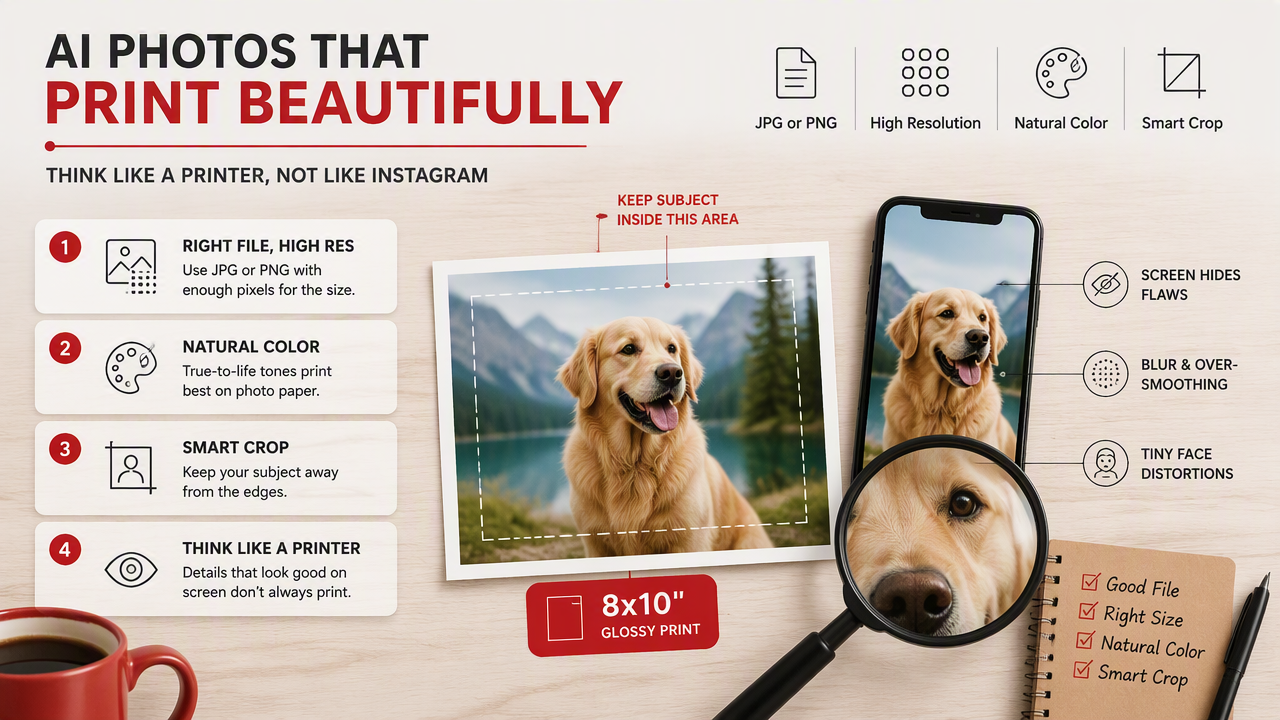
A phone screen hides blur, over-smoothed skin, and tiny face distortions. A glossy 8x10 tattles immediately. Before uploading, inspect the file at 100 percent zoom on a laptop or tablet.
Print-size checklist for AI portraits
| Print goal | Best use | What to check before ordering |
|---|---|---|
| 4x6 | Casual keepsakes, profile tests | Face is sharp, no odd hands, crop has breathing room |
| 5x7 | Desk frame, gift print | Eyes are crisp, background is not muddy |
| 8x10 | Glamour or portfolio look | Skin texture looks human, clothing edges are clean |
| Square print | Social-style portraits | Centered subject, no cropped hair or chin |
| Canvas or wall decor | Statement image | High resolution, simple background, no tiny AI errors |
Use these checks before checkout:
- Export the largest version your AI tool allows.
- Prefer JPG for standard prints and PNG when the image has graphic elements.
- Avoid screenshots, because they often reduce quality.
- Keep important facial details away from trim edges.
- Do one small test print before buying a wall-sized "CEO of Atlantis" portrait.
How should you prepare an AI portrait for Walmart Photo?
Prepare an AI portrait for printing by choosing a realistic image, checking fine details, cropping to the print ratio, exporting a high-quality file, and ordering a small proof first. This five-step workflow catches most issues before money meets glossy paper.
A simple pre-print workflow
- Pick the most natural image. Choose the version where your face still looks like you, not your wealthier cousin from a perfume ad.
- Zoom in on problem areas. Check eyes, teeth, fingers, earrings, eyeglass frames, hairlines, and logos.
- Match the crop to the print size. A portrait that works as a square may lose forehead space in a 5x7.
- Adjust brightness for paper. Prints often look darker than screens, so slightly lift exposure if the image is moody.
- Order one proof. A small print is cheap quality control before you commit to frames, gifts, or party favors.
If you're making dating-app photos, keep at least one image grounded in reality. AI can improve lighting, background, styling, and polish, but people still expect to meet the same human from the photo. Radical facial changes may get attention, then awkward coffee.
How HotphotoAI handles printable AI portraits
HotphotoAI helps users create stylized personal portraits that are easier to test, choose, and prepare for printing. The strongest use case is not replacing your identity; it is generating better outfits, lighting, settings, and visual styles from personal photos.
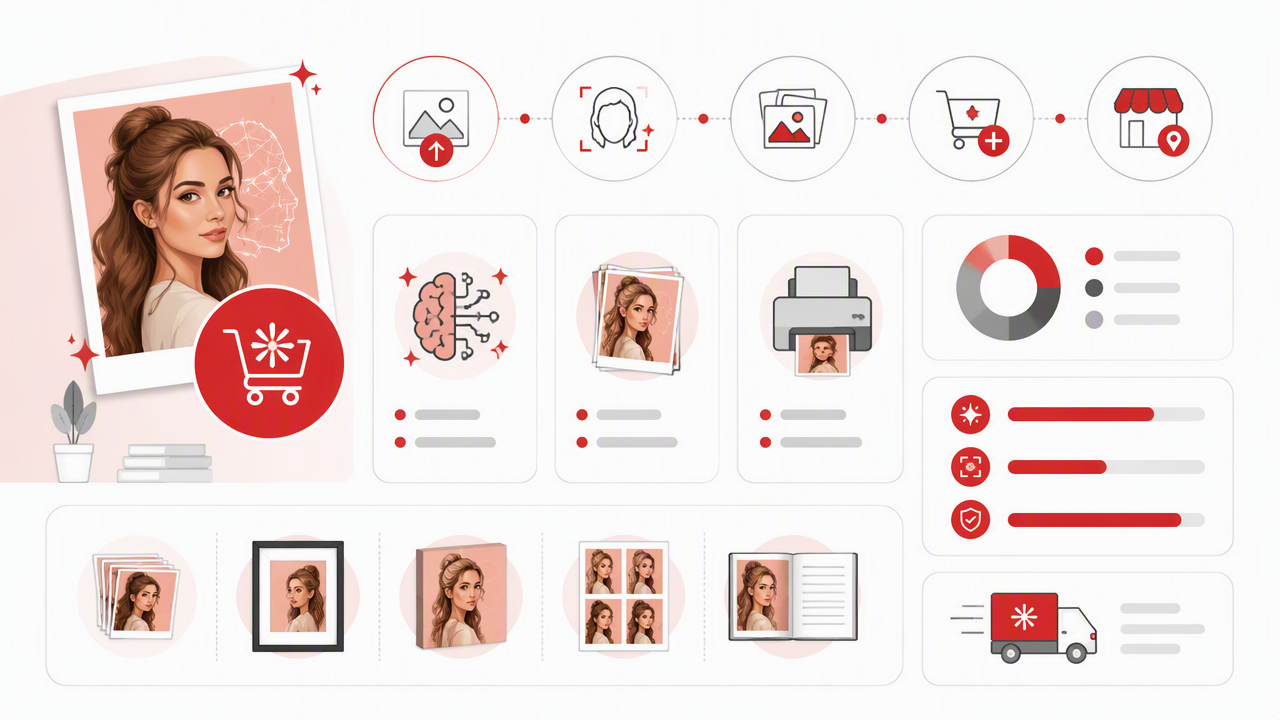
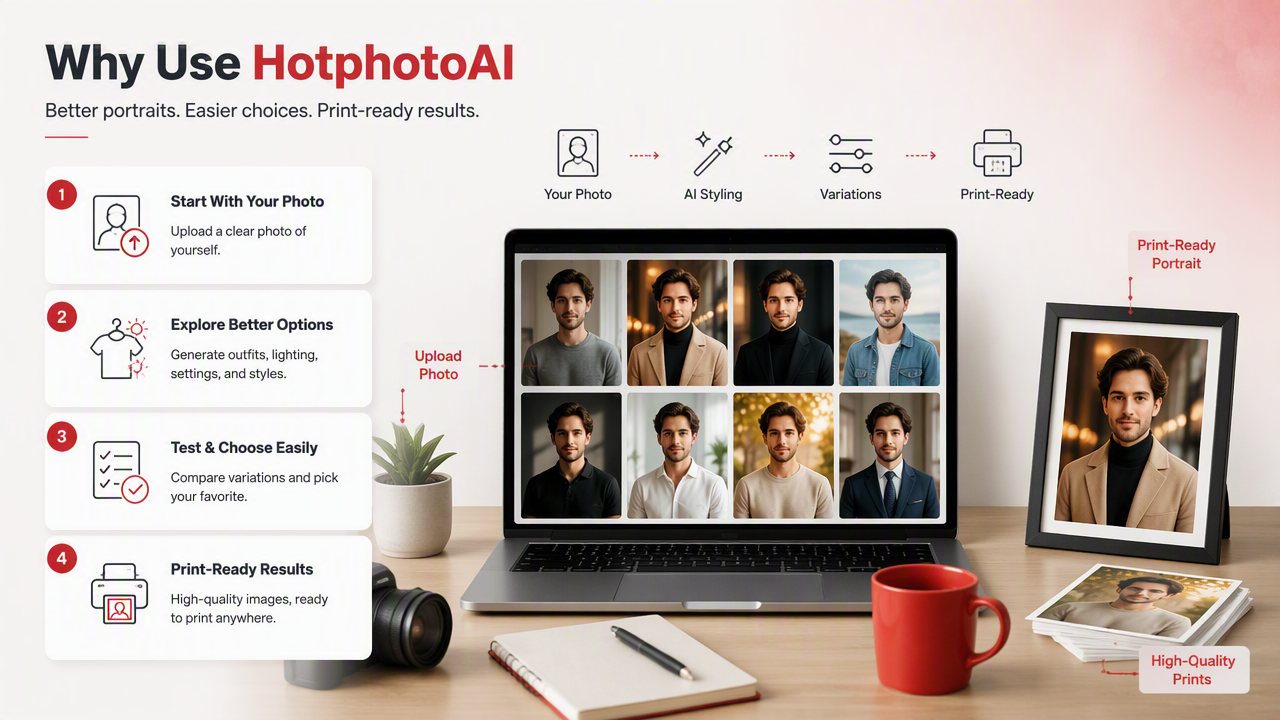
I'd use the HotphotoAI platform when I want several print candidates before ordering. A clean lifestyle set gives you options: one photo for a dating profile, one for a social banner, and one that actually belongs in a frame instead of a meme folder.
AI portrait goals and print choices
| Goal | Best portrait style | Smart print format |
|---|---|---|
| Tinder or Hinge refresh | Natural lifestyle, good lighting | 4x6 test print |
| Instagram creator image | Stylized editorial portrait | Square print |
| Gift photo | Glamour, couple, or fantasy look | 5x7 or 8x10 |
| Professional profile | Clean background, polished outfit | 5x7 proof before larger use |
| Wall decor | Cinematic or fashion-style portrait | Larger print only after proofing |
For best results with HotphotoAI, generate a few styles, download the strongest file, then inspect it before placing the Walmart Photo order. Head to hotphotoai.com when you want a fresh portrait set instead of trying to rescue one blurry selfie from 2019.
When should an AI photo be edited before printing?
Edit or regenerate an AI photo before printing when the face, body, text, background, or lighting contains details that will look fake on paper. Screens are kind to fantasy. Photo paper has the bedside manner of a tax auditor.
Fix these issues before upload:
- Hands and fingers: extra joints, melted rings, or claw-like poses.
- Eyes and teeth: mismatched pupils, plastic smiles, or strange reflections.
- Skin texture: waxy faces, missing pores, or heavy smoothing.
- Clothing: warped collars, fake buttons, broken patterns, or unreadable logos.
- Backgrounds: bent architecture, floating objects, or messy edges around hair.
Ethics also matter. A 2022 Journal of Business Ethics article by Marilyn Giroux, Jungkeun Kim, and Jacob C. Lee studied AI, retailing morality, and perceived responsibility. For personal prints, that means being honest about images used for identity, work, dating, or anything where realism changes expectations.
Print the version that flatters you, not the version that could testify against you in a sci-fi courtroom.
FAQ about printing AI photos at Walmart
Can Walmart Photo print AI-generated images?
Walmart Photo can print AI-generated images when they are uploaded as standard image files and fit normal print requirements. The key is quality control. Make sure the image has enough resolution, a clean crop, realistic details, and no content that would violate general photo-printing rules.
What size should I print an AI headshot first?
Start with a 4x6 or 5x7 print before ordering larger formats. Small proofs reveal color, sharpness, and skin texture without much risk. If the proof looks sharp and natural, then consider 8x10, framed prints, canvas, or other photo gifts.
Will AI portraits look better glossy or matte?
Matte paper is often safer for AI portraits because it softens glare and hides minor artifacts. Glossy paper can make colors pop, but it also emphasizes over-smoothed skin, harsh highlights, and tiny facial oddities. For glamour images, I'd proof both if the photo matters.
What should I expect from AI photo printing in 2027?
AI photo printing will likely become more normal in 2027 as personal branding, creator images, and synthetic lifestyle portraits keep blending. Expect users to care more about disclosure, realism, and print-specific quality. The winners will be images that look polished without looking suspiciously manufactured.
Conclusion
For walmart photo developing AI photos, treat the AI image like a real photo file with higher-than-usual inspection needs. Choose a natural portrait, zoom in, crop for the print size, brighten carefully, and order a proof before going big.
If you want fresh glamour, lifestyle, or profile-ready portraits before printing, create a few strong options with HotphotoAI, pick the most believable image, then send only the cleanest file to Walmart Photo. Start small, inspect the print, and let the best version earn the frame.