Why Do AI Portraits Look Fake? The Real Causes and Fixes
TL;DR
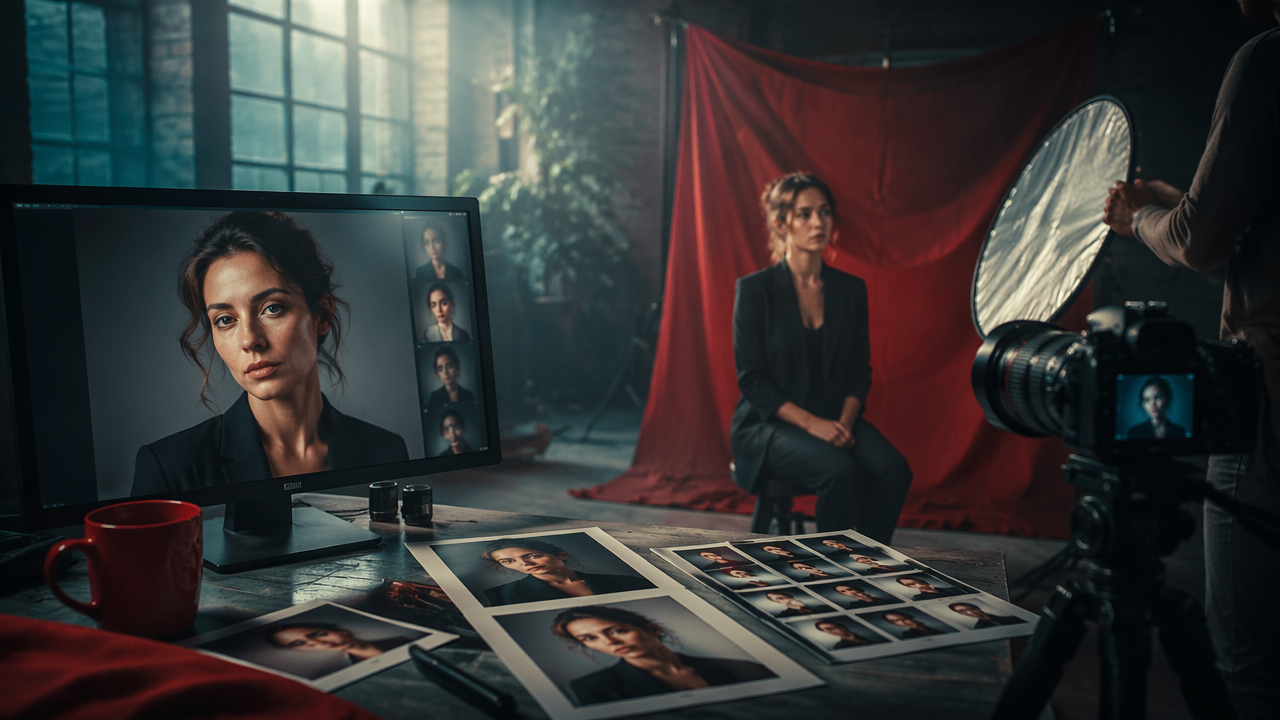
AI portraits usually look fake because the face, lighting, skin texture, background, and body details don't agree with each other. The fastest fix is to use better source photos, keep prompts grounded, preserve normal skin detail, and edit one issue at a time instead of asking for instant magazine-cover magic.
A portrait can feel fake before you can explain why, which is exactly why AI profile photos make people squint like they're judging a suspicious avocado. Portrait: a portrait is an artistic representation of a person, usually with the face as the main subject, based on the standard Wikipedia definition. So, why do AI portraits look fake? Usually because the image gets the big idea right, a polished human face, but misses the small agreements that make a real photo believable.
Table of Contents
What makes an AI portrait look fake?
AI portraits look fake when facial identity, anatomy, lighting, texture, pose, and background don't behave like they came from the same camera at the same moment. A viewer may not spot the exact flaw, but the brain notices conflicting signals fast.
Modern image models are trained to predict likely visual patterns, not to understand your cheekbones as your aunt would after one Thanksgiving dinner. A 2021 technology review on artificial intelligence for medical imaging describes how AI systems can support image interpretation, but the same pattern-based nature means outputs must be checked carefully in high-stakes visual tasks (Barragán Montero, Javaid, and Valdés, 2021).
Key insight: realism is not one feature. It's the agreement between many tiny features.
Common realism breakers include:
- Plastic skin: pores vanish, shadows smear, and the face looks waxed by a tiny robot.
- Eye mismatch: catchlights, gaze direction, or eyelid shapes don't line up.
- Expression drift: the mouth smiles while the eyes look like they've read the terms of service.
- Lighting conflict: the face has studio light, but the background has cloudy outdoor light.
- Anatomy errors: hands, ears, teeth, necks, and shoulders carry the evidence.
These cues matter more for dating profiles, LinkedIn photos, creator avatars, and model-style portraits because people study faces harder than they study landscapes.
Why do AI portraits look fake even when the face is attractive?
AI portraits can look fake even when the person looks attractive because beauty filters and generative models often over-optimize symmetry, smoothness, and drama. The result is pleasing at first glance, then weird on the second look.
Real faces are full of controlled imperfection. Skin has pores, tiny color changes, fine lines, uneven highlights, and texture differences between the forehead, nose, cheeks, and chin. When an AI portrait removes too much of that, the person stops looking polished and starts looking shrink-wrapped.
A 2023 paper on the rapid expansion of chatbot and AI systems in education framed generative AI as part of a broad wave of new tools, not a magic truth machine (Rudolph, Tan, and Tan, 2023). The same caution applies to images. An AI model can produce confidence without correctness.
Cause-and-fix table for fake-looking AI portraits
| Fake-looking cue | Why it happens | Practical fix |
|---|---|---|
| Over-smooth skin | The model averages beauty-photo patterns | Ask for natural skin texture, pores, and soft retouching |
| Warped hands or ears | Small anatomy details are hard to model consistently | Crop tighter or regenerate with visible hands described clearly |
| Mismatched lighting | Face, outfit, and background are blended from different sources | Specify one light source, time of day, and camera style |
| Unreal background | The setting has impossible depth or odd objects | Use simple real-world locations like cafe, street, studio, or office |
| Expression mismatch | Mouth, eyes, and cheeks don't share the same emotion | Prompt for one expression: relaxed smile, neutral, confident, candid |
| Over-styled prompt | Too many genres compete in one image | Remove fantasy terms unless fantasy is the point |
The table has a boring moral, which is annoying because it's useful: realistic prompts are usually less dramatic. "Natural window-light headshot in a real apartment" often beats "cinematic luxury goddess CEO editorial masterpiece."
How can you make AI portraits look realistic?
You can make AI portraits look realistic by starting with clear reference photos, giving the model one believable scene, limiting beauty exaggeration, and editing the final image like a photographer would. Realism improves when every detail supports the same story.
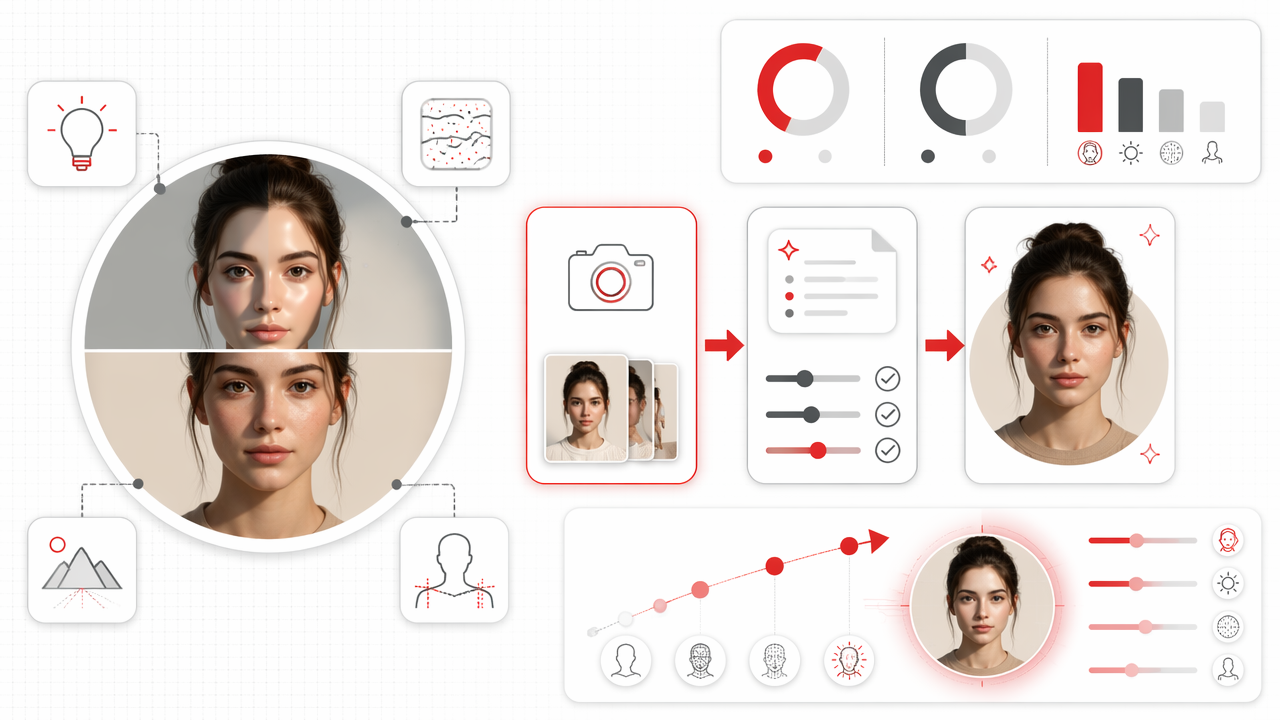
Follow this order:
- Start with sharp source images: use photos with clear face angles, normal expressions, and consistent identity cues.
- Choose one realistic setting: office, bedroom, beach, cafe, street, or studio.
- Name the lighting: soft window light, golden hour, overcast daylight, or studio softbox.
- Keep styling grounded: one outfit, one mood, one camera feel.
- Ask for texture: natural pores, real hair detail, slight skin variation.
- Edit locally: fix eyes, fingers, teeth, or background edges instead of regenerating everything.
Treat the process like a photoshoot, not a vending machine. Better direction creates better output, and restraint is the closest thing AI has to good taste.
A practical workflow for profile-ready results
For users who want glamour, lifestyle, or dating-app photos without booking a traditional shoot, HotphotoAI is most useful when you approach it with a clear visual brief. Pick a believable persona first: polished professional, casual weekend, vacation portrait, fitness style, or model-inspired studio look.
With HotphotoAI, I'd keep the first batch broad, then narrow the best results by expression, outfit, and lighting. Save the most believable image, then adjust around it rather than chasing twenty unrelated styles. That gives you a cleaner set for Tinder, Instagram, or a personal brand profile.
Better AI portraits usually come from fewer creative directions, not more.
Which prompt choices make portraits look less real?
Portrait prompts become less realistic when they ask for too many visual signals at once. If the prompt sounds like a perfume ad, a superhero poster, and a passport photo had a group project, the model will probably panic politely.
Avoid stacking extreme descriptors. Words like "flawless," "perfect," "ultra-glam," "cinematic," "fantasy," "hyper-detailed," and "airbrushed" can help in specific styles, but together they often push the image away from normal photography.
Prompt patterns to avoid and better alternatives
| Instead of this | Try this |
|---|---|
| "Perfect flawless skin" | "Natural skin texture with light retouching" |
| "Luxury cinematic fantasy portrait" | "Editorial-style portrait in a modern studio" |
| "Extremely sharp face, dramatic lighting, unreal beauty" | "Sharp focus, soft side lighting, natural expression" |
| "Model goddess CEO beach night city" | "Confident professional portrait in an outdoor cafe" |
| "Make me look younger and perfect" | "Polished but realistic version of the same person" |
Good prompts also respect camera logic. If you ask for a close-up selfie, full-body outfit shot, sunset background, shallow depth of field, and sharp city skyline, you're asking one camera to do gymnastics. Cameras are talented, but they're not circus ferrets.
Use negative prompts carefully. "No extra fingers, no plastic skin, no warped eyes" may help, but endless negative lists can confuse the generation. I prefer a positive anchor: "realistic candid portrait, natural facial proportions, visible skin texture, consistent soft daylight."
What will change for AI portraits in 2027?
AI portraits in 2027 will likely look more realistic because tools are improving identity consistency, local editing, lighting control, and source-photo guidance. The biggest shift won't be prettier faces. It will be better control over the boring details that sell realism.
Expect progress in four areas:
- Identity preservation: models should get better at keeping the same person recognizable across poses and outfits.
- Editable regions: users will fix one hand, eye, sleeve, or background object without changing the whole portrait.
- Lighting-aware generation: more tools will match face light, clothing shadows, and background depth.
- Disclosure norms: platforms and users will keep debating when AI-edited profile photos should be labeled.
Research on algorithmic systems shows that automation changes how work is designed and controlled, not just how tasks are completed (Parent-Rocheleau and Parker, 2021). For personal imagery, that means AI portrait tools will become part photographer, part stylist, part editor, and part mirror with opinions.
HotphotoAI fits that direction best when used as a creative photo studio, not a disguise machine. If your goal is a profile picture that still feels like you, start with believable styles and keep the final set consistent. You can visit hotphotoai.com when you're ready to test polished looks with that standard in mind.
FAQ: realistic AI portraits
Why do AI faces often look too smooth?
AI faces often look too smooth because many image models learn from edited portraits, beauty photography, and filtered social images. The model may average those signals into poreless skin and overly even highlights. Ask for natural skin texture, subtle retouching, and realistic lighting to bring back human detail.
Are hands still a giveaway in AI portraits?
Hands can still reveal an AI portrait because fingers, joints, nails, and grip positions require precise structure. If hands are not central to the image, crop closer. If they matter, describe the hand pose clearly and regenerate only that area when the tool allows it.
Do AI dating photos count as misleading?
AI dating photos become misleading when they change your age, body, face shape, or lifestyle beyond recognition. A polished portrait is usually fine if it still looks like you on a normal day. Keep at least one recent, unedited photo in your profile mix.
What is the fastest way to improve a fake-looking AI portrait?
The fastest improvement is to reduce the prompt. Pick one setting, one outfit, one lighting style, and one expression. Then restore realistic skin texture and check the eyes, teeth, hands, and background edges. Simple edits usually beat another wild regeneration.
Conclusion
The answer to why do AI portraits look fake is usually not "AI is bad." It's that the image contains tiny disagreements: skin without texture, light without logic, expressions without shared emotion, or backgrounds without camera sense. For better results, use clean references, grounded prompts, and small edits. If you want polished portraits that still feel profile-ready, try HotphotoAI, then compare each result against one simple test: would someone recognize you when you walk into the room?